To choose a home security setup (camera, sensors, doorbell) that truly "works with" HomeKit, Google Home, or SmartThings, verify three layers: (1) ecosystem certification, (2) which features are exposed inside that ecosystem (not only in the vendor app), and (3) whether you need a hub/bridge for automations. Then run a quick end-to-end test before committing.
Essential Compatibility Points for Home Security
- "Works with" can mean voice control only; require proof of automations, notifications, and history inside your chosen platform.
- Check whether the device needs a hub/bridge (Home Hub, SmartThings Hub, vendor bridge) to unlock routines and remote access.
- Confirm where video is viewable (native app vs vendor app) and whether alerts are actionable (open live view, trigger lights, etc.).
- Prefer standards-based options (Matter/Thread where applicable), but still validate feature exposure per ecosystem.
- Plan the network first: Wi‑Fi bands, router isolation settings, and multicast/Bonjour can break pairing even with "compatible" devices.
- Do a short compatibility verification run (pair → view → alert → automate → remote test) before installing everything.
Debunking Compatibility Myths: What Really Matters
Myth 1: "If it supports HomeKit/Google Home/SmartThings, all features show up everywhere." In reality, platforms often expose a subset: a camera may appear for live view, but not for recording settings; a doorbell may notify, but not provide rich actions.
Myth 2: "Matter guarantees full parity." Matter improves onboarding and basic device types, but it doesn't automatically deliver every vendor feature (advanced video analytics, certain event types, or detailed sensor attributes) inside every ecosystem.
Myth 3: "No hub needed." Many "hubless" devices work for basic control yet still require a home hub for remote access, automation reliability, or local execution. Treat hubs as part of the compatibility checklist, not an optional extra.
Compatibility, in practical terms, is: the exact set of controls, events, and automations you can run inside your chosen platform (Home app/HomeKit, Google Home, SmartThings) without relying on a separate vendor app-unless you intentionally accept that dependency.
Cameras: Choosing the Right Model for HomeKit, Google Home, or SmartThings
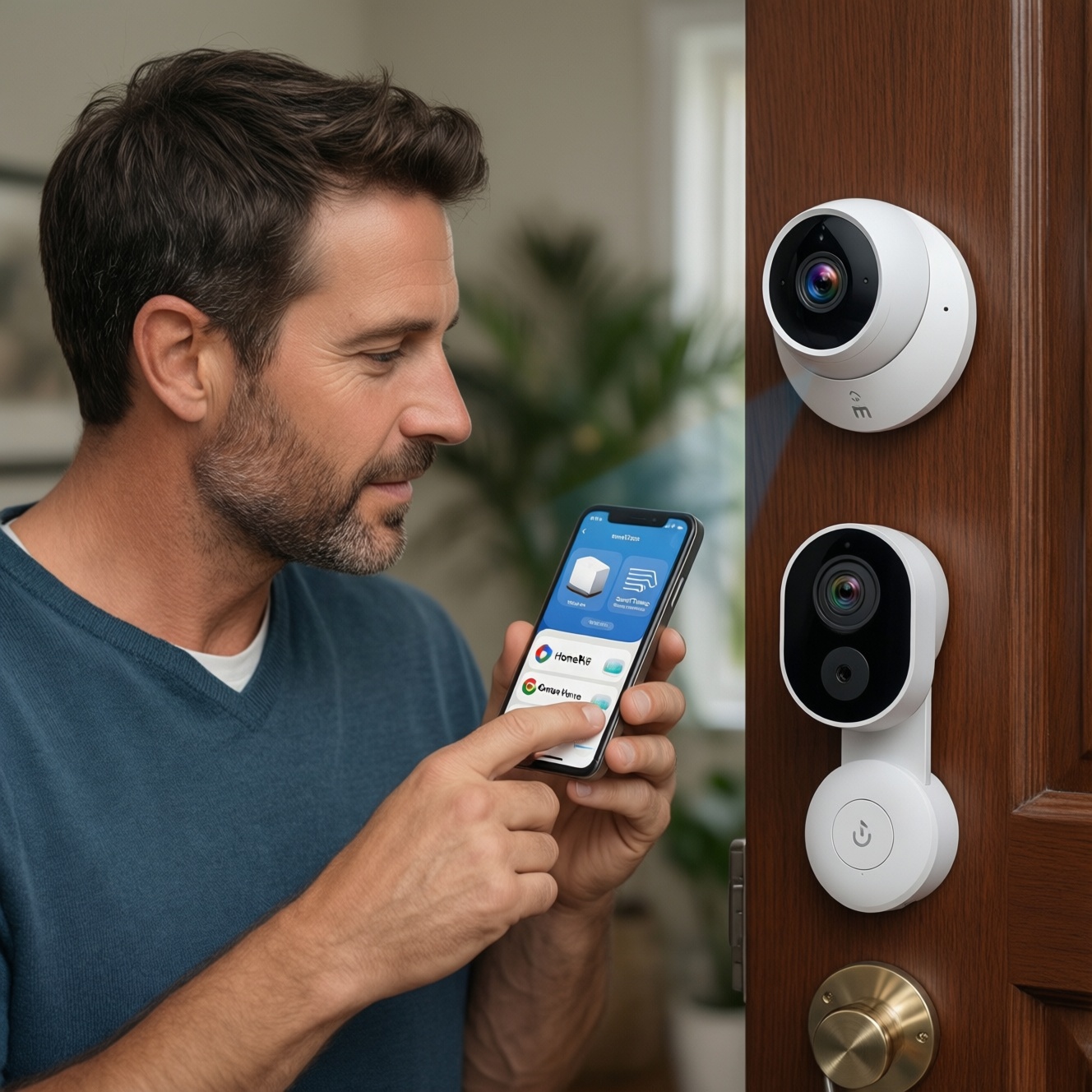
- Start with the platform claim, then validate the implementation: "HomeKit-compatible" is not the same as "HomeKit Secure Video capable." For shoppers searching กล้องวงจรปิด รองรับ HomeKit ซื้อที่ไหน, the real question is whether the camera appears in the Apple Home app with the functions you need (live view, notifications, recording options).
- Check where you will watch video: some cameras offer live view in Google Home but push you to the vendor app for event playback; others integrate more deeply in SmartThings via vendor connectors.
- Verify the event types exposed: motion, person, package, sound-platforms may show only generic motion even if the camera supports richer detections in its own app.
- Confirm recording and history expectations: platforms differ in how they handle clips (native vs vendor cloud), and what's visible in the main ecosystem app.
- Assess local network requirements: many cameras are 2.4 GHz-only; some struggle on networks with client isolation, blocked multicast, or aggressive roaming settings.
- One-line buy/do-not-buy rule: Buy only if the camera can be added to your target ecosystem app and you can trigger (and receive) the primary alert type you care about without "open vendor app to finish."
| What to verify | HomeKit (Apple Home) | Google Home | SmartThings |
|---|---|---|---|
| Pairing path | Home app / QR-style onboarding (or bridge) | Google Home app (often via partner link) | SmartThings app (native drivers or partner integration) |
| Video location | Typically in Apple Home (feature-dependent) | Often live view in Google Home; playback may vary | Varies by device/driver; sometimes vendor app for clips |
| Automation triggers | Common: motion/occupancy-style events (device-dependent) | Common: basic triggers; deeper triggers vary | Often flexible if the device exposes rich events |
| Most common pitfall | Expecting full camera settings inside Home | Assuming clip history is native everywhere | Assuming every device has a stable native driver |
Sensors: Door, Window and Motion Options Across Ecosystems
Door/window and motion sensors are where a "ชุดระบบความปลอดภัยบ้านอัจฉริยะ HomeKit Google Home SmartThings" succeeds or fails, because sensors drive automations. Typical real-home scenarios:
- Entry monitoring: door opens → hallway light on → push notification with a clear "which door" label.
- Night mode safety: window opens after bedtime → siren/alert routine runs (or lights flash) without needing to open the vendor app.
- False-alarm reduction: motion triggers only when you're away; when you're home, it only turns on lights (different routines by presence mode).
- "Open too long" reminder: balcony door left open → reminder after a delay (platform must support the sensor state and timing logic you plan to use).
- Cross-device chaining: door contact opens → camera starts "active monitoring" scene (if your platform supports that mapping).
For shoppers comparing เซนเซอร์ประตูหน้าต่าง รองรับ Google Home ราคา, treat price as secondary to whether the sensor exposes a clean open/closed state to Google Home (and whether you need a hub). If the sensor only shows in a vendor app, your routines will be limited or brittle.
Video Doorbells: Feature Trade-offs and Platform Limitations
- Strengths when well-integrated: instant press alerts, live view on phones/tablets/TVs, and automations like "doorbell press turns on porch light."
- Best-fit use case: a single primary ecosystem app for the whole household, so everyone receives consistent notifications and can answer quickly.
- What buyers often want: When searching กริ่งประตูอัจฉริยะ รองรับ SmartThings ราคา, the key is whether SmartThings receives the press event and whether that event can trigger routines (not just show a notification).
- Common limitations: some doorbells provide notifications but require the vendor app for two-way talk; others restrict event types (press vs motion) in the ecosystem.
- Latency and Wi‑Fi edge cases: doorbells are sensitive to weak signal and router steering; you may get delayed press notifications even if general Wi‑Fi "works."
- One-line buy/do-not-buy rule: Don't buy if you can't confirm (in your ecosystem app) that a doorbell press can open live view quickly and/or trigger at least one automation you care about.
Automation and Routines: Practical Integrations for Real Homes
- Mistake: building routines before confirming device events. First confirm the ecosystem receives the correct event (open/close, motion, press) consistently.
- Mistake: mixing too many "partial integrations." If your plan is "กล้องวงจรปิดไร้สาย พร้อมเซนเซอร์และกริ่งประตูอัจฉริยะ ราคาถูก", you can save money but end up with three separate apps and no reliable cross-device routines.
- Myth: voice assistants equal security automation. Voice control is not the same as actionable alerts, timed logic, or local execution.
- Mistake: ignoring hub roles. Without the right hub, remote control may work while automations fail, or sensor triggers may not run reliably.
- Myth: "If it pairs once, it will stay stable." Router changes, DHCP churn, and mesh roaming can break previously "compatible" setups; plan for maintenance.
Privacy, Network Requirements and Ongoing Maintenance
Mini-case + short verification algorithm: You want a door contact sensor to trigger a camera alert and a doorbell press to turn on lights, all visible inside your chosen ecosystem.
- Pair: Add each device in the target ecosystem app (not only the vendor app). If it only links via an account connector, document the connector and permissions.
- Inspect exposed capabilities: Confirm the device shows the expected controls/states (camera live view, sensor open/closed, doorbell press event or at least a usable notification).
- Trigger test (local): With your phone on home Wi‑Fi, trigger motion/open/press 5-10 times across a few minutes. Watch for missed events.
- Automation test: Create one simple routine per device (e.g., door opens → light on; doorbell press → porch light on). Verify it runs without opening the vendor app.
- Remote test: Switch the phone to cellular and repeat. If remote fails, check whether a hub/home hub is required and whether router settings block necessary traffic.
- Maintenance baseline: Reserve IPs for critical devices, keep firmware updated, and avoid changing SSID/password unless you can re-pair quickly.
Compatibility Concerns and Quick Clarifications
What does "compatible" actually guarantee?
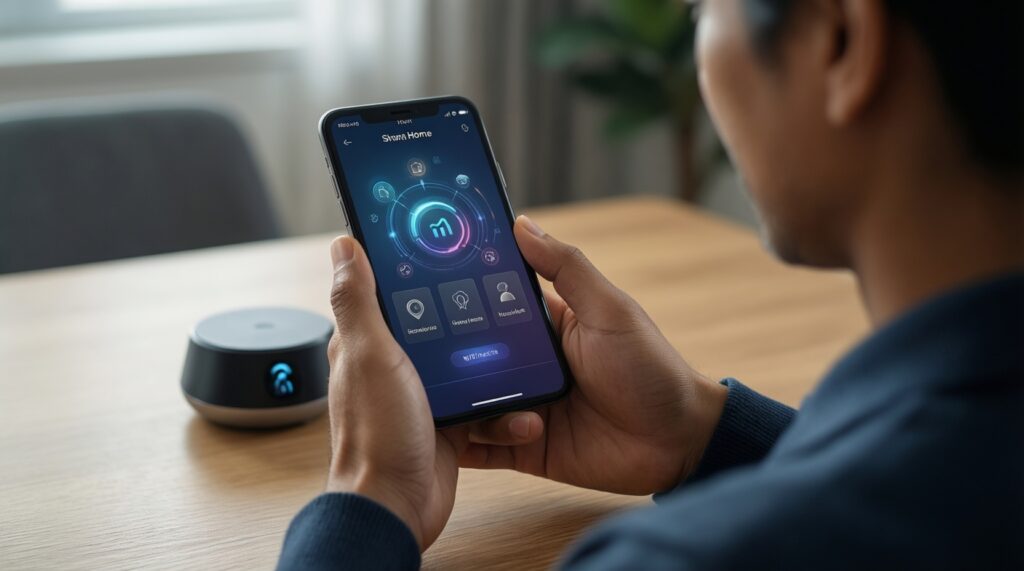
Usually only that the device can be added and controlled at a basic level. It does not guarantee that advanced features (clip history, rich detections, or two-way audio) appear inside your ecosystem app.
Do I need a hub for sensors to work reliably?
Often yes, depending on the sensor protocol and ecosystem. Plan for a hub if you want stable automations and remote access without relying on the vendor app.
Why does my camera show in the ecosystem but recordings are missing?
Many integrations expose live view but keep recording/history inside the vendor service. Confirm where clips are stored and viewed before buying.
Can I mix HomeKit, Google Home, and SmartThings in one house?

You can, but you'll typically lose unified automations and end up juggling apps. Choose one "primary" ecosystem for security events, then add secondary integrations only for convenience.
Are cheap bundles a good idea for a full setup?
Sometimes, but "cheap" bundles can mean fragmented compatibility and unreliable routines. For "กล้องวงจรปิดไร้สาย พร้อมเซนเซอร์และกริ่งประตูอัจฉริยะ ราคาถูก", verify each device's event exposure inside your chosen ecosystem before committing.
Where should I check before buying in Thailand?
Check the product box/app store listing for explicit ecosystem support and confirm the exact model number. For searches like "กล้องวงจรปิด รองรับ HomeKit ซื้อที่ไหน", prioritize sellers who list the precise variant and provide return options if pairing/features don't match.
What is the fastest way to confirm I bought the right devices?
Run the five-step flow: pair → confirm exposed features → trigger test → automation test → remote test. If any step fails, treat it as an incompatibility for your intended use.