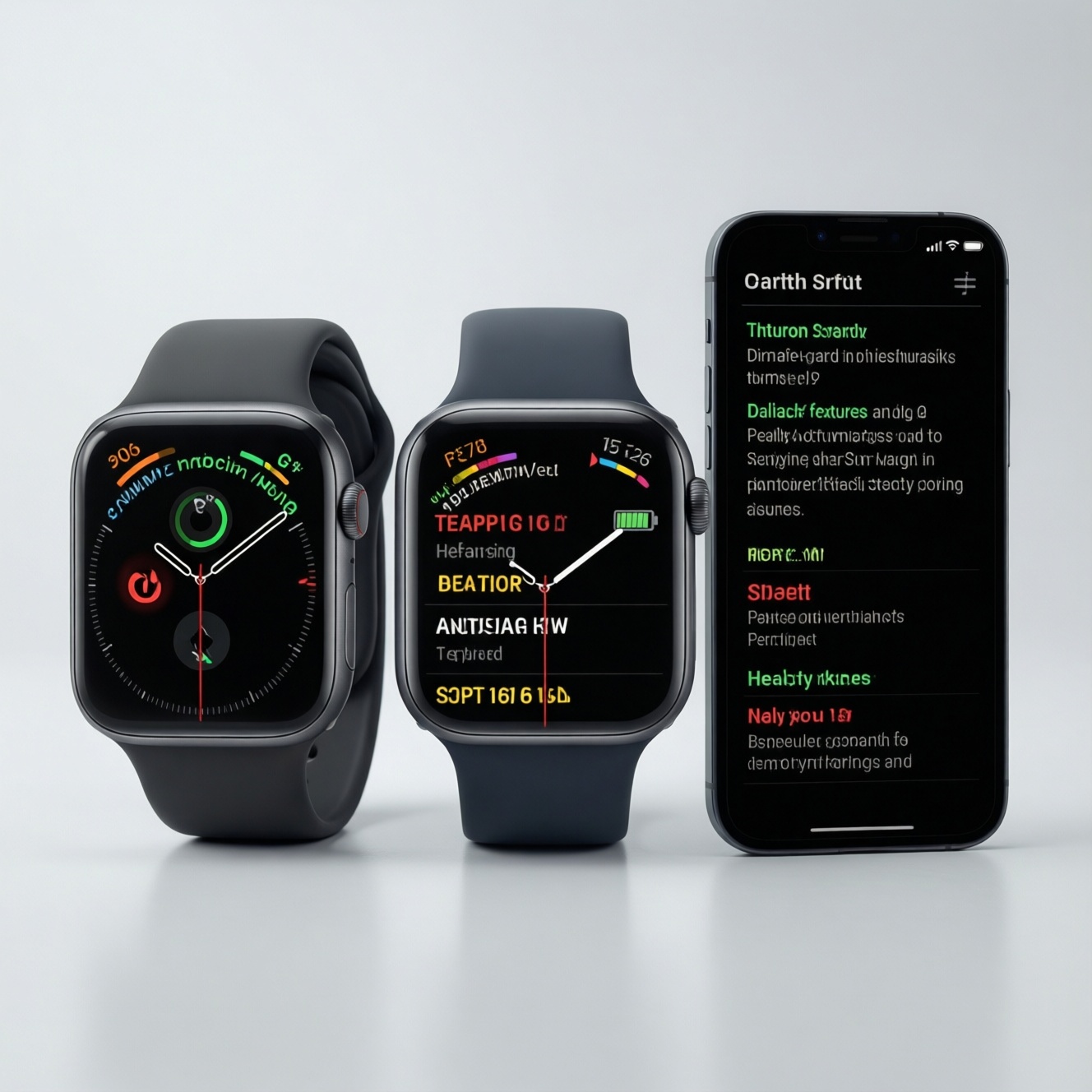
If your goal is health tracking plus reliable day-to-day features, pick the watch that matches your phone first: Apple Watch for iPhone, Galaxy Watch for Samsung/Android, Pixel Watch for Pixel-first Android. For battery-first buyers, prioritize Galaxy Watch or older/larger Apple/Pixel models. This guide compares health sensors, features, and battery in real use.
Главные выводы по здоровью, функциям и батарее
- Phone lock-in matters most: Apple Watch is the smoothest with iPhone; Galaxy Watch and Pixel Watch are strongest on Android, with Galaxy Watch feeling most complete on Samsung phones.
- Health value depends on your habits: for passive health insights and alerts, Apple Watch is often the easiest to act on; for Android users, Galaxy Watch is typically the most "all-round" health + fitness bundle.
- Workout experience differs: Apple Watch tends to win on app depth; Galaxy Watch often wins on breadth of built-in fitness/health features; Pixel Watch shines if you prefer Google + Fitbit style coaching.
- Battery is the biggest trade-off: if you hate daily charging, avoid the smallest cases and consider Galaxy Watch models known for longer endurance in the lineup.
- Budget-first approach: last-gen or "SE/FE"-style editions usually deliver the best value; spend premium money mainly when you need specific sensors, better screen, or materials.
Сравнение датчиков здоровья: точность измерений и клинические возможности
Use these criteria to decide which platform's health stack fits you. This is the practical way to answer queries like เปรียบเทียบ Apple Watch กับ Galaxy Watch กับ Pixel Watch without getting lost in spec sheets.
- Heart-rate reliability during motion: how stable readings stay during intervals, cycling, and strength training (wrist movement and sweat matter).
- Sleep tracking quality: ease of wearing at night, sleep stage consistency, and whether the insights are actionable (not just graphs).
- AFib/irregular rhythm features (where available): how clearly the watch communicates what it can/can't diagnose and how easy it is to export data to a clinician.
- ECG availability by region: features can be limited by country/regulatory settings; verify Thailand support in the official app before buying.
- SpO2 usefulness: whether trends are shown clearly and whether nighttime measurements are comfortable (some watches need tighter wear).
- Skin temperature and recovery signals: if you care about readiness/fatigue, check which metrics are actually surfaced in the app and how consistent they are.
- Body composition / advanced metrics: treat these as trend tools, not lab-grade measurements; evaluate whether the workflow fits your routine.
- Data export and privacy controls: can you easily share a PDF/CSV, integrate with Apple Health/Google Fit, and control cloud syncing?
Budget note: for "good enough" health tracking, prioritize a comfortable fit (correct size + strap) over paying extra for niche sensors you won't use weekly.
Фитнес и тренировки: отслеживание активностей, алгоритмы и экосистема
To decide Apple Watch vs Galaxy Watch vs Pixel Watch รุ่นไหนดี, focus on your training style and the ecosystem you'll actually use: Apple Fitness/Health, Samsung Health, or Fitbit/Google. Below are practical "variants" most buyers in Thailand end up choosing.
| Вариант | Кому подходит | Плюсы | Минусы | Когда выбирать |
|---|---|---|---|---|
| Apple Watch (current gen) | iPhone users who want a mature workout + app ecosystem | Strong third-party fitness apps; tight iPhone integration; good workout UI and coaching options | Typically needs frequent charging; best experience depends on Apple services | If you train often and want the broadest iOS wearable app choice |
| Apple Watch SE / older generation | Budget-first iPhone users | Core fitness tracking and notifications at lower cost; usually similar day-to-day feel | May miss some advanced sensors/features; older models can have shorter update runway | If you want Apple Watch basics for the least money |
| Galaxy Watch (current gen) | Android users, especially Samsung phone owners | Often the most complete Android "all-rounder"; strong health/fitness suite inside Samsung Health; good smartwatch features | Some features work best (or only) with Samsung phones; app quality varies vs iOS | If you want one watch that balances health, workouts, and smartwatch functions on Android |
| Galaxy Watch FE / older Galaxy Watch | Budget Android users who still want a full-featured watch | Good value; familiar Samsung Health experience; solid everyday smartwatch basics | May use older sensors/chip; performance and battery can vary by generation | If you want a lower-cost entry into Samsung's ecosystem |
| Pixel Watch (current gen) | Pixel users or those who prefer Google apps + Fitbit style insights | Great Google integration; Fitbit-focused health presentation; clean Wear OS experience | Battery can feel tight for heavy tracking; some features feel "best" within the Google/Fitbit subscription ecosystem | If Fitbit coaching and Google-first convenience matters more than maximum endurance |
| Pixel Watch (older generation) | Deal hunters who still want Fitbit + Google basics | Can be excellent value on promotion; good smart features for Android | Less headroom for future updates; battery margin may be thinner with age | If price is the priority and you can charge daily without stress |
Health-focused training note: if your main question is สมาร์ตวอทช์วัดสุขภาพดีที่สุด Apple Watch Galaxy Watch Pixel Watch, don't judge by sensor lists alone. Choose the platform whose app makes you act: reminders, trend summaries, and easy sharing with a doctor or coach.
Программные функции и интеграция: приложения, обновления и совместимость
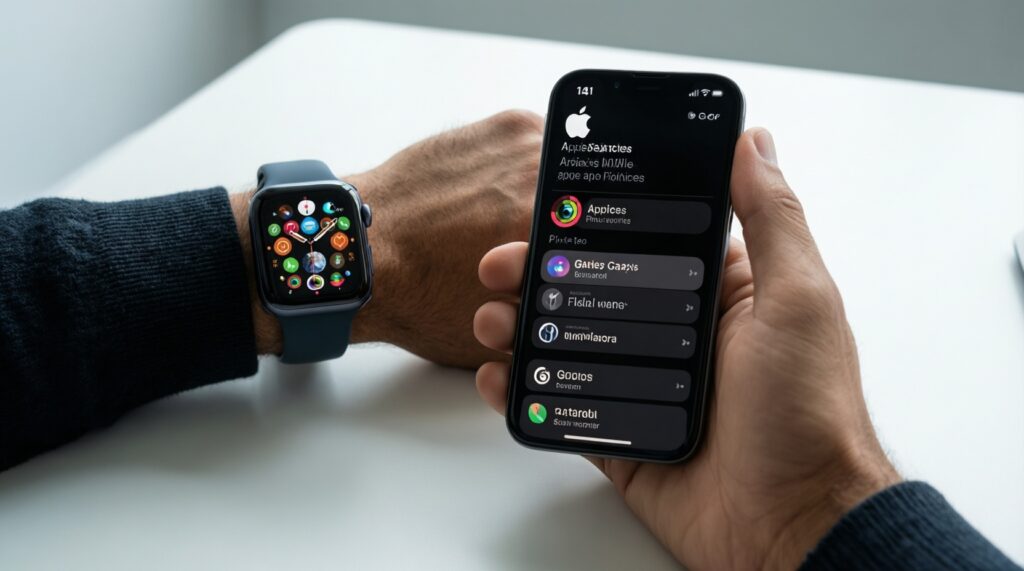
Use scenario-based rules. They answer the real question behind ซื้อ Apple Watch หรือ Galaxy Watch หรือ Pixel Watch ดี more reliably than comparing specs.
- If you use iPhone and rely on Apple services (iMessage, Apple Music, Apple Pay where available, Apple Health), then Apple Watch is usually the least frustrating choice.
- If you use a Samsung phone and want the deepest Android integration (Samsung Health, Samsung apps, Samsung-specific features), then Galaxy Watch tends to feel the most "native".
- If you use a Pixel phone and live in Google apps (Gmail, Calendar, Maps, Assistant) and like Fitbit presentation, then Pixel Watch is the most cohesive fit.
- If you need specific third-party sports apps (structured running plans, cycling analytics, gym logging), then check app availability first; Apple Watch usually has the widest selection, while Wear OS choices can be uneven.
- Budget-first vs premium: if you mainly want notifications, steps, sleep, and basic workouts, then choose SE/FE or last-gen. If you want premium materials, brighter screens, faster performance, and the newest sensors, then buy current gen and keep it longer to justify the cost.
Батарея и зарядка: реальное время работы в условиях бюджета
People searching สมาร์ตวอทช์แบตอึด Apple Watch Galaxy Watch Pixel Watch usually underestimate how settings and habits change endurance. Use this quick selection algorithm.
- Decide whether daily charging is acceptable. If not, prioritize models/lines known for longer endurance and avoid the smallest cases.
- List your "battery killers": always-on display, frequent GPS workouts, cellular/LTE, continuous SpO2, and lots of notifications.
- Pick a watch that can handle your heaviest day (GPS workout + sleep tracking). If it barely survives on paper, it will feel worse in real life.
- Prefer fast, convenient charging over theoretical battery: a quick top-up during shower/work can be more practical than chasing maximum endurance.
- Budget-first rule: choose a model that still has good battery health headroom (newer battery, reputable seller, easy return policy).
- If you plan to track sleep, ensure the watch is comfortable at night; otherwise you'll stop wearing it and any endurance advantage becomes irrelevant.
- Before paying extra for LTE, confirm you truly need phone-free calls/data; LTE often reduces endurance noticeably.
Дизайн, сборка и комфорт ношения для повседневного использования
Most "bad choices" aren't about features; they're about comfort and daily friction. Avoid these common mistakes.
- Buying a case size that looks good in photos but feels heavy or bulky during sleep and typing.
- Choosing a strap that traps sweat (causing irritation) instead of getting a breathable sport band for Thailand's heat.
- Wearing the watch too loose for workouts, then blaming "inaccurate sensors" when the optical HR loses contact.
- Ignoring bezel/crown usability: sweaty fingers, gloves, and rain make touch-only control annoying.
- Overpaying for premium materials while using a thick protective case that cancels the feel you paid for.
- Picking a color/finish that shows scratches easily for your lifestyle (gym equipment, motorcycle commuting, beach sand).
- Assuming water resistance equals "care-free": saltwater, sunscreen, and soap still require rinsing and strap care.
- Not checking screen readability outdoors; bright sun can make "beautiful indoors" displays frustrating on runs.
Цена и соотношение цена/качество для экономного покупателя
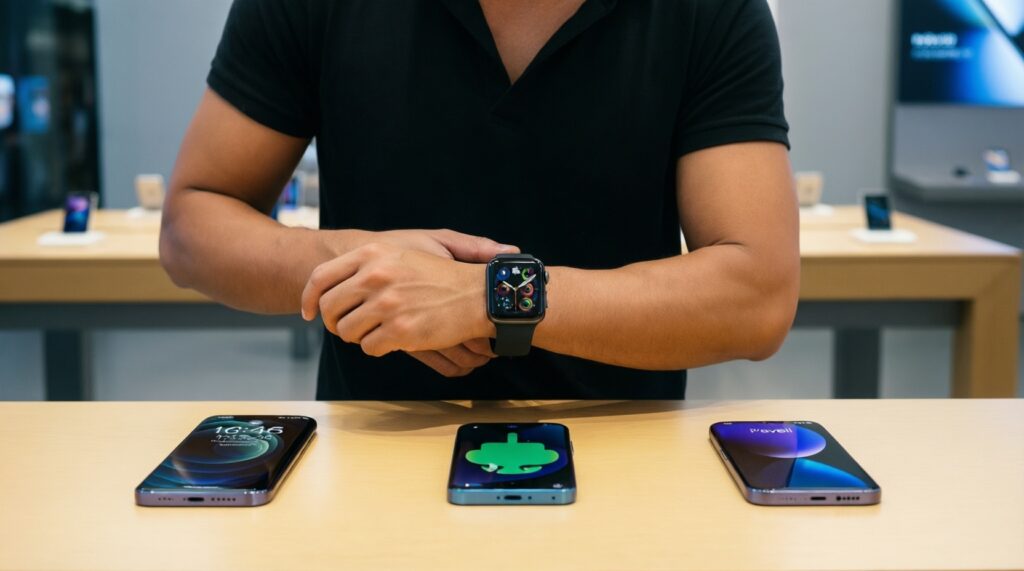
For value, the best pick depends on your phone and charging tolerance: best for budget iPhone users is usually Apple Watch SE/last-gen; best for budget Android users is often a Galaxy Watch FE/last-gen; best for Pixel-first buyers is Pixel Watch when discounted, while current-gen models make more sense if you'll keep them longer and use advanced health features weekly.
Частые практические вопросы перед покупкой
Can I use Apple Watch with an Android phone?
No, Apple Watch requires an iPhone for setup and core functionality. If you use Android, focus on Galaxy Watch or Pixel Watch.
Is Galaxy Watch better than Pixel Watch on non-Samsung Android phones?
Often yes for overall breadth, but some Galaxy Watch features can be Samsung-phone dependent. If you want the most "Google-native" feel, Pixel Watch can be smoother.
Which is the safest choice for health tracking if I'm not a power user?
Pick the watch whose health app you will open and understand. Clear trends, reminders, and easy sharing matter more than having every sensor.
Do I need LTE/cellular on the watch?

Only if you truly want phone-free calls/data during workouts or errands. LTE adds monthly cost and can reduce battery, so budget buyers usually skip it.
Will sleep tracking work if I hate wearing a watch at night?
No-comfort is non-negotiable for sleep features. Try a lighter case size and a soft strap, or prioritize daytime metrics instead.
How do I avoid buying the wrong generation?
Check update support expectations, battery condition (new vs old stock), and which sensors you actually need. For most people, last-gen gives better value than two-generations-old.
What's the simplest rule to decide today?
iPhone: Apple Watch. Samsung Android: Galaxy Watch. Pixel/Google-first Android: Pixel Watch. Then choose the newest model you can afford without sacrificing comfort or battery routine.