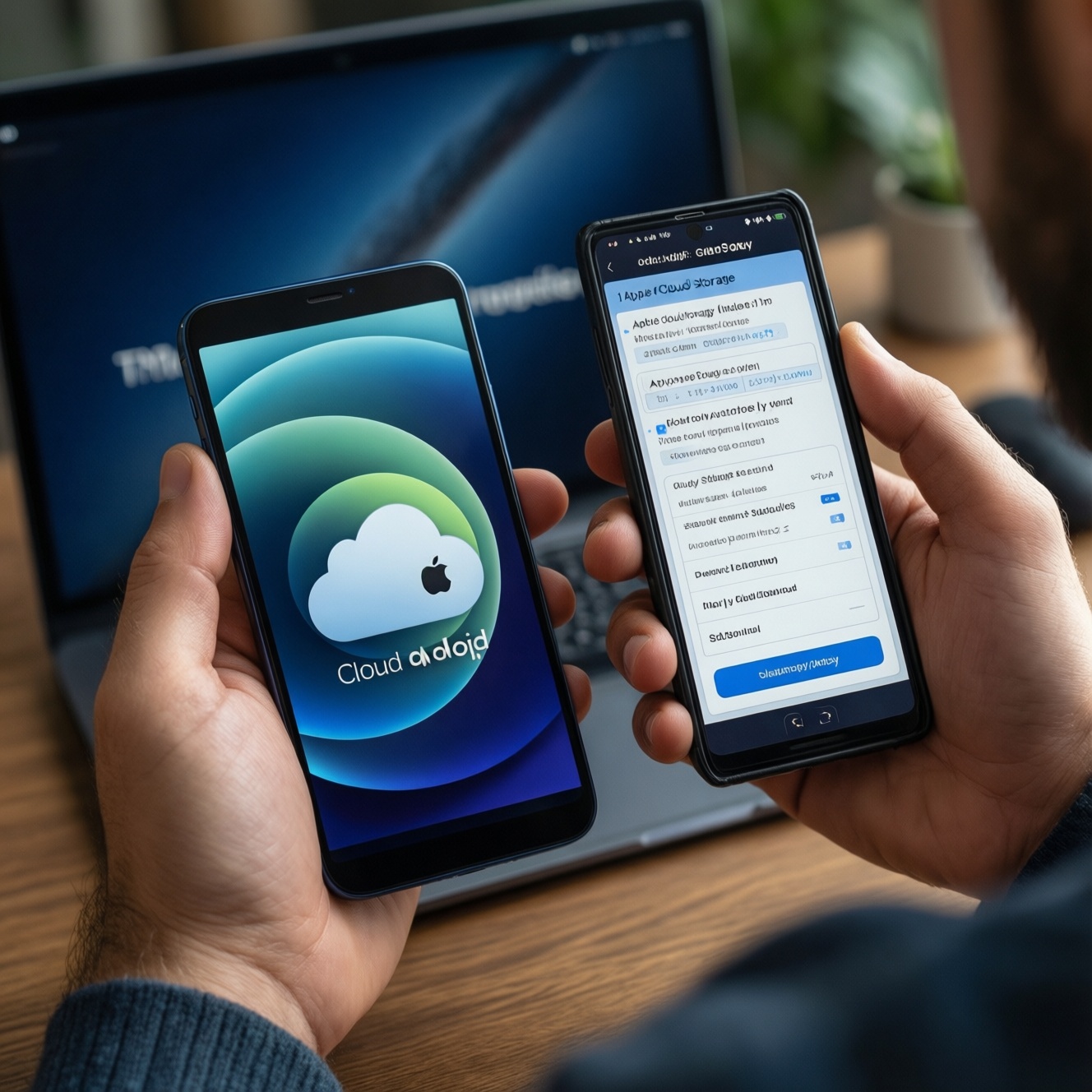
If you want the best value month-to-month, choose the cloud plan that matches your primary device ecosystem and backup needs: iCloud for Apple-only backups, Google One for cross-platform storage and sharing, and Samsung's attached services when you mainly live on Galaxy and can accept hybrid setups. Budget wins come from avoiding duplicate subscriptions.
Money-first snapshot: which monthly plan gives you the best storage per dollar
- Best "don't think about it" value on iPhone/iPad/Mac: iCloud storage, because device backups and iCloud Photos integrate with fewer friction points.
- Best cross-platform value: Google One, especially if you use Gmail/Drive/Photos on Android + Windows + Mac in parallel.
- Best Galaxy-leaning setup: Samsung's ecosystem only if it reduces app switching; otherwise, pairing Galaxy with Google One is usually simpler.
- Best family budgeting: pick one shared plan and standardize photo + file workflows to prevent paying twice.
- Best premium convenience: bundles can be worth it only when you already pay for multiple included services.
Monthly price bands, storage caps and true cost per GB
Without relying on a single headline price, compare plans by the levers that actually change your total spend. Use these criteria before you look up แพ็กเกจ iCloud ราคา or Google One ราคา in your local store.
- Effective cost per usable GB: ignore "included perks" unless you will actively use them every month.
- Backup scope: full device backup (apps + settings) vs files/photos only.
- Photo library behavior: deduplication, "optimize storage" options, and how deletions propagate across devices.
- Sharing model: family/group sharing rules, separate private spaces, and what happens if a member leaves.
- Cross-platform access: web access quality, Windows/macOS apps, and Android/iOS parity.
- Restore speed and reliability: how painless it is to migrate to a new phone after loss or upgrade.
- Security controls: MFA support, recovery keys, and whether end-to-end encryption is available for the data you care about.
- Bundling math: whether bundles replace existing subscriptions or just add overlap.
- Exit costs: exporting photos/files cleanly, and what breaks when you downgrade.
Platform fit: which ecosystem saves you money long term
When people ask เปรียบเทียบ iCloud vs Google One, the cheapest plan is rarely the cheapest outcome. The "right" option is the one that prevents duplicate storage (photos in one place, backups in another) and minimizes paid upgrades across your devices.
| Variant | Who it fits | Pros | Cons | When to choose |
|---|---|---|---|---|
| iCloud+ (Apple storage plans) | iPhone/iPad/Mac primary users; heavy iMessage/iCloud Photos users | Best-native Apple backups and restores; smooth iCloud Photos library sync; low admin overhead | Cross-platform access exists but can feel secondary; families mixing Android may duplicate storage | Choose if Apple device backup and photo sync are non-negotiable and you want the simplest "set and forget" plan |
| Google One (Drive/Photos storage) | Android-first, Windows users, mixed-device households, Gmail/Drive power users | Strong cross-platform sharing and file collaboration; usually the easiest single plan for mixed OS families; integrates with Google Photos/Drive | Does not replace iPhone full-device backup; iOS users may still need iCloud for backups | Choose if your daily files and photos already live in Google apps and you want one shared pool across devices |
| Samsung Cloud / Samsung attached services (often hybrid) | Galaxy-only users who prefer Samsung apps (Gallery, Samsung Account) and want minimal changes | Convenient on-device integration for certain Samsung data types; fits Samsung-centric workflows | Can become a hybrid setup that still needs Google/Microsoft storage; risk of paying for multiple ecosystems | Choose if you are committed to Samsung's apps and have verified exactly what is backed up and where |
| OneDrive-centric (Microsoft 365 storage) | Office/Windows users; teams sharing documents; Galaxy users who already pay for Microsoft 365 | Excellent Windows integration; strong document collaboration; may "replace" other paid storage if already subscribed | Not an iPhone full-backup replacement; photo workflow depends on your preferred apps | Choose if your real driver is Office + document workflows and you can consolidate storage around OneDrive |
| Bundle approach (Apple One / Google bundles / carrier bundles) | People already paying for multiple included services and willing to standardize | Can reduce total bill by replacing separate subscriptions; fewer vendors to manage | Easy to overpay if you keep old subscriptions; harder to downgrade without breaking habits | Choose only after you list current subscriptions and confirm the bundle replaces (not adds to) them |
Everyday reliability: backups, restores and sync behavior that affect value
- If you use iPhone and care about painless phone replacement, then prioritize iCloud storage; it's the most consistent way to keep device backups and iCloud Photos aligned, even if Google One is cheaper per GB.
- If your household mixes Android + iPhone, then budget around one shared pool (often Google One) for files/photos, and add the smallest iCloud tier only for iPhone backups when needed.
- If you are budget-first and your main pain is "storage full" from photos, then pick one photo home (either iCloud Photos or Google Photos) and turn off the other platform's photo sync to avoid doubling usage.
- If you want a premium, low-friction experience, then choose the ecosystem-native option (iCloud on Apple; Google One on Android) and pay the "convenience tax" once instead of troubleshooting multi-cloud conflicts.
- If you frequently switch phones or test devices, then favor the platform with the cleanest restore path for your workflow: full device restore for Apple tends to push you to iCloud, while multi-device file continuity pushes you to Google One/Drive.
Privacy and security trade-offs that influence budget choices
- List what you store: device backups, private photos, IDs/documents, shared family files.
- Decide what must be end-to-end encrypted (or protected with a recovery key) versus what is fine with standard cloud encryption.
- Confirm account hardening: enable MFA, verify recovery methods, and remove old devices from trusted lists.
- Choose the cloud whose security controls you will actually maintain monthly (the "best" security is the one you won't disable).
- For family plans, separate "shared storage" from "shared access": use private folders/albums where possible and avoid sharing passwords.
- Before consolidating, test export: download a sample of photos/files and ensure metadata and timestamps survive.
Extra services that offset cost: photo management, VPNs, family sharing and device perks
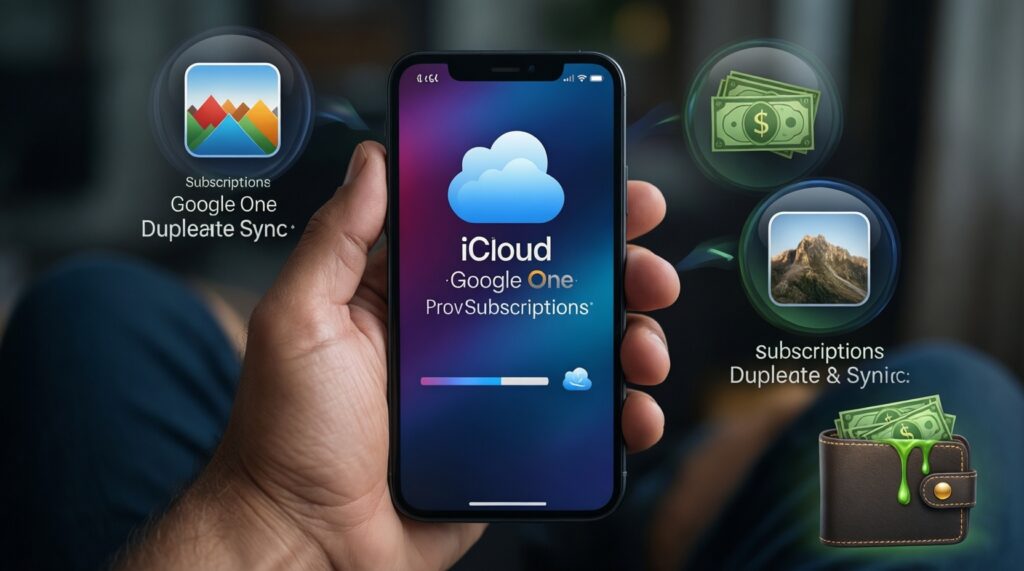
- Paying for both iCloud and Google One "just in case" while photos sync to both-this is the #1 silent budget leak.
- Assuming a storage plan equals a full device backup on every platform; iPhone full backup behavior is not the same as Android file sync.
- Buying a bigger tier instead of cleaning up the real culprit (duplicate media, chat app caches, multiple photo libraries).
- Overvaluing perks you won't use (VPN, extra apps, premium support) and underestimating the value of clean restores.
- Not using family sharing correctly: one person upgrades, everyone else keeps separate plans.
- Mixing "Gallery sync" solutions on Samsung without a clear rule, then wondering why deletes and edits don't match across devices.
- Ignoring workstation needs: if you live on Windows for work, a plan with strong Windows integration may beat a cheaper mobile-first plan.
- Choosing based on the cheapest first tier, then immediately needing the next tier because 4K video and Live Photos grow faster than expected.
Billing pitfalls: overage fees, prorating, cancellation and third‑party bundle traps
Best for Apple-only users: iCloud storage, because it reduces restore friction and keeps backups/photos in one native loop. Best for mixed-device families and small teams: Google One, because one shared pool is easier to budget and access across platforms. Best for Galaxy users who want minimal change: Samsung's attached services only if you confirm exactly what data is covered; otherwise pair Galaxy with Google One. For adding capacity, use the official in-app flows (e.g., ซื้อพื้นที่ iCloud เพิ่ม via Apple ID settings; ซื้อพื้นที่ Google One เพิ่ม via Google One) and avoid duplicate subscriptions through third-party bundles you can't easily audit or unwind.
Concise buyer queries and decisive answers
Which is better value for a single iPhone user: iCloud or Google One?
iCloud is usually the better value outcome because it covers iPhone backup and iCloud Photos with fewer compromises. Google One can be cheaper per GB, but it won't replace iPhone device backup.
Can I use Google One only and cancel iCloud storage?
You can for files and photos, but you may lose the convenience of full iPhone backups unless you accept local backups or reduced backup coverage. Many people keep a small iCloud tier specifically for device backup.
What's the most budget-safe setup for a mixed Android + iPhone family?
Use one shared plan for files/photos (often Google One) and keep iCloud minimal for iPhone backup needs. The goal is one photo library and one family storage pool, not two.
Does Samsung Cloud replace Google One or iCloud?
Not reliably as a universal replacement, because Samsung setups are often hybrid and depend on which Samsung apps you use. Treat it as a convenience layer for Galaxy workflows, not a guaranteed all-data backup plan.
How do I stop paying twice when comparing plans?
Pick a single "source of truth" for photos and turn off the other platform's photo syncing. Then audit subscriptions on every family member's account and remove redundant tiers.
When does a bundle become worth it?
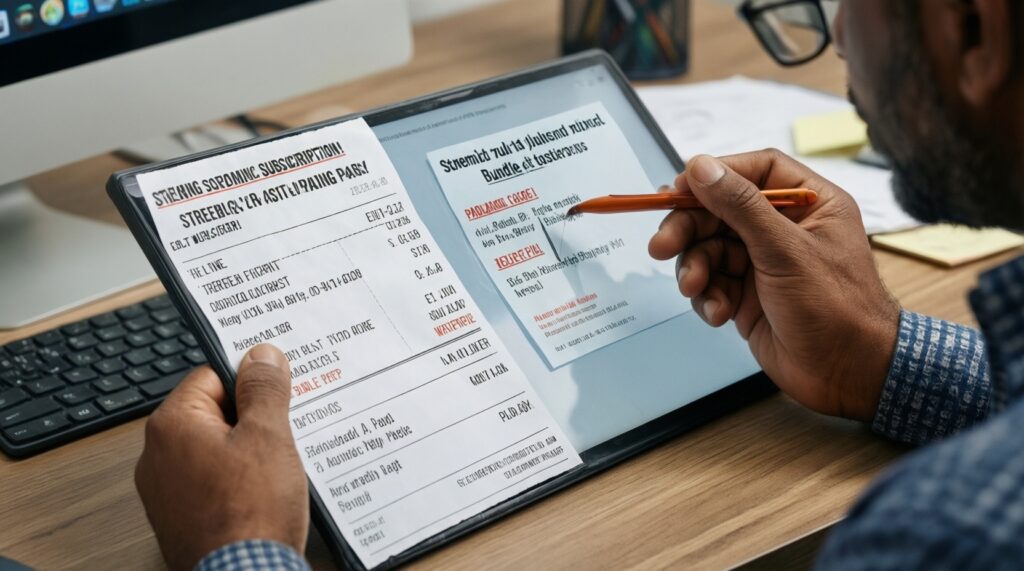
A bundle is worth it only when it replaces subscriptions you already pay for monthly. If you keep the old plans, the bundle usually increases total spend.
What should I check before upgrading storage today?
Confirm what is consuming space (photos, device backups, large chats) and whether you can delete or export. Then upgrade in the ecosystem you will keep long term to avoid future migration pain.