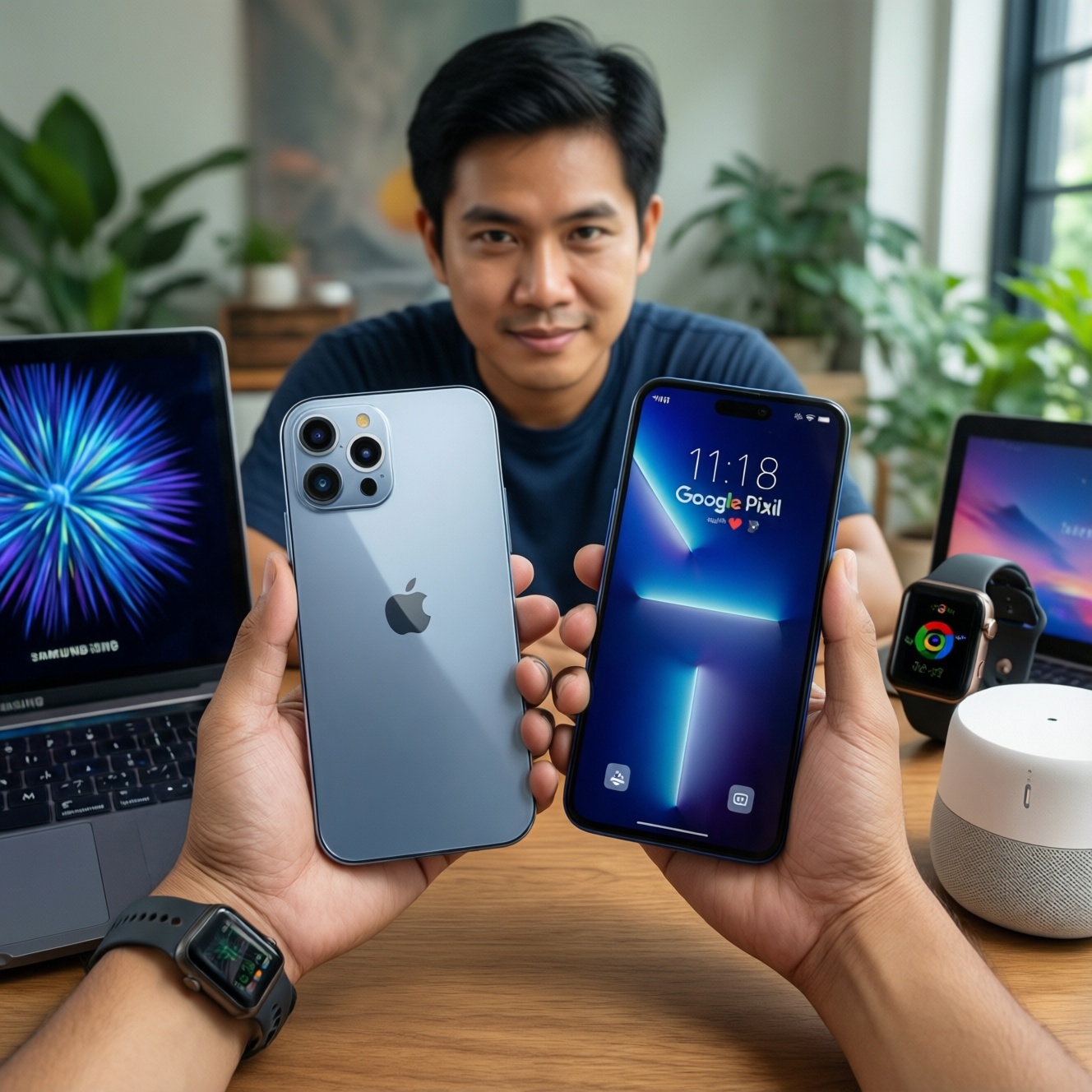
If you want the smoothest cross-device continuity, pick Apple; if you want the cleanest Android with fast platform updates, pick Google Pixel; if you want the widest device variety and deep customization, pick Samsung. This guide compares Apple vs Google vs Samsung ecosystems by daily workflows (phones, laptops, wearables, smart home) so you can choose the best fit for your lifestyle in Thailand.
Core ecosystem strengths at a glance
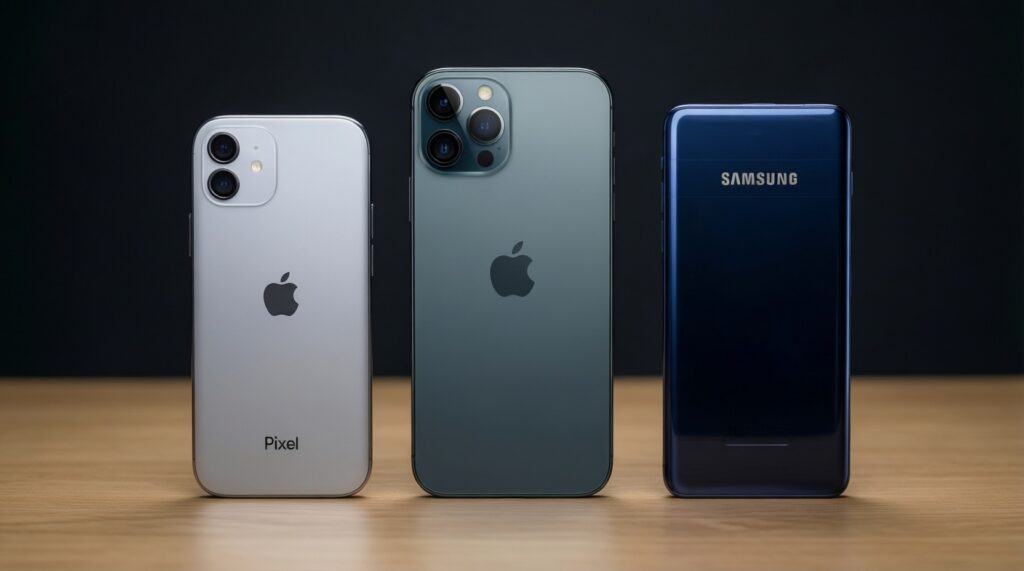
- Apple: best end-to-end device continuity (iPhone-iPad-Mac-Watch) with consistent UX and strong default privacy controls.
- Google (Pixel): best "pure Android" feel, tight Google services integration, and straightforward setup across devices.
- Samsung: best hardware range (budget to flagship), strong customization, and a very capable wearables + TV + appliance footprint.
- Smart home: Google and Samsung tend to be more flexible across brands; Apple is simplest when you stay within compatible accessories.
- Wearables: Apple Watch is the most seamless with iPhone; Galaxy Watch is the most natural with Galaxy phones.
Hardware integration and device continuity

Use these criteria to decide. Rate each 1-5 based on your real usage, not specs.
- Multi-device handoff: moving calls, media, files, and work between phone/tablet/laptop without friction.
- Nearby sharing: quick file transfer to friends/colleagues across mixed brands (important in TH where groups are often mixed Android+iOS).
- Messaging and calling continuity: whether your chats, calls, and notifications stay consistent across devices.
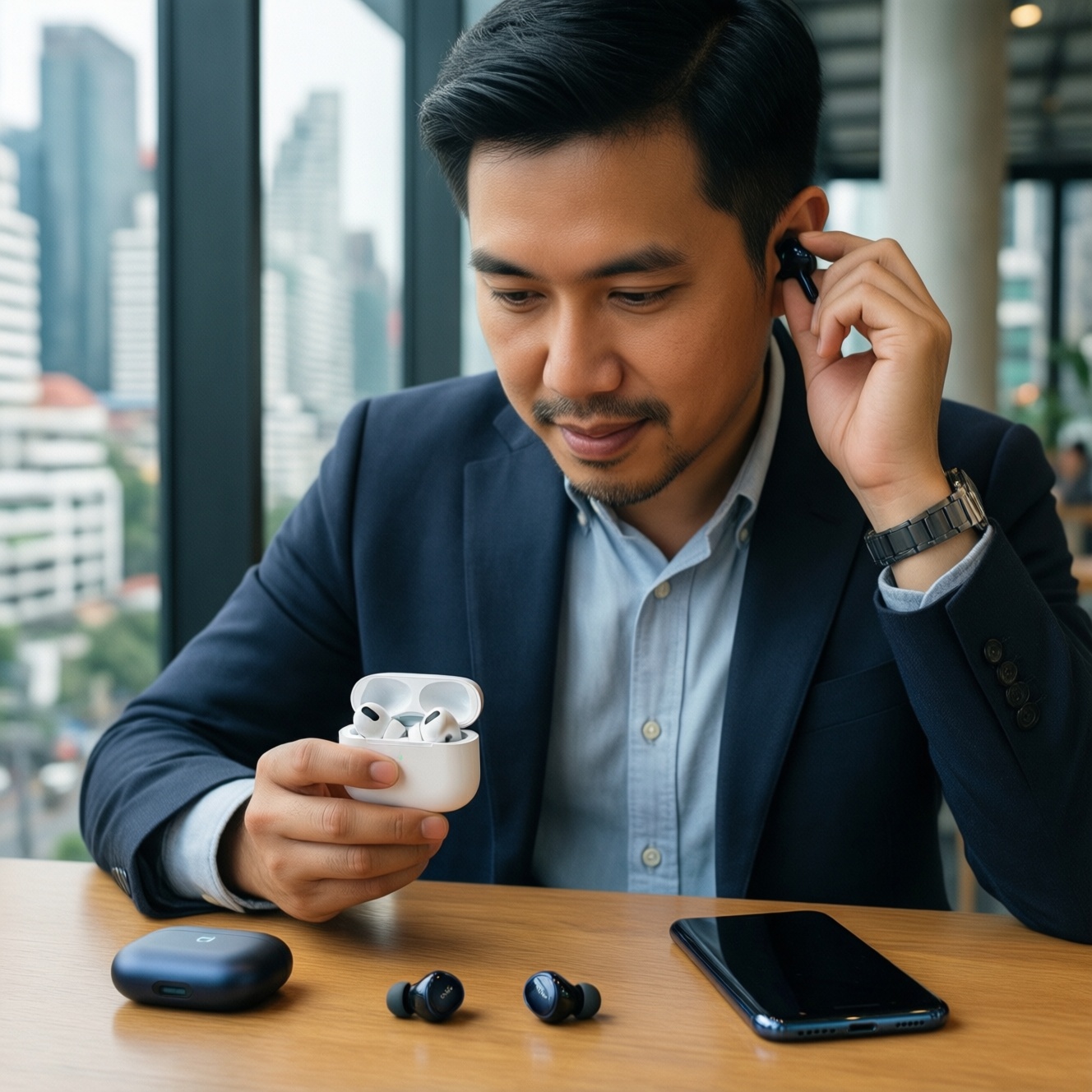
- Accessory depth: earbuds, stylus, trackers, keyboards, docks-first-party vs third-party variety.
- Computer compatibility: how well your phone integrates with Windows/macOS/Chromebook (and your office's standard).
- Wearable tie-in: fitness, payments, health metrics, and "unlock" flows with your phone and laptop.
- Media workflow: camera-to-edit-to-share speed (especially for creators and travelers).
- Repair and service practicality: availability of official service, parts, and the reality of how you replace devices in TH.
People searching เปรียบเทียบ Apple vs Samsung vs Google usually underestimate two things: (1) how much your watch + earbuds + laptop define the experience, and (2) how painful it is to mix ecosystems once you invest in accessories.
Privacy, security and data control
Instead of assuming one brand is "secure," choose the security model that matches your habits: how you back up, share devices with family, and use Google/Microsoft accounts for work.
| Option | Who it fits | Pros | Cons | When to choose |
|---|---|---|---|---|
| Apple ecosystem (iPhone/iPad/Mac) | Users who want consistent defaults and minimal configuration | Strong on-device protections and coherent account security; permissions are easy to understand; tight device-to-device trust model | Less flexibility if you want deep system-level customization; some workflows assume Apple services | If you want privacy controls that work well without tweaking and you already use Mac/iPad |
| Google Pixel + Google Account | Users who live in Gmail/Drive/Photos and want the cleanest Android | Clear security updates experience on Pixel; excellent account-based recovery; Google services feel native | Heavier dependence on a single Google identity for "everything"; some controls are spread across Google settings | If you want Android with minimal vendor layers and you're comfortable managing a Google Account carefully |
| Samsung Galaxy + Samsung Account | Power users and people who buy across many price tiers | Robust device management features; many security and privacy toggles; strong enterprise-friendly options on some models | Two-account reality (Google + Samsung) can add complexity; more preinstalled services to audit | If you want Android flexibility, lots of device choices, and you don't mind tuning settings |
| Mixed ecosystem (iPhone + Windows + Android tablet, etc.) | Workplaces and families with mixed devices | Best flexibility; avoids lock-in; easy to buy "best device per category" | More gaps in continuity (handoff, messaging, sharing); you must design your own backup strategy | If you prioritize price/performance per device and can tolerate workflow friction |
| Family-shared devices (kids, elders) | Households sharing tablets, watches, and smart speakers | Easier to standardize rules, screen time, and location sharing when one ecosystem is dominant | Switching later is painful; shared purchases/subscriptions can complicate migration | If you need consistent parental controls and simple support for non-technical users |
For people reading a รีวิวระบบนิเวศ Apple, the key privacy advantage is how consistent the defaults feel across devices. For people focused on a รีวิว Google Pixel, the key is predictability: fewer vendor layers and a very "Google-first" security experience.
App ecosystem, services and developer support
Choose based on what you do daily. These "if..., then..." rules are practical for intermediate users:
- If you edit photos/videos on a laptop and want the shortest camera-to-edit loop, then Apple is usually the most frictionless (especially with iPhone + Mac).
- If your work is already in Google Workspace (Gmail, Drive, Docs) and you want everything to behave consistently, then Google Pixel is the most "native Google" experience.
- If you rely on Windows apps, want DeX-style productivity, and care about device variety, then Samsung is often the most flexible Android path.
- If you switch between brands often and hate lock-in, then go mixed ecosystem and standardize on cross-platform services (password manager, cloud storage, authenticator).
- If you're asking "ซื้อ iPhone หรือ Samsung ดี" because of apps, decide by the top 10 apps you use: test notifications, background behavior, and login/2FA flows-not just availability.
Smart home, wearables and IoT interoperability
Use this fast selection algorithm before you buy more devices.
- List what you will actually own in 12 months: phone, watch, earbuds, tablet, laptop, TV, speaker, cameras, lights.
- Pick the anchor device (usually your phone). Your watch and earbuds should match it first.
- Decide your smart home hub direction: Apple-first (Home-style simplicity), Google-first (broad compatibility), or Samsung-first (tight Galaxy + home appliance footprint).
- Check cross-brand control: if you expect mixed accessories, prioritize platforms that play well with many brands (typically Google/Samsung paths).
- Decide on watch priority: health metrics, notifications, payments, LTE/standalone usage, and how much you care about seamless pairing.
- Buy one "test device" first (watch or speaker), validate automations and voice control at home, then scale.
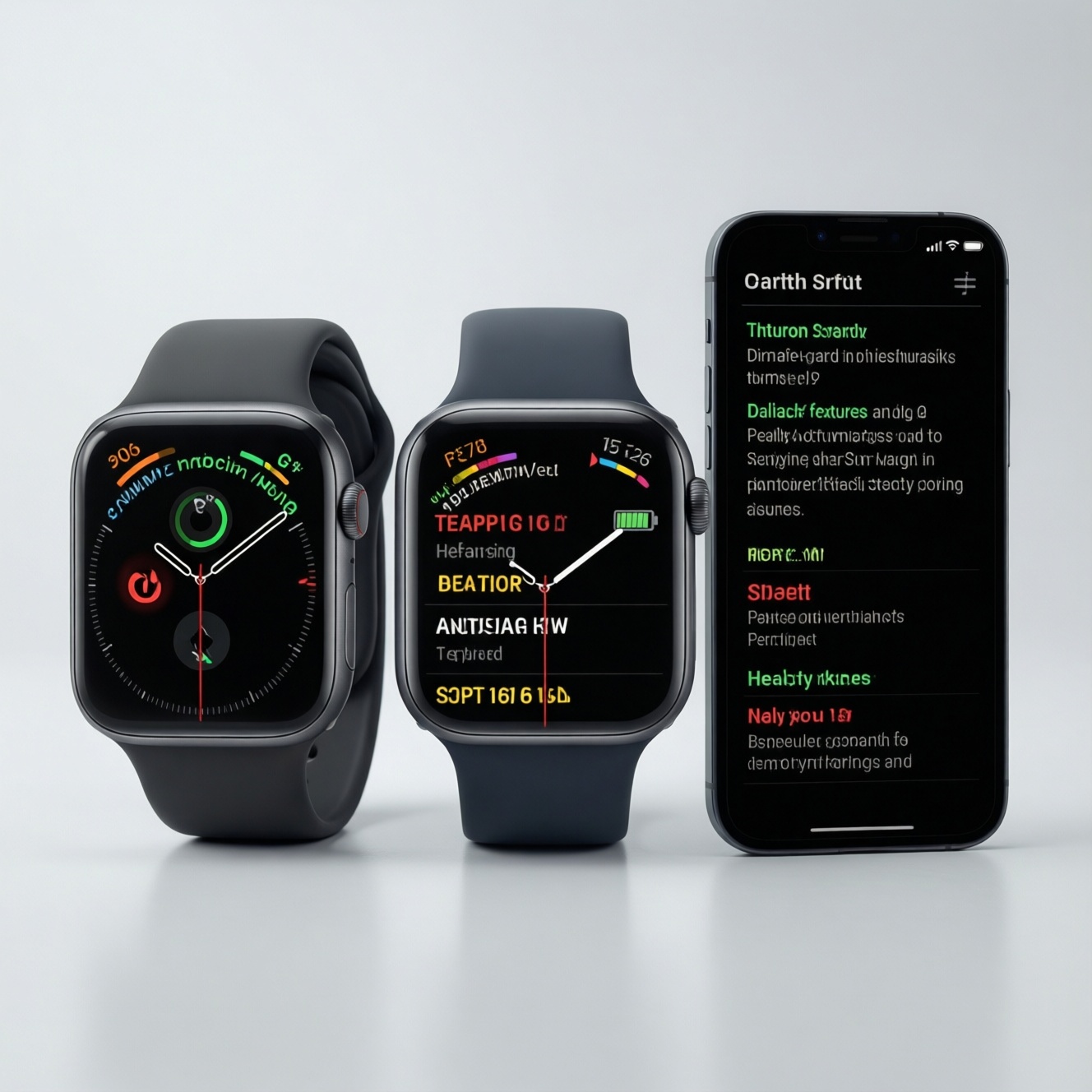
If your key question is "ซื้อ Apple Watch หรือ Galaxy Watch ดี," treat it as a phone decision in disguise: Apple Watch is best when you commit to iPhone; Galaxy Watch makes the most sense when your daily phone is Galaxy.
Costs, upgrade paths and long-term support
Common selection mistakes that increase long-term cost and frustration (even when the upfront price looks good):
- Buying the phone first, then discovering the watch doesn't fit your life (health features, battery routine, charging habits).
- Underestimating accessory lock-in: once you own a watch, earbuds, and a tablet, switching ecosystems costs more than switching phones.
- Ignoring account strategy: mixing Google + Samsung + Apple IDs without a plan creates backup and recovery chaos.
- Assuming "all clouds are the same": photo libraries, shared albums, and family sharing are the hardest to migrate cleanly.
- Skipping a password manager: ecosystem switches are painful without portable credentials and passkeys planning.
- Choosing based on a single flagship model: Samsung's ecosystem value often comes from breadth; Apple's from consistency; Pixel's from the Google-first path.
- Not testing Thai-language workflows: voice input, dictation, and local app behavior can vary by device and settings.
- Overpaying for "future-proofing": buy for the next 18-24 months of real needs, not hypothetical features.
Persona-based recommendations: which ecosystem suits whom
Best fit tends to look like this: Apple for travelers and creators who value seamless continuity and low setup time; Google Pixel for users who live in Google services and want the cleanest Android path; Samsung for power users and families who want broad hardware choice, customization, and strong wearables/smart-home coverage-especially when the household already has Galaxy devices.
Traveler (work + camera + airport life)
- Pick Apple if you want the least friction moving between phone, laptop, earbuds, and watch, plus reliable media handoff.
- Pick Pixel if your travel workflow is Google-first (Docs/Drive/Maps/Photos) and you want Android without vendor complexity.
- Pick Samsung if you want multi-device flexibility, easy connectivity with Windows, and many hardware options at different price points.
Creator (video, photo, social posting)
- Pick Apple for a tight capture-to-edit pipeline across iPhone/iPad/Mac and predictable app behavior.
- Pick Samsung if you want advanced customization, stylus/tablet options, and a broad accessory ecosystem.
- Pick Pixel if you want a Google-first workflow and value a simpler Android baseline.
Family (shared devices, kids, elders)
- Pick Apple if you want consistency and simpler household support (fewer "why did this setting move?" issues).
- Pick Samsung if the family buys many devices across budgets and you need flexibility plus lots of local device choices.
- Pick Pixel if the family is already standardized on Google accounts and shared calendars/Drive.
Power user (automation, customization, multi-account)
- Pick Samsung if you enjoy tuning settings, using advanced features, and optimizing workflows (including Windows integration patterns).
- Pick Pixel if you want Android power with fewer vendor layers and a clean baseline.
- Pick Apple if you prefer stable defaults and want power through ecosystem tools rather than system tweaks.
Practical concerns and quick clarifications
Can I mix Apple, Google, and Samsung devices without losing too much?
Yes, but expect friction in messaging, file sharing, and cross-device handoff. If you mix, standardize on cross-platform tools (password manager, cloud drive, authenticator) and accept that "one-tap continuity" will be weaker.
Is Pixel a "Google ecosystem" like Apple's ecosystem?
It's more account-and-services centered than device-family centered. Pixel feels cohesive around Google apps, but the broader hardware ecosystem depends on third-party devices more than Apple's tightly integrated lineup.
What should I decide first: phone or smartwatch?
Decide the phone first because the watch experience is tightly tied to it. The "ซื้อ Apple Watch หรือ Galaxy Watch ดี" question usually resolves by choosing iPhone (Apple Watch) or Galaxy (Galaxy Watch).
What's the fastest way to choose between iPhone and Galaxy?
Test your top five daily actions: photos to share, payments, notifications, calling, and file transfer. If you're stuck on "ซื้อ iPhone หรือ Samsung ดี," prioritize whichever makes those five actions simpler with your existing laptop and contacts.
Which ecosystem is easiest for a household with mixed budgets?
Samsung is typically the most flexible because it spans many price tiers while staying within one vendor family. Apple is simplest when everyone can stay within Apple devices; Pixel is strongest when the household is already Google-account centric.
Do I need to commit to one smart-home platform?
Not strictly, but committing reduces troubleshooting. If you plan to buy many accessories, pick one hub direction early and test with one or two devices before expanding.