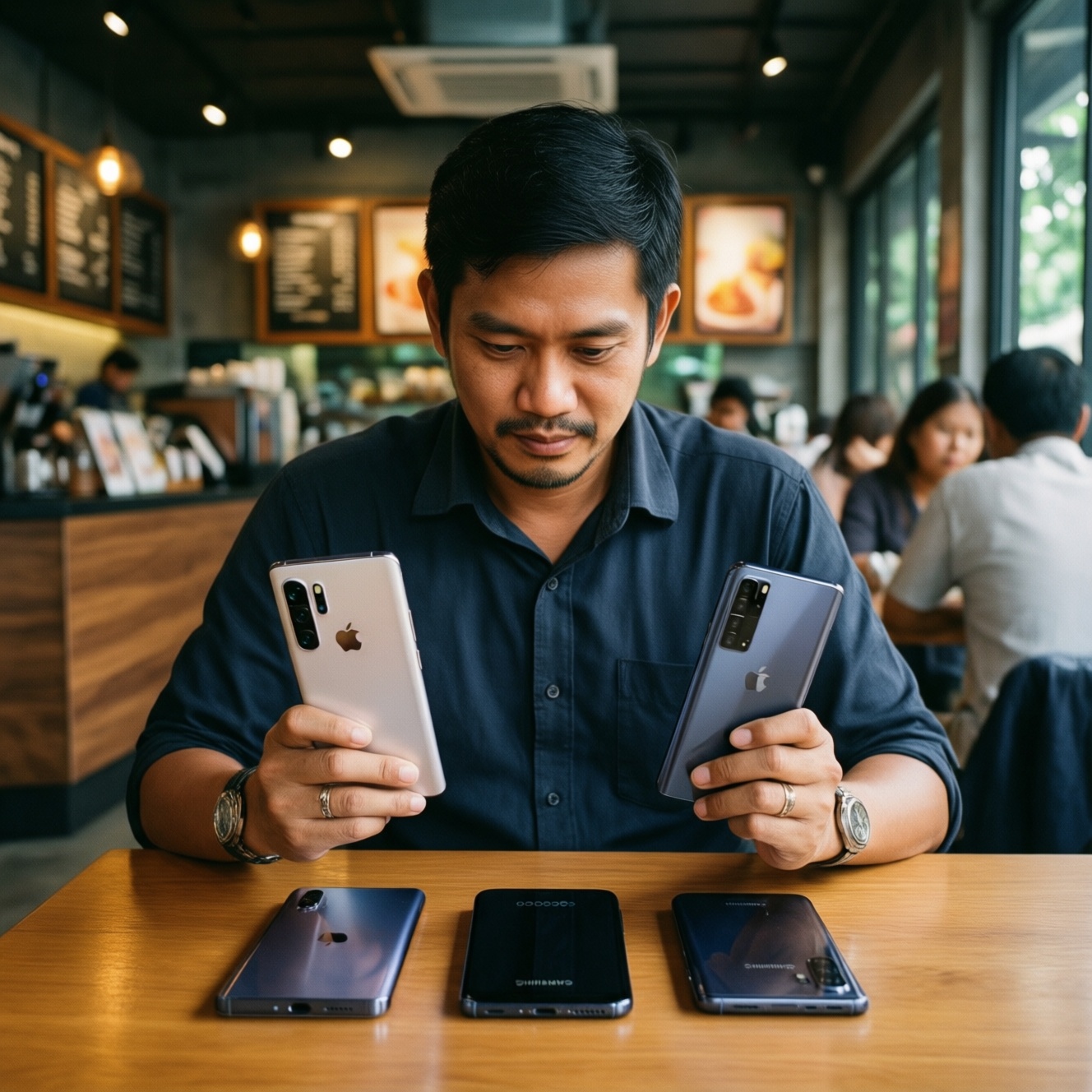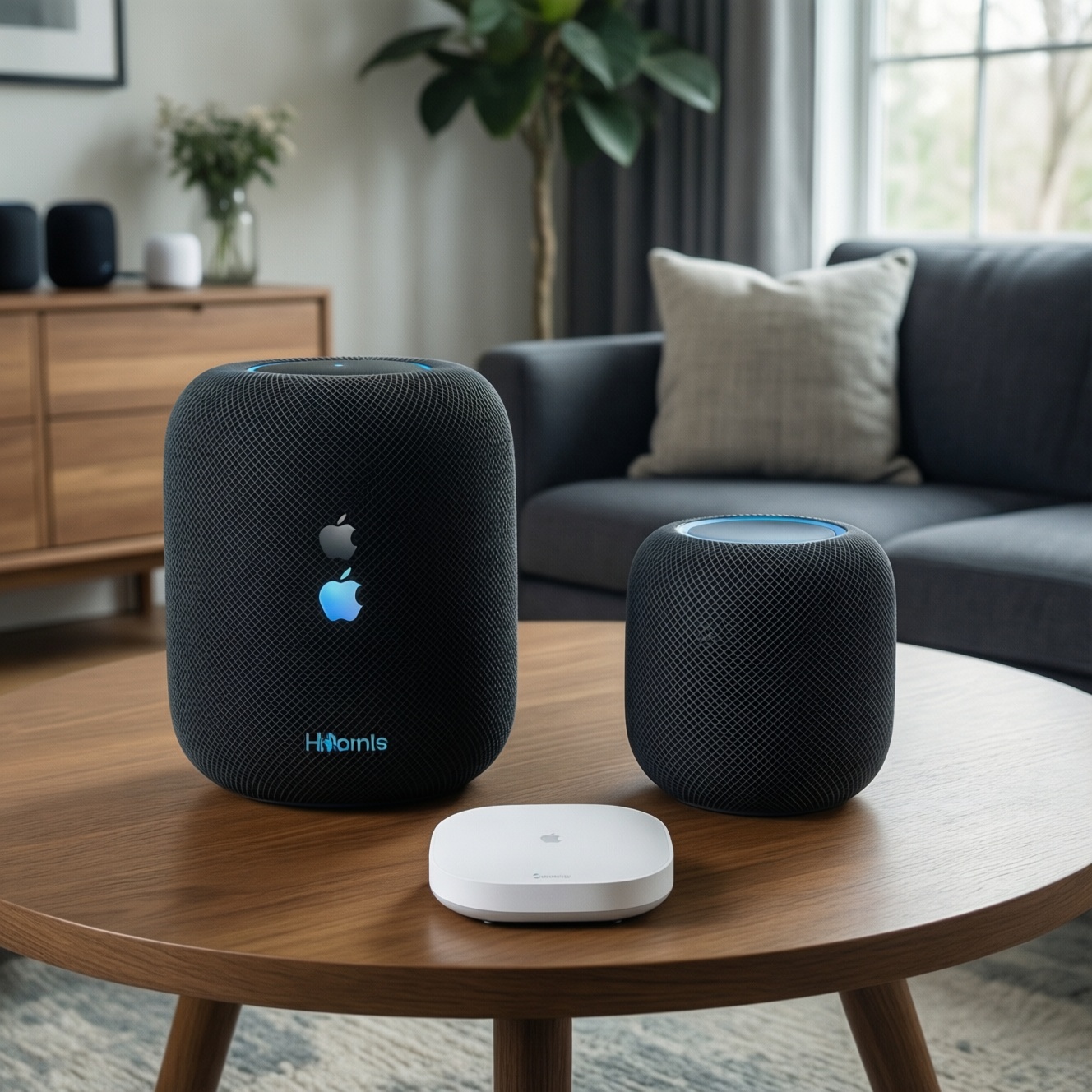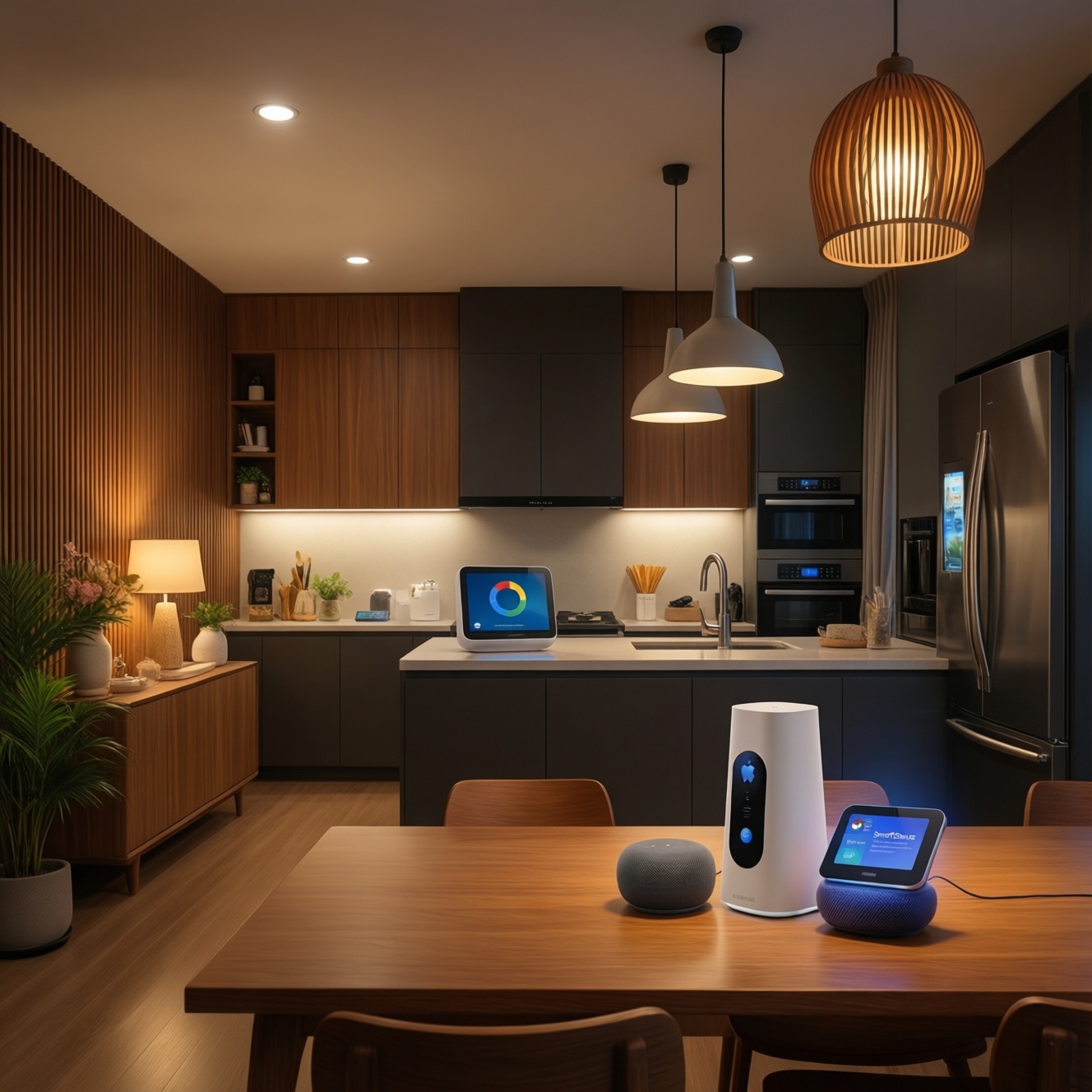
If you're setting up a smart home from zero in Thailand, pick the platform that matches your phone ecosystem, privacy tolerance, and how much you want to tinker. HomeKit fits Apple-first homes and stronger local control, Google Home suits Android-first voice and cloud convenience, and SmartThings is best for broad device support and deeper automations-especially with a hub.
Top-line platform conclusions
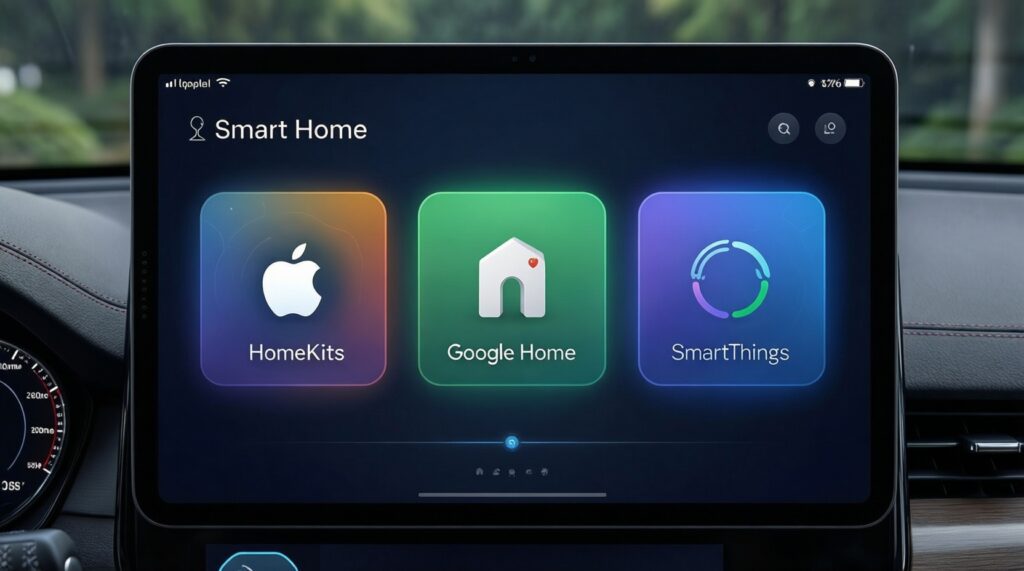
- Choose HomeKit if you live in Apple devices and want simpler, privacy-leaning daily control with fewer compatibility surprises.
- Choose Google Home if you want fast setup, great Assistant voice control, and you're comfortable with more cloud dependency.
- Choose SmartThings if you want the widest mix of devices (including many Zigbee/Z-Wave via hub) and more powerful home automations.
- For renters, prioritize platforms that work well without rewiring, and prefer portable devices (plugs, bulbs, sensors) you can take when moving.
- If you plan to mix brands long-term, shortlist devices labeled อุปกรณ์บ้านอัจฉริยะ รองรับ HomeKit Google Home SmartThings and avoid "single-app-only" products.
Comparing core philosophies: HomeKit vs Google Home vs SmartThings
Use these criteria to choose quickly (intermediate-level, practical):
- Your primary phone and accounts: iPhone/iCloud vs Android/Google vs Samsung account (optional) and cross-platform needs.
- Device compatibility you actually need: lights, plugs, AC/IR, cameras, door locks, sensors, robot vacuums.
- Local vs cloud dependence: what still works when internet is unstable, and how much automation should run locally.
- Automation depth: simple "if motion then light" vs multi-sensor, time windows, presence, modes, and safety fallbacks.
- Hub willingness: no hub (simpler) vs hub (more protocols, stronger reliability, more setup).
- Voice-first vs app-first: how often you'll use voice commands vs scenes, widgets, and routines.
- Privacy posture: comfort level with microphones, cameras, and cloud-based history tied to accounts.
- Long-term ownership: firmware updates, vendor lock-in, and how painful it is to migrate later.
Ecosystem compatibility and interoperability with popular devices
In practice, you'll shop by device labels and regional availability. In Thailand, people often start with queries like ซื้ออุปกรณ์บ้านอัจฉริยะ HomeKit or ซื้ออุปกรณ์ Google Home ราคา, then discover that "works with" means different things (native integration vs via a bridge). If you're comparing SmartThings Hub ราคา and a ชุดเริ่มต้นบ้านอัจฉริยะ ราคา, focus on what's included (hub, sensors, switches) and which protocols it supports.
| Option | Who it fits | Pros | Cons | When to choose |
|---|---|---|---|---|
| HomeKit (Apple Home) | Apple-centric households; privacy-leaning users | Clean UX on iPhone/iPad; strong scene-based control; good baseline security model; works well with HomePods/Apple TV as home hub | Compatibility can be narrower; some device categories vary by brand availability in TH; advanced automations can feel constrained without add-ons | If your family uses iOS daily and you want the least "smart home as a hobby" feeling |
| Google Home (Google Assistant) | Android-first users; voice-heavy households; mixed brands | Fast onboarding; excellent voice control; broad consumer-device support; good for multi-room speakers/displays | More cloud reliance; automations vary by device integration quality; privacy expectations need careful settings review | If you want quick wins (lights, plugs, speakers, routines) and don't mind cloud-first behavior |
| SmartThings (with hub) | DIY tinkerers; sensor-heavy homes; reliability-focused automations | Wide protocol coverage via hub (commonly Zigbee/Z-Wave); strong automation logic; can reduce Wi‑Fi clutter by using sensors on hub protocols | Extra hardware and setup; learning curve; you must choose device models carefully for best local behavior | If you want "smart home as a system" (modes, sensors, safety logic) and you're okay buying/placing a hub |
| Mixed-platform via multi-assistant devices | Families with both iOS and Android; shared homes | Flexibility; reduces platform lock-in; lets each person use their preferred app/assistant where possible | Inconsistent features across platforms; more troubleshooting; some devices expose different capabilities per platform | If you must support iPhone + Android and want the best compromise without rewriting everything |
| Start small with "portable" basics (plugs/bulbs/sensors) | Renters; first-timers; budget-sensitive starters | Low commitment; easy to relocate; teaches routines/scenes quickly; good stepping stone before locks/cameras | May not solve "big" needs (AC control, door access, full security); Wi‑Fi-only kits can become messy at scale | If you're comparing a ชุดเริ่มต้นบ้านอัจฉริยะ ราคา across platforms and want to validate your needs first |
| "Works with" labels (HomeKit / Google Home / SmartThings) | Anyone shopping across marketplaces | Easy filter when buying อุปกรณ์บ้านอัจฉริยะ รองรับ HomeKit Google Home SmartThings; lowers integration risk | Label doesn't guarantee equal feature depth; may require separate bridges; firmware/app changes can affect quality | If you're mixing brands: choose devices with explicit, native support for your primary platform |
Privacy, security and local vs cloud processing
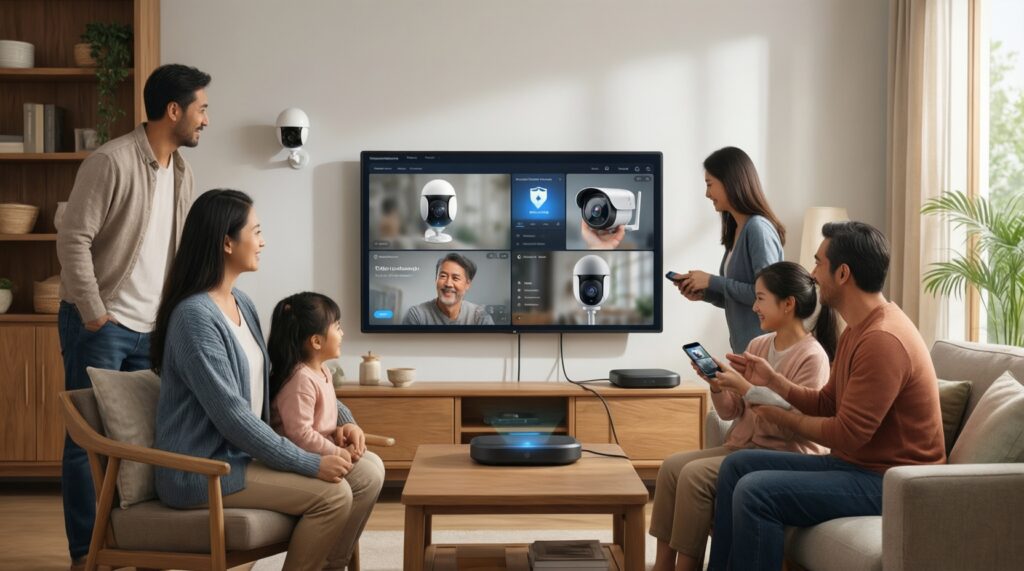
Use these scenario rules to decide how strict you need to be:
- If your home uses cameras indoors, then prioritize platform/device setups that allow local viewing/recording options and strict account security (2FA, separate family accounts).
- If your internet is unstable or you travel often, then prefer a hub-based or locally-capable setup so basic automations (lights, sensors) keep working without the cloud.
- If you want voice control in multiple rooms, then expect more cloud processing and focus on microphone controls, activity history settings, and household permissions.
- If you share a home with guests/tenants, then avoid giving primary-account access; use limited roles, guest Wi‑Fi, and device-level restrictions where possible.
- If you're automating door locks or gates, then choose conservative rules: require phone presence + time windows + manual fallback, and avoid automations that unlock purely from motion.
Installation, ongoing maintenance and total cost of ownership
- Pick your "primary controller": iPhone family (HomeKit), Android/Google accounts (Google Home), or hub-centered (SmartThings).
- Decide whether you will buy a hub: if you want sensors everywhere and fewer Wi‑Fi devices, plan for SmartThings hub (and compare SmartThings Hub ราคา vs what it unlocks).
- Start with 3 device categories only: (a) lighting, (b) plugs, (c) 1-2 sensors. This makes any ชุดเริ่มต้นบ้านอัจฉริยะ ราคา easier to evaluate without overbuying.
- Buy "native support" first: shortlist devices explicitly marketed as อุปกรณ์บ้านอัจฉริยะ รองรับ HomeKit Google Home SmartThings to reduce bridge/app sprawl.
- Plan your Wi‑Fi and power: stable router placement, 2.4 GHz support for IoT, and UPS for modem/router if outages are common.
- Define maintenance rules: monthly firmware/app updates, remove unused integrations, and keep a written inventory (device model + app + account).
- Only then expand to "high-impact" devices: AC/IR blasters, cameras, door locks, and energy monitoring-after your base platform feels stable.
Device categories, automation power and ecosystem limitations
- Buying by price alone: searching only ซื้ออุปกรณ์ Google Home ราคา can lead to devices that "connect" but don't expose key features (dimming, sensors, modes) in your chosen app.
- Assuming "works with" means "full feature parity": the same device can have different capabilities in HomeKit vs Google Home vs SmartThings.
- Overloading Wi‑Fi with cheap devices: many Wi‑Fi plugs/bulbs can create reliability issues; a hub protocol for sensors often scales better.
- Skipping a home hub requirement: some platforms/features need always-on home hubs for reliable remote access and automations.
- Automations without fail-safes: motion-based automation without time windows, brightness checks, or manual override causes frustration.
- Mixing too many brand apps: if each product needs its own app for setup and updates, your long-term maintenance cost rises sharply.
- Choosing cameras before nailing basics: cameras add privacy and bandwidth complexity; stabilize lights/plugs/sensors first.
- Not planning for household roles: shared access, kid accounts, and guest access are harder to retrofit once everything is tied to one person's account.
Migration paths and mixed-platform coexistence strategies
For Apple-centric users, HomeKit is typically the cleanest daily driver; for Android-first and voice-heavy households, Google Home often feels fastest to live with; for DIY tinkerers and sensor-driven automations, SmartThings is usually the most flexible foundation. Mixed homes can coexist by choosing devices that natively support multiple ecosystems and keeping "critical automations" on one primary platform to avoid split-brain behavior.
Practical troubleshooting and lingering concerns
Can I run HomeKit, Google Home, and SmartThings at the same time?
Yes, but pick one "source of truth" for automations to avoid duplicate triggers. Use the others mainly for voice control or viewing status.
What should I buy first when starting from zero?
Start with one room: a smart plug or bulb plus one motion/contact sensor. Confirm stability for a week before expanding to more rooms or cameras.
Do I need a SmartThings hub?
You need it if you want hub-based sensors/protocols and stronger automation reliability. If you only use Wi‑Fi devices, you may not need a hub but you'll likely sacrifice scalability.
Why does a device appear in one app but not in another?
"Works with" may be limited to certain features or require a specific pairing method (native vs bridge). Confirm the exact platform logo/support statement for your model before purchase.
How do I reduce delays in automations?
Improve Wi‑Fi stability, avoid overcrowding 2.4 GHz, and prefer local-capable automations where your platform supports it. Also remove duplicated routines across apps.
Is it safe to automate door locks or gates?
It can be, if you use conservative rules (presence + time window) and keep a manual fallback. Avoid unlock actions triggered only by motion or broad geofencing.