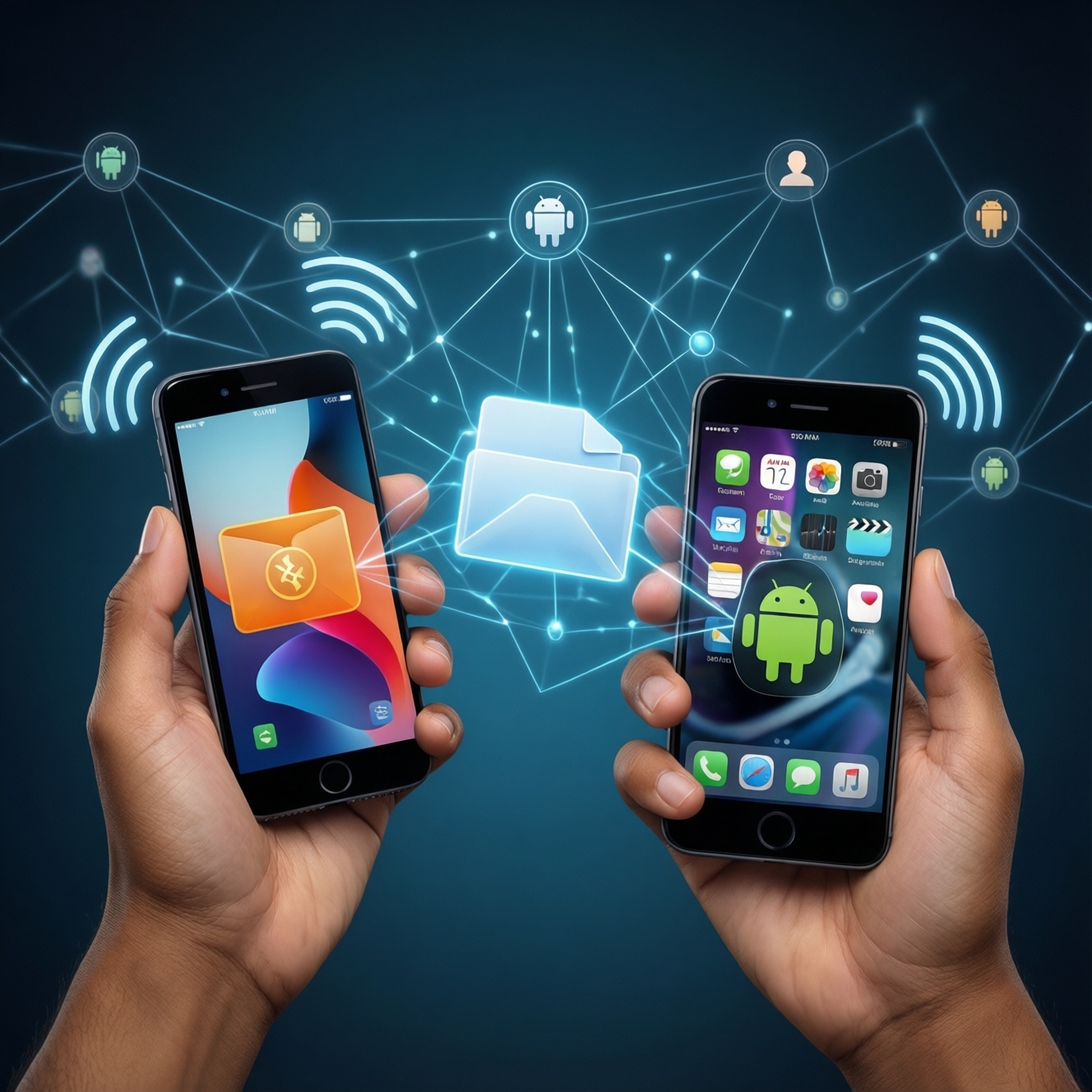
To pick the best cross-device file sharing option, start with your ecosystem: AirDrop is usually the most seamless inside Apple, while Nearby Share and Quick Share are typically the most practical inside Android. For speed and stability, the decisive factors are Wi‑Fi Direct availability, device sleep behavior, and how each tool falls back when Bluetooth or Wi‑Fi conditions degrade.
Quick Summary: Speed, Reliability and Best Use Cases
- Best "it just works" experience in Apple-only setups: AirDrop, especially for photos, PDFs, and short videos.
- Best Android-to-Android everyday choice: Quick Share on supported Samsung/compatible devices; Nearby Share when Quick Share is not available or pairing is tricky.
- Most stable large transfers depend less on the brand name and more on Wi‑Fi Direct staying active and both screens staying awake.
- Mixed environments (iPhone ↔ Android) usually need a workaround (cable, local network share, or cloud link) rather than expecting AirDrop/Nearby Share to cross.
- Budget phones can feel "slow" mainly due to aggressive battery saving, weaker antennas, and storage write speed-tune settings before blaming the feature.
- If you're asking "AirDrop กับ Nearby Share อันไหนดีกว่า", the honest answer is: the better one is the one native to your OS and hardware, with Wi‑Fi Direct reliably available.
How AirDrop, Nearby Share and Quick Share Transfer Files
Use these criteria to decide quickly (and to explain why one device feels faster or more stable than another):
- Ecosystem fit: Apple-only, Android-only, or mixed iPhone ↔ Android.
- Discovery reliability: how consistently devices appear, especially on crowded networks.
- Transport path: Wi‑Fi Direct / peer-to-peer Wi‑Fi vs routing via the existing Wi‑Fi network.
- Fallback behavior: what happens when Wi‑Fi Direct fails-does it degrade gracefully or just stall?
- Sleep and battery policies: whether the OS throttles background transfer, Wi‑Fi scanning, or hotspot behavior.
- File size sensitivity: small files (latency matters) vs large files (sustained throughput matters).
- UI friction: number of taps, permissions, and whether recipients need to be in contacts.
- Privacy controls: contacts-only vs everyone, and how long "everyone" stays enabled.
- Device capability ceiling: Wi‑Fi generation, antenna design, storage speed, and thermal throttling.
Under the Hood: Protocols, Connectivity Modes and Fallbacks
All three tools generally use Bluetooth for discovery/handshake and then try to move data over a faster link (usually Wi‑Fi Direct or peer-to-peer Wi‑Fi). When that fast path is blocked (policy, interference, captive portal quirks, or power saving), behavior differs: some setups fall back to slower links or get stuck in "connecting".
| Variant | Who it suits | Pros | Cons | When to choose |
|---|---|---|---|---|
| AirDrop (Apple) | iPhone/iPad/Mac users sharing within Apple devices | Very low friction; strong discovery in Apple ecosystems; good session handling | Not designed for Android; can slow down if Wi‑Fi Direct/P2P is disrupted; picky about settings | If you care about the smoothest Apple-to-Apple experience or you're comparing "Quick Share กับ AirDrop โอนไฟล์ข้ามอุปกรณ์ ความเร็ว" within separate ecosystems |
| Nearby Share (Android) | Most Android phones, especially non-Samsung or mixed-brand | Broad availability; decent discovery; integrates with Android share sheet | Performance varies by OEM power management; occasional pairing/visibility confusion | If you need a default Android-to-Android method and you're following "วิธีใช้ Nearby Share โอนไฟล์ระหว่าง Android กับ Android" |
| Quick Share (Samsung/compatible Android) | Samsung Galaxy and selected Android devices/builds that support Quick Share | Often more polished on Samsung; clear UI; can be very fast on good Wi‑Fi Direct links | Device support is not universal (people often ask "Quick Share ใช้กับมือถือรุ่นไหนได้บ้าง"); behavior differs across brands | If both sender and receiver support Quick Share and you want the simplest Android experience |
| USB cable (MTP / file transfer) | Budget devices, unstable wireless environments, very large videos | Predictable; not sensitive to RF interference; can be faster than flaky Wi‑Fi Direct | Needs a cable/adapter; can be clunky across USB-C/Lightning; driver/permission friction on computers | If wireless sharing keeps failing or throttling, especially on low-cost phones |
| Local network share (SMB/FTP via app) | Power users on the same Wi‑Fi; phone ↔ PC/Mac ↔ phone flows | Works across platforms; good for folders/many files; avoids "visibility" issues | Requires setup; depends on router quality; can be blocked by guest networks | If you need cross-platform transfers without cloud, and you can stay on one Wi‑Fi network |
| Cloud link (Drive/iCloud/OneDrive link share) | Mixed ecosystems; remote recipients; asynchronous sharing | Works anywhere; no proximity required; easy for mixed iPhone ↔ Android | Depends on internet; uploads take time; privacy depends on link settings | If devices are not nearby or AirDrop/Nearby Share cannot cross ecosystems |
Benchmark Results: Throughput, Latency and File-Size Scaling
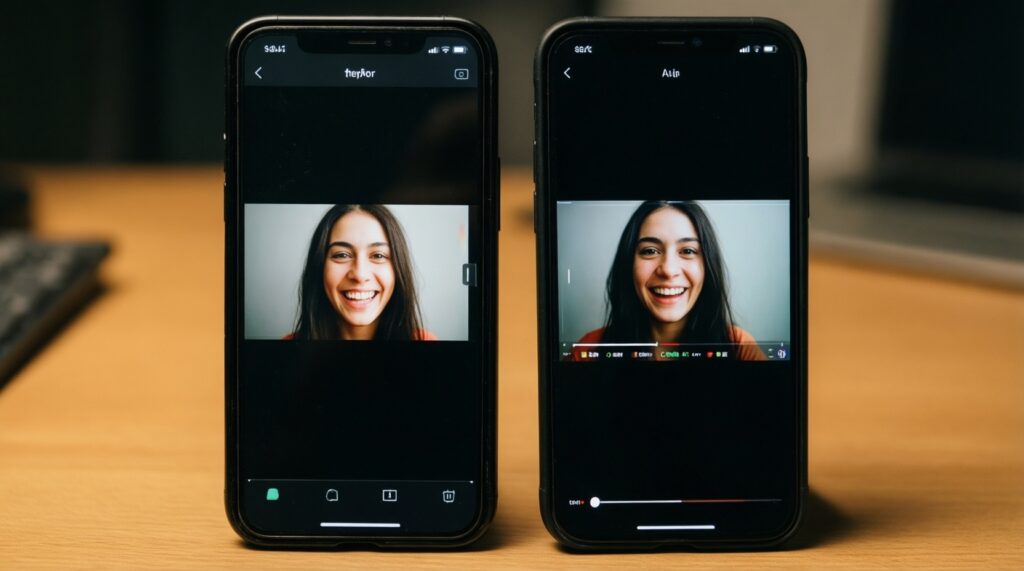
Methodology you can replicate: test two file types (one tiny photo, one large video), keep both devices close, disable VPN, keep screens awake, and repeat on the same spot twice (once on battery saver off, once on). With no published sources provided here, treat results as device- and environment-dependent and focus on consistent patterns rather than fixed numbers.
- If your files are small (photos, screenshots) and you want the lowest "send-to-receive" delay, then pick the most native option for your OS (AirDrop on Apple; Quick Share/Nearby Share on Android) and prioritize reliable discovery over peak speed.
- If your files are large (long video) and the transfer slows mid-way, then force the fastest path: keep Wi‑Fi on, keep both devices awake, and turn off battery/data saver; on budget phones, a USB cable can outperform unstable wireless in practice.
- If you're on premium devices with strong Wi‑Fi radios, then AirDrop (Apple-to-Apple) or Quick Share (supported Android pairs) typically sustain better performance because they hold the peer-to-peer link more consistently.
- If you're on budget devices or crowded RF areas (condos, malls), then Nearby Share may be more predictable than Quick Share in mixed-brand Android, but the best outcome often comes from switching to cable or local network share when Wi‑Fi Direct keeps renegotiating.
- If you're comparing ecosystems (the "Quick Share กับ AirDrop โอนไฟล์ข้ามอุปกรณ์ ความเร็ว" question), then evaluate within each ecosystem; cross-ecosystem requires a different tool (cloud link, local SMB/FTP, or cable to a computer as a bridge).
Stability Factors: Range, Interference and Session Resilience
- Confirm both devices are discoverable (AirDrop: receiving set appropriately; Android: visibility set to everyone/contacts as needed).
- Keep devices within short range and avoid shielding (backpack, pocket, metal table surfaces).
- Turn off Battery Saver / Power Saving and allow nearby device permissions; on some Android skins this is the main cause of dropouts.
- Keep screens on until completion; many budget phones throttle Wi‑Fi Direct or background tasks when the screen sleeps.
- Toggle Wi‑Fi and Bluetooth off/on if the session hangs on "connecting" or "preparing".
- Reduce RF noise: step away from crowded access points, disable personal hotspot if it's interfering, and avoid congested guest networks.
- If stability still fails, switch method: cable for large files, or local network share/cloud link for cross-platform.
Compatibility and Ecosystem Constraints in Mixed Environments
- Expecting AirDrop to work with Android directly (it won't by design); use a bridge method instead.
- Assuming all Android phones have the same Nearby Share/Quick Share behavior; OEM power management and permissions differ widely.
- Not checking device support before committing to Quick Share (the real-world pain behind "Quick Share ใช้กับมือถือรุ่นไหนได้บ้าง").
- Leaving visibility on "contacts only" and wondering why the other device cannot see you (especially common in offices and universities).
- Trying to share while on VPN or with restrictive Wi‑Fi policies; discovery or peer-to-peer setup may silently fail.
- Using a congested environment and blaming the feature; interference affects discovery and the fast data link more than people expect.
- Sending many small files individually; packaging into a single archive often improves reliability and perceived speed.
- Mixing accounts/IDs (Apple ID contact mismatch, or Android profile restrictions) and misreading it as a "network issue".
- For "AirDrop โอนไฟล์ช้า แก้ยังไง": ignoring the basics-receiver settings, Wi‑Fi/Bluetooth toggles, and power saving-before retesting in close range.
Budget-Focused Recommendations: Settings and Workarounds for Low-Cost Devices
Best for Apple-only sharing is usually AirDrop, provided you keep devices awake and correctly discoverable. Best for Android-to-Android on supported pairs is typically Quick Share; if support is unclear or mixed-brand behavior is inconsistent, Nearby Share is often the safer default. On low-cost phones, prioritize stability: disable battery saver during transfers, keep screens on, and keep a USB cable or a local SMB/FTP option as a reliable fallback for large files.
Practical Concerns Users Ask Most Often
AirDrop กับ Nearby Share อันไหนดีกว่า?
Inside Apple, AirDrop is usually the smoothest; inside Android, Nearby Share (or Quick Share on supported devices) is usually the simplest. Decide by ecosystem first, then by how reliably your devices discover each other.
Quick Share ใช้กับมือถือรุ่นไหนได้บ้าง?
Quick Share support depends on the Android build and vendor implementation (commonly best on Samsung Galaxy). If the option is not present in your share menu or settings, use Nearby Share or a cross-platform fallback.
วิธีใช้ Nearby Share โอนไฟล์ระหว่าง Android กับ Android ทำอย่างไรให้เสถียร?
Enable Bluetooth and Wi‑Fi, set visibility appropriately, keep both screens awake, and disable battery saver during the transfer. If discovery fails, toggle Wi‑Fi/Bluetooth and retry at close range.
AirDrop โอนไฟล์ช้า แก้ยังไง?
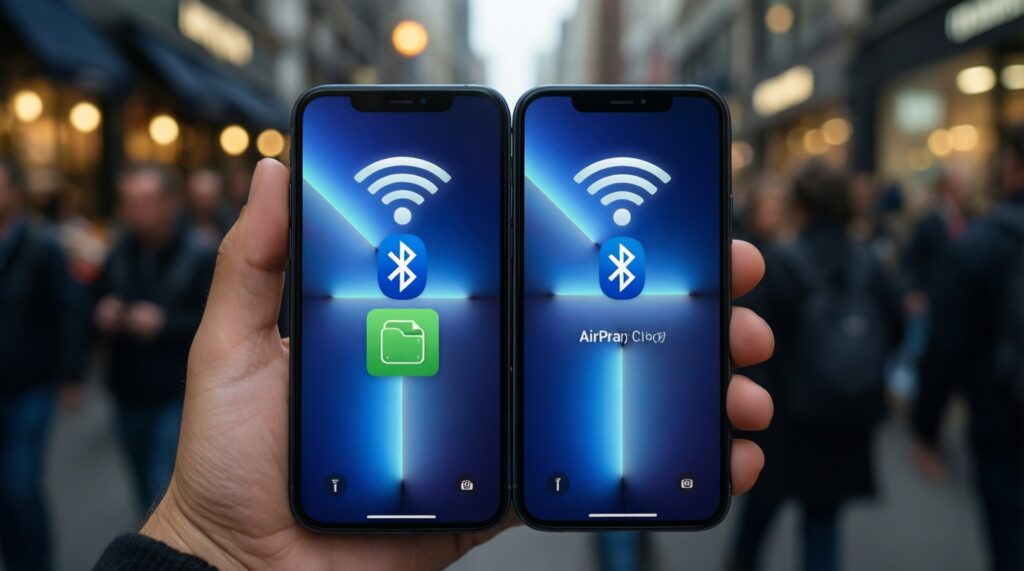
Check AirDrop receiving settings, keep Wi‑Fi and Bluetooth on, and retest with both devices close and awake. If it still crawls, toggle Wi‑Fi/Bluetooth and avoid congested areas.
Quick Share กับ AirDrop โอนไฟล์ข้ามอุปกรณ์ ความเร็ว ต่างกันมากไหม?
They can both be fast in their own ecosystems, but results vary by Wi‑Fi Direct stability, power saving, and RF conditions. For iPhone ↔ Android, use a different method (cloud link, local network share, or cable to a computer).
Why does sharing work once and then stop finding devices?
Visibility timers, power saving, and permission changes after updates are common causes. Re-enable visibility, confirm nearby permissions, and restart Wi‑Fi/Bluetooth if discovery is stuck.