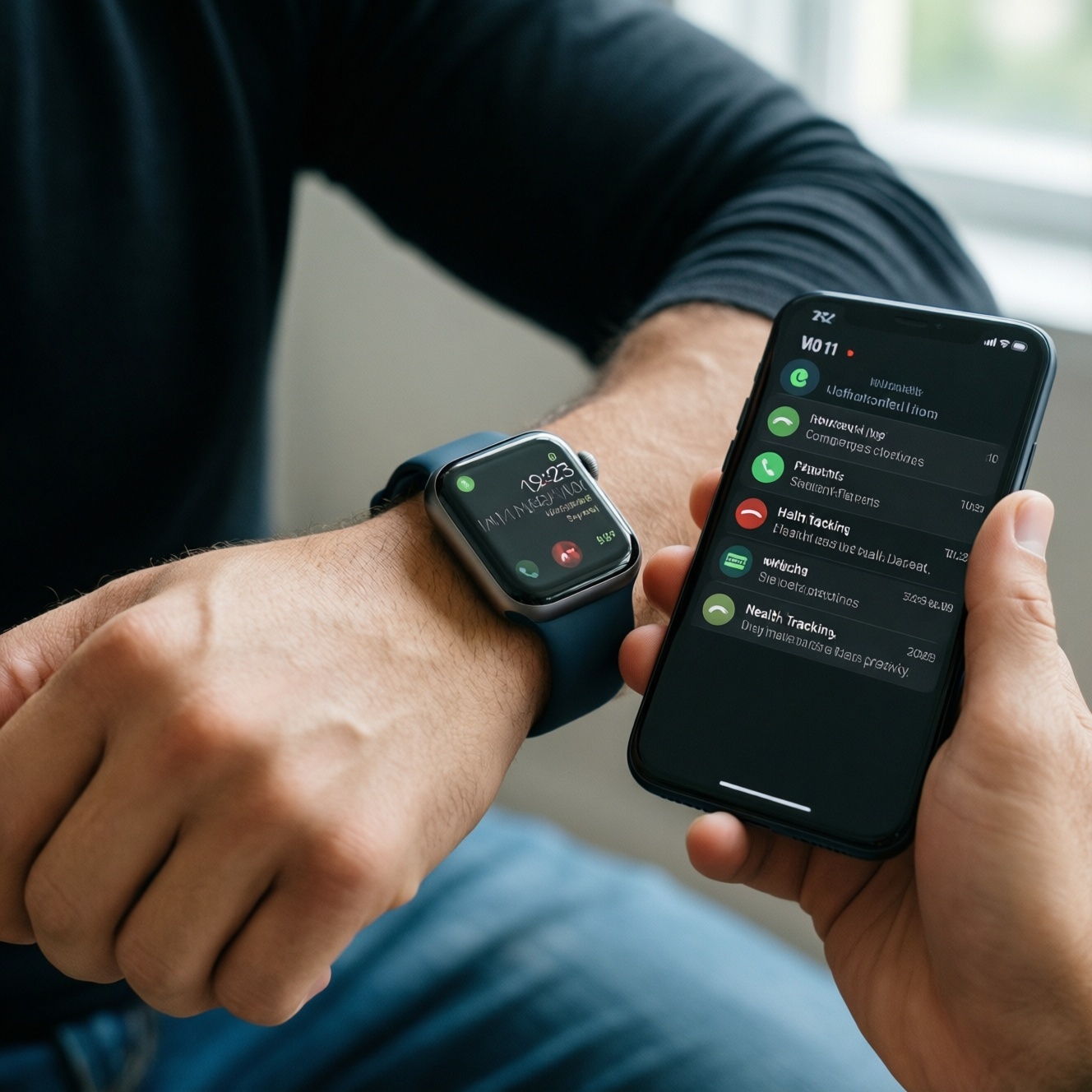
To pick a smartwatch that truly matches your phone, start from the platform boundary: Apple Watch is effectively iPhone-only, while most Android watches can pair with iPhone but lose key functions (replies, deep app actions, some health sync, and wallet features). Your best option depends on which features you refuse to compromise: notifications, calls, payments, health data, or privacy.
Compatibility Snapshot for iPhone vs Android Watches
- Apple Watch pairs with iPhone only; it is the most complete experience for iPhone users.
- Many Android/Wear OS watches pair with iPhone, but interaction depth is reduced versus Android pairing.
- Notifications usually arrive on any pairing; replying from the watch is where restrictions often appear.
- Payments and wallet features are the most platform-dependent category.
- Health data export is feasible, but "one app for everything" is harder when mixing ecosystems.
- If your watch must outlive a phone switch, consider brands with strong cross-platform basics (and accept trade-offs).
How iPhone restricts Android smartwatch functionality
When asking "นาฬิกา Android ใช้กับ iPhone ได้ไหม", assume pairing works for basics, but choose by these criteria (most important first for many users in Thailand):
- Notification interaction: view-only vs quick replies, emoji/sticker support, action buttons (archive, mark done).
- Call handling: answering from the watch, speaker/mic quality, contact sync, recent calls reliability.
- App ecosystem: whether the watch vendor has a full iOS companion app (stable sync, updates, settings).
- Health data pipeline: ability to write to Apple Health, continuous sync in background, and what metrics are missing.
- Payments: whether the watch supports any wallet usable in your daily routine, and if it works without the phone.
- Background permissions & battery impact: iOS tends to be stricter; some watches need frequent app opens to resync.
- Media control: controlling iPhone playback, Spotify/Apple Music remote controls, Bluetooth headphone handoff.
- Device features you expect to "just work": voice assistant, maps navigation, calendar sync, and two-factor prompts.
If you're searching "สมาร์ตวอทช์ใช้กับ iPhone รุ่นไหนดี", the practical takeaway is: prioritize watches with a mature iOS companion app and proven Apple Health integration, rather than focusing only on the watch hardware.
How Android phones limit Apple Watch capabilities
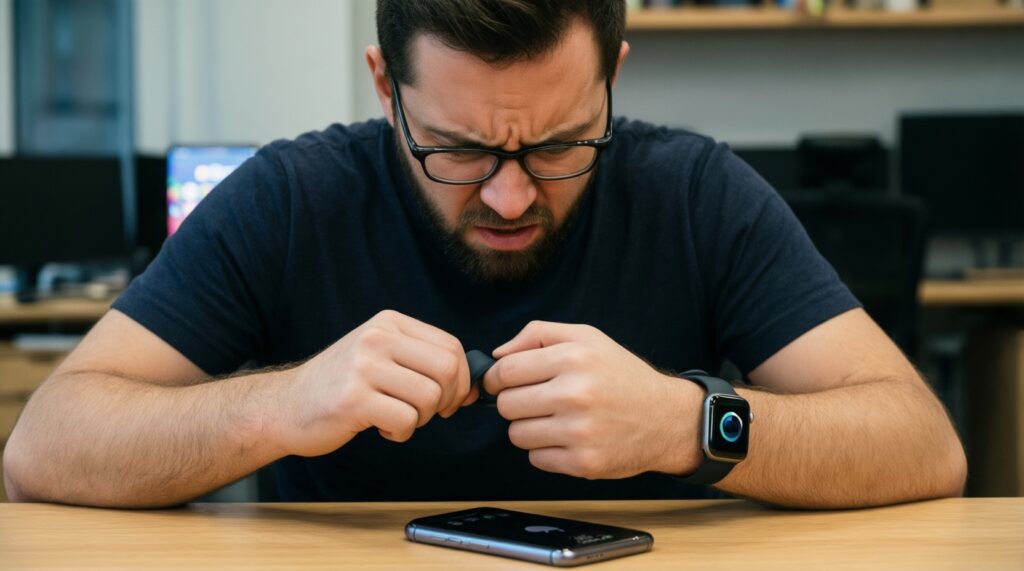
If your question is "Apple Watch ใช้กับ Android ได้ไหม", the effective answer for day-to-day use is no: Apple Watch setup and operation require an iPhone. The realistic choice becomes one of these alternatives.
| Variant | Who it fits | Pros | Cons | When to choose |
|---|---|---|---|---|
| Apple Watch + iPhone | Users committed to iOS |
|
|
If your phone is iPhone now and for the next upgrade cycle. |
| Wear OS watch (e.g., Galaxy Watch / Pixel Watch) + Android phone | Android-first users |
|
|
If you're deciding "สมาร์ตวอทช์ Android สำหรับมือถือ Android รุ่นไหนดี" and want maximum smart features. |
| Sports watch with strong cross-platform sync (e.g., Garmin) | Fitness tracking priority over "smart" apps |
|
|
If you may change phone OS later but want consistent health history. |
| Budget-focused Bluetooth smartwatch/band (e.g., Amazfit and similar) | Basic notifications + step/sleep tracking |
|
|
If you mainly need alerts and lightweight tracking, not a wrist computer. |
| Keep an iPhone just for Apple Watch setup (secondary device approach) | Enthusiasts who already own both ecosystems |
|
|
If you must keep Apple Watch but your primary phone is Android. |
Cross‑platform features that reliably work across phones and watches
Use scenario rules to avoid disappointment when mixing ecosystems:
- If you only need to see notifications (LINE, WhatsApp, SMS) and track steps/sleep, then most watches will be acceptable even across iPhone/Android-verify the iOS/Android companion app quality first.
- If you want to reply to messages from the watch with quick responses/keyboard/voice, then stay within the same ecosystem (Apple Watch+iPhone or Wear OS+Android) for the highest success rate.
- If you require tap-to-pay from the watch, then pick the watch primarily for wallet support in your routine; cross-platform pairing is where payments most commonly degrade.
- If you care about long-term health data portability, then favor platforms with robust export/sync options and a strong phone app, even if smartwatch "apps" are fewer.
- If your job depends on calendar/email actioning on-wrist, then treat cross-platform setups as "view-first" unless proven otherwise for your exact phone model.
Practical matrix: notifications, calls, payments and health data
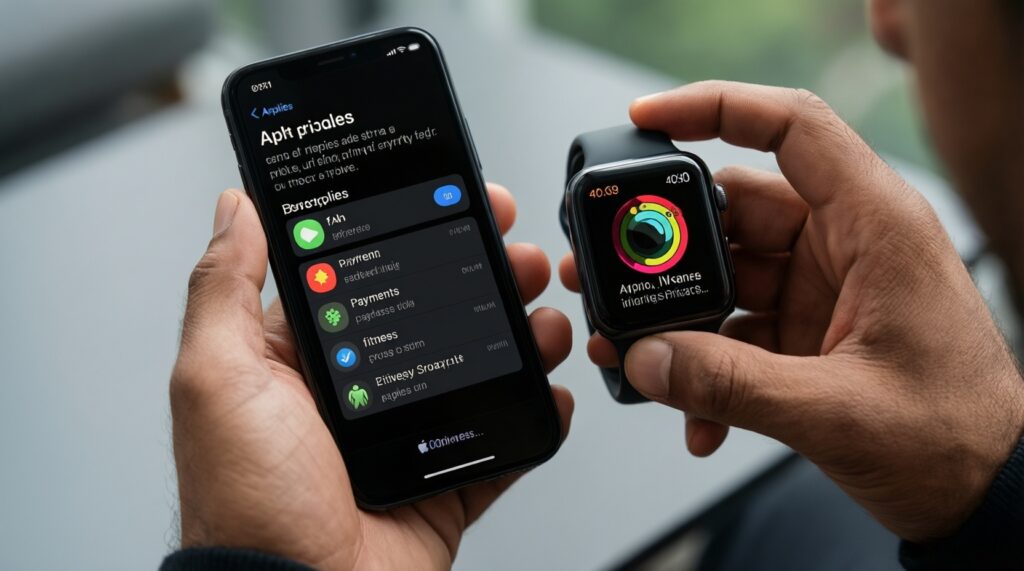
- Lock your phone OS first. If you are on iPhone and staying there, default to Apple Watch unless you knowingly accept reduced smartwatch interactions.
- Pick your "non-negotiable" category. Choose one: (a) replies/actions, (b) payments, (c) training metrics, (d) privacy control.
- Check the pairing reality. For mixed setups, assume: notifications = yes, rich actions = maybe, payments = uncertain, health sync = partial unless confirmed.
- Validate by feature matrix below for your intended pairing type.
- Confirm the companion app workflow. If a watch requires frequent manual sync or app opens, it will feel unreliable after a week.
- Decide data ownership. If you must keep history across phone changes, choose a platform with good export and a stable cloud account model.
| Phone + watch pairing | Notifications (view) | Notifications (reply/actions) | Calls on watch | Payments | Health data sync quality |
|---|---|---|---|---|---|
| iPhone + Apple Watch | Strong | Strong | Strong | Strong | Strong (native integration) |
| Android phone + Apple Watch | Not supported for normal use | Not supported | Not supported | Not supported | Not supported |
| Android phone + Wear OS watch | Strong | Often strong | Often strong | Varies by wallet/region/bank | Often strong (vendor-dependent) |
| iPhone + Android/Wear OS watch (when pairing is offered) | Usually OK | Often limited | Varies | Often limited/varies | Varies; confirm Apple Health write support |
| iPhone/Android + sports watch (e.g., Garmin) | Usually OK | Often limited | Varies by model | Varies by model/region | Generally consistent via vendor app |
Workarounds, bridges and trusted third‑party apps
Common selection mistakes that look like "workarounds" but create fragile setups:
- Buying Apple Watch for an Android phone expecting a hidden pairing method; in practice it blocks setup and daily use.
- Assuming "paired" means "fully functional". Cross-platform pairing often becomes view-only notifications with fewer actions.
- Over-trusting store listings. "Supports iOS" may only mean the companion app installs, not that features match Android pairing.
- Ignoring background sync behavior. If the watch app needs to stay open or be manually refreshed, expect missed health sync and delayed notifications.
- Choosing for payments first without verifying the wallet chain. Watch capability, phone OS, wallet app, and your bank acceptance must all align.
- Mixing multiple health apps without a plan. You can end up with duplicated or missing metrics across Apple Health / Google Fit / vendor clouds.
- Relying on unofficial bridge apps for core functions. They can break after OS updates and create privacy exposure.
- Assuming one brand's "special features" work on all Android phones. Some integrations are phone-brand dependent; verify for your exact model.
Persona‑based recommendations: which setup fits your needs
For a commuter who wants reliable alerts and quick actions, a same-ecosystem setup tends to feel frictionless (Apple Watch with iPhone, or Galaxy Watch/Pixel Watch with Android). For a fitness enthusiast who values training history across phone changes, a Garmin-style sports watch paired to either phone is typically the safer long-term bet. For a privacy‑focused user who wants minimal cloud dependence, pick a watch whose companion app permissions and data export you can control, and avoid cross-platform "bridges" that add extra accounts.
Short compatibility clarifications
Apple Watch ใช้กับ Android ได้ไหม?
No for normal daily use: Apple Watch requires an iPhone for setup and ongoing functionality. If Android is your primary phone, choose a Wear OS watch or a cross-platform sports watch.
นาฬิกา Android ใช้กับ iPhone ได้ไหม?
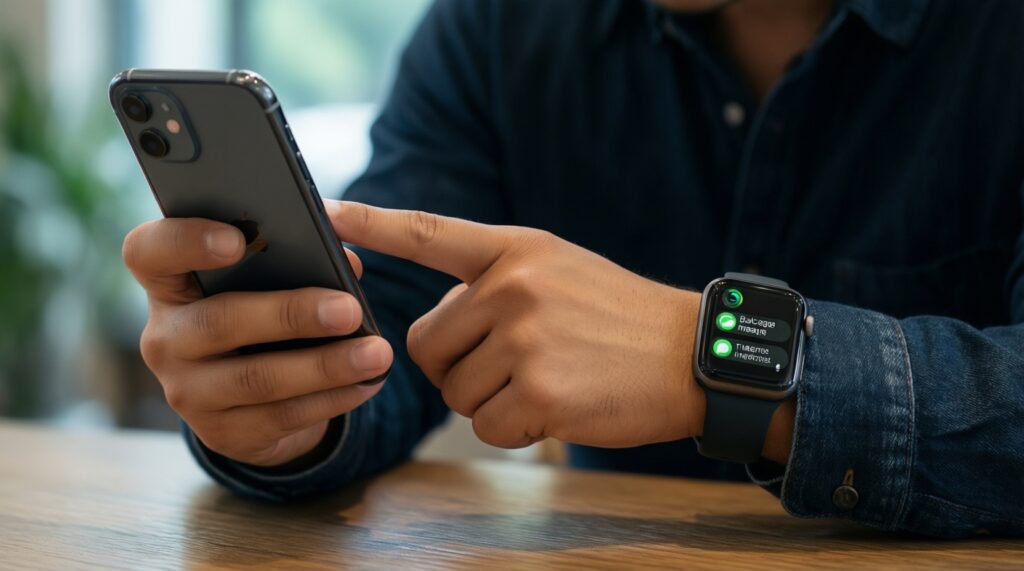
Often yes for pairing, but features can be reduced on iPhone-especially message replies, deep app actions, and some payment flows. Treat it as "basic smartwatch mode" unless confirmed for your exact model.
What should I prioritize if I search สมาร์ตวอทช์ใช้กับ iPhone รุ่นไหนดี?
Prioritize Apple Watch for the full iPhone experience, or a watch with proven iOS companion stability and Apple Health sync if you intentionally avoid Apple Watch. Decide first whether you need replies/actions or just viewing notifications.
Is "สมาร์ตวอทช์สำหรับ iPhone ราคาดี" a safe way to choose?
Use price as a filter, not the decision factor. Verify iOS companion app reviews, sync reliability, and the exact features you need (replies, calls, health export) before choosing.
For Android users, what does สมาร์ตวอทช์ Android สำหรับมือถือ Android รุ่นไหนดี usually imply?
It usually implies Wear OS (or the phone brand's closest ecosystem match) because it enables richer notification actions and app integration. If you mainly care about fitness metrics, a sports watch can still be a better fit.
Will my health data move cleanly if I change from iPhone to Android (or vice versa)?
It depends on the watch platform and its export options. If switching phones is likely, choose a watch with a strong vendor cloud/app and practical export/sync pathways, and keep your data strategy simple.