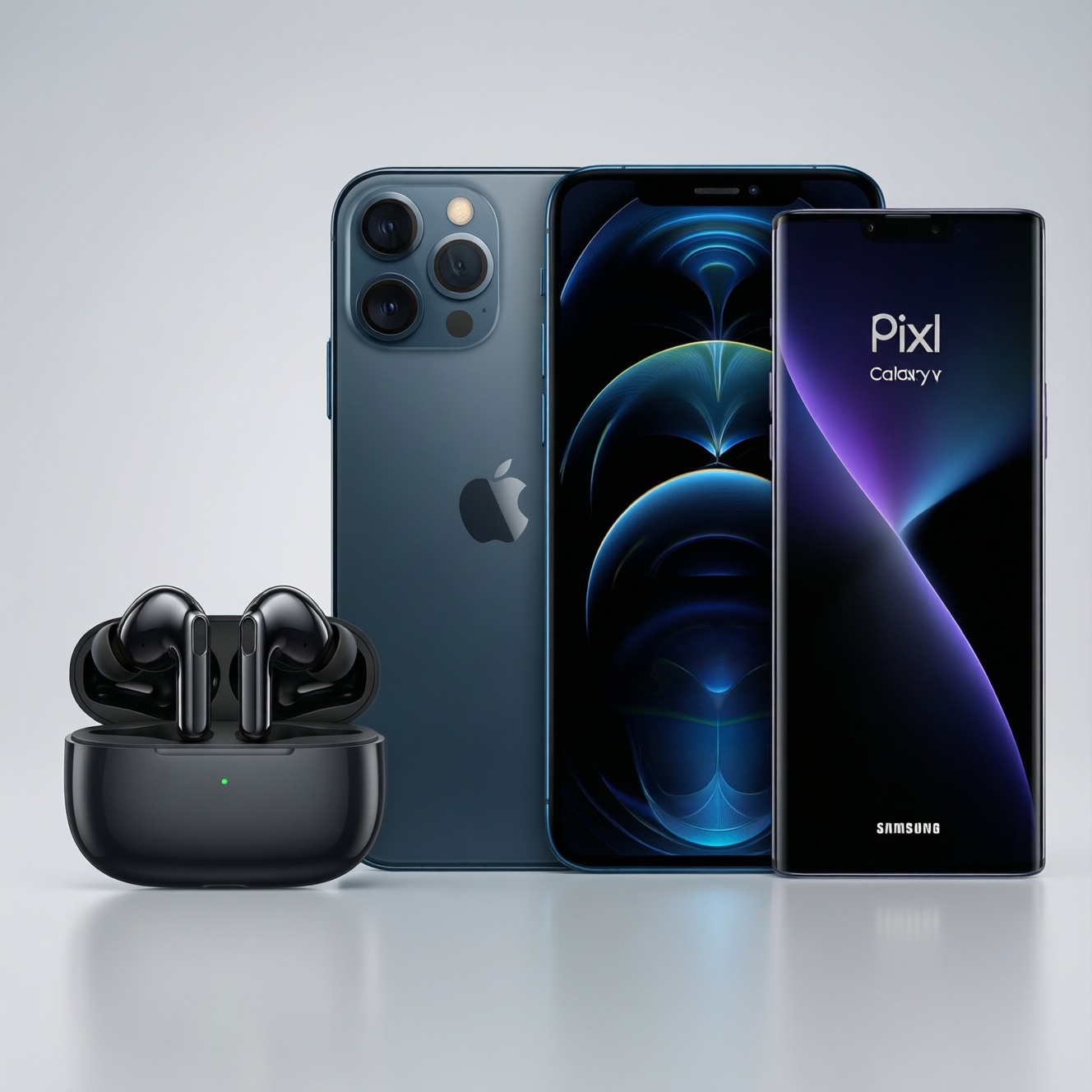
If you want the smoothest device switching, choose earbuds that match your main ecosystem: AirPods for Apple (iPhone/iPad/Mac), Pixel Buds for Google Pixel + Android features, and Galaxy Buds for Samsung Galaxy integration. Sound and ANC quality are broadly "good enough" across all three; the real differentiator is how reliably they connect, switch, and keep features on your devices.
Essential Compatibility and Audio Highlights
- Best hands-off switching typically happens inside the same brand ecosystem; cross-platform use often becomes "manual switching."
- Most advanced features (spatial audio variants, device widgets, assistant triggers) are partially limited outside the native platform.
- Codec support matters more on Android (AAC vs SBC vs scalable/LDAC-like families), while iPhone users largely live on AAC.
- ANC and transparency are as much about fit and ear shape as the brand-tip choice and seal usually decide real-world results.
- For pricing research in Thailand, searches like "ซื้อ AirPods ราคา", "ซื้อ Pixel Buds ราคา", and "ซื้อ Galaxy Buds ราคา" are more useful when paired with your phone model and warranty channel.
Ecosystem Integration: How Each Brand Handles Multi-Device Pairing
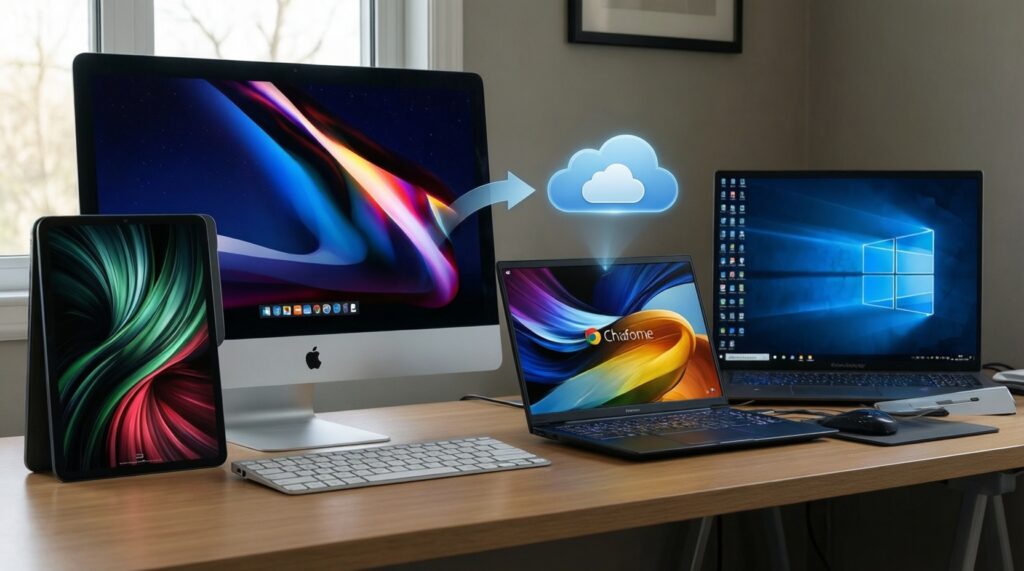
Use these criteria to pick the "best" option for your workflow (not just your phone):
- Primary device mix: iPhone + Mac/iPad vs Pixel + Chromebook vs Galaxy + Windows PC.
- Account-based sync: whether pairing follows your Apple ID / Google Account / Samsung account across devices.
- Auto-switch behavior: does it switch predictably, or do you keep fighting the wrong device grabbing audio?
- Multipoint support: true simultaneous connection to two devices vs fast re-pairing vs "one device at a time."
- Control customization: tap/press remapping, volume gestures, and whether those settings persist cross-platform.
- Assistant integration: Siri/Google Assistant/Bixby triggers, wake-word support, and notification readout.
- Find-my tracking: precision finding, last-seen location, and how well it works outside the native OS.
- Call quality tooling: wind reduction, voice isolation features, and how consistent they are across apps (Line/WhatsApp/Meet).
- Update path: firmware updates availability on iOS vs Android apps, and whether updates require the "home" platform.
Seamless Switching: Latency, Auto-Switch and Reconnection Behavior
In daily use, perceived latency and switching smoothness usually comes down to: connection stability, how aggressively devices auto-connect, and whether you can quickly force audio to the right device. Rather than chasing a single "ms" number (which varies by phone, codec, app, and game mode), compare the behavior patterns below.
| Variant | Who it fits | Pros | Cons | When to choose |
|---|---|---|---|---|
| AirPods (Apple ecosystem switching) | iPhone + iPad/Mac users who jump between devices daily | Typically the least friction for auto-switching; tight OS integration; easy controls in iOS | Many best features degrade on Android; limited control depth outside Apple | If you care most about effortless swapping between Apple devices and fewer connection "fights" |
| AirPods used with Android (manual-first) | Android users attracted by comfort/design | Still solid core Bluetooth audio/calls; case and fit may be preferred | No native Apple-only auto-switch; feature access is limited; tuning controls may be minimal | If you accept manual switching and just want the AirPods fit/feel |
| Pixel Buds (Pixel-first integration) | Pixel owners using Google services heavily | Good Google Assistant/Android integration; settings app tends to be straightforward | Auto-switching behavior depends on Android device support; non-Pixel devices may lose some niceties | If your daily stack is Pixel + Google apps and you want consistent Android-native controls |
| Galaxy Buds (Samsung ecosystem features) | Samsung Galaxy phone + Galaxy tablet/watch users | Strong integration via Samsung's ecosystem; practical wearable tie-ins | Some enhancements are Samsung-specific; non-Samsung Android may feel more "generic" | If you're deep in Galaxy devices and want the smoothest Samsung-to-Samsung behavior |
| Any of the above with true multipoint priority | People living in two-device reality (phone + laptop meetings) | Most reliable path to "no drama" switching when multipoint is implemented well | Multipoint behavior varies by model generation; can still need manual intervention for calls | If your top problem is laptop/phone toggling-verify multipoint for the exact model before buying |
Practical switching tip (Thailand office/café use): if you constantly bounce between phone and laptop, prioritize predictable connection rules over brand loyalty-multipoint (when available) usually beats "auto-switch magic" that sometimes guesses wrong.
Cross-Platform Features and Limitations (iOS, Android, Wear OS, Windows)
- If you use iPhone + Windows laptop, then expect more manual switching regardless of brand; pick the buds whose controls let you quickly force connection and manage calls.
- If you use Android + iPad, then plan for compromises: choose the buds whose companion app works well on your primary phone, and accept basic Bluetooth behavior on the secondary device.
- If you rely on Wear OS notifications and voice actions, then Pixel Buds (or Android-optimized buds) usually feel more consistent for Google Assistant flows than Apple-first designs.
- If you're on Samsung phone + Samsung tablet, then Galaxy Buds tend to offer the most coherent feature set across those devices, including easier device management.
- If your priority is "หูฟังไร้สายสำหรับ iPhone Android เชื่อมต่อหลายอุปกรณ์ ราคา", then treat it as a workflow question: shortlist only models with multipoint or proven fast switching on both OSes, then compare prices locally.
Sound Signature and ANC Performance: Measured vs Perceived
Use this quick selection algorithm to avoid "sounds great in reviews, not for me" outcomes:
- Start with fit: pick the brand/model with ear tips and shape that seal well for you (seal drives bass and ANC effectiveness).
- Decide your sound preference: more bass-forward for commuting vs more neutral for long listening; avoid buying purely by brand reputation.
- Test transparency mode in a noisy place (BTS/MRT-style noise): choose the one that sounds natural to you, not robotic or overly amplified.
- For ANC, evaluate by scenario: low-frequency rumble (train/aircon) and mid-frequency chatter (cafés) react differently; pick based on your real environment.
- Check controls and presets: ensure you can change ANC/transparency and volume without pulling out the phone-this matters more than small tuning differences.
- Confirm mic behavior in your typical call apps (Line, Teams, Meet) on your actual phone OS.
When searching local deals like "หูฟังไร้สายตัดเสียงรบกวน ANC ราคา", prioritize models that let you keep ANC on while using one earbud and that provide stable transparency for street safety.
Battery Life, Codecs and Impact on Streaming Quality
Common buying mistakes that lead to disappointment:
- Assuming a single "battery number" applies to your usage; ANC, transparency, and call time can differ from simple music playback.
- Ignoring the charging case reality: pocketability and how often you top up matters as much as total capacity.
- Overvaluing codecs while forgetting the platform: iPhone users are largely on AAC; Android users may benefit more from brand-specific scalable codecs.
- Buying for "high-res" expectations on Bluetooth, then streaming low-bitrate audio; fix your streaming settings before blaming the earbuds.
- Not checking whether firmware updates require iOS or Android; cross-platform owners can get stuck unable to update easily.
- Assuming gaming/video latency is solved by brand; "low latency" often depends on device, app, and whether a game mode exists on your platform.
- Forgetting mic monitoring/sidetone: if you take many calls, comfort and voice feedback can matter more than codec choice.
- Choosing solely by deal hunting (e.g., "ซื้อ AirPods ราคา" vs "ซื้อ Galaxy Buds ราคา") without validating your device mix and the exact model generation.
Decision Paths: Which Buds Fit Your Device Workflow
Mini decision-tree (pick the branch that matches your top priority)
- Ecosystem first
- If you live on iPhone + Mac/iPad and want the least manual switching → start with AirPods.
- If you live on Samsung Galaxy devices (phone/tablet/watch) → start with Galaxy Buds.
- If you live on Pixel and Google services (Assistant, Android-native controls) → start with Pixel Buds.
- Two-device work (phone + laptop) first
- If meetings and fast toggling matter most → shortlist only models with reliable multipoint (verify the exact model), then choose by comfort and mic quality.
- Sound/ANC first
- If you commute daily and care about isolation → pick the model that seals best and lets you control ANC easily; brand comes second.
- Value and local availability first (TH)
- If you're comparing deals like "ซื้อ Pixel Buds ราคา" across shops → prioritize official warranty, fit, and your OS feature set before small price gaps.
In practice, AirPods are typically the best fit for Apple-heavy setups where switching convenience is the main goal; Pixel Buds suit Pixel/Google-centric users who want Android-native controls; Galaxy Buds align best with Samsung ecosystems and their device continuity. If your workflow is mixed (iPhone + Android or phone + Windows laptop), choose the option with proven multipoint and the best fit in your ears.
Concise Answers to Compatibility and Sound Questions
Which is best for switching between iPhone, iPad, and Mac?
AirPods are usually the most seamless in Apple-only setups because switching is handled at the OS/account level. You'll still want to review your device audio-routing settings to avoid unwanted auto-connect.
Are Pixel Buds a good choice if I don't use a Pixel phone?
They can be, but you may lose some "Pixel-first" conveniences. Check that the companion app features you care about are available on your specific Android brand.
Do Galaxy Buds work well with non-Samsung Android phones?
Core Bluetooth audio works fine, but some enhancements are Samsung-optimized. Expect a more generic experience compared with using them on a Galaxy phone.
Will I get full features if I use AirPods on Android?
No-basic audio and calls work, but many ecosystem features won't. Plan on manual device switching and fewer control/customization options.
What matters more for ANC: brand or ear tip fit?
Fit usually matters more because a good seal boosts both bass and noise reduction. Try different tips and confirm comfort for long sessions.
Should I buy based on codec support alone?
Not alone. Codec benefits depend on your phone OS and app usage; prioritize stable connection, fit, and controls first.
How should I price-check in Thailand without overpaying?
Compare "ซื้อ AirPods ราคา", "ซื้อ Pixel Buds ราคา", and "ซื้อ Galaxy Buds ราคา" against official warranty channels and the exact model generation. A cheaper listing can cost more later if updates, support, or fit don't work out.