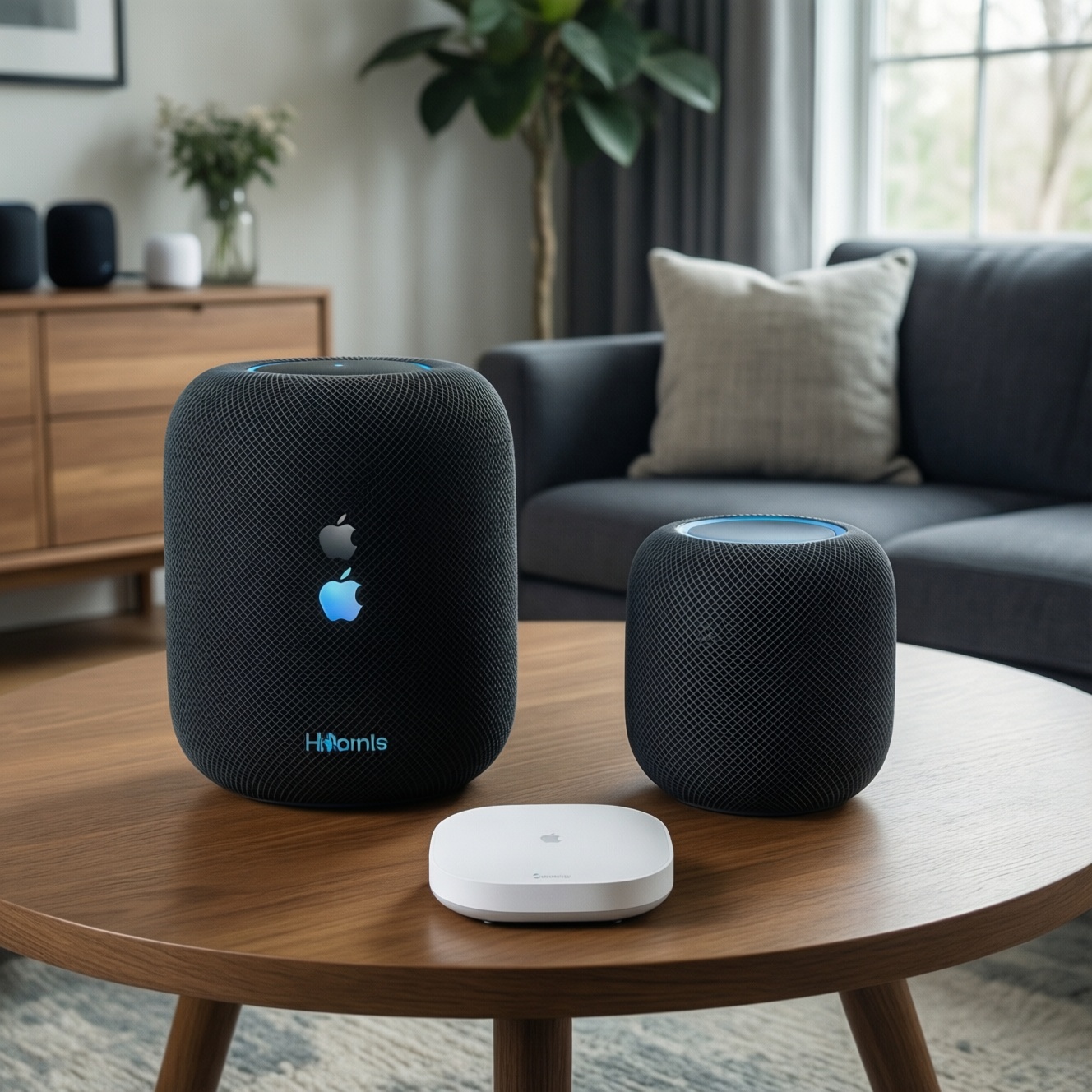
If you're choosing between Apple HomePod, Google Nest Audio, and a Samsung SmartThings-based setup, pick by ecosystem first, then audio. HomePod fits Apple households wanting strong sound and simple multiroom. Nest Audio suits Google services and voice routines. SmartThings is best when you care most about device automation across brands, often using a compatible speaker as the "voice front-end."
Quick verdicts for household profiles
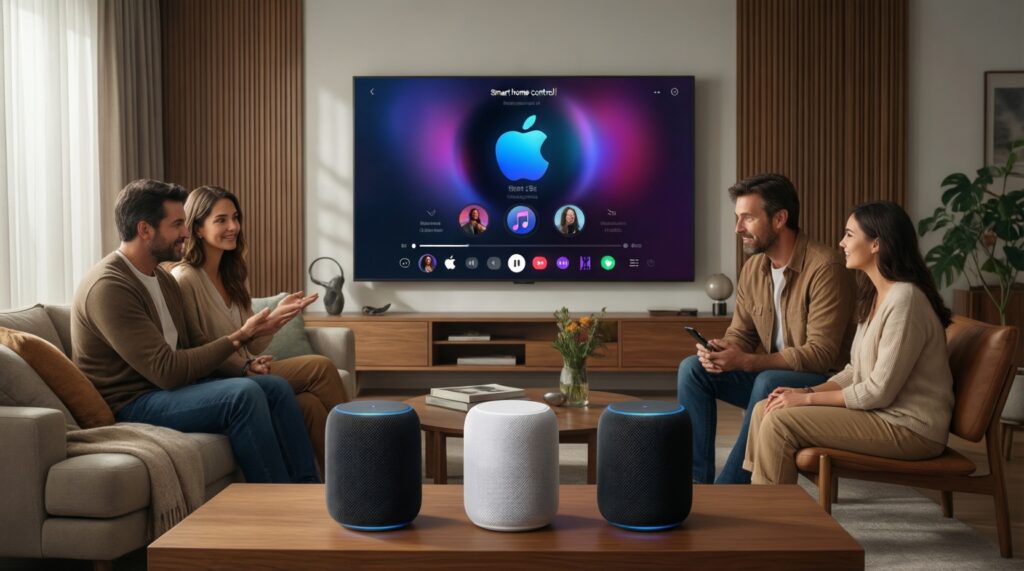
- Casual listener (music-first, low setup effort): Nest Audio for straightforward streaming and day-to-day voice use.
- Apple household (iPhone/Apple TV-heavy): HomePod for tight Apple integration and consistent whole-home audio.
- Smart-home enthusiast (lots of sensors/switches): SmartThings-centric setup for broader automation control, then choose a compatible speaker/assistant to match your phone ecosystem.
- Privacy-conscious user: Prefer the option that lets you minimize cloud features and microphone exposure (often: fewer assistants, fewer accounts, stricter mic controls).
- Budget buyer: Prioritize total system cost (speaker + hub/bridge + any subscriptions you already pay for) over "flagship" branding.
Audio performance and room suitability
Use these practical criteria to decide what will sound right in your rooms, not just on paper:
- Room size and placement freedom: small rooms tolerate smaller speakers; open-plan rooms punish underpowered bass and narrow dispersion.
- Tonal balance at low volume: if you often listen quietly, choose the speaker that stays clear without relying on loudness tricks.
- Vocal clarity vs bass weight: podcasts/TV benefit from midrange clarity; party music benefits from controlled low end.
- Dispersion (how wide it fills the room): kitchens and living rooms need wide coverage; desk/bedside can be more directional.
- Single speaker vs stereo pair: two units placed correctly usually beat one "bigger" unit for imaging and separation.
- Listening distance: nearfield (desk) favors detail; farfield (living room) favors headroom and even coverage.
- Room acoustics: glass/tile-heavy Thai condos can sound bright; softer furnishings reduce harshness and echo.
- Audio sync expectations: if you care about TV lip-sync or grouped playback, prioritize stable multiroom behavior over raw volume.
Smart home integration and ecosystem fit
For "เปรียบเทียบ HomePod vs Nest Audio vs Galaxy SmartThings" decisions, treat each as an ecosystem choice: Apple HomeKit + Siri, Google Home + Assistant, or SmartThings as the automation core with an assistant layered on top.
| Option | Who it fits | Pros | Cons | When to choose |
|---|---|---|---|---|
| Apple HomePod (Home app/HomeKit) | Apple-first homes (iPhone, Apple TV), music-centric users | Seamless Apple device control; strong multiroom experience inside Apple; simple household sharing when everyone uses Apple IDs | Less flexible if your smart devices skew non-HomeKit; best features assume Apple services and devices | Choose if your family already lives in Apple apps and you want speaker + smart-home control with minimal tinkering (รีวิวลำโพงอัจฉริยะ HomePod scenarios) |
| Google Nest Audio (Google Home) | Android/Google service users; routine-heavy households | Great fit for Google Assistant routines; strong voice understanding for everyday tasks; easy room grouping in Google Home | Some smart-home depth depends on cloud integrations; privacy controls require account hygiene and settings reviews | Choose if you use Google Calendar/Maps/YouTube Music and want a practical assistant speaker (รีวิว Nest Audio use cases) |
| Samsung SmartThings as the hub + compatible speaker | Automation builders with mixed-brand devices (sensors, switches, appliances) | SmartThings can unify many device types; strong automation logic when you build around a hub; works well for "if this then that" home routines | You still need a voice layer (Google/Alexa/Samsung options depending on availability); more setup steps than a single-ecosystem speaker | Choose if you care most about device automation breadth and are happy to pick the best speaker/assistant separately (Galaxy/SmartThings household) |
| Hybrid: SmartThings + Google Nest Audio | Android users who want automation depth and a strong assistant | SmartThings handles devices/automations; Nest Audio handles voice and rooms; flexible for mixed devices | Two apps to manage; troubleshooting can span ecosystems | Choose if you want SmartThings automations but prefer Google Assistant for voice control |
| Hybrid: SmartThings + HomePod (via compatible bridges where applicable) | iPhone users with SmartThings devices who still want Apple audio | HomePod for Apple media; SmartThings for broader device coverage | Can be complex; compatibility varies by device and bridge; may require more maintenance | Choose only if you're comfortable managing boundaries between Apple control and SmartThings automations |
If your main question is "ลำโพงอัจฉริยะ ยี่ห้อไหนดี", the honest answer is: the "best brand" is the one matching your phone platform, streaming services, and how many smart devices you plan to add over time.
Voice assistant capabilities and privacy trade-offs
- If you rely on iPhone continuity (handoff-like flows, Apple-first household sharing), then HomePod is usually the least-friction assistant speaker.
- If you want routines tied to Google services (calendar, reminders, commute info, smart displays), then Nest Audio is typically the most natural fit.
- If you want "device-first" automation (sensors triggering lights/AC, robust scene logic), then build around SmartThings and treat the speaker as an interchangeable voice endpoint.
- If privacy is your top constraint, then pick the setup that lets you keep fewer accounts linked, review microphone and personalization settings immediately, and physically place speakers where always-on mics are acceptable.
- If multiple family members use mixed phones, then a Google/SmartThings approach can be simpler for cross-platform participation, while an Apple-first approach is smoothest when the whole home is Apple.
Design, placement, and multiroom setups
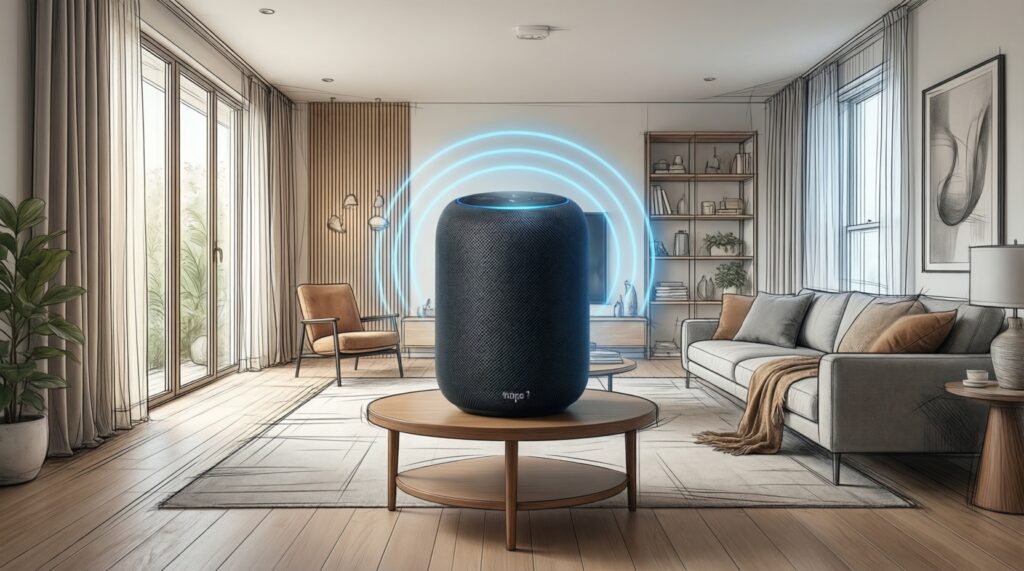
- Map your rooms: where you need voice control vs where you need music quality (these are often different locations).
- Decide "one great room" vs "many okay rooms": buy one speaker first, then expand to matching units for consistent grouping.
- Choose placement before purchase: confirm a stable shelf/counter spot near power, away from sinks and cooking splatter.
- If you want stereo, plan pairs: left/right symmetry matters more than speaker model upgrades.
- Assign roles: one "primary" speaker in the main living area, smaller/secondary units elsewhere.
- Keep Wi‑Fi reality in mind: if your condo has dead zones, fix Wi‑Fi/mesh first-multiroom problems often start at the router.
- Lock in your control method: decide whether the family will use voice, phone app, or both, and set up household access early.
Connectivity, streaming codecs and latency (comparison table)
- Assuming every speaker supports your preferred streaming service: verify your exact service (and plan tier) works well in your region (TH) on that ecosystem.
- Mixing ecosystems and expecting perfect grouping: multiroom sync is usually most reliable inside one ecosystem; cross-ecosystem grouping often becomes manual.
- Ignoring Wi‑Fi band steering and congestion: busy 2.4 GHz networks can cause dropouts; place speakers where signal is stable.
- Expecting zero delay for TV/video: wireless playback can add latency; treat TV use as a separate requirement from music.
- Buying for Bluetooth as the main mode: Bluetooth is convenient but usually less consistent for whole-home audio than native streaming.
- Not planning for guest control: decide whether visitors should be able to cast/play, and configure permissions accordingly.
- Forgetting power and cable management: the "best" speaker becomes annoying if it blocks outlets or forces messy wiring.
- Over-focusing on codec names: in real homes, stability and ecosystem integration often matter more than theoretical codec support.
Price, support and long-term value with persona recommendations
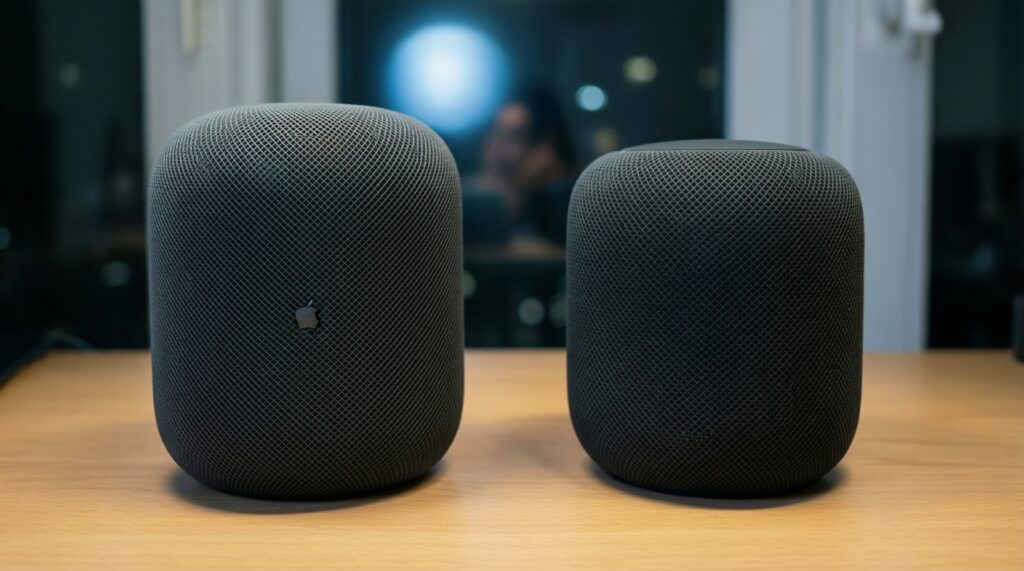
For a casual listener, Nest Audio is often the easiest value because it delivers competent sound with Google-centric convenience. For an Apple household, HomePod tends to be the most satisfying long-term because it stays cohesive with iOS and Apple media-just confirm you're comfortable with the ecosystem lock-in and "ซื้อ HomePod ราคา" in Thailand across official vs reseller channels. For a smart-home enthusiast, SmartThings as the backbone usually wins on automation breadth, while the speaker becomes a swappable choice based on which assistant your family prefers.
Common buyer scenarios and concise answers
I'm deep in Apple devices. Should I still consider Nest Audio?
If your household is iPhone/Apple TV-heavy, HomePod usually reduces friction for media and home control. Consider Nest Audio mainly if your daily services are Google-first or you already run Google Home routines extensively.
I have many mixed-brand smart devices. What's the safest path?
Start with SmartThings as the automation center, then pick a speaker/assistant that matches your phones. This avoids rebuilding automations later if you change speaker brands.
Which is better for Thai language voice use?
Language handling varies by assistant and account settings, and it can change over time. Test the assistant on your phone first with your real commands before committing to multiple speakers.
Do I need two speakers for good sound?
If you care about stereo imaging and separation, a matched pair is the most noticeable upgrade. If you care mainly about background music and voice control, one speaker in the right spot is usually enough.
I care about privacy. Which option should I pick?
Pick the setup that lets you minimize linked services and control mic behavior in your living spaces. After setup, review voice history, personalization, and household access in the companion app immediately.
What should I check before buying HomePod in Thailand?
Beyond "ซื้อ HomePod ราคา", confirm warranty coverage, return policy, and whether the unit is intended for your region. Also confirm your preferred streaming service and home features are available on your Apple account.
Is SmartThings a "speaker" choice like HomePod or Nest Audio?
No-SmartThings is primarily the smart-home control layer. You typically pair it with a compatible voice assistant/speaker to make voice control convenient.