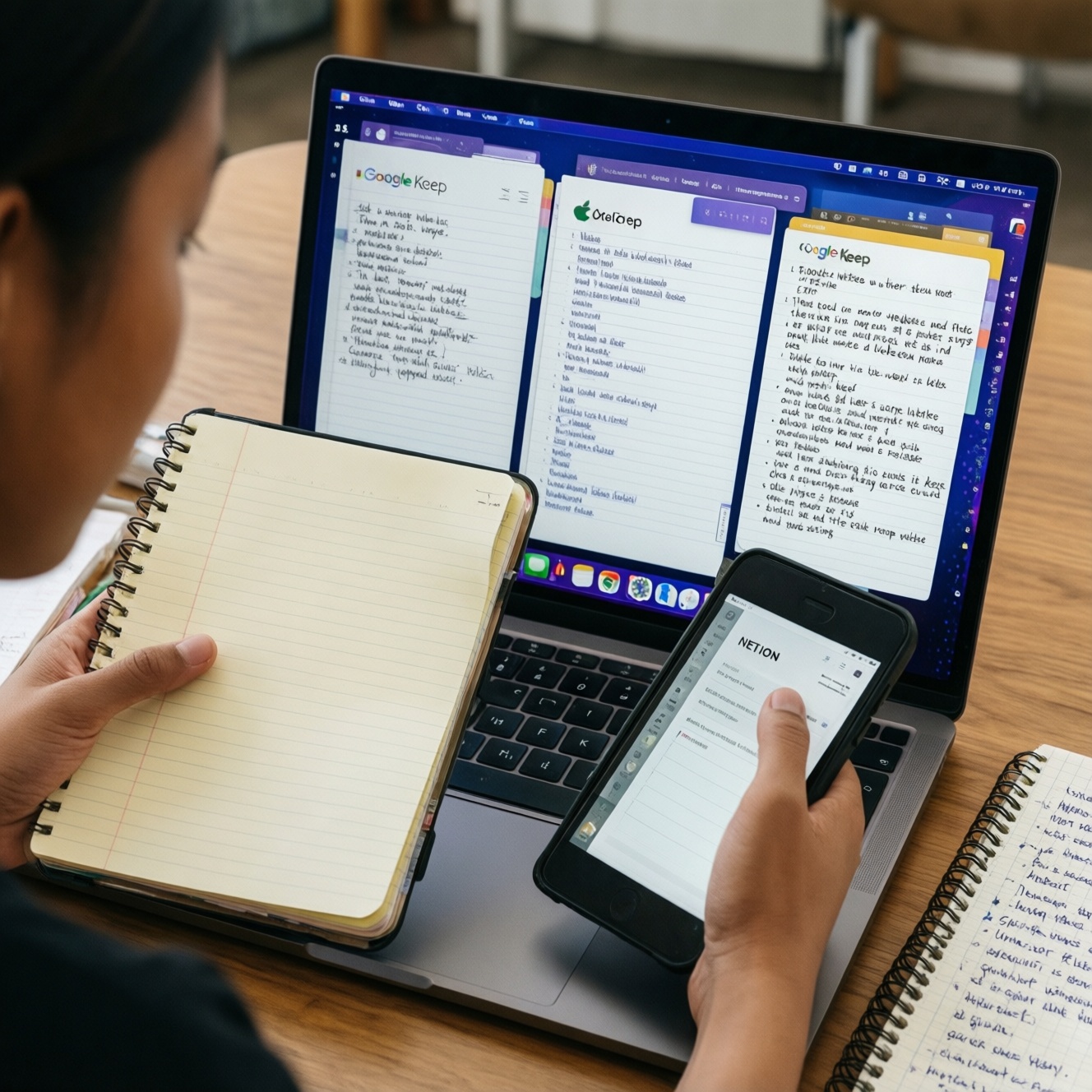
If you want one cross-device system for notes and tasks, pick based on capture speed, offline needs, and how "structured" your information is. Apple Notes is fastest for personal capture, Google Keep excels at quick reminders, OneNote fits long-form meeting notebooks, and Notion is best for databases and team workflows.
Fast selection checklist for cross-platform note & task apps
- Need the fastest phone-first capture with minimal setup: start with Apple Notes or Google Keep.
- Need a "digital binder" for meetings/projects: choose Microsoft OneNote.
- Need databases (projects, CRM-like tables, content calendars): choose Notion.
- Work mostly offline (travel, spotty signal): prefer Apple Notes/OneNote, and verify your key notebooks are downloaded.
- Share and co-edit frequently: Notion/OneNote are usually easier to govern than ad-hoc shared notes.
- Care about exit strategy (export/migration): prioritize apps with clean export formats and consistent structure.
Feature matrix: Notes vs Keep vs OneNote vs Notion (what each does best)
If you're searching for แอปจดโน้ตที่ดีที่สุด, treat it as "best for your workflow," not a universal winner. Use these criteria to decide:
- Capture speed: how many taps from lock screen to a usable note.
- Structure: tags/folders vs sections/pages vs databases and relations.
- Tasks inside notes: checklists, reminders, due dates, and recurring tasks.
- Search quality: full-text search, handwriting/scan search, filters, and saved queries.
- Collaboration: sharing permissions, comment flows, version history, and conflict handling.
- Cross-platform coverage: iOS/Android/macOS/Windows/web consistency for a true แอปจดโน้ตข้ามแพลตฟอร์ม setup.
- Offline reliability: what remains usable without a connection, and how predictable syncing is after reconnect.
- Automation & integrations: calendar/email hooks, shortcuts, APIs, and webhooks.
- Data portability: export formats and how painful it is to migrate later.
What each app typically does best
- Apple Notes: fast capture, great on Apple devices, solid basic sharing, good for "personal knowledge base lite."
- Google Keep: fastest sticky-note style capture, labels, simple checklists, great for "inbox" notes and lightweight tasks.
- Microsoft OneNote: notebook/section/page hierarchy, strong for meeting notes and research dumps, flexible layout.
- Notion: structured work (databases), templates, cross-linking, team workspaces, turning notes into operational systems.
Synchronization, storage limits, and offline behavior on mobile/desktop/web
Don't choose by marketing; choose by what must work when you have low signal, multiple devices, and mixed OS. Also, pricing questions like Notion ราคา and Microsoft OneNote ราคา matter only after you confirm the workflow fit (capture, offline, sharing, export).
| Variant | Who it fits | Pros | Cons | When to choose |
|---|---|---|---|---|
| Apple Notes (iCloud) | Apple-heavy users; personal notes + light sharing | Very fast capture; strong on iPhone/iPad/Mac; offline-friendly for many note types | Weaker on non-Apple platforms; limited advanced workflows compared with databases | When you want low-friction capture and reliable everyday notes across Apple devices |
| Google Keep | Anyone needing a quick "inbox" for notes, lists, reminders | Fast; simple; labels + search; great for short notes and checklists | Limited long-form organization; not ideal as a deep project wiki | When you ask "Google Keep ใช้ยังไง" and the answer you want is "like sticky notes + quick checklists" |
| Microsoft OneNote | Meeting-heavy roles; students; research note-takers | Notebook structure; flexible page canvas; works well for long-form notes and mixed media | Can get messy without naming conventions; task management is not its core strength | When you need a durable meeting/research archive across Windows/macOS/mobile |
| Notion | People who want notes + projects + lightweight PM in one space | Databases, relations, templates; great for turning notes into workflows | Requires setup discipline; offline behavior can be a deciding factor for some users | When you want structured systems (projects, SOPs, content pipelines), not just notes |
| Hybrid: Keep (capture) + Notion (organize) | Busy professionals who capture on phone and organize later | Fast capture + powerful organization; reduces friction at the moment of thought | Two places to manage; requires a weekly processing habit | When capture speed matters more than immediate structure |
| Hybrid: OneNote (meeting notebook) + a dedicated task app | Managers/ICs whose "source of truth" is meeting notes | Meeting notes stay clean; tasks live where reminders and recurrence are strong | Cross-linking between systems takes effort | When tasks must have due dates/recurrence and OneNote is your archive |
Which app matches which workflow: meetings, research, task-driven work, and personal capture
- If your day is meeting → action items, then use OneNote for the agenda/notes and keep a strict "Decisions / Actions / Follow-ups" block at the top of each page; put tasks into a dedicated task tool or Notion database if you need reporting.
- If you do research with lots of sources, then choose OneNote (binder style) or Notion (linked pages + databases). Use a consistent citation pattern: Source link, 3 bullet summary, and "next action."
- If work is task-driven (projects, statuses, owners), then choose Notion and model work as a Projects database + Tasks database + linked meeting notes; keep capture lightweight to avoid "template fatigue."
- If you need personal capture that never gets in the way, then pick Apple Notes or Google Keep; use one "Inbox" and two tags/labels only (e.g., Home, Work) to prevent over-organization.
- If you share notes with mixed platforms, then prefer OneNote or Notion; define who can edit vs comment and standardize page titles for searchability.
Integrations, automation and extensibility: calendars, email, Zapier/IFTTT, APIs
- Define one capture channel (mobile widget, share sheet, email-to-note) and test it twice: once on Wi‑Fi, once on cellular.
- Decide your task authority: tasks live in (a) the note app, or (b) a dedicated task system; avoid "tasks everywhere."
- Pick your calendar link: do you need notes attached to events, or just a daily note that references meetings?
- Choose your automation level: if you rely on Zapier/IFTTT-style flows, prefer platforms with stable integrations and predictable page/database IDs (Notion often fits structured automation).
- Set a naming and tagging convention before automating (e.g., YYYY-MM-DD Meeting - Topic; tags: client/project).
- Test the "round trip": create on mobile → edit on desktop → share → export a sample; if any step feels fragile, switch before you commit.
Security, sharing controls and how to export or migrate your data
- Choosing based on features, not exit: if you can't export cleanly, future migration becomes a project.
- Over-sharing by link: "anyone with the link" is convenient; it's also easy to leak. Prefer explicit invites for sensitive work.
- No permission tiers: if you need reviewers who shouldn't edit, pick tools with comment/view roles and use them consistently.
- Unclear ownership: team workspaces should have admin continuity (not tied to one person's account).
- Attachment sprawl: files scattered across pages without naming rules become unsearchable-standardize filenames and store canonical files in one place.
- Assuming offline is identical everywhere: verify what is truly accessible on mobile when disconnected, especially for critical notebooks/pages.
- No weekly maintenance: even the best app fails if your inbox never gets processed-schedule a 20-30 minute weekly review.
- Mixing personal and company data: separate spaces/accounts early; retrofitting later is painful.
Persona-based recommendations and ready-to-use setup templates
For a solo freelancer who needs fast capture and simple delivery notes, Apple Notes or Keep tends to stay frictionless; for an engineering team lead who needs shared specs and structured project tracking, Notion usually fits better; for a student or researcher who lives in lecture notes and long-form study pages, OneNote is often the smoothest. If you want both speed and structure, use Keep as an inbox and Notion as the organized workspace with a weekly processing routine.
Typical decision blockers and concise fixes
Should I force one app for both notes and tasks?
Only if you can keep a single "task authority." If tasks must have due dates, recurrence, and reminders, let a task tool be authoritative and keep notes linked to it.
Is Notion overkill for personal notes?
It can be if you mainly capture quick thoughts. Use Notion when you benefit from databases, repeatable templates, and cross-linking between projects and notes.
How do I stop OneNote from becoming a mess?
Use a tight hierarchy (Notebook → Section → Page), enforce a page title standard, and keep a single "Inbox" section you empty weekly.
What's the simplest way to start with Google Keep?
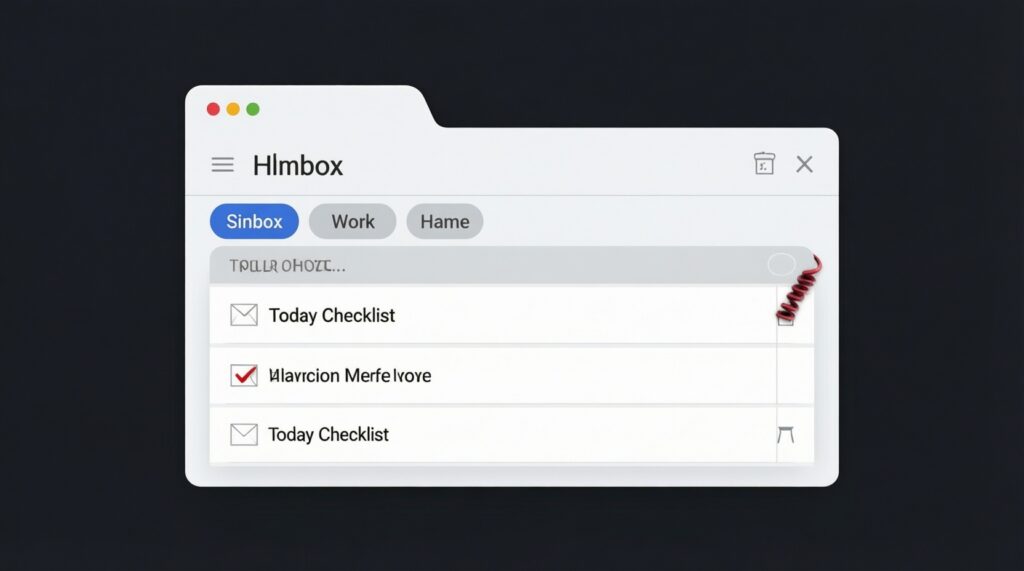
Create one Inbox label, two context labels (Work/Home), and one pinned "Today" checklist. Keep everything else unpinned and searchable.
What if I often work offline?
Prioritize the app where your critical content is reliably available without a connection, and test it on your exact devices before migrating everything.
How do I migrate without losing structure?
Export a small representative sample first (notes, attachments, shared items). If the export loses key metadata you depend on, redesign your structure or switch tools before full migration.