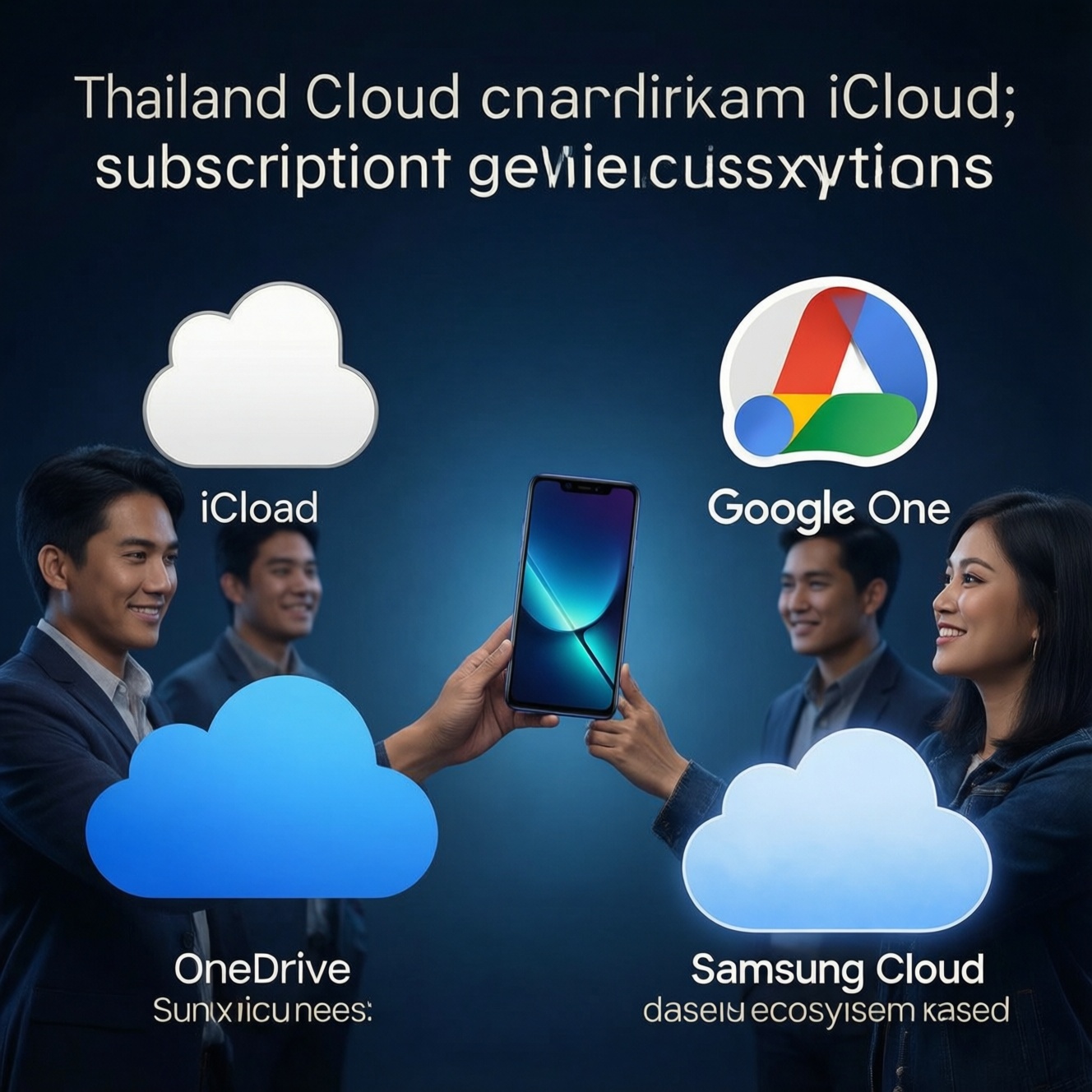
If you want the "best value" cloud subscription in Thailand, pick the service that matches your device ecosystem and backup needs first, then only compare tiers and family sharing. iCloud+ is usually the most frictionless for iPhone backups, Google One is the most flexible across Android/PC, and OneDrive fits Microsoft-heavy work; Samsung users often combine Samsung Cloud/OneDrive workflows.
Quick comparison: what matters when choosing a cloud subscription
- Does it back up your phone automatically (system + apps), or mostly files/photos?
- Cross-platform access: iPhone, Android, Windows, macOS, web.
- Family sharing: how many members, separate accounts, shared pool, and controls.
- Security posture: end-to-end encryption options, key recovery, and account recovery path.
- Restore experience: selective restore, speed on mobile data, and "new phone" setup flow.
- Bundled value: office apps, email, VPN, photo tools, or extra device benefits.
Storage tiers, pricing models and true cost per GB
Use these criteria to judge "value" without chasing the lowest headline price (you'll see people searching สมัคร iCloud ราคา and สมัคร Google One ราคา, but the best choice depends on what you're protecting and how you access it).
- Primary device backup fit: full-device backup vs folder/file sync vs photo-centric storage.
- Growth pattern: photos/video growth, chat attachments, and app caches; avoid frequent tier hopping.
- Family sharing mechanics: shared pool vs per-user quota; admin controls and member switching.
- Bundled extras you'll actually use: office suite, security features, or photo editing-ignore what you won't use.
- Cross-platform friction: best experience on your main device and acceptable experience on secondary devices.
- Restore granularity: ability to restore specific apps/files/photos instead of "all or nothing."
- Account risk: how painful it is to lose access (SIM change, travel, device loss) and how recovery works.
- Hidden switching cost: time to migrate data, re-share albums/folders, and reconfigure backups.
Ecosystem fit: device compatibility and vendor lock-in
People often search เปรียบเทียบ iCloud กับ Google One because the real decision is "which ecosystem do I live in most days?" Use the table to pick the default, then consider a secondary service only if you need an extra workflow (e.g., work collaboration).
| Option | Best for | Pros | Cons | Choose it when |
|---|---|---|---|---|
| iCloud+ | Apple-first users (iPhone/iPad/Mac) | Deep iOS integration; smooth device backup/restore; strong Apple ecosystem sharing | Less ideal if your daily workflow is Windows/Android; storage feels "tied" to Apple services | You mainly need to ซื้อพื้นที่เก็บข้อมูล iPhone iCloud and want the simplest new-iPhone restore |
| Google One (Google Drive/Photos) | Android-first or mixed-device users | Good cross-platform access; flexible file sharing; integrates well with Gmail/Docs/Photos workflows | Phone "full backup" experience varies by device/OS; can become fragmented across Drive/Photos | You switch between Android, iPad, Windows, and web often and want one storage pool |
| Microsoft OneDrive (often via Microsoft 365) | Windows + Office-heavy users, small teams | Best fit for Office files; strong collaboration and permissioning; good Windows integration | Not as seamless for iPhone-first device restore; can feel complex for casual use | Your "must not lose" data is in Word/Excel/PowerPoint and you collaborate frequently |
| Samsung Cloud / Samsung account backups + OneDrive sync | Samsung Galaxy users who rely on Samsung services | Device settings/app-related backup flows can be convenient on Galaxy; can pair with OneDrive for files | May involve more than one place to manage data; portability depends on what you back up where | You're comparing Samsung Cloud OneDrive ราคา and want a Galaxy-centric setup with Microsoft file workflows |
Persona picks (fast)
- Casual user (chat + photos, minimal admin): pick the service already built into your phone ecosystem (iCloud+ for iPhone, Google One for Android). Trade-off: higher lock-in, lower setup effort.
- Photographer/creator (large media library): choose the service that matches your editing/sharing workflow (Google Photos-style flows vs Apple Photos ecosystem). Trade-off: best photo features often mean committing to that library.
- Small business (documents + collaboration): OneDrive (via Microsoft 365) if you live in Office; Google One/Workspace-style flows if you live in Docs/Sheets. Trade-off: admin complexity, but better permissions.
- Power Apple user (multiple Apple devices): iCloud+ as default; add OneDrive/Google only for cross-team collaboration. Trade-off: paying for two services, but cleaner separation of personal vs work.
Backup scope: photos, messages, app data and selective restore
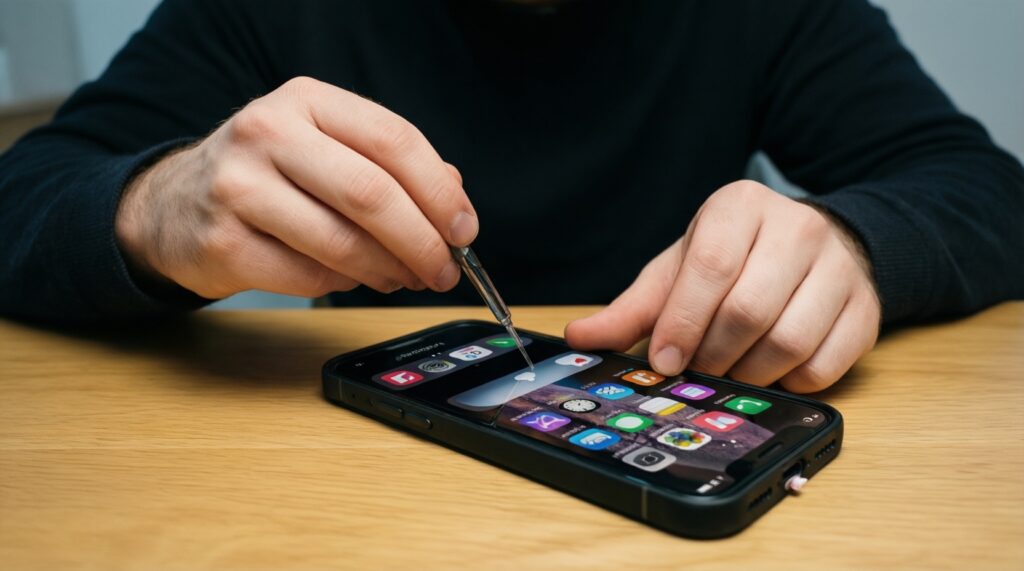
Pick based on what you must be able to restore on a bad day (lost phone, broken screen, or switching devices).
- If your priority is "new iPhone feels identical in 30-60 minutes," then prioritize iCloud+ device backup and make sure Photos and key apps are included; treat Drive/OneDrive as secondary file storage.
- If you switch Android devices often, then use Google One as the hub for files and media; verify which items your specific Android vendor backs up automatically vs what you must sync separately.
- If your must-keep data is work documents and shared folders, then center on OneDrive and store everything in a clearly-structured folder tree; keep phone backup separate.
- If you need selective restore (only some folders/albums), then use a file-sync model (Drive/OneDrive) for critical data rather than relying only on full-device backup snapshots.
- If you care about chat history continuity, then check each app's own cloud backup/export options and don't assume your cloud subscription covers it end-to-end.
Privacy, encryption and account recovery policies
- List your threat model: lost device, account takeover, accidental deletion, or family member access.
- Confirm whether you can enable end-to-end encryption for sensitive categories (and whether you accept the recovery trade-off).
- Choose your recovery method: trusted devices, recovery contacts, authenticator app, backup codes; avoid SMS-only recovery.
- Turn on strong authentication for the primary account (Apple ID / Google Account / Microsoft Account) before you upload more data.
- Test a restore in a low-risk way: download a folder, restore a photo album, or sign into a new device profile.
- Set a deletion safety net: retention, trash/recycle bin habits, and a second copy for truly irreplaceable data.
- Document ownership: who "owns" the account and recovery methods in a family/team so you don't get locked out.
Sharing and collaboration: family plans, team seats and workflows
- Buying a family plan but using one shared login (breaks privacy, makes recovery messy, and increases lockout risk).
- Assuming "shared storage" means "shared files" (storage pool and file permissions are different things).
- Mixing personal and work data in one root folder with no naming convention (restores and migrations become painful).
- Not defining what must be shared vs what must be private (especially photos and scanned IDs).
- Relying on a single admin account without backup recovery options (one mistake can lock the whole group out).
- Ignoring platform friction: a link-sharing workflow that's easy on web may be annoying inside iOS apps (and vice versa).
- Paying for collaboration features you don't use (teams should pay for permissioning/versioning; casual users usually shouldn't).
- Not checking offline access needs (travel, poor signal): some workflows need downloaded folders, not just cloud-only.
Reliability, speed and real-world restore/testing outcomes
Best fit tends to be: iCloud+ for Apple-first users who value effortless iPhone restore; Google One for mixed-device users who want one pool across Android/web; OneDrive for Office-centric work and structured collaboration; Samsung Cloud/OneDrive style setups for Galaxy users who want device backup convenience plus Microsoft file workflows.
Practical buyer scenarios and concise resolutions
I mainly want to back up my iPhone and restore everything quickly-what should I buy?
Pick iCloud+ and ensure device backup and Photos sync are enabled. This directly matches the "ซื้อพื้นที่เก็บข้อมูล iPhone iCloud" intent better than file-only services.
I use Android and Windows daily and sometimes iPad-what is the safest default?
Google One is usually the most straightforward cross-platform baseline for files and media. Add OneDrive only if you need Microsoft collaboration features.
Is it smart to pay for both iCloud+ and Google One?
Yes when you separate roles: iCloud+ for iPhone system backup, Google One for sharing and cross-platform files. It's wasteful if both services store the same media library without a clear reason.
I'm comparing Samsung Cloud and OneDrive because I have a Galaxy-what's the practical approach?
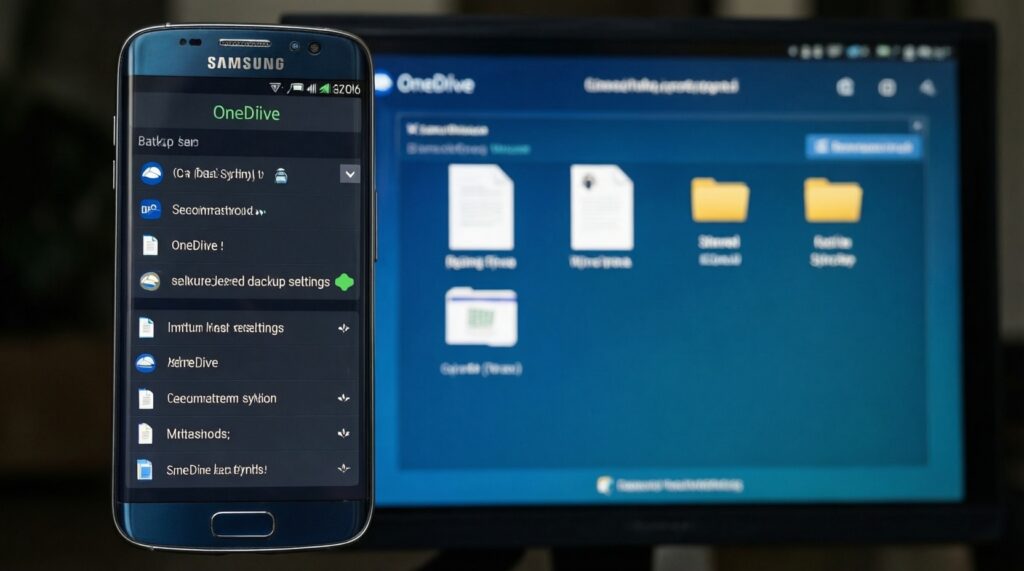
Use Samsung's device backup flow for phone settings/app-related items, and use OneDrive for documents and shared folders. This aligns with what people mean by "Samsung Cloud OneDrive ราคา" comparisons: workflow, not just the fee.
Which option is best for a small business sharing folders and Office files?
OneDrive (often via Microsoft 365) is the most natural choice if your team lives in Word/Excel/PowerPoint. Use clear permission groups and avoid sharing a single login.
How do I avoid getting locked out of my cloud storage?
Enable strong authentication, save backup codes, and set recovery contacts where available. Test account recovery once before you migrate your whole library.