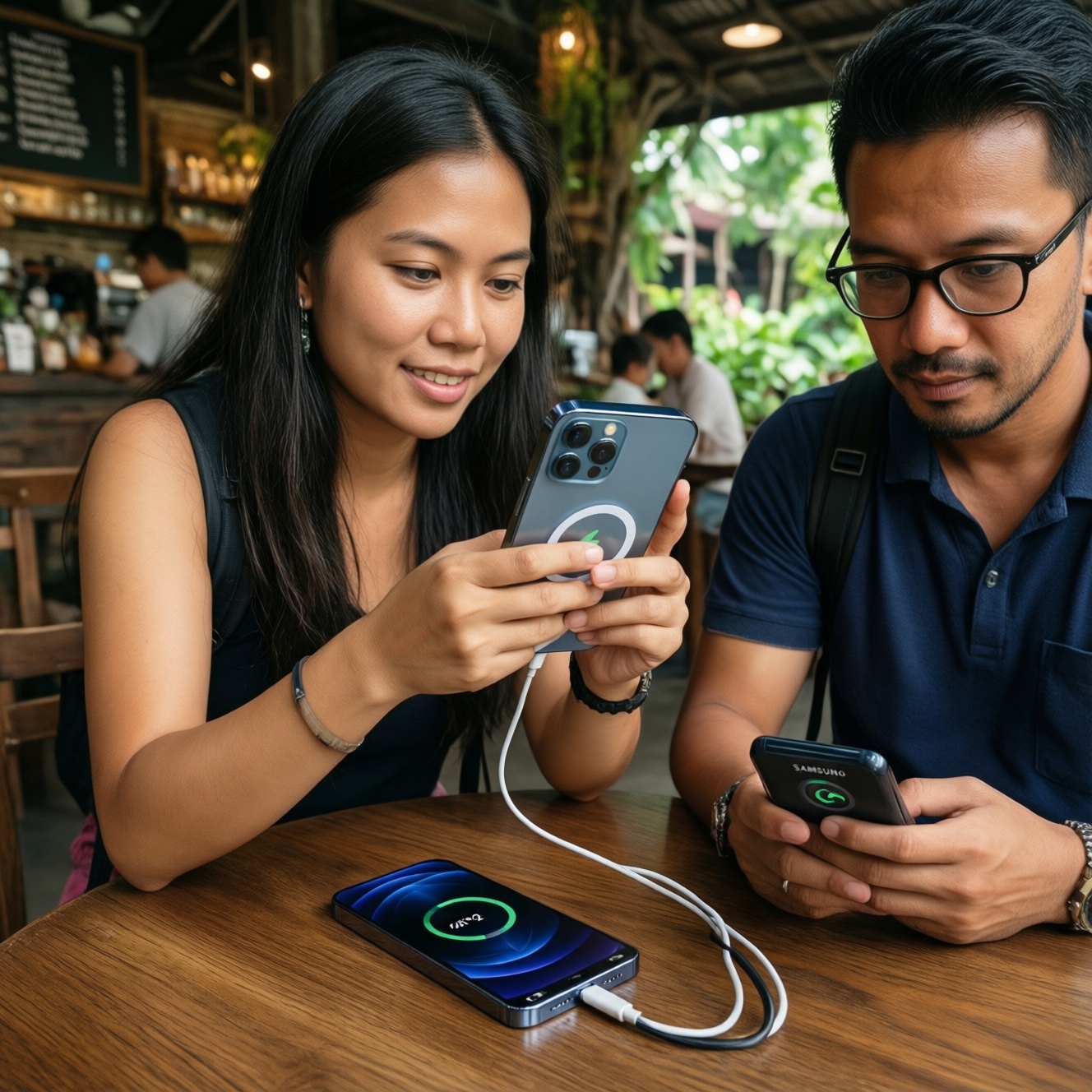
If you want the "best" charging option in Thailand, pick by device ecosystem and daily behavior: MagSafe is the most reliable magnetic wireless choice for iPhone users, Qi2 is the most flexible cross-brand magnetic wireless path, and Samsung/Google wired fast charging is still the most predictable for speed and heat control. Use a PD wall charger plus the right USB‑C cable to keep value high.
Critical charging insights for everyday use
- For consistent top-up speed, wired fast charging (USB‑C PD + brand protocols) is usually more predictable than wireless.
- Magnetic alignment is the real advantage: it reduces coil mismatch, which otherwise wastes energy and raises heat.
- Qi2 is the standardized magnetic direction; compatibility depends on whether your phone supports Qi2 natively or via a case/ring.
- Wall chargers matter as much as pads: a weak USB‑C PD profile can quietly cap wireless and wired performance.
- Cable quality is the most common hidden bottleneck; the wrong cable can trigger slow charging or instability.
- Heat is the enemy of sustained fast charging; plan for ventilation and avoid thick cases on wireless pads.
How MagSafe Works and Its Practical Limits
Practical recommendation: Choose MagSafe when you want repeatable magnetic placement on iPhone and you're fine with "top-up convenience" rather than maximum wired speed.
MagSafe decision criteria (use 5-9 to decide quickly)
- Device ecosystem: True MagSafe performance is an iPhone-first experience; Android users gain less unless using a magnetic ring/case.
- Charger authenticity and profile support: With third-party gear, power negotiation can be inconsistent; this is where shoppers start searching ที่ชาร์จ MagSafe แท้ ราคา to avoid surprises.
- Magnet strength and alignment tolerance: Stronger, well-centered magnet arrays reduce "charging-but-not-really" moments.
- Case thickness and materials: Thick cases, metal plates, or poor magnetic rings increase loss and heat; some cases also shift coil position.
- Thermal design: Look for pads/stands with good heat spreading; wireless charging can throttle when warm (especially in non‑AC rooms).
- Form factor: Stand for desk visibility and stable alignment; puck for travel; multi-device docks add convenience but can trade off efficiency.
- Power path quality: The wall charger and cable feeding the pad can cap performance even if the pad is "rated" higher.
- Use pattern: If you do many short top-ups, magnetic wireless feels great; for long sessions, wired is usually cooler and steadier.
Who benefits most from MagSafe (traveler, power user, budget buyer)
- Traveler: A compact magnetic puck plus a small USB‑C PD charger is easy to pack; beware hotel nightstands that trap heat and cause slowdowns.
- Power user: Use MagSafe mainly for desk convenience; keep a wired USB‑C/Lightning option for rapid recovery when you're low.
- Budget buyer: Prioritize a reputable PD wall charger and cable first; then add a magnetic pad when you can confirm compatibility and stability.
Qi2: Standards, Compatibility, and Real-World Performance
Practical recommendation: Choose Qi2 when you want a more future-proof magnetic wireless setup that can serve multiple brands, but verify whether your phone supports Qi2 natively or only via a magnetic case/ring.
MagSafe vs Qi2 vs Samsung/Google wired fast charging (practical comparison)
| Option | Speed (practical) | Compatibility | Efficiency | Heat behavior | Cost (typical drivers) |
|---|---|---|---|---|---|
| MagSafe (magnetic wireless) | Moderate; best for frequent top-ups | Best on iPhone; accessories vary on Android | Improved by strong alignment | Can warm up; may throttle in hot rooms/cases | Often higher for genuine/official-grade gear (users compare ที่ชาร์จ MagSafe แท้ ราคา) |
| Qi2 (magnetic wireless standard) | Moderate; depends on phone + pad negotiation | Cross-brand direction; support varies by model/generation | Better than random Qi when aligned well | Similar risks to MagSafe; stands can help airflow | Varies widely; shoppers often compare แท่นชาร์จไร้สาย Qi2 ราคา |
| Samsung/Google (wired fast charging) | Usually the most consistent when protocol matches | Best with the same brand or fully compatible PD/PPS | Typically higher than wireless | Often better controlled; still throttles under high ambient heat | Best value long-term if you buy one good charger + cable (e.g., หัวชาร์จเร็ว Samsung 45W ราคา, หัวชาร์จเร็ว Google Pixel 30W ราคา) |
Qi2 buying options compared (what to choose and when)
| Variant | Who it suits | Pros | Cons | When to choose |
|---|---|---|---|---|
| Qi2 magnetic puck (single-device) | Traveler, minimal desk setup | Compact; easy alignment; fewer moving parts | Phone lies flat (harder to view); can trap heat on soft surfaces | When you want a portable magnetic charger and already carry a good wall brick |
| Qi2 magnetic stand (single-device) | Desk users, video calls | Better airflow; usable viewing angle; stable alignment | Takes space; often needs a stronger wall charger to avoid slow mode | When daily convenience and cooler charging matter more than portability |
| Qi2 car mount charger | Drivers using navigation | Secure mount + charge; better alignment than generic Qi clamps | Cabin heat + sunlight can trigger throttling; power depends on car adapter | When you need charge while using maps and want fewer drop-offs from misalignment |
| Qi2 multi-device dock (phone + earbuds + watch area) | Home bedside, multi-gadget owners | One place for everything; reduces cable clutter | Shared power budget; some watch areas are not officially compatible with all watches | When you value tidy charging over absolute charging speed for each device |
| Qi2 pad + magnetic ring/case (for non-Qi2 phones) | Budget buyer, mixed-device household | Cheapest way to gain magnetic placement | Not true Qi2 device behavior; ring placement errors reduce efficiency | When your phone lacks Qi2 but you still want magnetic alignment benefits |
Qi2 persona picks for Thai daily use
- Traveler: Prefer a Qi2 puck; pair it with one compact USB‑C PD charger that can also power your laptop/tablet if needed.
- Power user: Use a Qi2 stand at the desk for always topped-up behavior, but switch to wired when you need fast recovery before going out.
- Budget buyer: Buy a solid PD wall charger and a reliable cable first; then compare แท่นชาร์จไร้สาย Qi2 ราคา and pick a simple puck/stand from a reputable brand.
Samsung and Google Fast Charging: Protocols, Power and Thermal Behavior
Practical recommendation: For Samsung and Pixel phones, prioritize a USB‑C PD charger that supports the right negotiation (especially PPS for many Samsung models) and pair it with a cable that matches your power target.
Scenario rules (if... then...)
- If you have a Samsung phone that supports higher-speed modes, then look for a charger that explicitly supports USB‑C PD with PPS; otherwise you may fall back to slower basic PD.
- If you're shopping based on หัวชาร์จเร็ว Samsung 45W ราคา, then confirm your exact phone model can actually use that level; many phones will simply negotiate lower.
- If you're using a Pixel and comparing หัวชาร์จเร็ว Google Pixel 30W ราคา, then prioritize stability and thermals over chasing higher watt numbers that your phone may not request.
- If the phone gets hot or you live in a warm environment, then expect charging to slow automatically; using wired charging with good airflow usually sustains better than any wireless pad.
- If charging seems randomly slow, then swap the cable first; many issues come from cables that cannot maintain current without voltage drop.
Fast-charging choices by user type (Samsung and Pixel)
- Traveler: One good multi-port PD charger can cover phone + tablet; keep a short, durable USB‑C cable to reduce tangles and wear.
- Power user: Choose a charger with headroom (multiple ports, PPS support) so it doesn't downshift when you charge two devices at once.
- Budget buyer: Pick one reputable single-port PD/PPS charger and one good cable; upgrade to extra ports later.
Selecting Wall Chargers: Wattage, PD vs Proprietary, and Safety
Practical recommendation: Buy the wall charger around compatibility first (USB‑C PD, and PPS when needed), then add wattage and ports to match your devices, not the other way around.
- List your devices (phone, tablet, laptop, earbuds) and identify which ones need USB‑C PD and which benefit from PPS (common for Samsung fast modes).
- Pick port type and count: at least one USB‑C; add a second USB‑C if you often charge two modern devices together.
- Check supported profiles: the charger should clearly state PD (and PPS if you want Samsung's best negotiation), not just fast charge.
- Match realistic power: choose a wattage tier that covers your highest-demand device without forcing the charger to run at its limit constantly.
- Verify cable requirements: plan for a proper USB‑C to USB‑C cable; many buyers compare สายชาร์จ USB-C to USB-C PD ราคา; ensure it is rated for the power you intend to draw.
- Prioritize safety signals: clear labeling, reputable brand, proper heat dissipation, and a solid warranty/return policy from Thai retailers.
- Plan for heat: if your room is warm, favor chargers that stay cool and avoid burying them under bedding or behind TV cabinets.
Wall-charger setup guidance for three personas
- Traveler: A compact PD charger with foldable prongs (where available) and 1-2 USB‑C ports is the most versatile carry.
- Power user: A multi-port PD/PPS charger reduces juggling; ensure it can allocate power sanely without forcing both ports into slow mode.
- Budget buyer: Buy one strong, reliable single-port PD/PPS brick first; avoid ultra-cheap multi-port models that may run hot or negotiate poorly.
Cables and Connectors: Data, Power Ratings and Durable Choices
Practical recommendation: Use a known-good USB‑C to USB‑C cable rated for the power you need; treat the cable as a power component, not an accessory.
Common cable mistakes that waste money
- Buying a charging cable with no clear power rating and then wondering why fast charging doesn't trigger.
- Using a long, thin cable for high power; voltage drop can cause slow charging and extra heat at the connector.
- Assuming all USB‑C cables are equal: some are charge-only, some are USB 2.0 data, and some support higher-speed data and higher power.
- Ignoring connector quality: loose USB‑C plugs increase resistance and can cause intermittent charge/disconnect cycles.
- Mixing cheap adapters (USB‑A to USB‑C, random extenders) into a PD chain; it can break negotiation entirely.
- Over-bending at the strain relief; this is the most common point of internal conductor damage.
- Using an e-marked high-power cable but pairing it with a weak charger; you paid for headroom you never use.
- Choosing braided cables for durability without checking plug housing length; bulky plugs may not fit through some protective cases.
Cable recommendations by usage pattern
- Traveler: Carry one short rugged cable plus one longer backup; short cables reduce stress on ports when charging from power banks.
- Power user: Standardize on a couple of high-quality cables to reduce troubleshooting time; label them by length and intended use.
- Budget buyer: Spend on one reliable cable first (often the best fix for slow charging) before upgrading pads/stands.
Assembling a Cost-effective Charging Kit for Different Users
Best for an iPhone desk setup is typically a MagSafe or Qi2 magnetic stand plus a reputable USB‑C PD wall charger and a good cable. Best for Samsung/Pixel speed is usually a PD/PPS wall charger with a properly rated USB‑C to USB‑C cable, keeping wireless as a convenience add-on. For mixed households, Qi2 magnetic accessories can be the most reusable across devices.
Solutions to common charging dilemmas
Should I buy MagSafe or Qi2 if I use an iPhone?
If you want the most predictable magnetic wireless experience today, MagSafe is the safe choice. Qi2 can still be great, but check pad quality and whether you want cross-device flexibility.
Why does my phone charge slowly on a "fast" wireless stand?
Wireless charging speed often drops due to misalignment, thick cases, or heat throttling. Also confirm the stand is fed by a wall charger and cable that can supply the needed PD profile.
Will a higher-watt charger always charge my Samsung faster?
No. Your phone only draws what it negotiates, and many Samsung fast modes depend on PPS support, not just a bigger watt number.
Is the Google Pixel 30W charger mandatory for Pixel fast charging?
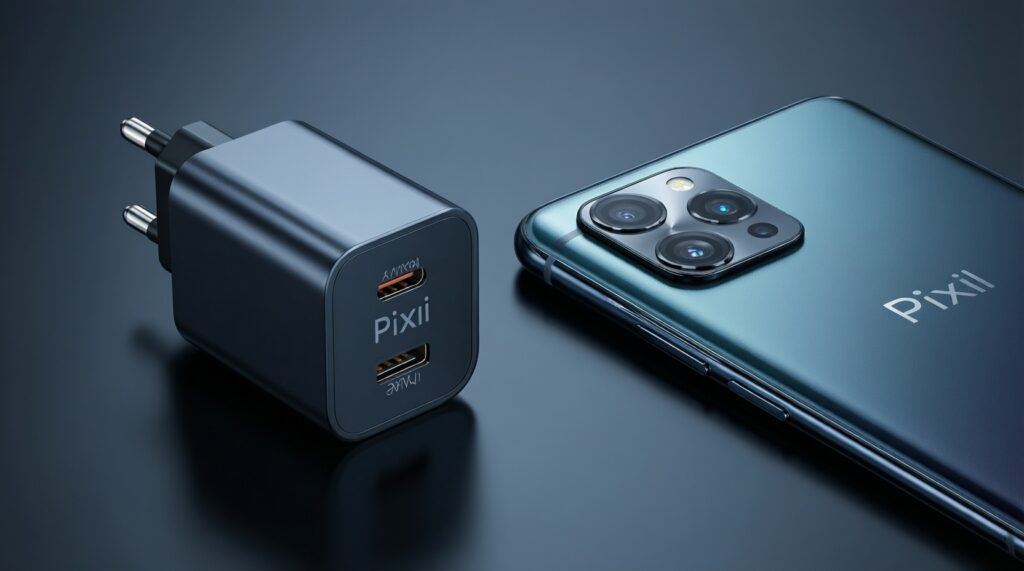
Not mandatory, but a good USB‑C PD charger that matches Pixel's expected profiles is the practical requirement. Prioritize reputable PD behavior and thermals over brand matching.
What cable should I buy for PD fast charging?
Choose a USB‑C to USB‑C cable with a clear power rating suitable for your charger and device. If you're comparing สายชาร์จ USB-C to USB-C PD ราคา, don't trade down on unknown specs; cables are the most common bottleneck.
Is it safe to leave my phone on a wireless charger overnight?
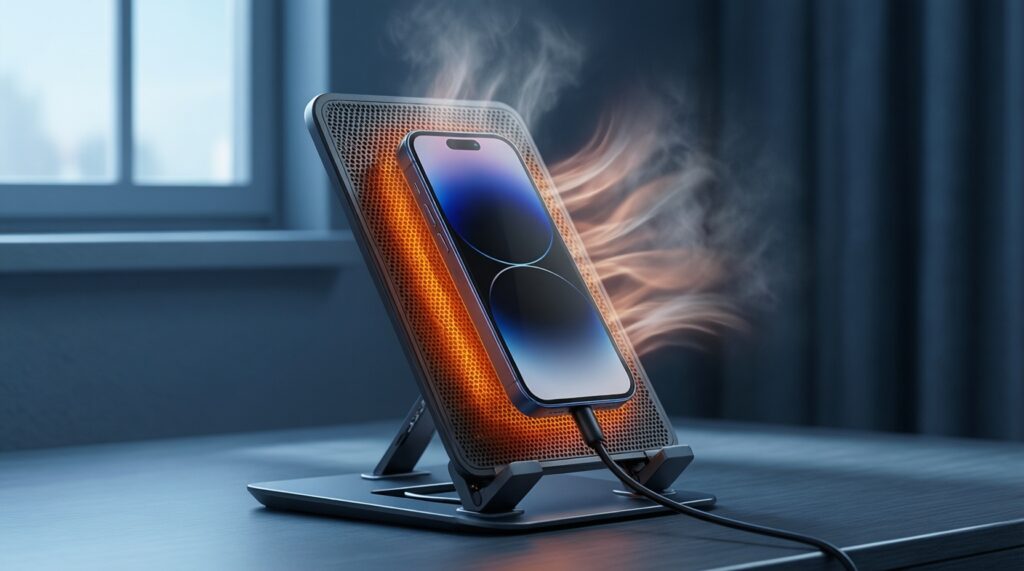
Generally it's designed to manage charging, but heat is the main concern. Use a well-ventilated stand, avoid thick insulating surfaces, and keep the room as cool as practical.