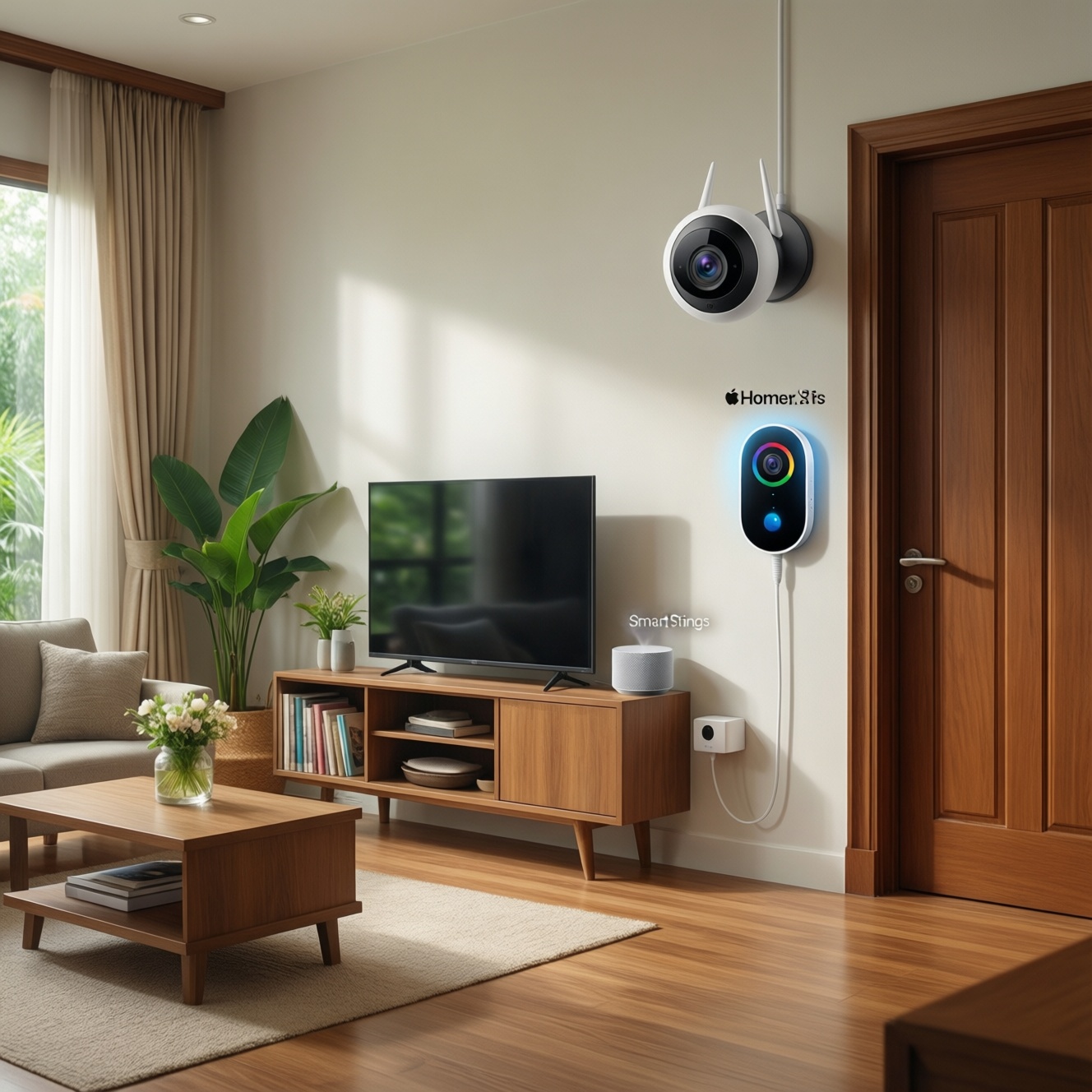
If you want the best value in Thailand, choose the ecosystem you already live in: HomeKit Secure Video for Apple-first households prioritizing private, on-device processing; Google Nest for the strongest "set-and-forget" alerts and doorbell experience; SmartThings for flexible, mixed-brand setups where you control costs via local storage or selective cloud add-ons.
Cost-driven summary of features and trade-offs
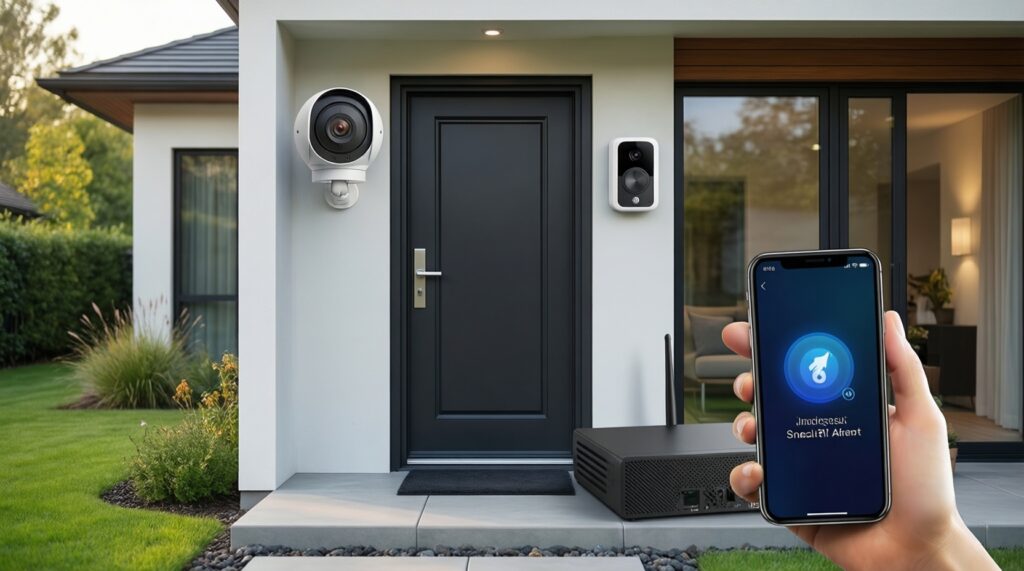
- Lowest long-term cost usually comes from local storage (NVR/NAS/SD) plus selective smart alerts, not from "all-in" cloud plans.
- HomeKit Secure Video value depends on already paying for iCloud+ and owning a Home hub; it's strong for privacy-first indoor/outdoor cameras.
- Google Nest often wins on doorbell convenience and notifications, but ongoing subscription value depends on how much history you truly need.
- SmartThings can be the most cost-controlled in mixed homes, but camera/doorbell support varies and may require workarounds or third-party bridges.
- Battery devices reduce installation cost; wired/PoE reduces long-term hassle and missed events.
- Vendor lock-in is real: choose based on phone OS, speakers/displays, and who in the household must use it daily.
Budget setup: upfront hardware and installation costs
| Ecosystem path | Hardware tier (relative) | Storage baseline | Local processing | Must-have to work well |
|---|---|---|---|---|
| Apple HomeKit Secure Video (HKSV) | Mid to premium | Cloud via iCloud+ (HKSV) | Strong (on-device / home hub assisted) | iPhone/iPad, Home hub, stable Wi‑Fi |
| Google Nest (Nest Cam / Nest Doorbell) | Mid to premium | Cloud (Nest Aware optional) | Good (AI features tied to Google ecosystem) | Google Home app, strong upstream internet |
| SmartThings-centered (mixed brands) | Entry to premium (varies) | Depends (cloud partner, SD, NVR) | Varies by device/bridge | Compatibility check + realistic expectations for cameras |
Use these criteria to control upfront spend without creating ongoing headaches (especially important when people search ซื้อกล้องวงจรปิดและกริ่งประตูอัจฉริยะ ยี่ห้อไหนดี):
- Wiring reality: battery vs wired vs PoE; doorbells often benefit most from wiring for reliability.
- Network coverage: camera placement should follow Wi‑Fi strength; budget for mesh only if it solves real dead zones.
- Hub requirements: HomeKit typically needs a Home hub; SmartThings automation may need a hub; Nest is mostly app-driven.
- Mounting and weatherproofing: outdoor installs can add hidden cost (junction box, conduit, waterproof glands).
- Chime / notification endpoints: do you need a physical chime, phone-only alerts, or smart display announcements?
- Lighting and night performance: placement near reflective walls/metal gates can ruin IR night video and trigger false motion.
- Power backup plan: router + hub + NVR on a UPS is often cheaper than replacing "unreliable" cameras later.
- Multi-user sharing: family access should be native and simple; otherwise you'll pay in support time.
Ongoing expenses: subscriptions, storage and data charges
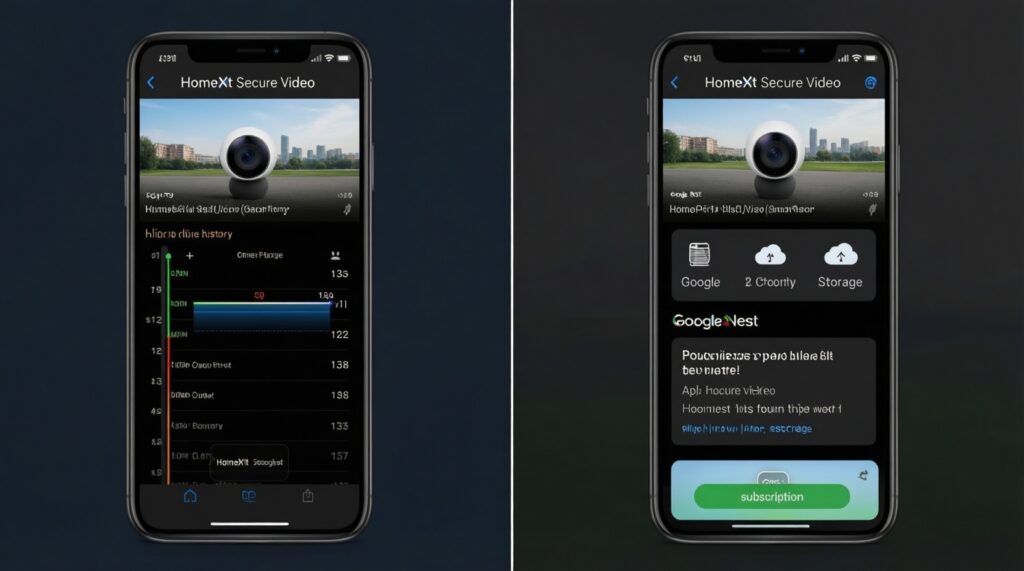
For เปรียบเทียบ HomeKit Secure Video กับ Google Nest, the real difference is not image quality alone-it's whether you pay monthly for history, how long you keep clips, and how dependent you become on cloud features. Use the options below to match what you actually review (door events, deliveries, nighttime motion), not what marketing promises.
| Option | Who it fits | Pros | Cons | When to choose |
|---|---|---|---|---|
| HomeKit Secure Video + iCloud+ (HKSV) | Apple households already paying for iCloud+ and using Home app daily | Privacy-forward workflow; solid person/animal/vehicle-style filtering; clean sharing in Apple family setups | Hardware choices are narrower; best experience expects a Home hub and reliable Wi‑Fi | When you want Apple-first control and you're comparing กล้องวงจรปิด Apple HomeKit ราคา without adding another subscription mindset |
| Google Nest with Nest Aware (subscription) | Users who want strong doorbell/camera timeline and smart notifications in Google Home | Smooth daily usability; good event review experience; integrates well with Google speakers/displays | Ongoing subscription can become "mandatory" for the experience you expect; cloud dependence | When กริ่งประตูอัจฉริยะ Google Nest Doorbell ราคา makes sense for convenience and you value cloud history more than local control |
| Google Nest without subscription (limited history) | People who mostly want live view + immediate alerts | Lower ongoing cost; still easy to use day-to-day | Less useful for investigating incidents later; may feel restrictive after the honeymoon period | When your goal is "answer the door / check a noise now" rather than review past clips |
| SmartThings + partner cloud camera plan | Samsung phone/TV users with SmartThings routines and compatible camera partners | Unified routines with sensors/lights; can be cost-effective if you already run SmartThings | Camera support is uneven; plan costs/features vary by brand; troubleshooting is multi-vendor | When searching กล้องวงจรปิด รองรับ SmartThings ราคา and you confirm camera model support before buying |
| Local NVR/NAS storage (PoE or RTSP-capable cameras) | Budget-first buyers who want predictable long-term cost and full control | No mandatory subscription; long retention possible; works during some internet outages | Higher setup complexity; remote access and notifications need careful configuration | When you care about evidence retention and want the lowest long-run spend |
| Standalone SD-card cameras + basic doorbell alerts | Renters and light users who want minimal setup | Lowest entry cost; fast to deploy; no NVR required | SD management is manual; higher risk of losing footage if device is stolen; smart alerts may be weaker | When you need "good enough now" and accept manual maintenance |
Network, processing and local-storage options for cost control
- If your Wi‑Fi is unstable at the gate or parking area, then prioritize wired/PoE camera runs or add a single, well-placed access point before buying "better" cameras.
- If you want to cut monthly costs, then choose local storage (NVR/NAS/SD) and treat cloud plans as optional upgrades for smart filtering and history.
- If you must have the simplest door experience for family members, then favor Nest Doorbell-style workflows or an ecosystem with reliable chime/announce options, even if subscription value is debated.
- If privacy is a deciding factor, then keep processing local where possible (HKSV-style on-device analysis, or NVR) and limit third-party cloud sharing.
Budget-first paths that still feel "smart"
- Use a local NVR/NAS for cameras + keep one ecosystem-native doorbell for convenience (alerts and visitor interaction).
- Start with SD-card cameras indoors and upgrade only the outdoor/entry points to wired or higher-grade devices.
- On SmartThings, spend on sensors/lighting automations first; keep cameras on local storage until you confirm stable integrations.
Premium paths that reduce operational friction
- Choose one ecosystem end-to-end (HKSV or Nest) for consistent sharing, notifications, and clip review.
- Prefer wired power for doorbells and key outdoor cameras to reduce missed events and battery maintenance.
Ecosystem fit: compatibility, device choices and vendor lock-in
- Pick the household default phone OS: mostly iPhone/iPad → HomeKit-first; mixed/Android-heavy → Nest or SmartThings-first.
- Decide your "daily app": Home app vs Google Home vs SmartThings; choose the one everyone will actually open.
- List your must-have devices: doorbell, floodlight cam, indoor cam, smart display, chime-then verify they exist in that ecosystem.
- Confirm storage approach: cloud-only, local-only, or hybrid; avoid buying hardware that forces a plan you don't want.
- Check sharing and permissions: family members, tenants, or staff access should be native (no password sharing).
- Stress-test vendor lock-in tolerance: if you might switch phone brands soon, prefer local storage or standards-based cameras.
- Plan expansion: add 1-2 cameras later without replacing hubs, routers, or changing apps.
Privacy and security implications that affect long-term value
- Buying a camera/doorbell that requires cloud login for basic use, then assuming you can "turn off the cloud later."
- Reusing weak passwords or skipping two-factor authentication on the primary ecosystem account.
- Placing indoor cameras where sensitive audio/video is captured unintentionally (work calls, bedrooms), then forgetting they exist.
- Allowing overly broad sharing permissions (full admin for everyone) instead of viewer-only roles where available.
- Assuming "local storage" automatically means "secure" while leaving the NVR/NAS exposed to the internet.
- Ignoring update policy: a cheaper device with poor firmware support can cost more when you replace it early.
- Mounting cameras at reachable height, making theft of the camera also theft of your only footage (common with SD-card setups).
- Over-collecting footage: storing more than you need increases risk and makes incident review slower.
Practical performance: alerts, video quality and real-world reliability
For a privacy-forward Apple home, HomeKit Secure Video is usually the best fit when you want dependable smart filtering without leaning heavily on third-party clouds. For the smoothest doorbell-first experience and fast event review, Google Nest tends to suit busy households. For mixed-brand homes that want cost control and flexible automations, SmartThings works best when paired with carefully chosen compatible devices or a local-storage camera strategy.
Typical buyer dilemmas and quick resolutions
Should I decide based on camera resolution alone?
No. Reliability is more affected by placement, power, and network stability than headline resolution; prioritize wiring and Wi‑Fi coverage first.
Do I need a subscription to make Nest usable?
You can use it without one for basic live view and alerts, but subscriptions matter if you regularly review past events or want richer history workflows.
Is HomeKit Secure Video a good deal if I don't already use iCloud+?
It's most cost-effective when it fits your existing Apple services and you want Apple-native sharing. If you're starting from zero, compare the total bundle (hub needs + storage plan mindset) before committing.
Can SmartThings be my main security camera platform?
It can be part of the solution, but camera support varies by brand and region. Treat SmartThings as the automation layer and validate camera/doorbell compatibility before buying.
What's the lowest-cost setup that still gives useful evidence?
A local NVR/NAS (or well-managed SD storage) with wired power for key outdoor points typically minimizes long-term spend while keeping footage accessible.
How do I avoid buying the wrong doorbell for my home?
Confirm power (wired vs battery), mounting location, chime/announce needs, and whether every family member can answer from their phone. Doorbells are the device where ecosystem friction is felt fastest.