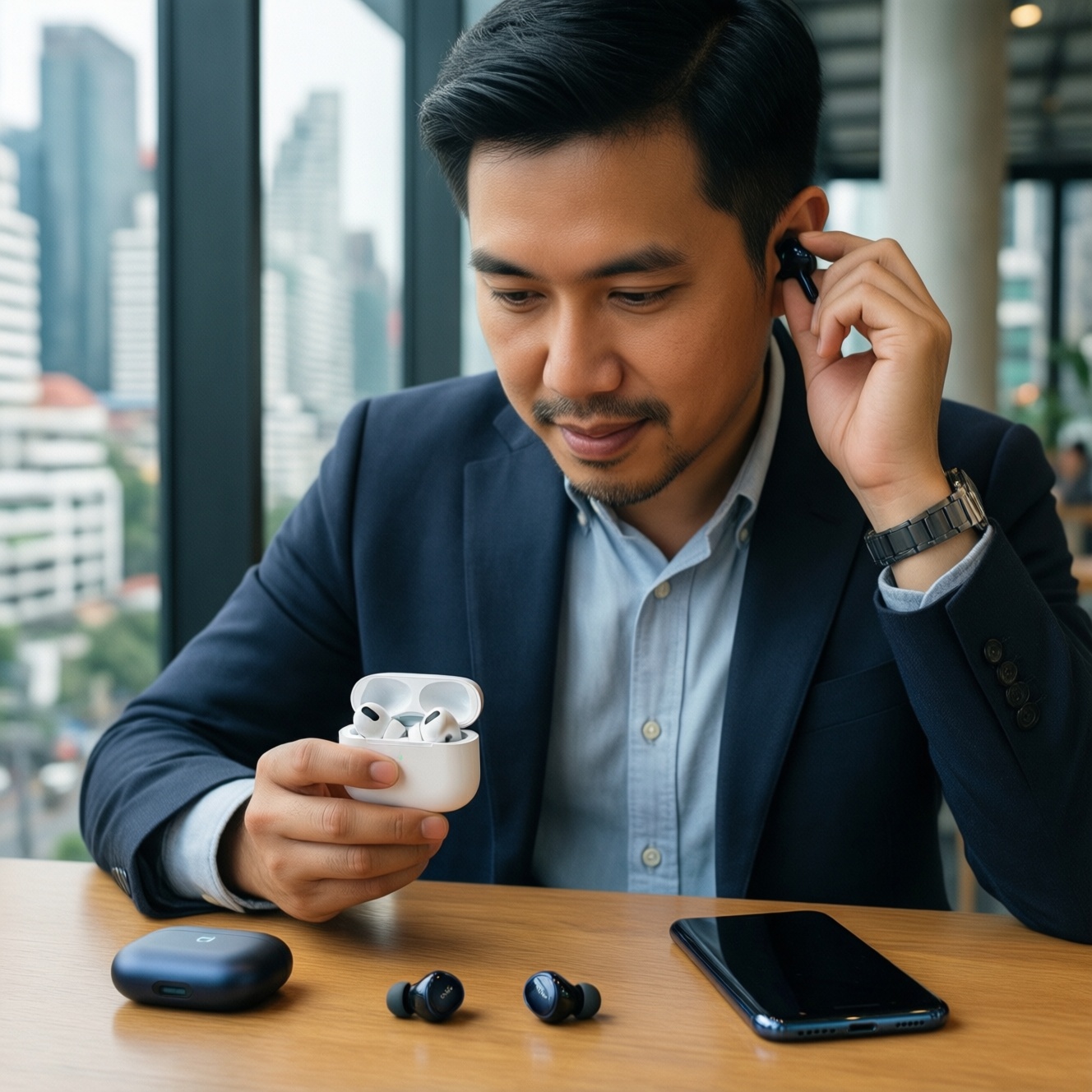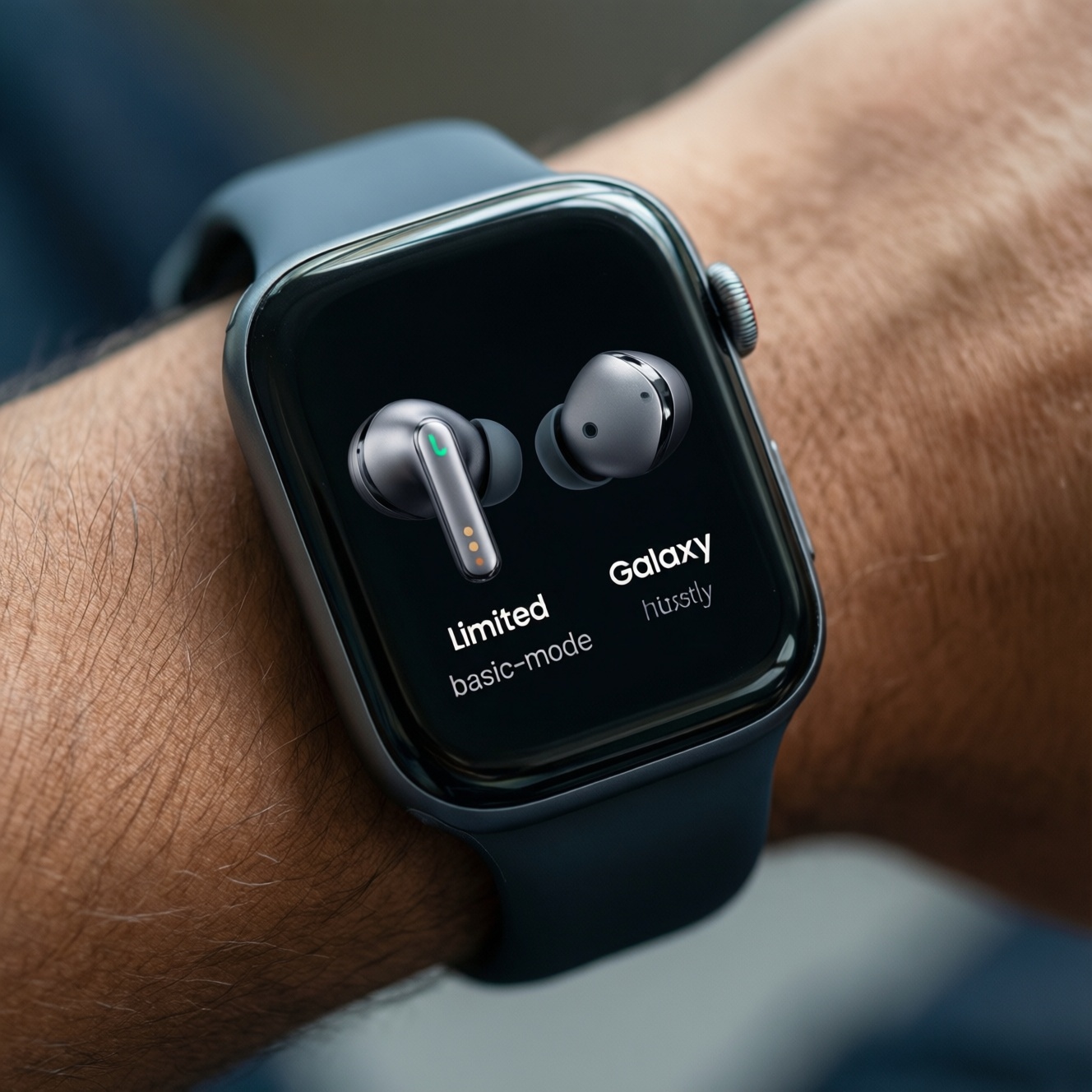
If you want to use an iPhone with a Galaxy Watch and Pixel Buds, it can work, but only in "basic mode." Pixel Buds behave like standard Bluetooth earbuds on iOS, while Galaxy Watch integration is the risky part: model/region/app support varies and many features stay Android-first. Choose based on which features you refuse to lose.
Quick Verdict and Practical Summary
- For audio only, Pixel Buds on iPhone are usually fine via Bluetooth; expect missing advanced controls and imperfect device switching.
- For smartwatch needs, Galaxy Watch + iPhone is the most limitation-heavy combination; verify your exact watch model and iOS app availability before buying.
- If you need reliable notifications + replying + deep health sync, staying within Apple's ecosystem (or using a watch with strong iOS support) is typically the least painful path.
- Cross-ecosystem setups are workable when you accept: fewer settings, weaker background sync, and occasional re-pairing.
- Use your persona to decide: "set-and-forget" users should avoid fragile workarounds; power users can tolerate them if the hardware matters.
Compatibility Matrix: Feature Support Between iPhone, Galaxy Watch and Pixel Buds
Use these criteria to pick the "best workable" option for your iPhone:
- Pairing stability (does it reconnect reliably after reboot/airplane mode?).
- Notification depth (mirror only vs. actionable notifications).
- Calling behavior (answer on watch/earbuds, mic routing, audio switching reliability).
- App dependency (must-have companion app vs. Bluetooth-only operation).
- Background sync (health/fitness sync when the app isn't open).
- Device switching (manual re-pairing vs. seamless handoff/multipoint).
- Firmware updates (possible from iPhone or requires Android/PC).
- Voice assistant (Siri integration vs. limited touch controls).
| Feature / Caveat | Galaxy Watch with iPhone | Pixel Buds with iPhone | iPhone-native alternative (for baseline) |
|---|---|---|---|
| Basic pairing | Possible on some models/regions; verify first | Yes (standard Bluetooth) | Yes |
| Notifications | Often limited; actionable replies may be missing | Not applicable | Best-in-class on Apple Watch |
| Calls (answer/end, mic routing) | May be inconsistent; depends on watch + iOS support | Works as a Bluetooth headset; switching can be finicky | Typically most consistent |
| Settings and customization | Reduced vs Android; some toggles/features unavailable | Reduced without a full companion app on iOS | Full support |
| Firmware updates | May require Android access in practice | May require Android access in practice | Usually supported on iOS |
| Health/fitness sync depth | Often limited; may not map cleanly into Apple Health | Not applicable | Best integrated |
| Device switching | Not the focus | Usually manual; no Apple-style seamless handoff | Best integrated (AirPods/Beats with Apple devices) |
Everyday user profile: minimize surprises
- Prefer devices that are fully configurable from iOS; avoid setups that require borrowing an Android phone for updates (reliability: high for avoiding future friction).
- If you're asking Galaxy Watch ใช้กับ iPhone ได้ไหม, treat the truthful answer as: "sometimes, but not like on Android."
Power user profile: accept limits, optimize workflow
- Plan for a "maintenance path" (spare Android device, or a friend's phone) for firmware/app updates (reliability: medium).
- Prioritize multipoint earbuds if you hop between phone/laptop more than you tweak EQ or gestures (reliability: high).
Developer profile: predict integration boundaries
- Assume iOS will treat most non-Apple wearables/earbuds as accessories with constrained background behavior and limited APIs (reliability: high).
- Design your expectations around Bluetooth profiles (HFP/A2DP/AVRCP) rather than ecosystem features (reliability: high).
Setup and Pairing: Step‑by‑Step Real‑World Procedures on iPhone
Below are practical setup "variants" you can choose from depending on your tolerance for missing features and maintenance overhead.
| Variant | Who it fits | Pros | Cons | When to choose |
|---|---|---|---|---|
| Galaxy Watch paired directly to iPhone (official route) | Users who must keep the Galaxy Watch and accept partial iOS integration | Single-phone daily use; no constant re-pairing | Feature gaps; support varies by watch/app/region; may still need Android for updates | If your exact watch model is confirmed compatible and you mainly want basic watch functions |
| Galaxy Watch initial setup on Android, then daily use with iPhone (workaround) | Power users comfortable with periodic maintenance | Can unlock initial configuration or updates via Android | Fragile; can break after resets/updates; time-consuming | If you already have occasional access to an Android phone and can tolerate medium reliability |
| Pixel Buds on iPhone via Bluetooth only | Anyone who just needs sound + mic | Fast pairing; works across apps; stable basics | Limited customization; advanced features may be unavailable on iOS | If you're asking Pixel Buds ใช้กับ iPhone ได้ไหม and you can live without deep settings |
| Pixel Buds with iOS-friendly control strategy (Siri + OS settings) | Everyday users who want predictability | Uses iOS-native controls (Siri, Control Center, accessibility shortcuts) | Doesn't replace a full companion app; still limited | If you want fewer "special app" dependencies and high reliability |
| Replace Pixel Buds with multipoint earbuds built for cross-platform | People frequently switching between iPhone + Windows/Android | Better device switching; fewer ecosystem assumptions | Different sound/fit; brand features vary | If your real question is หูฟังไร้สาย Android ใช้กับ iPhone รุ่นไหนดี and switching matters most |
Procedure: วิธีเชื่อมต่อ Galaxy Watch กับ iPhone (pragmatic checklist)
- Confirm the watch model and required iOS app availability in your region before attempting pairing.
- Update iOS and reboot the iPhone to clear stale Bluetooth states.
- Reset the watch's Bluetooth connections if it was previously paired to Android.
- Pair from the companion app first (if supported), not from iOS Bluetooth menu alone.
- After pairing, test: notifications, call audio routing, and reconnect after a reboot.
Procedure: Pixel Buds เชื่อมต่อ iPhone วิธีใช้ (fast pairing)
- Put Pixel Buds in pairing mode (case button/gesture depends on model).
- On iPhone: Settings → Bluetooth → select the buds.
- Make one test call and one voice memo to validate mic input and switching.
- If audio routes incorrectly, disable/enable Bluetooth once; then reconnect.
Notifications, Calls and Messaging: How Galaxy Watch Integrates with iOS
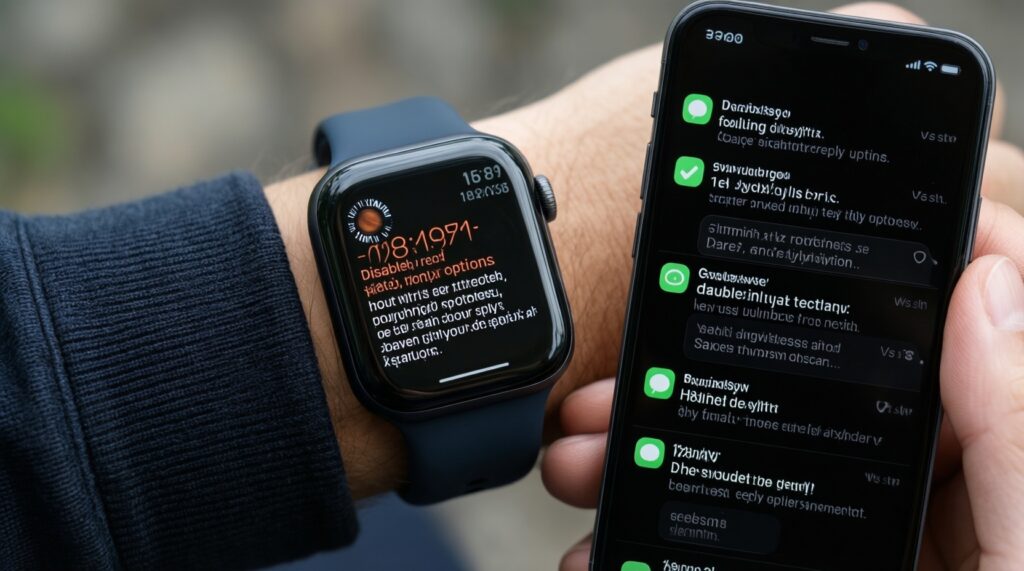
Galaxy Watch behavior on iOS is scenario-dependent. Use these rules to avoid buying for a feature you won't actually get:
- If you need to reply to messages from the wrist, then assume it may not be available or may be limited on iOS; choose a watch with confirmed iOS actionable notifications instead (workaround: reply on iPhone with quick replies; reliability: high).
- If your priority is seeing alerts (read-only), then a partially supported Galaxy Watch can be acceptable; validate after reboot and after a day of real use (workaround: allow notifications in iOS and keep the companion app allowed in background; reliability: medium).
- If you take calls on the move, then test call pickup/end and mic routing early; Bluetooth audio routing can be inconsistent across iOS updates (workaround: set the watch/earbuds as the audio route manually during calls; reliability: medium).
- If you rely on Focus modes and notification filtering, then expect better control on iPhone than on a cross-ecosystem watch; tune Focus on iOS and treat the watch as a mirror (workaround: use iOS Focus + per-app notification settings; reliability: high).
- If you're buying specifically for cellular/eSIM watch independence, then confirm iPhone carrier and watch support explicitly; don't assume it transfers across ecosystems (workaround: none that's consistently reliable; reliability: low).
Audio Quality, Latency and Handoff: Using Pixel Buds on an iPhone
- Decide your top priority: calls, music, gaming latency, or device switching.
- On iPhone, test three real apps: phone call, video (YouTube/streaming), and a game; judge delay and lip-sync yourself.
- Verify mic quality by recording a voice memo in a quiet room and a noisy street.
- Check reconnection: put buds back in case, wait, then reconnect; repeat after rebooting the iPhone.
- If you switch devices often, prefer earbuds with true multipoint; otherwise accept manual switching (workaround: disconnect from the old device before connecting to iPhone; reliability: high).
- Use iOS settings for stability: disable "Automatic Ear Detection" equivalents if your buds mis-detect wear (workaround: keep fit tight and clean sensors; reliability: medium).
Reality check: what "handoff" means outside Apple
- Expect "Bluetooth reconnect" rather than seamless handoff. If that is a dealbreaker, pick earbuds designed for iOS integration.
Health, Fitness and App Ecosystem: What Syncs, What Stays Isolated
Common purchase mistakes that show up after a week of use:
- Assuming the watch will write complete, clean data into Apple Health without gaps or duplicates.
- Buying for a specific metric (sleep stages, stress, readiness) and expecting identical visibility and history on iOS.
- Ignoring background restrictions on iOS: if the companion app can't run/sync reliably, charts lag or stop.
- Expecting watch-face stores, advanced complications, or deep app ecosystems to match Android behavior.
- Not planning firmware updates: some accessories effectively require Android at least occasionally.
- Confusing "notification mirroring" with "interactive workflows" (replies, actions, deep links).
- Assuming all Bluetooth accessories support the same codecs/features on iPhone; compatibility is often narrower than on Android.
- Underestimating support friction when you mix ecosystems (help docs and support scripts often assume same-brand devices).
Troubleshooting, Workarounds and When to Accept Limitations
Best fit tends to look like this: for audio-first users, Pixel Buds on iPhone via Bluetooth is usually the least complicated path; for watch-first users who need reliable messaging and deep health integration, an iOS-native watch experience is typically smoother than forcing Galaxy Watch onto iPhone. For switchers, prioritize multipoint earbuds and treat cross-ecosystem "extras" as optional.
Common Practical Questions from Real Users
Galaxy Watch ใช้กับ iPhone ได้ไหม in daily life?
Sometimes, but expect reduced features compared to Android. Confirm your exact model and the required iOS app support before you commit.
What is the safest วิธีเชื่อมต่อ Galaxy Watch กับ iPhone without wasting hours?
Use the official companion app route first (if supported) and test reboot/reconnect immediately. If pairing only works from the Bluetooth menu, features are usually more limited.
Pixel Buds ใช้กับ iPhone ได้ไหม for calls and music?
Yes, as standard Bluetooth earbuds for audio and mic. Advanced controls and updates may be limited without a full iOS companion app.
Pixel Buds เชื่อมต่อ iPhone วิธีใช้ when it won't reconnect?
Forget the device in iOS Bluetooth, reboot the iPhone, and re-pair. If it keeps failing, reset the buds and retry in a low-interference environment.
หูฟังไร้สาย Android ใช้กับ iPhone รุ่นไหนดี if I switch between multiple devices?
Choose earbuds with true multipoint and reliable manual switching controls. Prioritize stable reconnection and mic quality over ecosystem-only features.
Will I get full notification replies on Galaxy Watch with iPhone?
Often no, and the gaps vary by model and app support. If replying from the wrist is critical, choose a watch with confirmed iOS actionable notifications.
Do I need an Android phone later for updates?
Possibly, depending on the accessory and its update workflow. If you can't guarantee Android access, prefer devices that update directly from iOS.