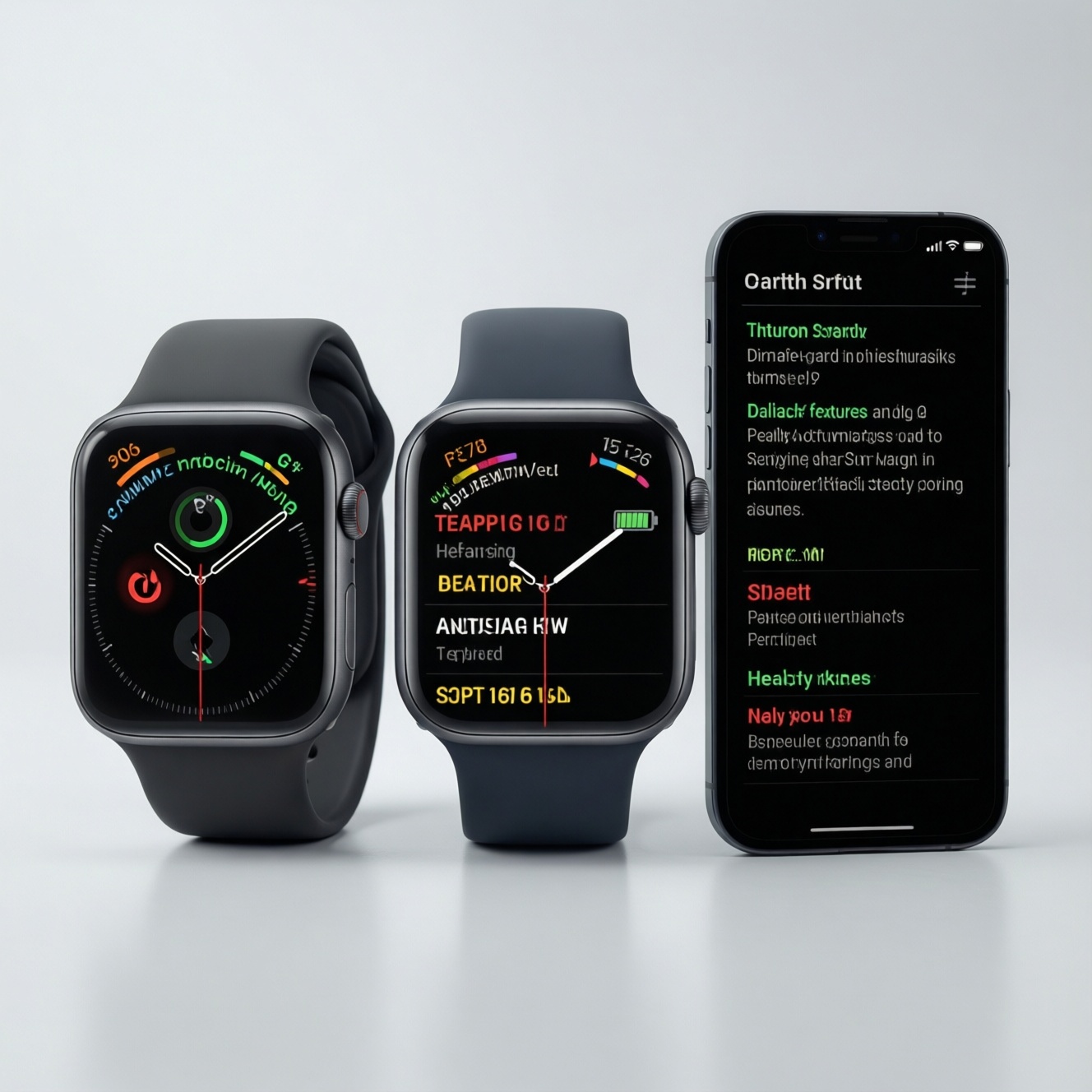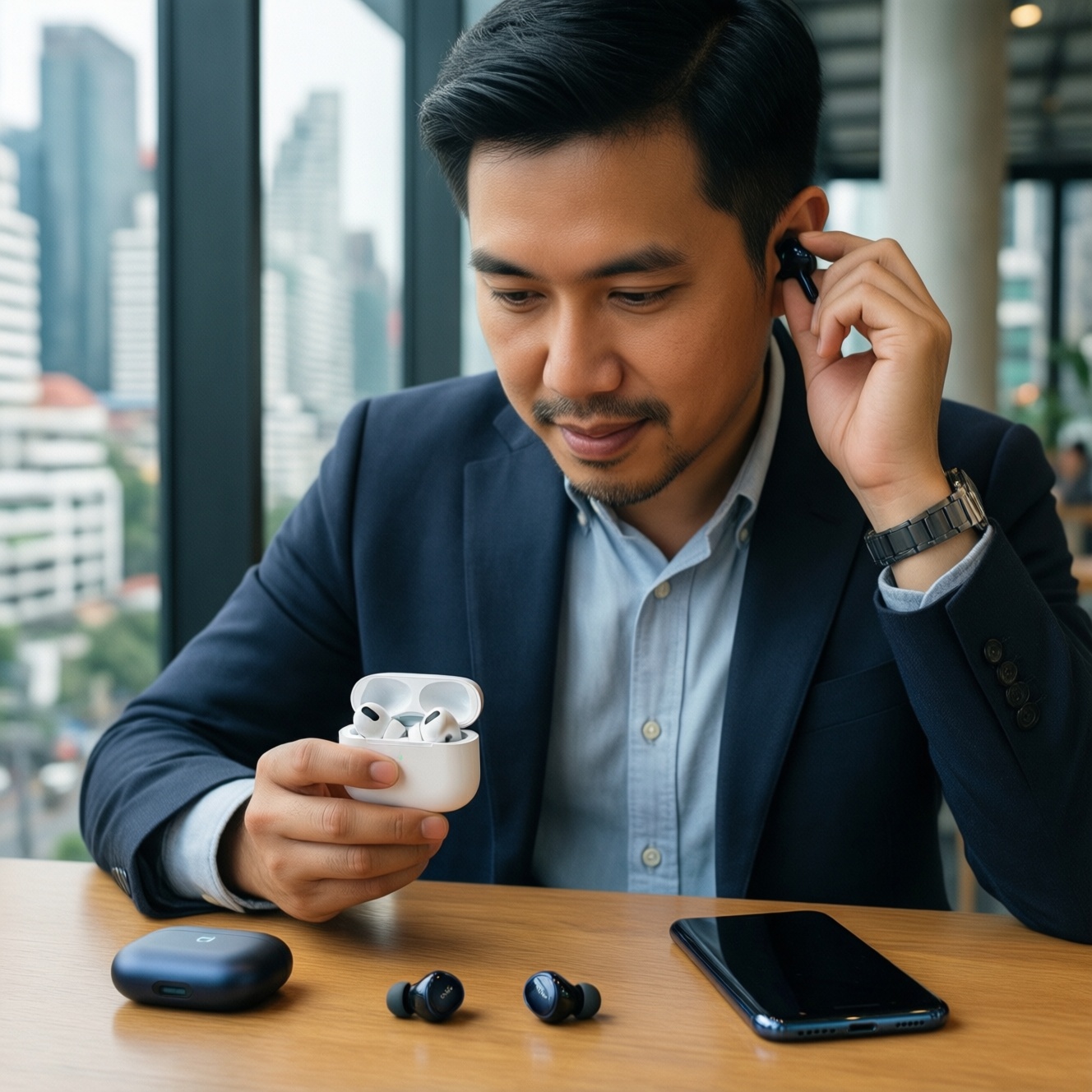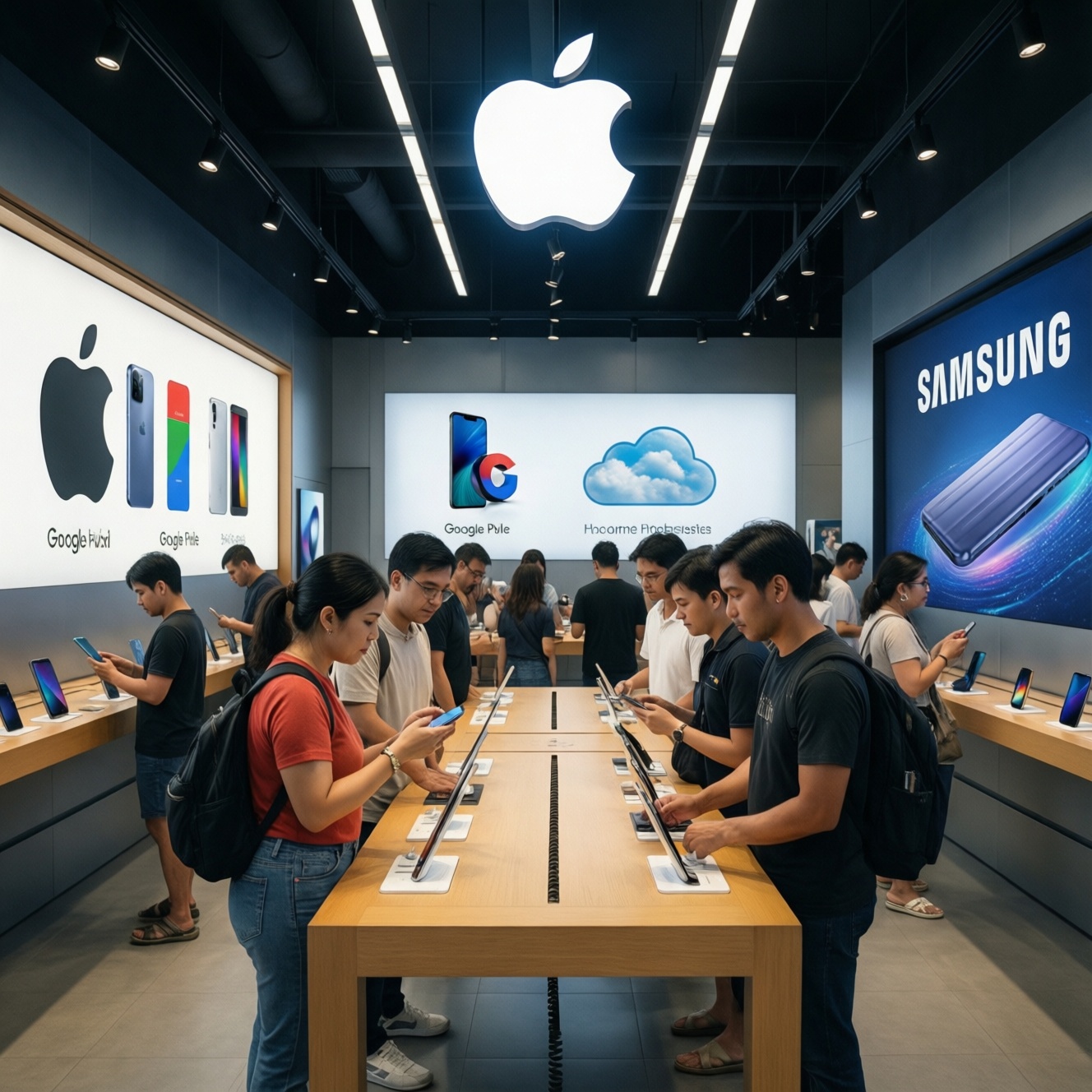
If you want the "best" ecosystem in Thailand in 2026, pick based on what you already own and how you move data daily: Apple for tight device-to-device continuity, Google (Pixel + Google services) for flexible Android with clean cloud integration, Samsung for the broadest Android hardware range and strong add-ons. Budget-first buyers should prioritize total device stack cost, not one flagship phone.
Practical Summary for Decision-Making
- Choose Apple if you want the least friction across phone, laptop/tablet, watch, earbuds, and messaging-especially when everyone you work with uses iPhone.
- Choose Google (Pixel) if you want "pure" Android updates and the simplest Google-first workflow across services and devices.
- Choose Samsung if you want the most hardware choices at many price points and strong extras like DeX, plus deep integration with Galaxy wearables.
- For budget-first setups, spend on the ecosystem "anchors" (phone + watch/earbuds) before upgrading secondary devices.
- If smart home matters, decide which hub/app you'll actually use daily (Home app vs Google Home vs SmartThings) before buying accessories.
- Privacy expectations differ more by your settings and habits than by logos-plan your account, backup, and ad settings on day one.
Ecosystem Fundamentals: Hardware, Software and Core Services
Use these criteria to choose Apple vs Google vs Samsung without getting stuck on single-device specs:
- Anchor device fit: which phone line and price tiers you can realistically buy and keep for years.
- Update reliability: how predictable OS/security updates are across your specific model (not just the brand's promise).
- Core account dependence: Apple ID vs Google Account vs Samsung Account-what you're comfortable tying your photos, payments, and backups to.
- Messaging and calls: your real-world reliance on iMessage/FaceTime vs cross-platform apps (LINE, WhatsApp, Meet, etc.).
- App ecosystem consistency: quality of key apps you use (banking, creator tools, work apps) and how consistent they are across devices.
- Cloud + backup workflow: how easy it is to restore a device, migrate photos, and sync documents with minimal manual steps.
- Accessory strategy: best-value earbuds/watch that "just works" with your phone (AirPods/Apple Watch vs Pixel Buds/Wear OS vs Galaxy Buds/Galaxy Watch).
- Regional fit (TH): local payment habits, service centers, resale behavior, and the models actually sold in Thailand.
- Lock-in tolerance: how painful it would be to switch later (paid apps, subscriptions, cloud storage, device-specific features).
Cross-Device Workflows and Real-World Interoperability
If you're searching "ระบบนิเวศ Apple vs Samsung vs Google ต่างกันอย่างไร", the practical difference is how smoothly your daily workflows move between phone, tablet, laptop, watch, TV, and smart home-without extra apps and manual transfers.
| Variant | Who it fits | Pros | Cons | When to choose |
|---|---|---|---|---|
| Apple-first stack (iPhone + Mac/iPad + Apple Watch) | People who want maximum continuity and minimal setup | Strong cross-device handoff; consistent UX; tight watch/earbuds behavior | Higher entry cost; fewer hardware price tiers; switching out later can be painful | When your work/life relies on seamless device switching and you can afford the stack |
| Google-first stack (Pixel + Google services + Wear OS) | Google power users who want clean Android and fast platform features | Google account-centric flow; straightforward cloud-first setup; typically fewer OEM "extras" to manage | Hardware choices narrower; some features depend on region/device pairing; ecosystem feels less "single-vendor" | When you live in Gmail/Drive/Photos and want Android without heavy vendor layers |
| Samsung Galaxy stack (Galaxy phone + Galaxy Watch/Buds + SmartThings) | Android users who want premium features or many budget options | Huge device range; strong add-ons (including DeX); good integration inside Galaxy lineup | Some best features work best within Samsung-to-Samsung pairing; more settings to tune | When you want Android flexibility but also want a cohesive "brand ecosystem" |
| Mixed budget Android (midrange phone + mixed-brand accessories) | Budget-first buyers optimizing value per device | Lowest total cost potential; freedom to pick best-value pieces; easier to replace parts | More compatibility checks; more apps for syncing; experience varies by brand | When your priority is total spend and you're okay doing setup and troubleshooting |
| Apple phone, Google services (iPhone + Gmail/Drive/Photos) | iPhone users who collaborate in Google Workspace | Keeps iPhone benefits while aligning with work tools; easy sharing with Android users via Google apps | Some Apple-only workflows become less useful; duplicated backups/subscriptions risk | When work dictates Google services but you prefer iPhone hardware and iOS |
| Samsung phone, Google services (Galaxy + Google apps) | Android users who want Samsung hardware with Google-first workflow | Best of mainstream Android compatibility; wide accessory choices; strong performance options | Potential overlap between Samsung and Google apps; requires cleanup to avoid confusion | When you want Galaxy hardware but prefer Google Photos/Drive/Password Manager as your "source of truth" |
Practical translation of popular Thai searches: "ซื้อ iPhone หรือ Samsung ดี" is usually a workflow question (continuity vs hardware choice), while "เปรียบเทียบ Apple กับ Android ซื้ออะไรดี" depends on whether you value cross-device frictionlessness (Apple) or flexible price tiers and customization (Android).
Privacy, Security Models and Data Handling Practices
Pick based on scenarios and be explicit about budget vs premium trade-offs:
- If you want the simplest, consistent security posture with minimal tweaking, then Apple-first tends to be easiest to keep "clean" (especially on premium devices), because fewer vendor layers are involved.
- If you depend on Google services for everything (mail, docs, photos) and want transparent control inside one account, then a Google-first setup is usually easiest-budget phones can still be safe if you keep updates on, but premium models often get the most consistent security experience.
- If you want Android flexibility but also enterprise-friendly controls and strong device features, then Samsung is a solid choice; on a budget, expect to spend time disabling duplicate services and tightening permissions.
- If you frequently switch devices or sell old phones, then choose the ecosystem where you will actually use encrypted lock screens, cloud backup, and remote wipe-premium devices make this smoother, but budget devices can work if you follow the checklist.
- If you share devices in a family or with a partner, then pick the ecosystem with the easiest family management for your habits (screen time, purchases, location sharing) and commit to one "primary" cloud for photos and contacts.
Costs Over Time: Devices, Subscriptions and Upgrade Paths
- List your must-have devices for the next 24-36 months (phone, watch, earbuds, tablet/laptop, smart TV/hub).
- Choose one primary cloud for photos/files (Apple iCloud or Google) to avoid paying twice and to simplify migrations.
- Price the whole stack, not one phone: include accessories you'll actually buy (watch/earbuds) and any adapters/cables you'll need.
- Decide your upgrade rhythm (frequent upgrades vs keep longer) and choose the ecosystem where resale and migration are easiest for you.
- Minimize duplicate subscriptions (music, storage, password manager) by committing to one platform bundle where possible.
- Set a "budget-first rule": upgrade the anchor device first; keep secondary devices until the workflow breaks (battery, storage, OS support, app compatibility).
- Validate repair/support reality in TH: check service access and warranty comfort level before choosing a less common model.
Smart Home, Wearables and Third-Party Integration
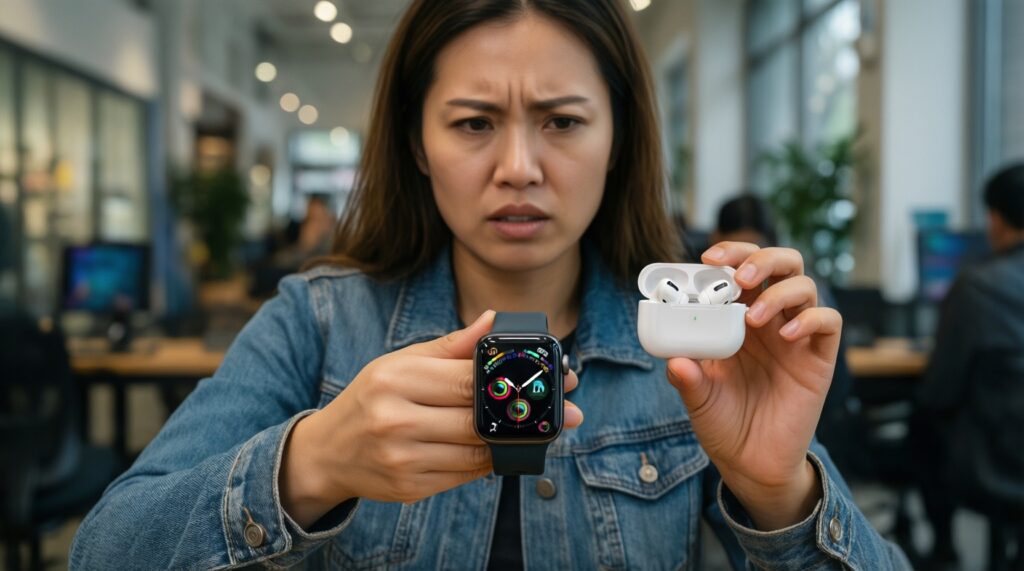
Common buying mistakes that create hidden cost or frustration:
- Buying a smartwatch first, then discovering it's "best" only inside one ecosystem (Apple Watch with iPhone; many Galaxy features with Samsung).
- Assuming all earbuds behave the same across platforms; auto-switching and spatial features are often ecosystem-dependent.
- Running two smart-home hubs/apps (e.g., Google Home + SmartThings + vendor apps) without deciding which one is your daily control center.
- Choosing smart devices by brand hype, not by compatibility with your phone, router stability, and your preferred voice assistant.
- Ignoring household reality: if family uses mixed phones, avoid features that require everyone to be on the same platform.
- Not planning notifications: watches can become "spam machines" unless you tune app alerts and focus modes.
- Overpaying for premium phones while using budget accessories that bottleneck the experience (bad mic earbuds, laggy watch).
- Underbuying storage/backup: running out of space forces rushed subscription decisions and messy photo libraries.
- Not cleaning duplicate apps on Samsung + Google setups (two galleries, two clouds, two password systems) leading to lost files.
Lifestyle Profiles: Which Ecosystem Fits Budget-First Users
Best fit usually looks like this: Apple is best for "one smooth stack" users who will actually use continuity daily (premium-leaning). Google is best for Google Workspace-heavy users who want a clean Android center and easy sharing (often strong value if you don't need many vendor extras). Samsung is best for buyers who want the widest device ladder from budget to premium and like Galaxy-specific features; it also suits people asking "iPhone vs Samsung รุ่นไหนดี 2026" because the real decision is whether you want continuity (Apple) or hardware choice + customization (Samsung). For "iPhone vs Google Pixel รุ่นไหนดี", pick iPhone for cross-device polish, Pixel for Google-first simplicity.
Short Answers to Common Practical Concerns
Will I regret switching ecosystems later?
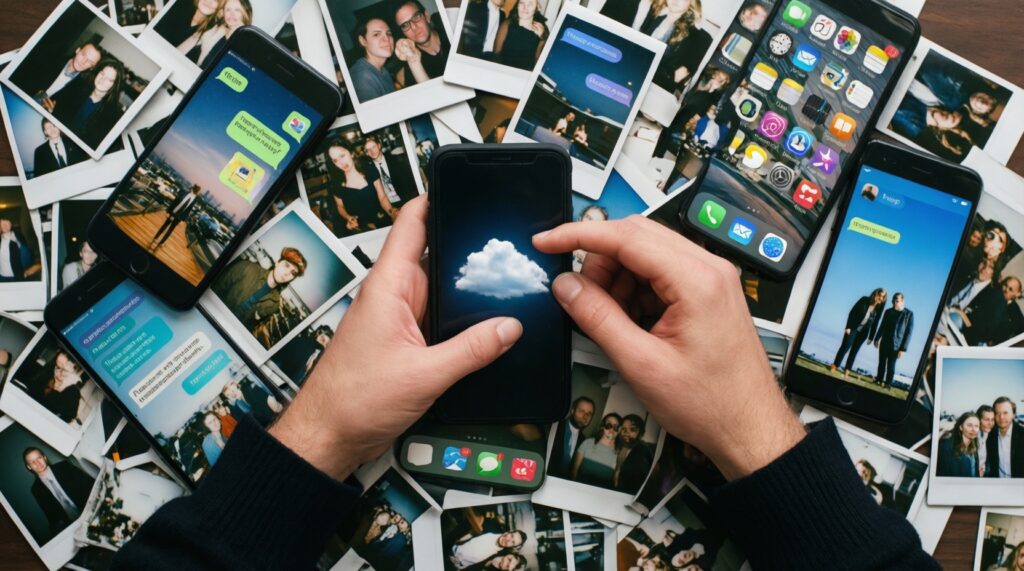
Most regret comes from photos/contacts/messaging history and paid app ecosystems. If you standardize on one primary cloud (iCloud or Google) and use cross-platform apps for chat, switching becomes much easier.
Which is easiest for a budget-first buyer to maintain?
A mixed Android setup is often cheapest, but it needs more compatibility checking. If you want fewer moving parts on a tighter budget, a single-brand Android stack (often Samsung) can reduce friction.
Do I need a smartwatch from the same brand as my phone?
Not always, but you'll usually lose convenience features (setup, quick replies, health integrations). If a watch is central to your day, match the phone brand for the least hassle.
What's the simplest way to avoid paying for two cloud storages?
Pick one "source of truth" for photos and files, then disable or minimize the other platform's auto-backup. Keep the second cloud only for device backups if you truly need it.
Is Samsung "too complicated" compared to Apple?
It can feel that way because Samsung often provides parallel apps and extra features. A one-time cleanup (default apps, permissions, backup target) usually fixes most complexity.
Which ecosystem is best for cross-platform households (iPhone + Android together)?
Use Google services for shared files/photos and cross-platform messaging apps, then each person can keep their preferred phone. Avoid buying smart-home or watch features that require everyone to be on the same platform.
What should I decide first if my goal is "best overall"?
Decide your anchor workflow: messaging + photos + laptop/tablet pairing. The "best overall" is the ecosystem that makes those three frictionless for your daily routine.