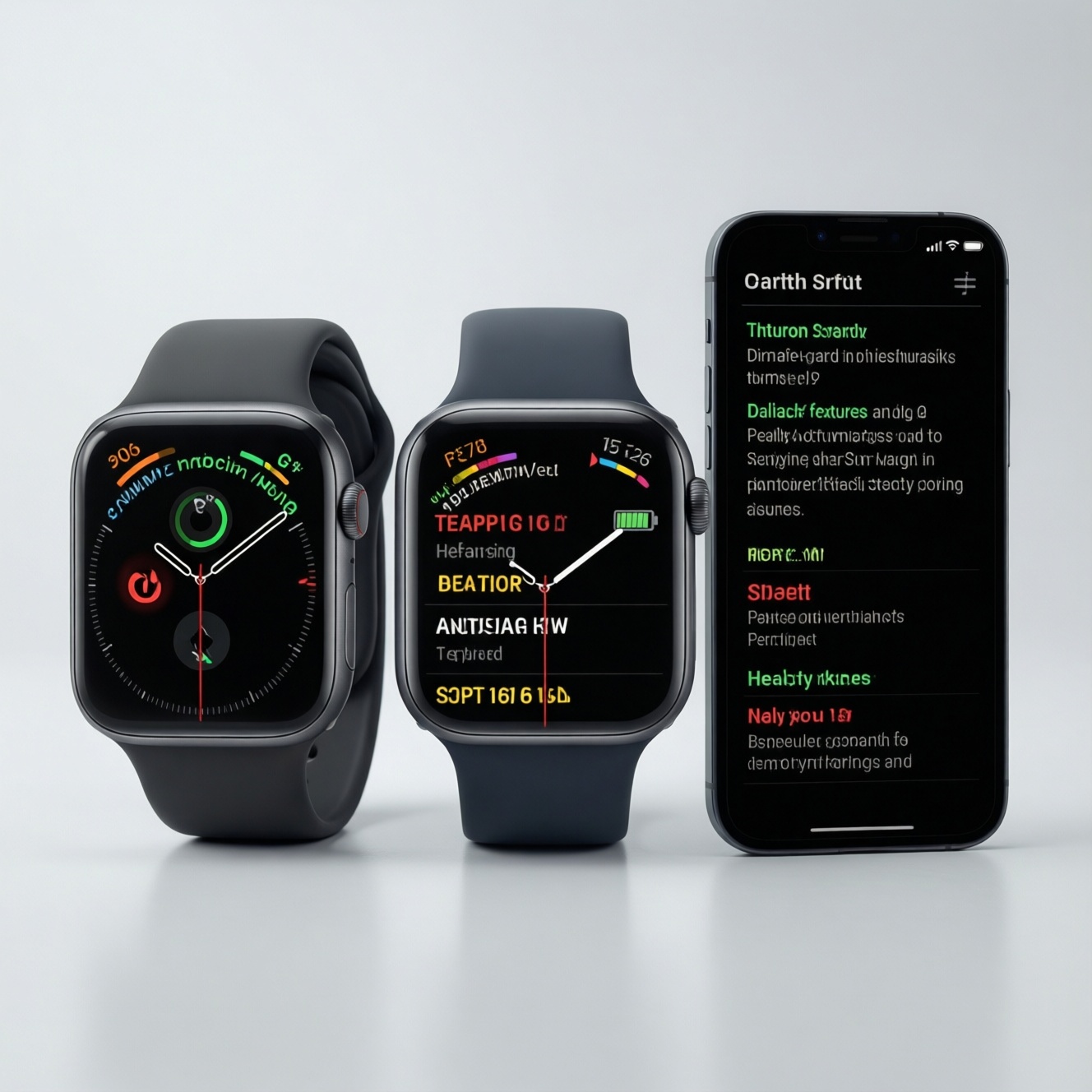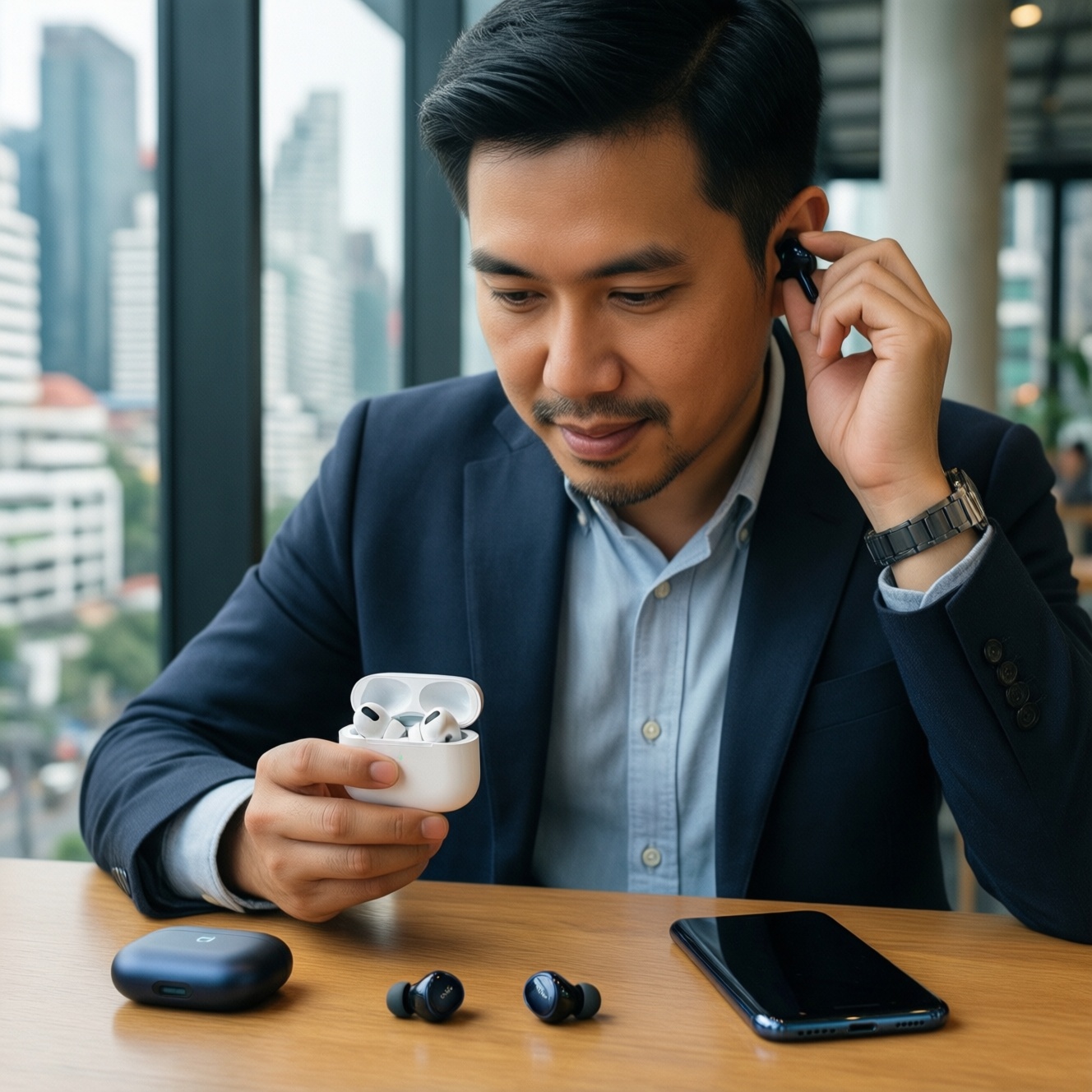
If you want the "best ecosystem" in Thailand in 2026, choose based on the devices you already own, your budget for upgrades, and which cross-device features you will actually use daily. Apple is strongest for seamless handoff across premium devices, Samsung for Android breadth and wearable/TV pairing, and Google for clean Android and AI-first services.
Ecosystem at a glance
- Apple: tightest integration when you own multiple Apple devices; highest upfront cost but predictable experience.
- Samsung: widest hardware range (budget to flagship) and strong Windows/TV/wearable ties; experience varies by model and region.
- Google (Pixel): simplest Android experience and fast platform updates; best if you like Google services and fewer vendor layers.
- Budget-first rule: spend on the phone first, then add watch/earbuds only if they solve a real routine (commute calls, fitness tracking, meetings).
- Migration friction: messaging habits, paid apps, and accessory standards matter more than specs.
How Apple, Google and Samsung build their ecosystems: architecture and scope
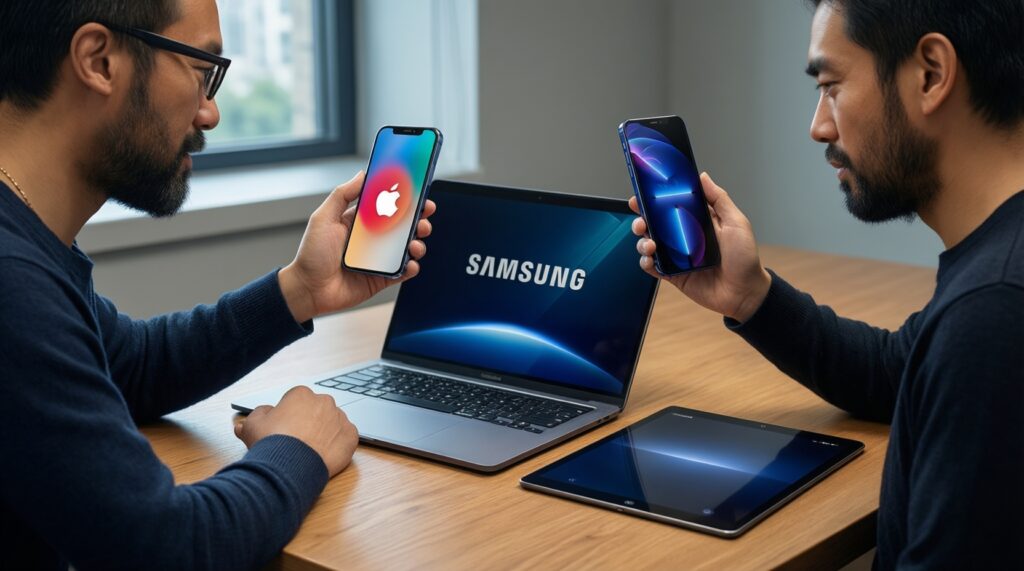
Use these criteria to do a practical เปรียบเทียบ Ecosystem Apple vs Google vs Samsung for your own setup.
- Anchor device strategy: do you want the phone to be the "hub," or the laptop/tablet?
- Cross-device continuity: call/text sync, clipboard, hotspot, file handoff, multi-screen workflows.
- Hardware range: budget options, midrange longevity, availability of tablets, watches, earbuds, TVs.
- Update policy expectations: how much you value fast OS/security updates versus feature stability.
- Service lock-in: photos, cloud storage, password manager, email/calendar, maps, payments.
- Accessory ecosystem: cases, chargers, trackers, car integration, earbuds switching, multi-device pairing.
- Regional fit (TH): carrier support (eSIM/VoLTE), repair network, warranty convenience, local apps/banks compatibility.
- Real cost of ownership: not just the phone-replacement cycle, battery service, cloud storage, add-on subscriptions.
Hardware lineup and cross-device integration for everyday use
If your question is ซื้อ iPhone หรือ Samsung หรือ Pixel ดี 2026, decide which "stack" you'll realistically complete over time: phone + earbuds, then optionally watch/tablet/laptop. The table below frames common bundles and what you gain or lose.
| Variant | Who it fits | Pros | Cons | When to choose |
|---|---|---|---|---|
| Apple: iPhone + AirPods (optional Apple Watch later) | People who value frictionless switching, stable app behavior, and premium resale | Very consistent pairing and device handoff; strong accessory market; great "set it and forget it" feel | Higher upfront cost; best benefits appear when you also own Mac/iPad | When your daily routine depends on calls, messaging, and audio handoff across devices |
| Apple: iPhone + Mac/iPad (work/college focus) | Creators, students, office users who live in docs, notes, and media | Smooth multi-device workflow; dependable app ecosystem; simple backups and device restore | Expensive to enter; you'll likely commit to Apple services over time | When your laptop/tablet is central and you want fewer "it depends" moments |
| Samsung: Galaxy phone + Galaxy Watch + Galaxy Buds | Android users who want a cohesive set without paying Apple pricing | Wide choice from value to flagship; strong wearable features; good multi-device pairing within Samsung | Experience varies by model tier; some features are "best on Samsung-to-Samsung" only | When you want ecosystem benefits but also want the option to stay price-conscious |
| Samsung: Galaxy phone + Windows laptop + Samsung tablet (multi-screen) | Office multitaskers and commuters who use Windows as their main computer | Practical second-screen/phone-link workflows; easy file sharing within common tools | Not as uniform as Apple across every app; setup quality depends on device generation | When your workplace is Windows-first and you want "good enough" continuity |
| Google: Pixel phone + Pixel Buds (services-first) | Users who want clean Android, fast updates, and Google-first features | Simple UX; strong Google integration; fewer vendor duplicates (one dialer, one photos flow) | Hardware lineup is narrower; accessory breadth can be smaller than Samsung | When you rely heavily on Google apps and want minimal OEM customization |
| Hybrid budget stack: Android midrange + 3rd-party earbuds/watch | Frugal buyers who prioritize value and flexible brands | Lowest total cost; you can upgrade parts independently; wide choices in TH retail | More settings, more compromises; cross-device handoff is less automatic | When budget matters more than seamless continuity and you don't mind tweaking |
Services, subscriptions and real out-of-pocket costs (budget-first analysis)
Most ecosystem spending in real life comes from two places: (1) replacing devices to unlock features and (2) recurring cloud/media subscriptions. Use these "if...then..." rules to keep costs predictable, with explicit budget and premium paths.
- If you want the lowest monthly spend, then keep cloud usage minimal: rely on local storage, selective backups, and free tiers. Budget path: midrange Android + carefully chosen free services. Premium path: any flagship, but avoid stacking multiple storage and music plans at once.
- If your photos library is growing fast, then pick one primary photos/cloud system and commit. Don't pay for both a device vendor cloud and a separate photo backup unless you truly need duplication for work.
- If you already pay for Google services (mail, drive, photos habits), then a Pixel or Samsung reduces duplication. This is where Google Pixel Ecosystem ข้อดีข้อเสีย เหมาะกับใคร often comes down to: fewer redundant apps and faster platform updates versus fewer hardware choices.
- If you are already inside Apple purchases, then switching costs show up as re-buying paid apps/accessories and retraining workflows. For Apple Ecosystem เหมาะกับใคร ควรซื้ออะไรบ้าง, a cost-efficient sequence is: iPhone first, then AirPods, then (only if useful) Watch; Mac/iPad last unless they replace an existing device.
- If you want "premium feel" but controlled spending, then buy one flagship anchor (phone) and keep accessories midrange. Earbuds and watches depreciate fast; prioritize comfort, battery health, and warranty over the top tier.
- If you're attracted to Samsung's breadth, then focus on the tier consistency: mixing very old/entry models can limit cross-device features. For Samsung Galaxy Ecosystem มีอะไรบ้าง คุ้มไหม, it's "worth it" when your phone, watch, and buds are close enough in generation to share the same feature set reliably.
App compatibility, third-party support and migration hurdles
Use this quick selection algorithm before you buy anything beyond the phone.
- List your "non-negotiable" apps: banking, work chat, MFA/authenticator, ride-hailing, food delivery, health/fitness.
- Check where your identity lives today: Apple ID/iCloud vs Google Account vs Samsung account usage (especially photos, contacts, passwords).
- Audit paid items: subscriptions, one-time app purchases, in-app purchases, and device-specific accessories (trackers, cases, chargers).
- Decide your messaging default: iMessage/FaceTime-heavy circles vs cross-platform apps; this often determines real social friction.
- Confirm your laptop reality: Mac, Windows, or "phone-only." Choose the ecosystem that best matches how you actually work.
- Plan a migration day: backup, export contacts, move 2FA, re-login to banks last (to avoid lockouts), and keep the old phone for a week.
- Only then add accessories: buy earbuds first (biggest daily impact), watch second (only if health/notifications matter), tablet last.
Privacy, security and data handling: practical implications
- Assuming "more expensive = more private" without checking what you actually share (location history, ad personalization, app permissions).
- Mixing accounts (work Google + personal Google + vendor cloud) until backups and contacts fragment across profiles.
- Not securing the recovery layer: weak email security and no recovery plan makes any ecosystem fragile when a phone is lost.
- Ignoring cross-device notifications: sensitive messages mirrored to tablets/laptops can expose data in meetings or cafés.
- Skipping device encryption and lock hygiene: short PINs, no biometric fallback planning, and no remote wipe setup.
- Over-permissioning everyday apps: keyboard, flashlight, wallpaper apps requesting contacts, mic, or location.
- Thinking backups are automatic: verify that photos, chats, and authenticator recovery are actually restorable.
- Buying grey-market devices without support certainty: warranty/repair gaps can become a security issue when updates/servicing are delayed.
Choosing by lifestyle: which ecosystem fits commuters, creators and frugal users
For commuters who live on earbuds, quick calls, and predictable handoff, Apple is usually the least effort once you own two or more Apple devices; Samsung is a strong alternative if you want similar convenience with more price tiers. For creators and heavy multi-device workflows, Apple tends to be the smoothest when Mac/iPad are part of the stack, while Samsung works well in a Windows-first office. For frugal users, a Samsung or Pixel-centered Android setup (plus carefully chosen third-party accessories) typically keeps total spending under control without sacrificing essentials.
Common buyer dilemmas and concise solutions
I only want one device right now. Which ecosystem matters most?
The phone ecosystem matters most because it dictates accounts, backups, and accessory pairing. Start with the phone; delay watch/tablet purchases until you feel a real daily pain they solve.
Is it smart to buy the cheapest phone and add premium earbuds/watch?
Usually no: the phone is the anchor and limits performance, camera, and longevity. Spend proportionally more on the phone, then buy midrange accessories with good comfort and warranty.
Will I lose my chats and 2FA if I switch?
You might, unless you plan migration carefully. Move authenticator recovery first, then back up chats with the method your app supports, and keep the old phone active for at least several days.
Which ecosystem is best if my laptop is Windows?
Samsung generally fits Windows-centric routines with fewer compromises, especially for notifications and file workflows. Pixel can also work well if you prefer a simpler Android layer, but you'll rely more on standard Google tools.
Does Apple only make sense if I buy a Mac too?
No, but the "ecosystem magic" increases with the second device (AirPods/Watch/Mac/iPad). If you plan to stay iPhone-only, the value is more about stability than cross-device productivity.
Is Pixel a risky choice in Thailand?
Pixel is best when you prioritize clean Android and Google services, and you're comfortable with a narrower hardware/accessory range. Make sure your must-have local apps, eSIM/carrier features, and preferred repair options are covered before committing.