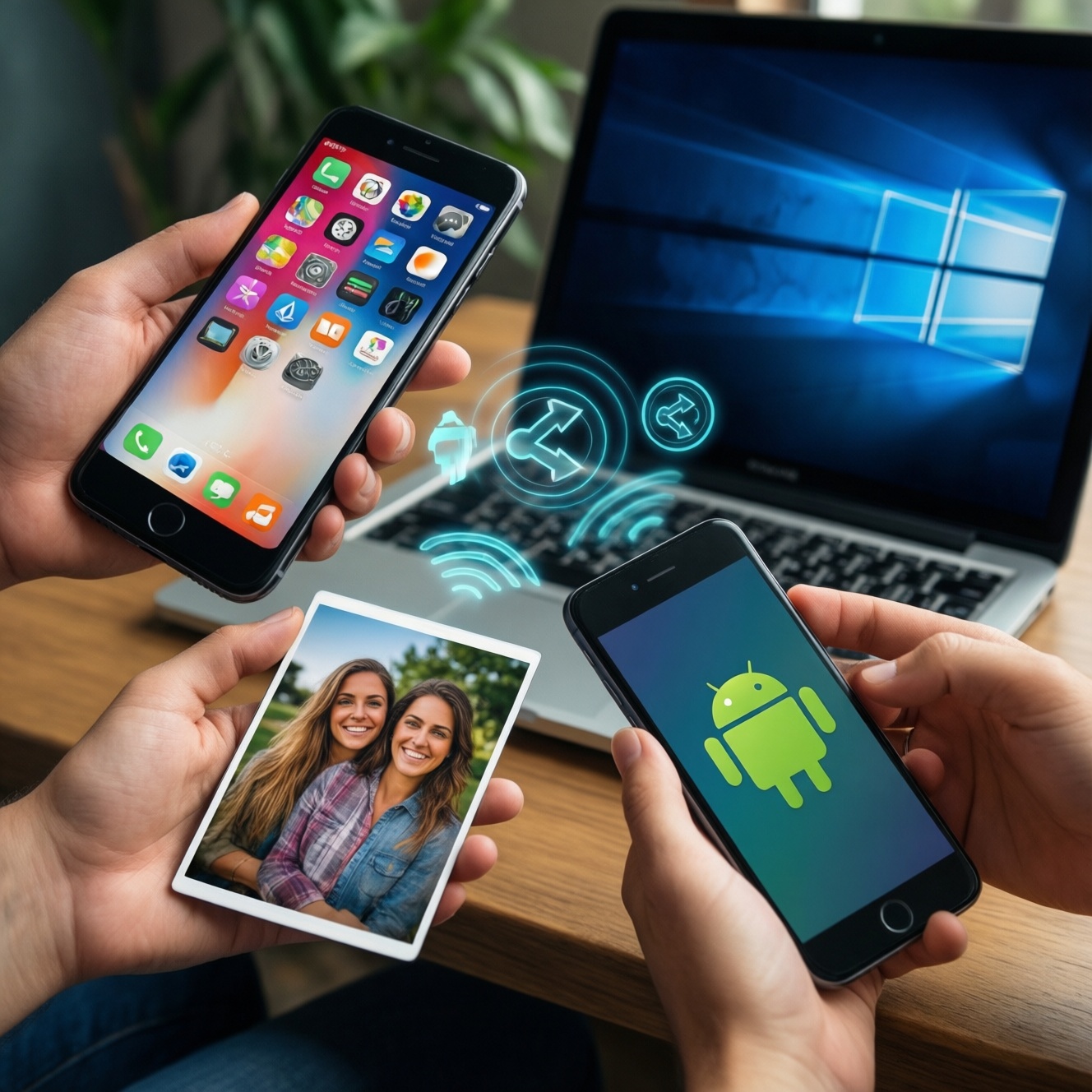
If you stay inside Apple devices, AirDrop is usually the simplest and most reliable one-tap option. If you share across Android brands or between Android and Windows, Nearby Share/Quick Share is typically the practical default. For iPhone-to-Android transfers, you'll need a cross-platform app or a link-based method; neither AirDrop nor Nearby Share fully covers that.
Quick practical summary
- Choose AirDrop when both sender and receiver are Apple (iPhone/iPad/Mac) and you want the least setup.
- Choose Nearby Share/Quick Share when you mix Android phones, or you often do Android-to-Windows transfers.
- For iPhone ↔ Android, plan a fallback: cloud link, messenger, or a dedicated cross-platform transfer app.
- For frequent work sharing, prioritize predictable discovery + a clear permission flow over "peak speed".
- On a budget, the best upgrade is process: stable Wi‑Fi, correct visibility settings, and a wired fallback.
Compatibility and ecosystem constraints
Use these criteria to decide quickly (and avoid buying accessories you don't need):
- Your device mix: Apple-only, Android-only, or mixed. This is the main answer to "AirDrop vs Nearby Share ต่างกันอย่างไร" in real life.
- Computer involvement: Do you need phone ↔ laptop transfers (especially Windows), or only phone ↔ phone?
- Brand features: "Quick Share Samsung คืออะไร วิธีใช้" matters if you're in the Galaxy ecosystem; it can feel smoother than generic Android sharing.
- Network environment: Office Wi‑Fi, dorm Wi‑Fi, mobile hotspot, or no Wi‑Fi. Some methods degrade badly on congested networks.
- File types and size: Lots of small photos vs a single large video vs folders/many files.
- Discovery rules: Do you need "Contacts only", "Everyone for 10 minutes", or hidden by default?
- Permission friction: Are you willing to confirm prompts each time, or do you need near-zero taps?
- Policy constraints: Workplace restrictions on Bluetooth/Wi‑Fi Direct, or mandatory MDM/security settings.
- Fallback tolerance: If the fast option fails, can you accept "send a link" or do you need guaranteed offline transfer?
Connection methods: Bluetooth, Wi‑Fi Direct, and handshakes
| Aspect | AirDrop | Nearby Share / Quick Share |
|---|---|---|
| Compatibility | Apple-to-Apple only (iPhone/iPad/Mac). | Android-to-Android; often supports Android-to-Windows depending on PC setup and vendor tools. |
| Connection method | Bluetooth/Wi‑Fi coordination with Apple's tightly integrated discovery and direct transfer behaviors. | Bluetooth for discovery + Wi‑Fi Direct / local Wi‑Fi for transfer, depending on device and settings; Samsung's Quick Share adds vendor-specific optimization. |
| Speed & reliability | Usually consistent inside Apple ecosystem; fewer "can't see device" cases when settings are correct. | Can be very fast, but discovery/reliability varies more by Android version, OEM skin, and Windows integration. |
| Security | Strong default proximity/identity model inside Apple IDs/contacts; user approval flow is predictable. | Good controls (visibility modes, approvals), but user experience differs across brands; requires careful visibility settings in shared spaces. |
| Cost / workarounds | Free built-in on Apple devices; for Windows you'll need alternatives (cable, cloud, third-party apps). | Free built-in on many Android devices; Android-to-Windows may be free but needs setup; otherwise use cable or cloud. |
Practical options you'll actually use (choose based on your devices and constraints):
| Variant | Who it fits | Pros | Cons | When to choose |
|---|---|---|---|---|
| AirDrop (Apple built-in) | iPhone/iPad/Mac users sharing with Apple users | Low friction; predictable UI; no extra apps | No native iPhone ↔ Android; not a Windows tool | Daily sharing within Apple devices, especially photos/videos |
| Nearby Share (Android built-in) | Mixed Android brands; Android users who share often | Wide Android support; sensible visibility modes | Discovery can vary by phone brand and settings | Android ↔ Android sharing across different manufacturers |
| Quick Share (Samsung / selected Android builds) | Galaxy-to-Galaxy or Samsung-heavy groups | Often smoother in Samsung ecosystems; good for frequent internal sharing | Best experience can be vendor-specific | If you asked "Quick Share Samsung คืออะไร วิธีใช้" because your group is mostly Samsung |
| Android ↔ Windows via Nearby Share / vendor integration | Students/office users moving files between Android and PC | Convenient when it works; avoids cables | Setup and permissions can be finicky; depends on PC environment | If "Nearby Share Android วิธีใช้ ส่งไฟล์ระหว่างมือถือกับคอม" is your main scenario |
| Cable transfer (USB-C / Lightning) | Anyone who needs reliability on a budget | Most reliable; not affected by Wi‑Fi congestion | Needs the right cable/adapter; less convenient socially | Large videos, many files, or when wireless discovery keeps failing |
| Link-based sharing (cloud drive / shared link) | iPhone ↔ Android; remote sharing; mixed OS teams | Cross-platform; works even when devices aren't nearby | Requires internet and storage; privacy depends on link settings | Mixed ecosystem groups and "send it now" situations |
| Third-party cross-platform transfer app (local Wi‑Fi) | People who constantly do iPhone ↔ Android offline transfers | Can work locally; avoids ecosystem lock-in | Extra app install; varying privacy models; ads/subscriptions possible | When you need "แอปส่งไฟล์ระหว่าง iPhone กับ Android ที่ดีที่สุด" for your exact workflow |
Transfer speed, reliability, and real‑world throughput
Use scenario-based rules; optimize for consistent completion, not theoretical maximum speed.
- If you're Apple-to-Apple and it's "right now, nearby", then use AirDrop; it's usually the least fragile discovery + approval flow.
- If you're Android-to-Android across different brands, then use Nearby Share; keep visibility temporarily open (and close it afterward) to reduce "can't find device".
- If it's Android-to-Windows for work/school, then set up Nearby Share/Quick Share integration once and reuse it; otherwise a USB cable beats repeated pairing attempts. This matches the common need behind "Nearby Share Android วิธีใช้ ส่งไฟล์ระหว่างมือถือกับคอม".
- If it's iPhone-to-Android (or the reverse), then assume AirDrop won't help and pick a cross-platform method: link-based share for convenience, or a local-transfer app when internet is limited.
- Budget-first rule: if wireless is flaky in your environment (condo Wi‑Fi, campus, cafés), spend zero money first-move closer, enable Wi‑Fi/Bluetooth, reduce interference, retry once. If it still fails, switch to cable instead of troubleshooting for 20 minutes.
- Premium workflow rule: if file transfer is part of your job, keeping devices within one ecosystem (all-Apple or all-Samsung/Android) often reduces time lost to interoperability.
Privacy, security models and permission flows
- Decide your default visibility: keep sharing set to contacts-only or hidden; only enable "everyone/nearby" briefly when needed.
- Prefer explicit accept prompts in public places (campus, BTS/MRT stations, cafés) to avoid accidental inbound files.
- Check device identity signals: confirm the recipient name/device and (when available) the avatar/contact match before sending.
- For sensitive files, avoid open links; use a method with clear access control (specific people) or a local offline transfer.
- After sending, reset discoverability back to hidden/contacts-only to reduce future exposure.
- On shared/managed devices, follow policy (MDM rules often break ad-hoc sharing; choose cable or approved cloud tools).
Budget‑first usability: setup, discoverability and fallbacks
Common selection mistakes that waste time (and how to avoid them):
- Expecting AirDrop to solve iPhone ↔ Android: it won't; plan a cross-platform fallback from day one.
- Not answering the Windows question early: "AirDrop ใช้กับ Windows ได้ไหม ทางเลือกส่งไฟล์" should trigger a decision: cable, link-based sharing, or Android-side Nearby Share/Quick Share to PC.
- Leaving visibility too restrictive: both sides set to hidden/contacts-only can look like "it's broken". Temporarily enable broader visibility, then revert.
- Bluetooth/Wi‑Fi toggles are off: discovery commonly depends on them even if the transfer uses a faster channel later.
- Assuming all Androids behave the same: OEM skins differ; Samsung Quick Share may be smoother within Samsung-heavy groups.
- Ignoring permission prompts: one missed "Allow nearby devices" permission can silently block detection.
- Trying to troubleshoot during urgent sharing: keep one "always works" fallback ready (USB cable/adapter or link-based share).
- Over-optimizing for speed: a slightly slower method that completes reliably is better than repeated failed attempts.
- Skipping a test transfer: do a small test photo first before sending a large video or an entire folder.
Troubleshooting, interoperability hacks and best practices
Best fit by environment: AirDrop tends to be best for Apple-only households and teams that want minimal setup; Nearby Share/Quick Share tends to be best for Android-heavy groups and Android-to-Windows routines; for mixed iPhone-and-Android sharing, a cross-platform app or link-based approach is often the best practical compromise, with a USB cable as the budget-first reliability fallback.
Practical clarifications for common edge cases
Can I use AirDrop with Windows?
No, AirDrop is Apple-only. If your key need is "AirDrop ใช้กับ Windows ได้ไหม ทางเลือกส่งไฟล์", use a USB cable, a cloud/shared link, or an Android-to-Windows Nearby Share/Quick Share setup instead.
Is Nearby Share the same thing as Quick Share on Samsung?
They're related but not identical in experience. "Quick Share Samsung คืออะไร วิธีใช้" usually points to Samsung's sharing layer, which can feel more seamless between Galaxy devices while still aligning with Android's nearby sharing concept.
How do I reliably send files from Android to a computer?
For "Nearby Share Android วิธีใช้ ส่งไฟล์ระหว่างมือถือกับคอม", first confirm Bluetooth and Wi‑Fi are on, then ensure the PC integration is installed and set to discoverable during transfer. If discovery fails twice, switch to USB for time-critical work.
What is the best method for iPhone to Android transfers?
If you're searching "แอปส่งไฟล์ระหว่าง iPhone กับ Android ที่ดีที่สุด", the practical answer depends on your constraints: use link-based sharing when internet is fine, or a reputable cross-platform local-transfer app when you need offline nearby transfers.
Why can't my device see the other device even when both are next to each other?
Most cases are visibility settings (hidden/contacts-only), missing permissions, or disabled Bluetooth/Wi‑Fi. Temporarily set visibility to everyone/nearby, retry once, then revert.
Which is safer in a crowded public place: AirDrop or Nearby Share/Quick Share?
Both can be safe if you keep discoverability limited and require acceptance. The risky configuration is leaving "everyone/nearby" enabled longer than necessary.
What should I do when I must send a very large video quickly?
Use the method that completes on the first try: AirDrop for Apple-to-Apple, Nearby Share/Quick Share for Android-to-Android, and a USB cable when wireless discovery is unstable or you're mixing ecosystems.