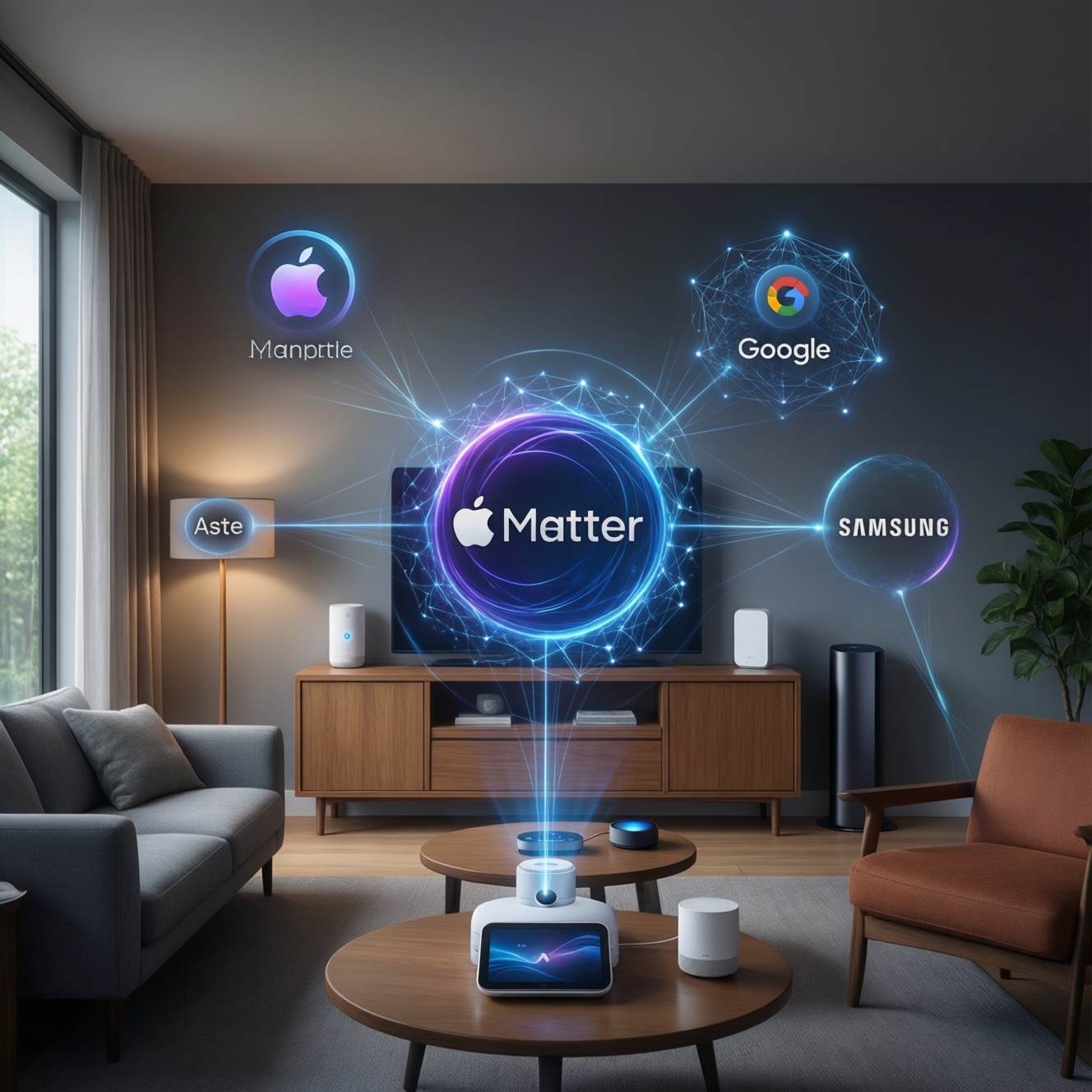
Matter is a smart-home application standard, and Thread is a low-power mesh network many Matter devices use. Together they reduce ecosystem lock-in, improve local reliability, and simplify multi-brand setups across Apple, Google, and Samsung. Practically, you'll buy devices by checking Matter support first, then Thread/Wi‑Fi based on your home layout.
What Matters Most: Quick Wins with Matter & Thread
- Prioritize อุปกรณ์สมาร์ตโฮมรองรับ Matter when expanding-pair once, then control from multiple apps where supported.
- Use Thread for sensors, locks, and switches where you want stable, low-latency local control; keep Wi‑Fi for cameras and high-bandwidth devices.
- Plan for a "border router" (often built into speakers/TV hubs) before buying many Thread endpoints.
- When comparing ฮับสมาร์ตโฮมรองรับ Matter Apple Google Samsung, focus on what you already own (phones, speakers, TV boxes) and what automations you need.
- For Matter/Thread ซื้ออุปกรณ์สมาร์ตโฮม, check three labels: Matter version, transport (Thread/Wi‑Fi), and ecosystem certification notes (Home/Google/Alexa/SmartThings).
Common Myths and Misconceptions about Matter and Thread
Myth: Matter replaces HomeKit/Google Home/SmartThings. Matter is a shared "language" for devices; Apple Home, Google Home, and SmartThings are still the control platforms (apps, automations, cloud features, UI). Matter makes it easier for one device to be used by more than one platform, but it doesn't eliminate platform differences.
Myth: Thread is required for Matter. Matter can run over Wi‑Fi or Ethernet too. Thread is optional-best for battery devices and dense homes where mesh stability matters. Cameras and doorbells often remain Wi‑Fi even if other devices move to Thread.
Myth: Any older device can be upgraded to Matter. Some devices can gain Matter via firmware (if the hardware is capable), but many cannot. In practice, expect a mixed home: legacy Zigbee/Z-Wave/Wi‑Fi devices alongside new Matter devices.
Myth: Buying Matter means every feature works everywhere. Matter standardizes core device capabilities; advanced features may still be platform-specific. You'll often get reliable basics everywhere (on/off, dimming, locks), while extras (special scenes, proprietary effects) may stay in one app.
Technical Foundations: How Matter and Thread Work Together
Think of Matter as the device protocol (how apps and devices agree on commands and states) and Thread as one of the IP networks Matter can use (how packets move around your home). The practical takeaway: troubleshoot Matter like an app/protocol problem, and troubleshoot Thread like a network/coverage problem.
- Matter roles: a controller (phone/app or hub) commissions devices and issues commands; devices expose standardized clusters/capabilities.
- Transports: Matter can use Thread (mesh), Wi‑Fi (existing router), or Ethernet (wired hubs/bridges).
- Thread mesh: Thread endpoints join a self-healing mesh; mains-powered devices often strengthen the mesh while battery devices conserve power.
- Border router: connects the Thread mesh to your home IP network so controllers on Wi‑Fi/Ethernet can reach Thread devices.
- Multi-admin: one Matter device can be shared to more than one ecosystem (when supported), reducing re-buying if you change platforms.
- Bridges: some ecosystems expose non-Matter devices into Matter via a bridge, but the feature set may be "mapped down" to what Matter supports.
Quick setup checklist (commissioning that avoids 80% of headaches)
- Update your phone OS and smart-home app before pairing.
- Confirm you have at least one compatible hub/border router if you're buying Thread devices.
- Pair the device in the ecosystem you'll use most, then add multi-admin sharing to the second ecosystem.
- If pairing fails, reset the device, move it closer to the hub/router, and retry before changing anything else.
Compatibility Landscape: Apple, Google, Samsung and Ecosystem Support
Where Matter/Thread becomes "real" is in everyday scenarios: mixed brands, mixed controllers, and shared households. Use these patterns to decide what to buy and where to manage it.
- Apple-first home (iPhone + Home app): best when you want tight local automations and consistent UX. For Apple HomeKit รองรับ Matter อุปกรณ์แนะนำ, start with Matter lights/plugs and a Thread-capable hub so battery sensors and locks stay responsive.
- Google-first home (Android + Google Home): convenient for voice and broad device catalog; Matter simplifies adding devices without hunting for "Works with..." badges across brands.
- SmartThings-first home (Samsung): useful for households with many device types and automation depth; Matter devices integrate as standard devices, while legacy Zigbee/Z-Wave (if you have them) may continue through existing hubs.
- Multi-admin household: one set of devices, multiple apps (e.g., Apple Home for one person, Google Home for another). Matter reduces arguments about "whose app owns the device."
- Apartment vs. house layouts: in concrete-heavy condos, Thread mesh can outperform single-router Wi‑Fi for low-power devices; in small apartments, Matter-over-Wi‑Fi is often sufficient.
Practical Migration: Upgrading Existing Smart Home Setups
Migration works best when you treat Matter as your "new default" for incremental purchases, not a big-bang replacement. Keep what's stable, replace what causes friction (dropouts, vendor app dependence, cloud-only control).
Benefits you'll notice quickly
- Less brand lock-in when buying new devices labeled อุปกรณ์สมาร์ตโฮมรองรับ Matter.
- More reliable local control for low-power endpoints when you choose Thread in challenging RF environments.
- Cleaner handover between ecosystems (multi-admin) for shared homes.
- Simpler "one device, many platforms" planning when comparing ฮับสมาร์ตโฮมรองรับ Matter Apple Google Samsung.
Limits you should plan around
- Not all device categories and advanced features are equally implemented across platforms.
- You may still need bridges/hubs for legacy Zigbee/Z-Wave devices (and the bridge can cap features).
- Thread requires at least one border router; without it, Thread-only devices won't be reachable.
- Shopping purely by อุปกรณ์ Thread สมาร์ตโฮม ราคา can backfire if you ignore ecosystem support, firmware maturity, and placement requirements.
Security and Privacy: What Has Changed and Why It Matters
- Matter doesn't mean "cloud-free" by default. Many ecosystems still offer remote access and cloud conveniences; decide what you enable in each app.
- Local control improves resilience, not invulnerability. Keep routers updated and segment IoT if you can; Matter can still be exposed by poor network hygiene.
- Commissioning is the critical moment. Pairing a device in the wrong "home," leaving it shared to old accounts, or skipping resets during resale are common real-world risks.
- Multi-admin is powerful but needs governance. Treat ecosystem sharing like granting access to a shared door key: revoke access when household members or phones change.
- Firmware discipline matters more than the logo. Matter/Thread reduce compatibility pain, but they don't replace vendor updates and secure lifecycle support.
Manufacturer & Developer Impact: Certification, Costs, and Timelines
For users, the visible impact is "more devices claim interoperability." For manufacturers and developers, Matter introduces certification paths and stricter expectations around behavior consistency. The practical result: you'll see phased rollouts-core features first, then incremental firmware enabling more clusters and better multi-admin flows.
Mini-case: shipping a Matter light that behaves consistently across ecosystems
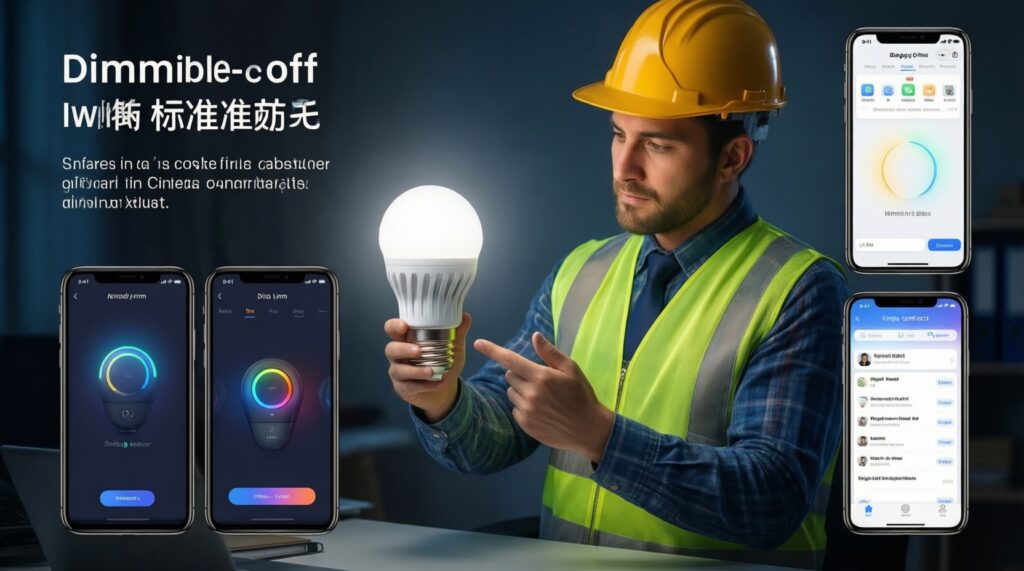
A common pitfall is implementing the bare minimum so the device pairs, but it behaves differently across apps. A disciplined approach is to define a single capability contract and test it against each controller's expectations.
// Pseudocode: normalize behavior for an on/off + dimmable light
onCommand("On")      { setPower(true);  reportState(); }
onCommand("Off")     { setPower(false); reportState(); }
onCommand("MoveToLevel", level) {
  setPower(level > 0);
  setBrightness(level);
  reportState(); // keep state reporting consistent for Apple/Google/Samsung controllers
}
As a buyer, this is why "it's Matter" isn't the end of evaluation: prefer vendors with a track record of frequent firmware updates and clear platform notes, especially when you're doing Matter/Thread ซื้ออุปกรณ์สมาร์ตโฮม for a mixed ecosystem home.
Common Implementation Queries
Do I need Thread to benefit from Matter?
No. Matter over Wi‑Fi/Ethernet works well for many devices; Thread is most helpful for low-power devices and for mesh reliability in harder layouts.
What should I check first when buying อุปกรณ์สมาร์ตโฮมรองรับ Matter?
Confirm the device category you need is supported in your target ecosystem app, then check whether it's Matter-over-Thread or Matter-over-Wi‑Fi so you don't miss a required border router.
Which hub should I choose for ฮับสมาร์ตโฮมรองรับ Matter Apple Google Samsung?
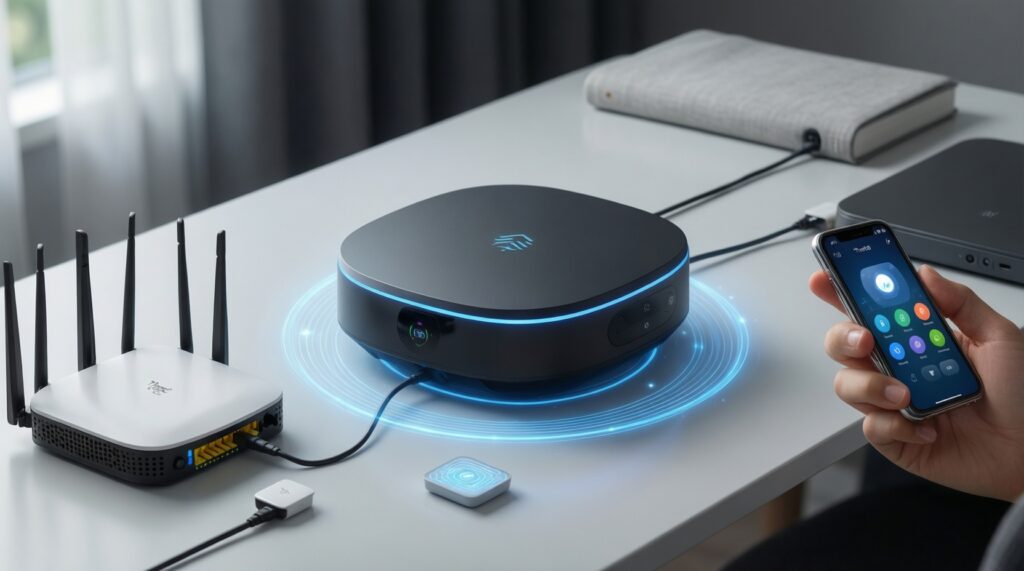
Start from the ecosystem you'll automate in most, then ensure at least one always-on controller exists in that ecosystem and that you have Thread border-router capability if you plan to buy Thread endpoints.
How do I avoid overpaying when comparing อุปกรณ์ Thread สมาร์ตโฮม ราคา?
Compare total system cost: border router availability, number of mains-powered Thread devices to stabilize the mesh, and vendor firmware support-not just the per-device price tag.
What are safe Apple HomeKit รองรับ Matter อุปกรณ์แนะนำ for a first upgrade?
Start with Matter smart plugs or bulbs (simple capability set) and add Thread sensors next, after confirming you have a Thread-capable Apple home hub for stable automation.
Can I keep my older Zigbee or Wi‑Fi devices?
Yes. Run a hybrid setup: keep stable legacy devices where they are, and add new purchases as Matter; use bridges only when needed and accept that some features may not map perfectly.