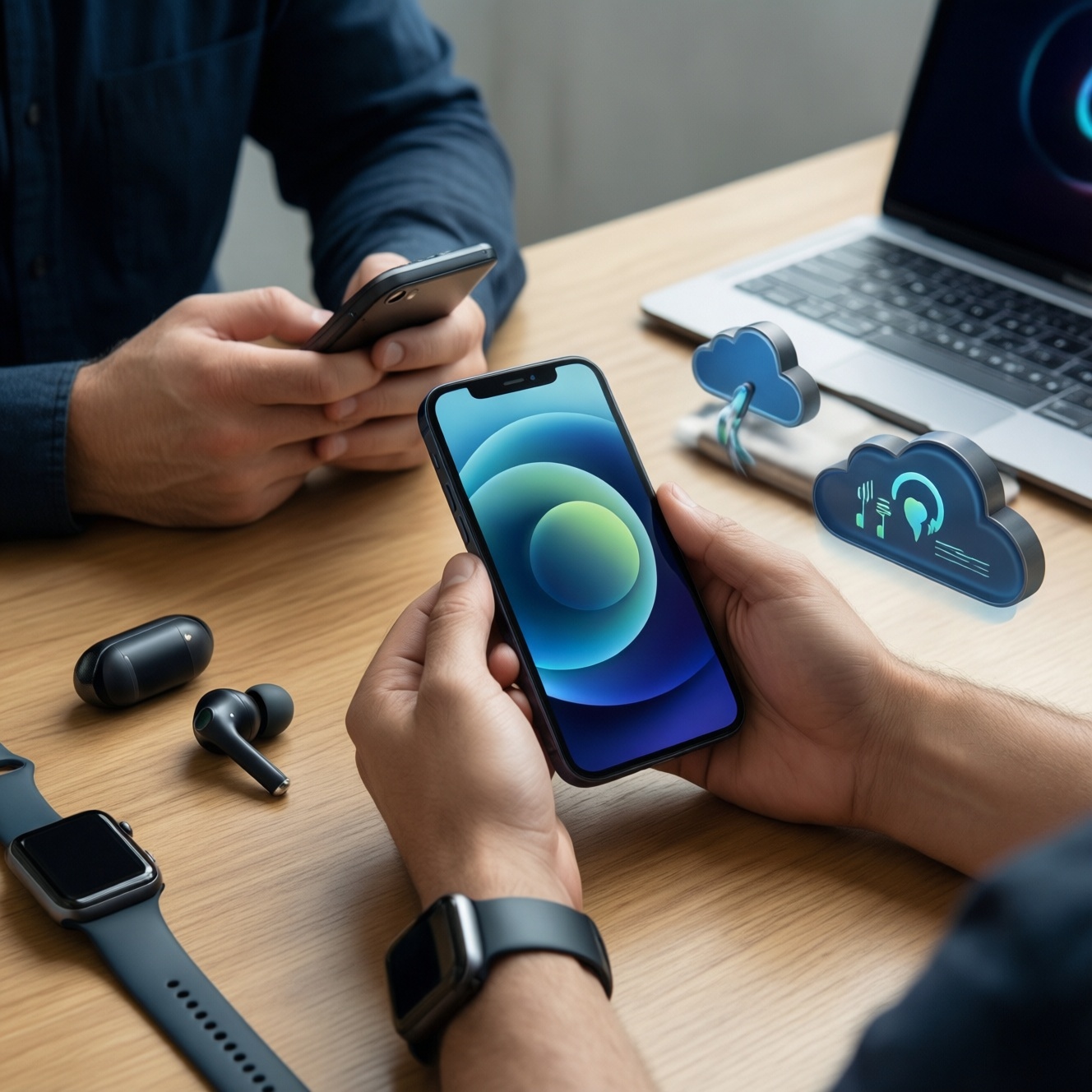
Your best "primary phone + accessories" setup is the one that matches the ecosystem you already rely on (Apple, Samsung/Android, Google services, Windows) and the handoffs you use daily: earbuds switching, watch sync, cloud backups, and payments. Start by mapping your devices and accounts, then pick the phone OS that preserves your key apps and workflows, and only then buy accessories that integrate cleanly.
Core Compatibility Checklist for Your Ecosystem
- List the devices you use weekly (laptop/tablet/watch/TV/car) and the ecosystem features you actually use (handoff, clipboard, smartwatch health, payments).
- Confirm your must-have apps support the same features on the target OS (login methods, file access, notifications, widgets).
- Decide your "single source of truth" for contacts, photos, passwords, and backups (one cloud + one password manager).
- Check accessory compatibility by codec/standards (Bluetooth multipoint, fast-charge protocol, watch pairing limits, Find My / SmartThings).
- Plan account security before migration (2FA, recovery methods, device passcode policy).
Assessing Your Current Ecosystem and Daily Workflows
This approach fits you if you already own multiple connected devices (watch + earbuds + laptop/tablet) and want fewer friction points across them. It's especially helpful when your question is effectively "ซื้อมือถือเครื่องหลัก รุ่นไหนดี" because the best model depends on what it must integrate with, not just specs.
Skip a deep ecosystem build-out if you frequently switch brands, share devices with family members using different accounts, or only need a phone for calls, chat, and light browsing-then simpler, standard-based accessories are safer.
| Prep check | What to verify | Where it usually breaks |
|---|---|---|
| Accounts & sign-in | Apple ID / Google account / Samsung account access, 2FA works | Old phone number, lost recovery email, work-managed accounts |
| Data ownership | Contacts/photos are in one cloud, not scattered across apps | Duplicate contacts, missing photo originals, mixed chat backups |
| Accessory standards | Charging type, fast-charge protocol, wireless charging needs | Slow charging due to mismatched protocol, wrong cable spec |
| Cross-device goals | Which handoffs matter (earbuds switching, watch sync, clipboard, casting) | Buying premium accessories for features you won't use |
| Budget boundaries | Set a cap for phone + must-have accessories | Overspending on "nice-to-have" add-ons early |
Practical example: If you already use a MacBook + iPad and depend on shared notes, AirDrop-like transfers, and seamless earbuds switching, you'll usually get the least friction when you เลือกมือถือให้เข้ากับ Apple Ecosystem rather than trying to recreate those handoffs piecemeal.
Choosing the Primary Smartphone: Role, OS, and App Parity
Before you follow any "แนะนำมือถือพร้อมอุปกรณ์เสริม" list, treat the primary phone as the identity hub: it holds your accounts, authenticators, payment tokens, and backups. Prepare these requirements and access items first:
- Account access: working Apple ID/Google/Samsung login with recovery options (phone, email, trusted device) confirmed.
- 2FA readiness: authenticator app plan (or built-in passkeys), and a safe secondary recovery method.
- App parity check: confirm your top apps support the same login and sync on the target OS (banking, work chat, note apps, cloud drive).
- Backup destination: decide where photos, chats, and device backups will live (and test one restore path).
- Regional fit (TH): ensure warranty/service availability and that your preferred payments and carrier features work as expected.
Practical example: If your daily stack is Galaxy tablet + Windows laptop + SmartThings devices, you'll typically have fewer feature gaps when you เลือกมือถือให้เข้ากับ Samsung Galaxy Ecosystem, because watch/earbud pairing and smart-home controls tend to be smoother within the same account family.
Selecting Accessories by Integration: Audio, Power, and Wearables
Use this prep mini-checklist before buying anything labeled อุปกรณ์เสริมมือถือ แท้ ราคาดี-cheap incompatibilities cost more in time and replacements.
- Write down your phone model and required ports (USB-C/Lightning), plus whether you need wireless charging.
- Decide your top 2 accessory priorities (e.g., "calls in BTS + watch health tracking").
- Check whether you need multi-device audio switching or just single-device stability.
- Confirm which ecosystem tracking network you want (Apple Find My / Samsung SmartThings Find / third-party tags).
- Set a "must-be-certified" rule for chargers/cables to reduce heat, disconnects, and battery stress.
Quick accessory decision matrix (pick the column that matches your priority)
| Accessory | Best when you prioritize ecosystem features | Best when you prioritize cross-brand flexibility | Red flag to avoid |
|---|---|---|---|
| Earbuds | Fast device switching, spatial features, built-in controls tied to the OS | Bluetooth multipoint, strong mic performance across devices | Proprietary features you can't use on your OS |
| Charger + cable | Official/quality-certified fast charging matched to your phone | Standards-based fast charging that works across phones/tablets | Unknown-brand high-watt claims without certification |
| Smartwatch | Full health/notification integration, reliable background sync | Basic notifications + fitness with independent apps | Watch that only supports full features on a different OS |
| Tracker tag | Native network (Find My / SmartThings Find) for dense device finding | App-based tags that work on both major platforms | Tag that requires a region-locked service you can't activate |
-
Lock your ecosystem target first (Apple-focused or Galaxy-focused).
Choose the ecosystem that already holds your data and devices; then select accessories built to integrate with it, not just to "fit" physically. This prevents half-working features like limited watch functions or unstable audio switching. -
Pick earbuds based on your switching pattern.
If you regularly jump between phone, tablet, and laptop, prioritize reliable multipoint or the ecosystem's fast-switch implementation. For calls, test mic quality in noisy Thai commuting conditions if you can.- Good sign: stable reconnect behavior after leaving Wi‑Fi and returning.
- Risk: "gaming/low latency modes" that only work on specific phone brands.
-
Standardize charging around one safe fast-charge path.
Decide on one main wall charger and one cable spec that matches your phone's fast-charging requirements, then add a secondary travel option. Avoid mixing random high-watt chargers without understanding compatibility.- Good sign: reputable certification and clear specs on the product and packaging.
- Risk: overheating, slow charging, or intermittent disconnects from poor cables.
-
Choose a smartwatch only if you need deep OS-level features.
If you mainly want notifications and basic fitness, you can choose more flexibly. If you need health metrics, reply actions, wallet integration, or tight app sync, stay within the same ecosystem family for fewer limitations. -
Decide how you will find lost items: native network vs third-party.
If you're all-in on one ecosystem, native tracker tags usually integrate better with the OS. If your household uses mixed phones, pick a tag system that works reliably across both major platforms. -
Buy protection that doesn't break usability.
Select a case that keeps buttons responsive and doesn't interfere with wireless charging (if you use it). Add a screen protector you can install cleanly to avoid touch issues.
Practical example: A Galaxy phone + Galaxy Watch + multipoint earbuds can be a strong "commute + work" combo when you want consistent notifications and calls on Windows and Android; the key is verifying the exact features (replies, health sync, device switching) before buying.
Managing Connectivity: Syncing, Backups, and Cross-device Handoffs
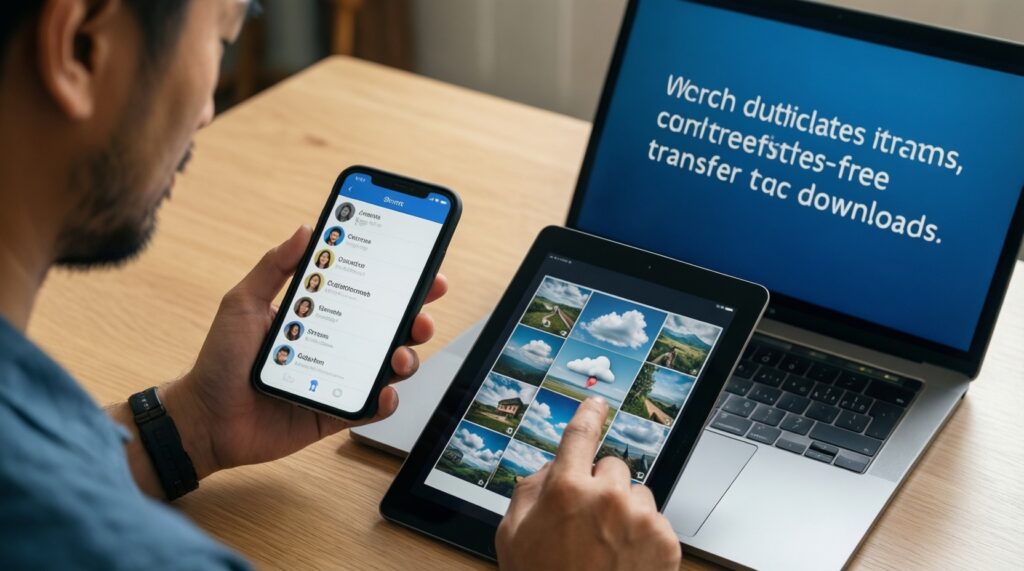
After setup, validate outcomes with this result checklist (do it before you trade in your old phone):
- Contacts appear correctly on the phone and at least one secondary device (tablet/laptop) without duplicates.
- Photos sync to your chosen cloud and you can download an original file on another device.
- Messaging app backups are enabled and a test restore path is understood (even if you don't execute a full restore).
- Earbuds reconnect reliably after toggling Bluetooth and after leaving/returning to Wi‑Fi.
- Smartwatch sync stays active in the background (notifications arrive within normal use, not only when the app is open).
- Handoff-like flows you care about work (casting, clipboard sharing, quick share/AirDrop equivalents) on your devices.
- Find-device feature is enabled and you can locate the phone from another device/account.
- Backup runs on schedule (or you can trigger it manually) and completes without storage errors.
Practical example: If you use a Windows laptop, test file transfer both ways (phone → laptop and laptop → phone) using your chosen method; don't assume it works just because pairing succeeded.
Securing Devices and Managing Access Across the Ecosystem
Common mistakes that cause lockouts, leaks, or painful migrations later:
- Setting up a new phone without verifying account recovery (then losing access when 2FA prompts appear).
- Using SMS-only 2FA for critical accounts while traveling or switching SIMs.
- Mixing personal and work-managed accounts on the same device without understanding admin controls and data separation.
- Leaving cloud sync on for multiple photo apps, creating duplicates and confusing "deleted vs archived" states.
- Reusing a weak device passcode or disabling biometric locks for convenience.
- Granting broad permissions to accessory companion apps (contacts, SMS, location) without a real feature need.
- Skipping "Find My device"/device locator setup until after you lose the phone.
- Not encrypting/locking backups where applicable, especially if you share a family computer.
Practical example: If you move from one Android phone to another, keep the old device logged in until you confirm your authenticator, banking apps, and recovery prompts work on the new phone; then sign out and factory reset safely.
Cost Planning, Upgrade Paths, and Long-term Maintainability
Alternatives that make sense depending on how stable your ecosystem needs are:
- Ecosystem-first build: Choose the phone that best matches your current ecosystem, then add only two "daily driver" accessories (earbuds + charger) now; add watch/tracker later when you've proven the workflow.
- Standards-first build (mixed household): Prioritize cross-brand accessories (multipoint earbuds, standards-based chargers, app-based trackers) when family members use different phones and you want fewer compatibility surprises.
- Upgrade in layers: Keep your current accessories if they meet safety/compatibility needs; upgrade the phone first, then replace accessories only when you hit a real limitation (battery, call quality, sync reliability).
- Two-phone role split: Maintain a "primary secure phone" for banking/authentication and a secondary device for testing, travel, or content work-useful if you often switch ecosystems or ROMs.
Practical example: If your budget is tight but you still want a coherent setup, buy the primary phone plus one high-quality charger/cable first; postpone premium earbuds/watch until you confirm your must-have app parity and backups are stable.
Typical Integration Concerns and Straightforward Solutions
How do I decide "ซื้อมือถือเครื่องหลัก รุ่นไหนดี" without chasing specs?
Pick the phone that preserves your daily handoffs: accounts, backups, watch/earbud behavior, and file sharing with your other devices. Specs matter only after those workflows are confirmed.
Is it safe to follow a generic "แนะนำมือถือพร้อมอุปกรณ์เสริม" bundle deal?
Yes, if you verify accessory compatibility (charging protocol, watch OS support, app features) and confirm warranty terms in Thailand. Avoid bundles that hide accessory model numbers.
How can I find "อุปกรณ์เสริมมือถือ แท้ ราคาดี" without risking unsafe chargers?
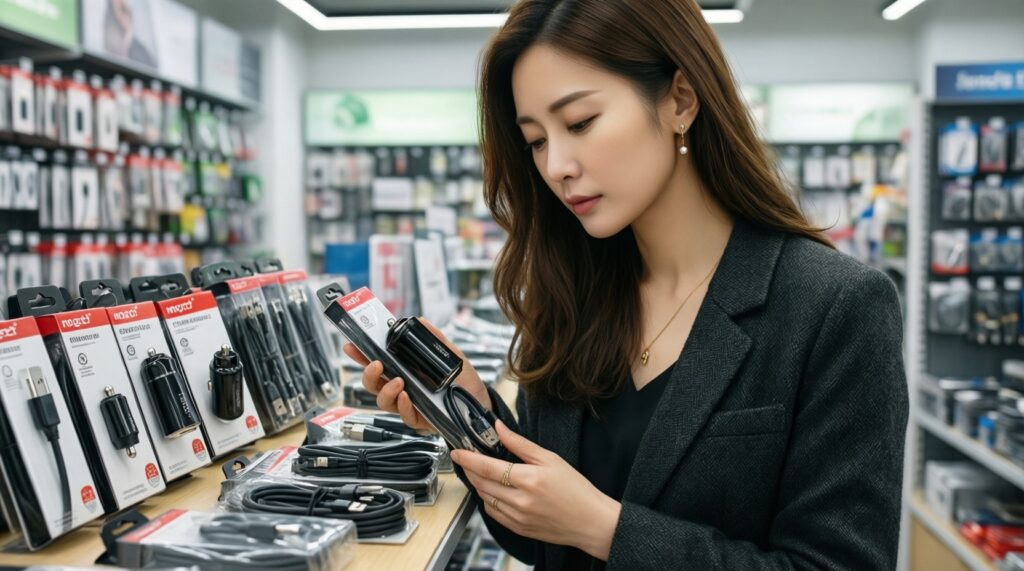
Prioritize reputable sellers and clearly specified certifications/models, especially for chargers and cables. If specs are vague or branding is unclear, skip it even if the price is attractive.
What's the quickest way to "เลือกมือถือให้เข้ากับ Apple Ecosystem"?
Ensure your Apple ID recovery works, then confirm the Apple services you rely on (photos, notes, device finding, earbuds switching) are central to your workflow. If those are core, keep the iPhone as the primary device.
What's the quickest way to "เลือกมือถือให้เข้ากับ Samsung Galaxy Ecosystem"?
Confirm your Samsung account and SmartThings needs, then validate watch features and background sync behavior. If you depend on Galaxy wearables and SmartThings automations, a Galaxy phone usually reduces feature gaps.
Can I mix an iPhone with a Galaxy Watch (or the reverse) and still get full features?
Usually you'll get basic connectivity, but full features often require the same ecosystem family. Decide whether you need deep integrations (replies, health sync, wallet) or just notifications.
When should I migrate data: before or after setting up accessories?
Migrate accounts and backups first, then pair accessories. This prevents pairing issues caused by incomplete permissions, missing companion apps, or unfinished cloud sync.