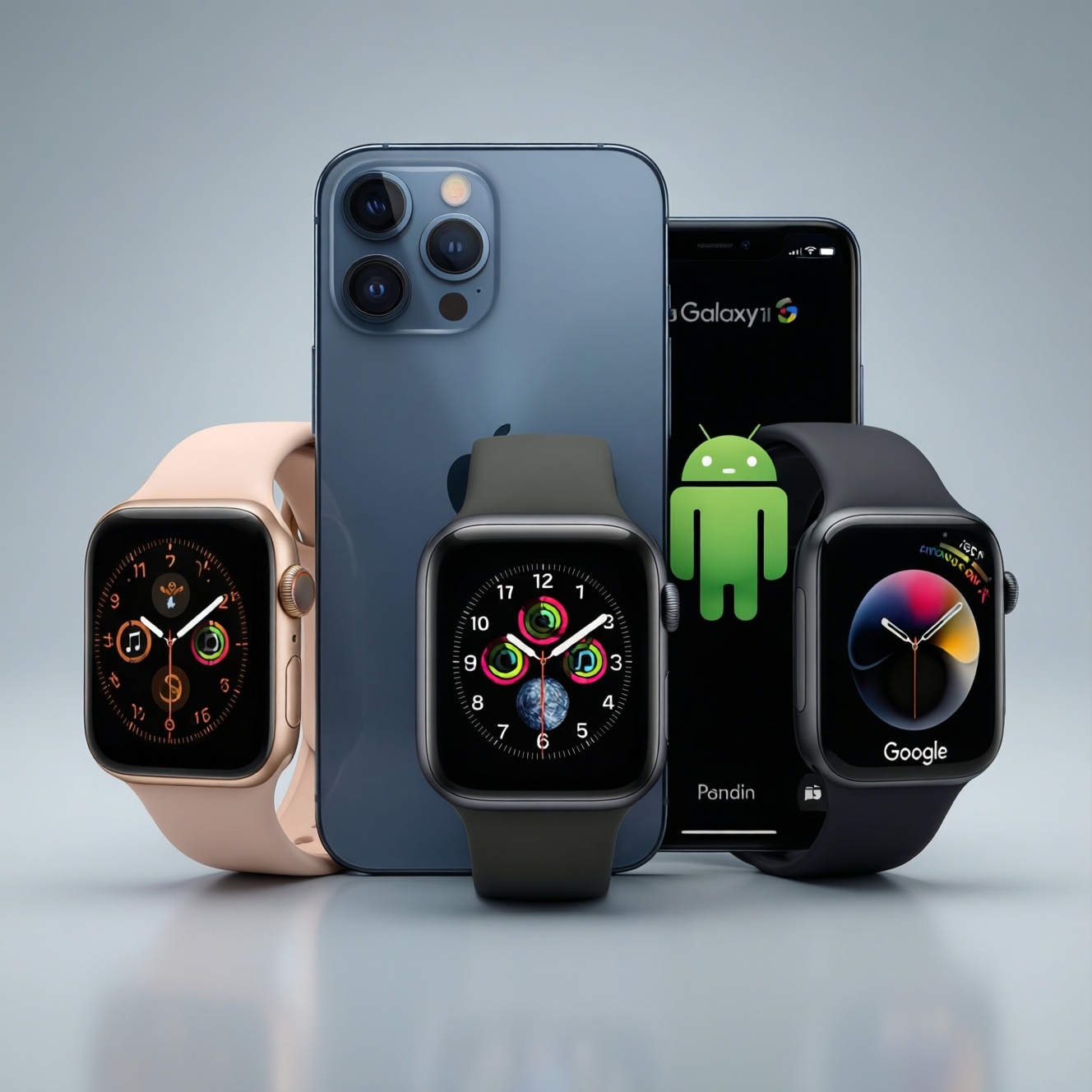
For health, features, and battery, the best smartwatch is mostly determined by your phone: Apple Watch is the most complete health-and-smartwatch package for iPhone, Galaxy Watch is the most seamless for Samsung/Android daily use, and Pixel Watch suits Google-first Android users who want Fitbit-style health insights with clean Wear OS behavior.
Executive summary: which watch fits your priorities
- If you use an iPhone and want the strongest overall integration, start with Apple Watch.
- If you use a Samsung phone and care about a smooth daily experience, Galaxy Watch is usually the easiest fit.
- If you want a Google-native Wear OS experience and Fitbit-flavored health guidance, Pixel Watch is the most direct option.
- For "สมาร์ตวอทช์วัดสุขภาพรุ่นไหนดี", prioritize sensor stability, HR consistency during movement, and how easily you can export/share data.
- Battery expectations vary more by model and settings than by brand-decide your charging routine first.
- In Thailand (TH), confirm language support, wallet/payment compatibility, LTE plan support (if relevant), and local warranty handling before committing.
Health hardware and measurements: sensors, accuracy and medical features
Use these criteria to compare health capability without getting lost in brand marketing (this is the practical core of Apple Watch vs Pixel Watch vs Galaxy Watch health decisions):
- Heart-rate stability during motion: how well the watch holds a signal during running, gym sets, and sweaty conditions.
- Sleep tracking comfort: size/weight and whether you can realistically wear it every night.
- Workout detection and auto-pause logic: useful if you frequently forget to start/stop sessions.
- ECG and irregular rhythm features (where supported): check if the feature is enabled in your region and device pairing.
- SpO2 and respiratory trends: more useful for long-term patterns than single readings.
- Skin temperature and cycle/health insights: only matters if you will actually use trend-based features.
- Fall detection / crash-style alerts: evaluate the whole chain-detection, how it contacts emergency services/contacts in TH, and reliability.
- GPS quality and lock speed: key for outdoor training; also check how it handles urban canyons and shaded parks.
- Sensor-to-app transparency: can you see raw trends, not just a score, and can you export data when needed?
Health software and ecosystems: apps, data sharing and clinician access
The ecosystem is often the real differentiator behind เปรียบเทียบ Apple Watch กับ Galaxy Watch: how health data is organized, what gets shared, and which apps you'll actually use weekly.
| Variant | Who it suits | Pros | Cons | When to choose |
|---|---|---|---|---|
| Apple Watch + iPhone (Apple Health) | iPhone users who want consistent health logging and broad app support |
|
|
If you're asking Apple Watch หรือ Galaxy Watch อันไหนดีกว่า and you own an iPhone, choose this unless you have a specific Android-only requirement. |
| Galaxy Watch + Samsung phone (Samsung Health) | Samsung users who want the smoothest daily smartwatch experience on Android |
|
|
If your priority is "set it up once and forget it" on a Samsung phone, pick this path. |
| Galaxy Watch + non-Samsung Android (Wear OS + Samsung Health) | Android users who like Galaxy Watch hardware but don't use a Samsung phone |
|
|
If you're deciding Pixel Watch vs Galaxy Watch รุ่นไหนดี and you value Galaxy hardware/design more than Google-first software. |
| Pixel Watch + Android (Fitbit + Google services) | Google-first users who want clean Wear OS and Fitbit-oriented health guidance |
|
|
If your question is Apple Watch vs Pixel Watch vs Galaxy Watch and you're on Android with a Google-centric workflow, this is the most direct match. |
| Apple Watch + Family Setup (iPhone-managed, for a non-iPhone wearer) | Parents/guardians who want safety features for a family member without giving them a phone |
|
|
If you're buying for a child/elder and want a managed wearable-first approach rather than a full smartphone. |
Smartwatch OS, apps and daily convenience: notifications, voice and continuity
Use these scenario rules to decide quickly (they apply well to เปรียบเทียบ Apple Watch กับ Galaxy Watch and the broader comparison):
- If you rely on iMessage/FaceTime-style continuity, iPhone Focus modes, and seamless handoff, then Apple Watch is the most frictionless.
- If you live in Google apps (Gmail/Calendar/Maps), use Google Assistant-style workflows, and want a "pure" Wear OS feel, then Pixel Watch is usually the cleanest.
- If you use a Samsung phone and want quick settings, device controls, and consistent notification handling without tweaking, then Galaxy Watch typically fits best.
- If you take many calls on-wrist and need predictable mic/speaker behavior, then choose the watch that matches your phone brand for fewer Bluetooth edge cases.
- If you want the widest third-party watch app coverage, then prioritize the platform you already use daily (iOS-first apps favor Apple Watch; Android-first utilities often land on Wear OS first).
Battery performance in practice: typical runtimes, charging patterns and power modes
Battery is easiest to choose by routine, not by advertised claims. Follow this quick checklist:
- Decide when you will charge: morning desk time, evening shower time, or overnight.
- If you want sleep tracking every night, avoid a watch that forces overnight charging in your lifestyle.
- If you do frequent GPS workouts, prioritize stable GPS + a charging routine that tops up before training.
- If you need always-on display, accept that you'll charge more often; compare how aggressive each platform's power saving feels.
- If you plan to use LTE/cellular, treat it as a battery multiplier (more independence, more charging).
- Choose the watch whose low power mode still preserves your must-haves (time, notifications, essential health tracking).
- Before purchase in TH, confirm charger type and availability (travel, office, and replacement chargers).
Wearability and durability: design, straps, swim/rugged use and comfort
Common buying mistakes that reduce satisfaction more than any spec sheet:
- Choosing a case size that looks good in photos but becomes uncomfortable for 24/7 wear (especially for sleep).
- Ignoring strap ecosystem: availability in Thailand, genuine vs third-party quality, and how easily you can swap straps for sport/work.
- Assuming "water resistant" means "carefree in every water activity"; match your use (pool, sea, hot showers) to the brand's guidance.
- Overvaluing premium materials while underestimating screen protection (scratches and knocks are the daily reality).
- Buying for health but picking a watch you won't wear at night; sleep consistency often matters more than one extra sensor.
- Not testing notification vibration strength and comfort-too weak and you miss alerts, too strong and it's annoying.
- Underestimating how much always-on display affects both comfort (glow at night) and charging frequency.
- Assuming all features are available everywhere; always check regional enablement and language support for your device + account.
Persona-based comparison table: recommendations for athlete, commuter, parent and power user
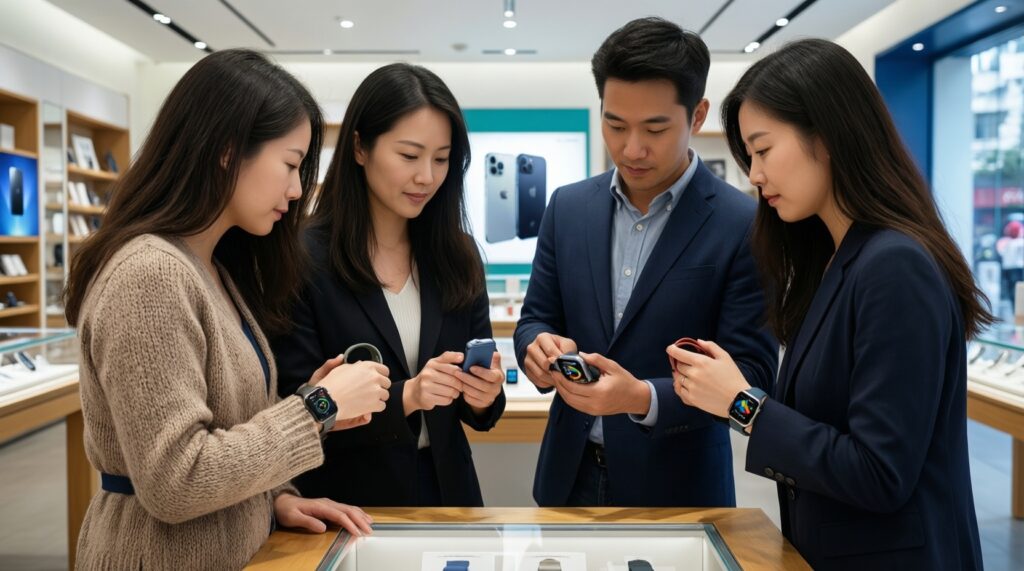
Best fit by persona: for an iPhone-based power user, Apple Watch is usually the most complete daily companion; for a Samsung commuter, Galaxy Watch tends to be the smoothest; for a Google-centric Android user who wants Fitbit-like guidance, Pixel Watch is the most direct; for a parent buying safety and lightweight communication, consider an Apple Watch managed via family setup. That's the practical answer behind "สมาร์ตวอทช์วัดสุขภาพรุ่นไหนดี".
| Persona | Apple Watch | Pixel Watch | Galaxy Watch | Verdict to act on |
|---|---|---|---|---|
| Athlete (structured training + GPS) | Strong iPhone integration; great if your training stack is iOS-based | Good if you want Fitbit-style coaching plus Google apps on Android | Very practical for Samsung users; good training modes and daily usability | Pick the one matching your phone first; then verify GPS reliability and the sport apps you actually use. |
| Commuter (notifications, payments, maps) | Best if you live in iOS continuity and Apple services | Best if you use Google Maps/Calendar heavily | Best if you're on Samsung and want minimal setup friction | If your main question is Apple Watch หรือ Galaxy Watch อันไหนดีกว่า, choose Apple for iPhone and Galaxy for Samsung-this solves most commuter pain. |
| Parent/guardian (safety + simple contact) | Family-managed setup can work well for a non-phone wearer | More suitable for an adult Android user than a managed kid device | Good for teens with Samsung/Android phones; less "managed wearable-only" oriented | For a child without a phone, Apple Watch with family-style setup is often the most coherent approach if you have an iPhone. |
| Power user (apps, automation, multi-device workflow) | Most polished iOS ecosystem experience | Clean Wear OS for Google-first workflows | Strong Android daily driver, especially with Samsung devices | If you're truly comparing Apple Watch vs Pixel Watch vs Galaxy Watch, decide by your primary OS and which ecosystem you want to commit your health history to. |
Top buyer doubts answered concisely
Which is better for health tracking overall?
Choose the watch that you will wear 24/7, because consistent wear drives better trends. Then decide by ecosystem: Apple Health on iPhone, Samsung Health on Samsung phones, and Fitbit/Google workflows on Pixel Watch for Android.
Do I lose features if I mix brands (e.g., Galaxy Watch on a non-Samsung Android)?
Often yes: the core functions work, but some integrations and convenience features can be reduced. If you're asking Pixel Watch vs Galaxy Watch รุ่นไหนดี, pairing each watch with its "home" ecosystem usually minimizes friction.
Is Apple Watch usable with Android?
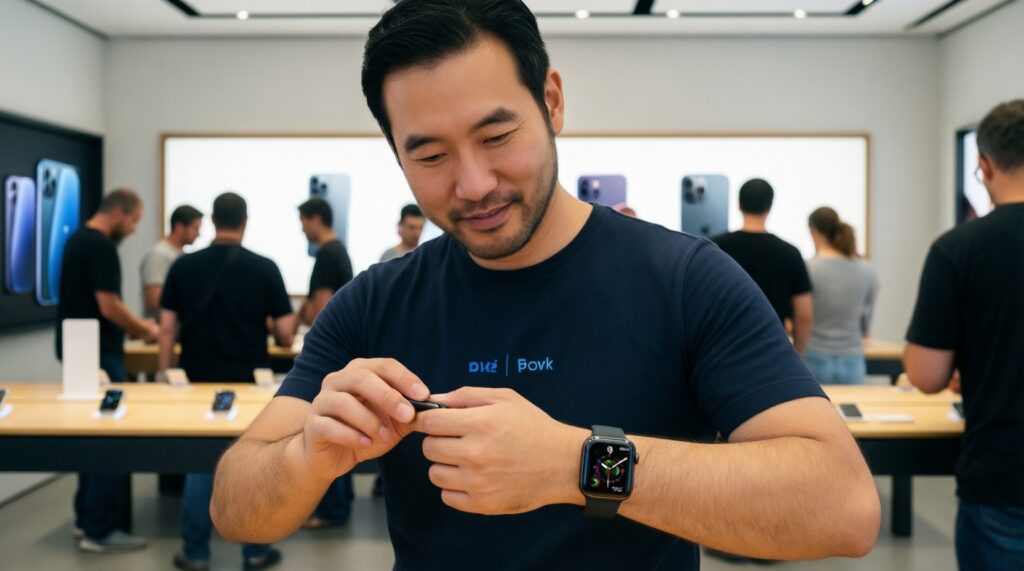
No, Apple Watch requires an iPhone for normal setup and ongoing use. If your phone is Android, focus on Pixel Watch or Galaxy Watch.
Which one is easiest for daily notifications and calling?
The watch that matches your phone brand is usually simplest and most reliable. This is the practical shortcut behind เปรียบเทียบ Apple Watch กับ Galaxy Watch for day-to-day use.
What should I check in Thailand before buying?
Confirm warranty channel, Thai language support, payment/wallet compatibility, and whether LTE (if you want it) is supported by your carrier plan. Also check strap availability locally.
How do I decide if battery will be enough for me?
Decide when you will charge and whether you will sleep-track nightly. If you must wear it through the night, prioritize a routine that allows a predictable top-up without sacrificing your key features.
So, สมาร์ตวอทช์วัดสุขภาพรุ่นไหนดี for an Android user?
If you want Google-native behavior and Fitbit-like guidance, lean Pixel Watch; if you want the smoothest Samsung-centric experience, lean Galaxy Watch. For many buyers, "best" means "best with your phone," not a universal winner.