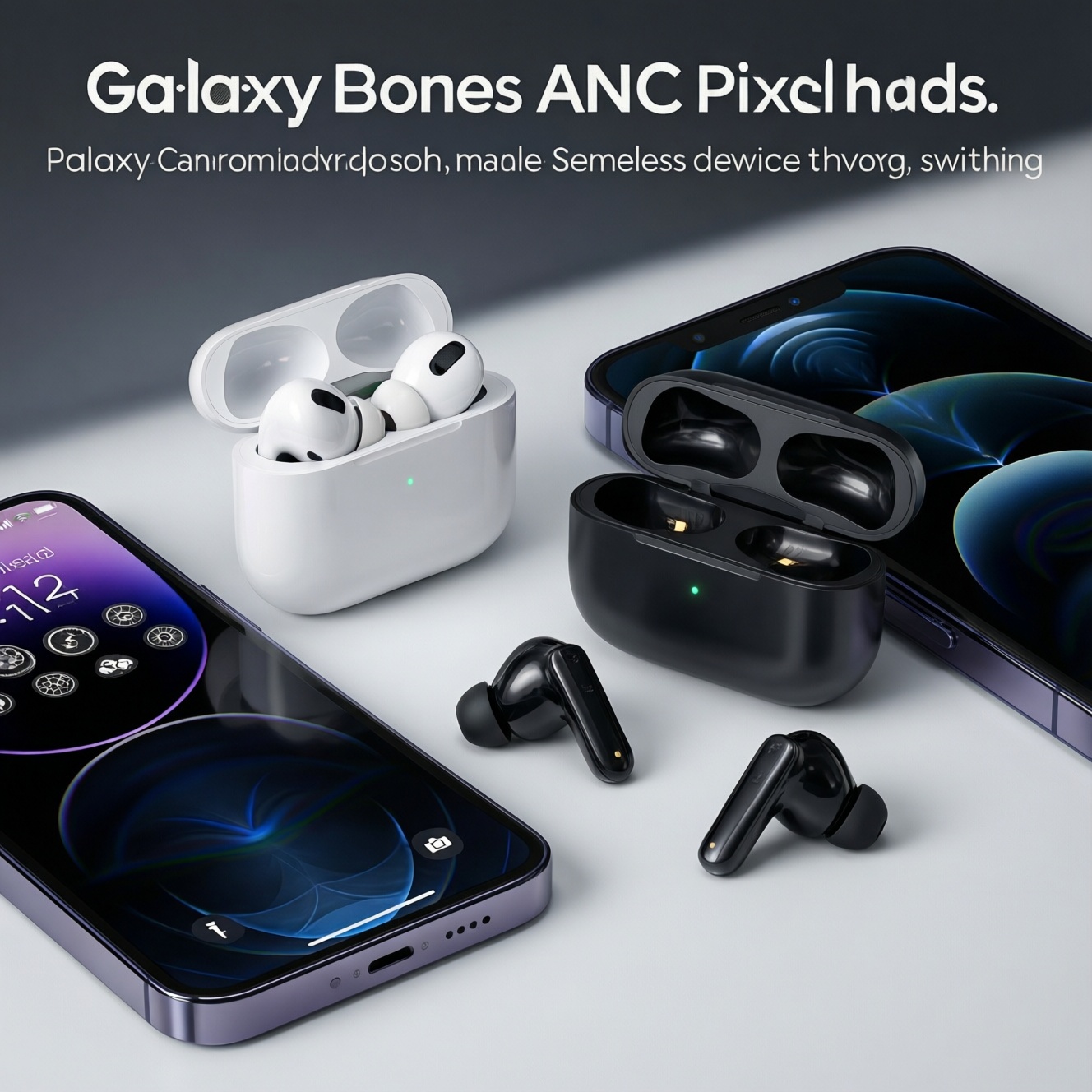
If you're choosing between AirPods, Pixel Buds, and Galaxy Buds for sound, ANC, and device switching, start with your phone ecosystem and how often you jump between devices. AirPods usually feel most effortless on Apple gear, Pixel Buds integrate tightly with Android/Google services, and Galaxy Buds often add Samsung-specific polish plus strong ANC options.
Buying checklist: what to prioritize
- Your main device ecosystem: iPhone/iPad/Mac vs Android/Pixel vs Samsung Galaxy.
- Switching workflow: automatic handoff vs true multipoint vs manual device picking.
- ANC expectations: commute rumble reduction vs office chatter softening vs windy streets.
- Sound preference: balanced/neutral vs bass-forward vs "vocal clarity first".
- Microphone and call handling: noisy cafés, Teams/Meet calls, and side-tone comfort.
- Fit and comfort: open-fit vs sealed tips, small ears, long sessions.
- Codec support and stability: iOS default vs Android hi-res options and interference handling.
How these earbuds differ at a glance
- Ecosystem features: best "it just works" experience usually happens inside the brand's own devices.
- Switching behavior: Apple's handoff-style switching differs from multipoint; Samsung/Google may offer multipoint on some models.
- Sound tuning: each line has a recognizable house sound; EQ can help, but driver/tuning limits remain.
- ANC character: some sets excel at low-frequency engine noise; others handle voices better but let more bass rumble through.
- Mic processing: wind reduction and voice isolation vary widely by model generation.
- Fit style: sealed in-ear tips boost bass and ANC; open-fit trades isolation for comfort and awareness.
- Controls and UX: touch/press controls, in-app customization, and transparency modes feel different day-to-day.
- Codec choices: iOS tends to be simpler; Android may benefit from supported high-quality codecs when available.
Sound signature and tuning: AirPods vs Pixel Buds vs Galaxy Buds
| Option | Who it's for | Pros | Cons | When to choose |
|---|---|---|---|---|
| AirPods (standard, open-fit line) | Listeners who prioritize comfort, awareness, and easy Apple pairing | Airy presentation; very convenient on iPhone/iPad/Mac; no ear-tip pressure | Less bass impact; weaker passive isolation; ANC absent or limited depending on model | If you value comfort and fast Apple integration more than maximum isolation |
| AirPods Pro (in-ear, ANC line) | iPhone users who want a balanced tuning with solid everyday ANC | Generally balanced sound; strong integration and controls; good transparency usability | Switching benefits drop outside Apple; fit depends on tips and seal | If "Pixel Buds กับ AirPods อันไหนเสียงดีกว่า" is your question, pick AirPods Pro when you want a safer, balanced tuning with Apple-first convenience |
| Pixel Buds (ANC line) | Android users who live in Google apps and want tight Assistant/Pixel features | Clear vocals; strong Android/Google UX; useful app EQ and smart features | Experience varies by phone brand; switching may require more intent than Apple handoff | Choose if you use a Pixel/Android daily and you care about Google-first controls and tuning flexibility |
| Galaxy Buds (ANC line) | Samsung Galaxy owners wanting an integrated feel and typically punchy, consumer-friendly tuning | Polished app experience on Samsung; often satisfying bass; competitive ANC options | Some features can be Samsung-only; fit can be sensitive to ear shape and tip choice | If you're reading "รีวิว Galaxy Buds ANC คุณภาพเสียง ราคา", pick Galaxy Buds when you want Samsung integration and a fun sound with capable ANC |
| Any of the above, tuned with EQ (within the companion app) | Intermediate users who know their preferred tonal balance | Can reduce harshness or boost presence/bass; better personalization without hardware changes | EQ can't fully fix poor seal/fit; heavy EQ may reduce headroom or worsen distortion | Choose this route if the model fits your ecosystem but the default tuning is slightly off for you |
Quick takeaway: if your priority is consistent tonal balance and low-friction daily use, start with the model that matches your phone ecosystem, then fine-tune with EQ only after you've confirmed a stable fit and seal.
Active Noise Cancellation: real-world performance and limitations
- If you mainly commute (train/bus) and want rumble reduction, then prioritize in-ear models with a reliable seal (typically AirPods Pro / Pixel Buds ANC / Galaxy Buds ANC lines) and try multiple tip sizes before judging ANC.
- If you work in an office with voices and keyboard noise, then choose the set whose ANC doesn't over-pressurize your ears and whose transparency mode sounds natural enough for quick conversations.
- If you walk in windy streets, then pick the earbuds with strong wind-noise handling in both ANC and mic mode; otherwise you'll turn ANC off and lose the benefit.
- If you take lots of calls in cafés, then prioritize microphone processing and voice isolation over "maximum ANC", because callers hear your environment even when you don't.
- If you're searching for "หูฟังไร้สาย ANC ดีที่สุด 2026", then treat it as "best for my ears and commute": the seal and fit can matter as much as the brand, and the most impressive ANC on paper can underperform with a poor fit.
Seamless switching: ecosystems, multipoint and latency trade-offs
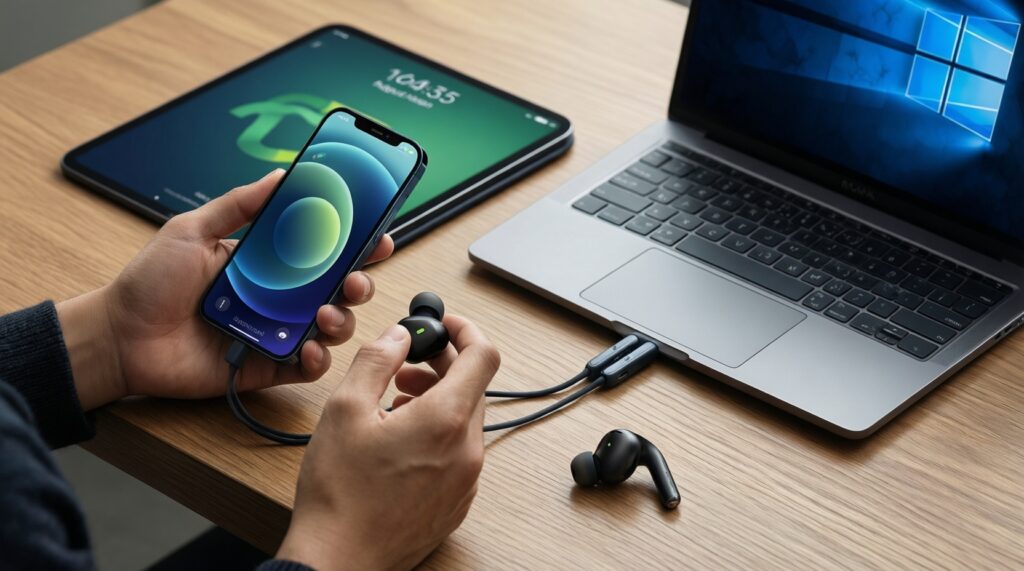
- List your devices: iPhone/iPad/Mac, Android tablet, Windows laptop, or Samsung phone + Samsung tablet.
- Decide what "switching" means for you: automatic handoff (Apple-style) vs true multipoint (two devices connected at once).
- If you need "หูฟังไร้สายสลับอุปกรณ์ได้ (Multipoint) รุ่นไหนดี", then verify your exact model supports multipoint (not all do) and confirm it works across your two main devices (e.g., phone + laptop).
- Prefer fewer surprises: Apple users who want the least manual switching typically do best staying in AirPods/AirPods Pro.
- Optimize for meetings: if your laptop is the main audio source, prioritize stable laptop Bluetooth behavior; some earbuds behave differently on Windows vs macOS.
- Latency check for gaming/video editing: if you notice lip-sync issues, try alternative codecs (when available) or use the platform's low-latency modes; avoid assuming any earbud is "zero latency".
- Test your real routine for a week: switching quality is a workflow problem-measure by annoyance, not spec sheets.
Battery life, fit, codecs and connection stability
- Judging battery only from marketing claims: ANC, transparency, call time, and volume change battery behavior; compare based on your usage (commute + calls), not "max playback".
- Ignoring seal and tip sizing: weak bass and weak ANC are often fit issues, not "bad sound".
- Overcorrecting with EQ: boosting bass to compensate for a poor seal can cause muddy mids and reduced clarity.
- Assuming codec support equals audible improvement: a stable connection and good tuning often matter more than chasing a codec your devices barely use.
- Not checking interference hotspots: crowded BTS/MRT stations, malls, and intersections can expose Bluetooth weakness; test there if reliability is critical.
- Picking controls you won't use: if you hate touch controls, you'll avoid adjusting ANC/transparency and lose the benefit you paid for.
- Forgetting ear comfort over time: the best-sounding pair that hurts after 45 minutes is the wrong pick for daily wear.
- Assuming all features work cross-platform: some customization and "smart" switching features are limited outside the brand's ecosystem.
Which one to pick: scenario-driven decision guide
- If you mostly use iPhone + Mac/iPad and you want effortless switching, choose AirPods (comfort) or AirPods Pro (better isolation/ANC).
- If you use Android (especially Pixel) and want Google-first features plus clear tuning, choose Pixel Buds in the ANC line.
- If you use Samsung Galaxy devices and want a polished Samsung experience with competitive ANC, choose Galaxy Buds in the ANC line; this aligns with "เปรียบเทียบ AirPods กับ Galaxy Buds รุ่นไหนดี" when Samsung integration matters most.
- If your top priority is multipoint between phone + laptop, shortlist only the specific models that explicitly support multipoint and pass your own switching test.
Overall: AirPods Pro is usually the safest pick for Apple-first users who want balanced sound plus practical ANC; Pixel Buds tend to fit best when your daily flow is Android/Google and you want that integration; Galaxy Buds often make the most sense for Samsung owners who value Samsung-specific polish and a lively tuning. Choose based on your switching needs and fit, not brand alone.
Common technical questions answered
Does ANC quality depend more on the earbud model or the fit?
Fit is a first-order factor: without a good seal, even strong ANC algorithms underperform. Compare ANC only after you've tried different tip sizes and ensured consistent placement.
Is multipoint the same as automatic switching?
No. Multipoint keeps two devices connected simultaneously; automatic switching tries to jump between devices based on activity inside an ecosystem. They feel similar day-to-day but fail in different ways.
Do AirPods switch well with Windows laptops?
They work, but the "seamless" behavior is mainly Apple-to-Apple. On Windows you may need manual selection more often, and call modes can behave differently depending on the Bluetooth stack.
Will higher-bitrate codecs automatically sound better?
Not automatically. Tuning, driver quality, and stable RF performance matter a lot; a drop-free connection with good tuning usually beats a "better codec" that stutters or forces aggressive processing.
Why do my earbuds sound thin even though reviews say they're bassy?
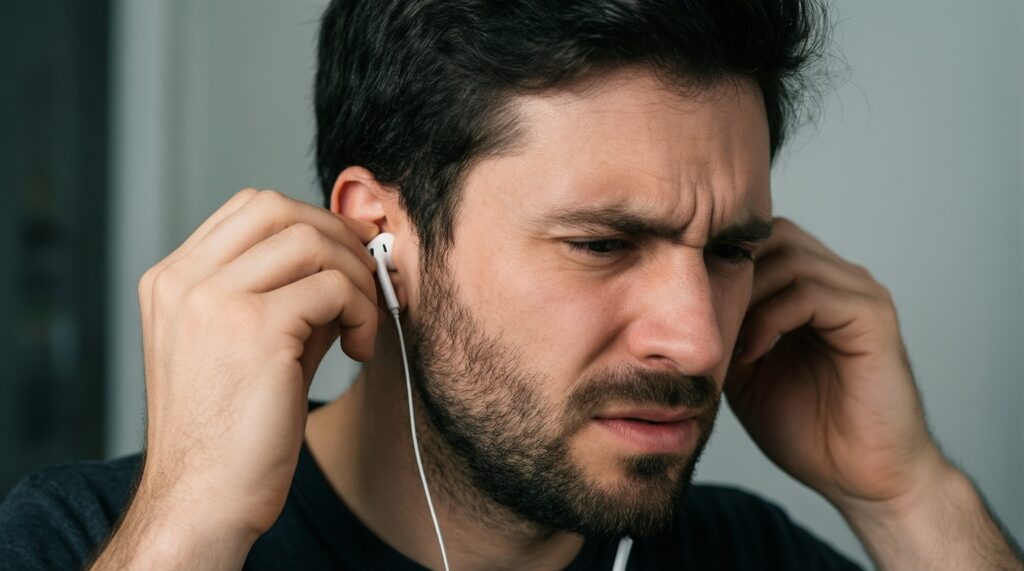
The most common reason is a poor seal or wrong tip size. Secondary causes include using an EQ preset that cuts bass or a transparency mode that stays partially active.
How do I compare ANC without being fooled by pressure or loudness changes?
Use the same song volume and test consistent noises: air conditioner hum, street traffic, and voices. If the perceived pressure increases but low-frequency rumble remains, the seal or fit likely needs adjustment.
What's the fastest way to decide between AirPods, Pixel Buds, and Galaxy Buds?
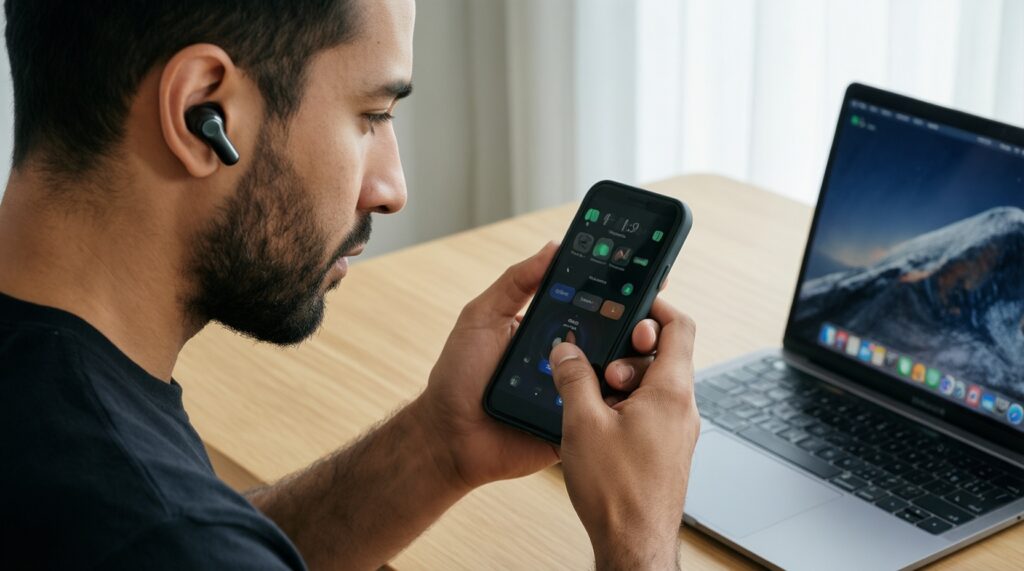
Pick the one that matches your main phone ecosystem first, then verify switching behavior (handoff vs multipoint) with your second device. Finally, confirm comfort over a full work session before committing.