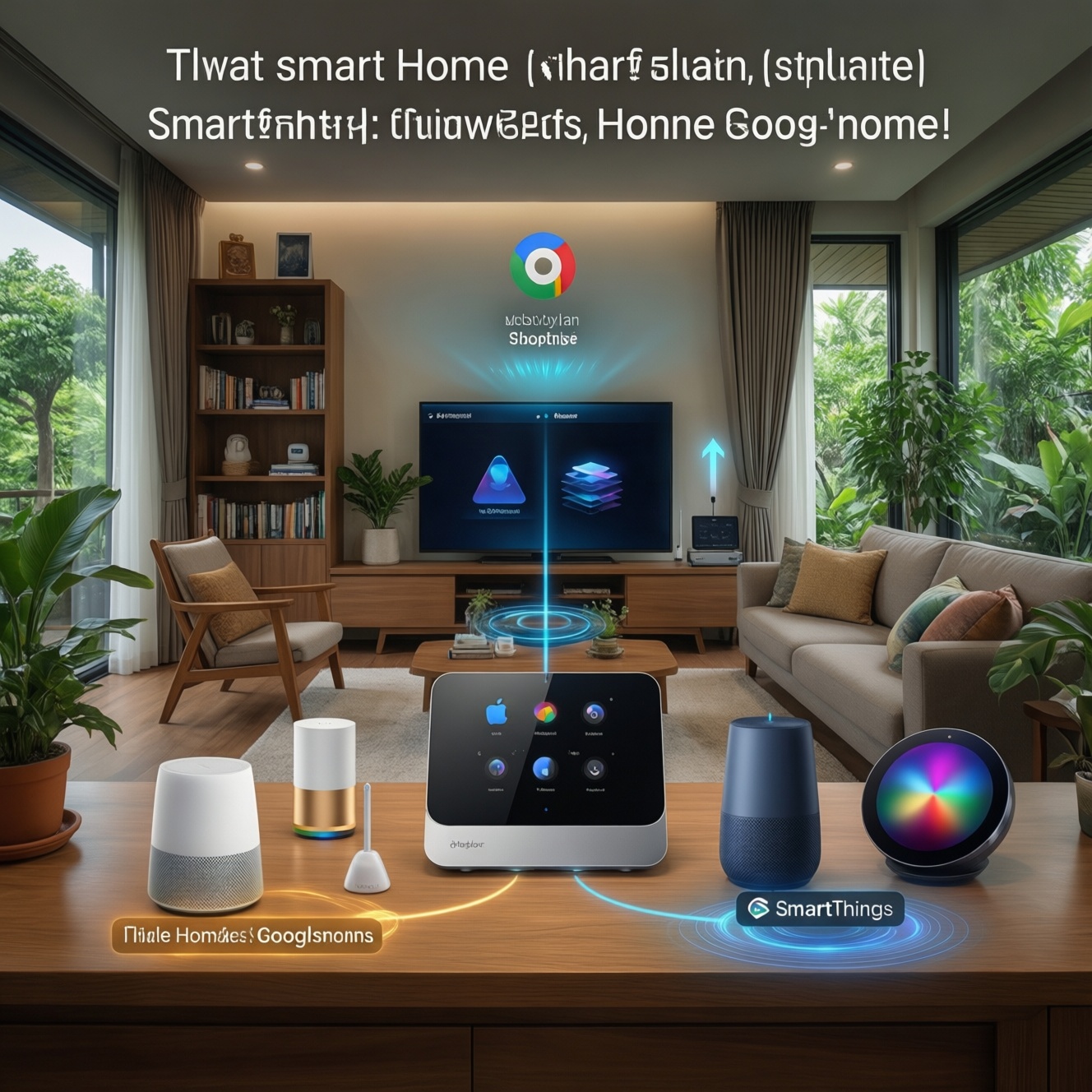
If you want the safest, most predictable smart home in Thailand, choose HomeKit when you already use Apple devices and prefer tighter privacy defaults; choose Google Home when voice control and broad device choice matter most; choose SmartThings when you want a hub-centric system with strong multi-protocol device support and deeper automations. Your best pick depends on hardware you own, protocols, and how much local control you need.
Core compatibility and trade-offs at a glance
- HomeKit: best fit for Apple households; simpler, stricter compatibility; strong privacy posture; device choice can be narrower.
- Google Home: best fit for mixed Android/iOS; excellent voice ecosystem; broad third‑party support; cloud dependence varies by brand.
- SmartThings: best fit for hub users and complex routines; strong Zigbee/Z-Wave integration; more moving parts to manage.
- Matter helps all three (where supported), but you still need to check each device's actual platform support before buying.
- Cost is mostly hardware-driven: ราคาอุปกรณ์สมาร์ตโฮม rises with sensors, hubs, and "local-first" preferences, not with the app itself.
Platform overviews: HomeKit, Google Home and SmartThings compared
Use these criteria to choose a ระบบสมาร์ตโฮม platform that won't fight your household habits:
- Your existing devices: iPhone/iPad/Mac vs Android/Chromecast vs Samsung Galaxy/TV/appliances.
- Must-have device types: lights, AC/IR blasters, door locks, cameras, leak sensors, energy plugs, robot vacuums.
- Preferred connectivity: Wi‑Fi only vs Thread/Matter vs Zigbee/Z‑Wave via hub.
- Local control tolerance: do you need automations to run when internet is down?
- Voice control importance: how central is voice vs app vs physical buttons.
- Automation depth: simple "if motion then light" vs multi-condition routines, modes, presence, schedules.
- Multi-user household: shared access, guest access, and how easy it is to manage permissions.
- Privacy expectations: comfort with cloud processing, microphones, cameras, and account linking.
Device ecosystem, certified hardware and vendor lock-in
In practice, your platform decision is often a "device supply" decision: what you can actually buy locally, how reliably it stays connected, and whether your preferred brands support your platform natively (especially for locks, cameras, and sensors).
| Option | Who it fits | Pros | Cons | When to choose |
|---|---|---|---|---|
| HomeKit-first (Apple Home) | Apple-only or Apple-heavy homes; privacy-focused users | Consistent UX; strong permission model; good "native" feel on iOS | Some categories have fewer choices; you must verify อุปกรณ์ HomeKit support per model/region | If iPhone is the main controller and you want fewer integration headaches |
| Google Home-first | Mixed Android/iOS homes; voice-first households | Wide brand support; strong assistant experience; easy to start with Wi‑Fi devices | Many devices rely on vendor clouds; feature consistency varies across brands of อุปกรณ์ Google Home | If you want broad compatibility and quick onboarding across many device types |
| SmartThings-first (hub-centric) | Users who want a "real hub" and many sensors | Great for Zigbee/Z‑Wave devices; strong routines; handles large device counts well | More setup complexity; you must pick compatible hub/device generations; อุปกรณ์ SmartThings naming can be confusing across brands | If you plan a sensor-rich home (doors, motion, leak) and want serious automation |
| Matter-first shopping (platform-agnostic) | Buyers who want future flexibility | One device can often work across ecosystems; reduces lock-in for basics (lights, plugs, some sensors) | Not every category is mature; advanced features may still be ecosystem-specific | If you're building from scratch and want the option to switch platforms later |
| Hybrid: Google Home + SmartThings hub | Voice-first + automation-heavy users | Google for voice/speakers; SmartThings for Zigbee/Z‑Wave and complex routines | Two apps to manage; troubleshooting spans platforms | If you want Google voice everywhere but also want hub-grade device coverage |
| Hybrid: HomeKit + "bridge" devices (selectively) | Apple users who need a few unsupported devices | Keeps Apple-first daily control; selectively expands device choice | Bridges can add points of failure; requires extra maintenance | If you mostly want HomeKit but need a specific camera/IR/lock that isn't native |
Networking, protocols (Matter, Zigbee, Z-Wave) and local control options
Use scenario rules to avoid "random disconnects" and long-term rework:
- If your condo has crowded Wi‑Fi, then prefer a hub + Zigbee/Z‑Wave sensors (often SmartThings) or Thread/Matter where available, and keep Wi‑Fi for high-bandwidth devices (cameras).
- If you want automations to keep running during outages, then prioritize local-capable hubs and devices, and avoid workflows that require constant vendor cloud access for basic on/off and sensor triggers.
- If you're renovating and can place sensors everywhere, then choose a hub-centric design (SmartThings or a hybrid) and standardize on one low-power mesh protocol for sensors to simplify maintenance.
- If you rent and need minimal drilling and fast removal, then start Wi‑Fi/Matter devices with Google Home or HomeKit, limit the number of sensors, and use portable buttons/smart plugs.
- If multiple family members need equal control, then pick the ecosystem that matches their phones first, then backfill device support with Matter where possible.
Privacy, security posture and data residency differences
- List which devices will have microphones (speakers), cameras, and locks; treat those as "high sensitivity."
- For each high-sensitivity device, check whether it supports local streaming/control or must use the vendor's cloud for core functions.
- Decide your account-linking limit: fewer linked vendor accounts reduces exposure and makes recovery easier after password resets.
- Prefer ecosystems where you can separate roles (admin vs member) and revoke access quickly when a phone is lost.
- For cameras, choose a single approach and stick to it: either platform-native camera handling or a single vendor's app-mixing increases complexity and permission sprawl.
- Enable strong account security everywhere (unique passwords, 2-step verification) before you add devices to any home.
Setup workflow, automation capabilities and voice assistant integration
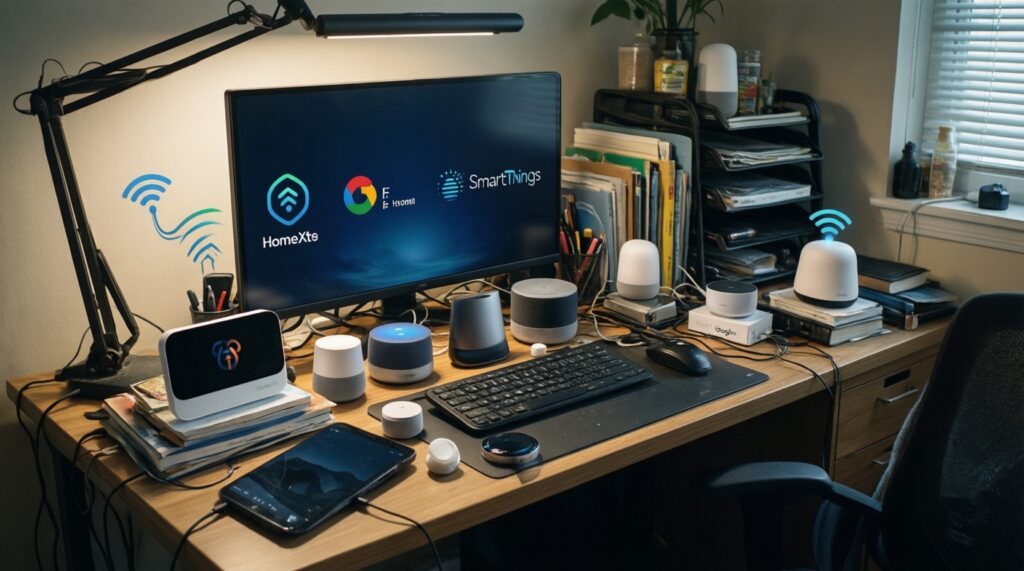
Common selection mistakes that cause re-buying later:
- Buying devices because they say "smart" without verifying explicit support for อุปกรณ์ HomeKit, อุปกรณ์ Google Home, or อุปกรณ์ SmartThings (and the exact model variant).
- Overloading Wi‑Fi with dozens of cheap devices instead of using a mesh protocol for sensors.
- Assuming "Matter logo" guarantees every advanced feature will appear in every app; basics transfer better than advanced functions.
- Mixing multiple camera ecosystems and expecting one timeline/app to manage them cleanly.
- Designing automations without "manual override" (physical switch, button, or a clear off routine), leading to user frustration.
- Ignoring household language and voice profiles; voice assistants work best when each person's account/voice match is configured early.
- Skipping a naming convention (room + device type), making voice control and troubleshooting harder as the system scales.
- Building routines that depend on phone GPS presence for every action; it's convenient but can be unreliable in dense urban settings.
Cost breakdown, scalability and migration paths
- If your top priority is Apple-first simplicity and privacy defaults: lean HomeKit, buy Matter-capable devices where possible to keep an exit path, and accept a potentially narrower device catalog.
- If your top priority is voice convenience and wide device availability: lean Google Home and standardize your purchases early to keep ราคาอุปกรณ์สมาร์ตโฮม under control (fewer brands, fewer hubs).
- If your top priority is a sensor-rich, automation-heavy home that can grow: lean SmartThings with a hub strategy, and add voice via Google (or whichever speakers you already own) as a layer on top.
- Apartment starter (1-2 people, rented): start Google Home or HomeKit with a small set of Matter/Wi‑Fi devices; avoid complex hubs unless you truly need many sensors.
- Smart renovation (wiring access, many rooms): plan a hub + mesh protocol for sensors; SmartThings often fits best, with Matter for future-proofing where it meets your device needs.
- Multi-user family home (shared control, guests): pick the platform matching the majority's phones; keep admin controls tight; standardize naming and routines from day one.
Mini decision-tree to pick your platform (fast)
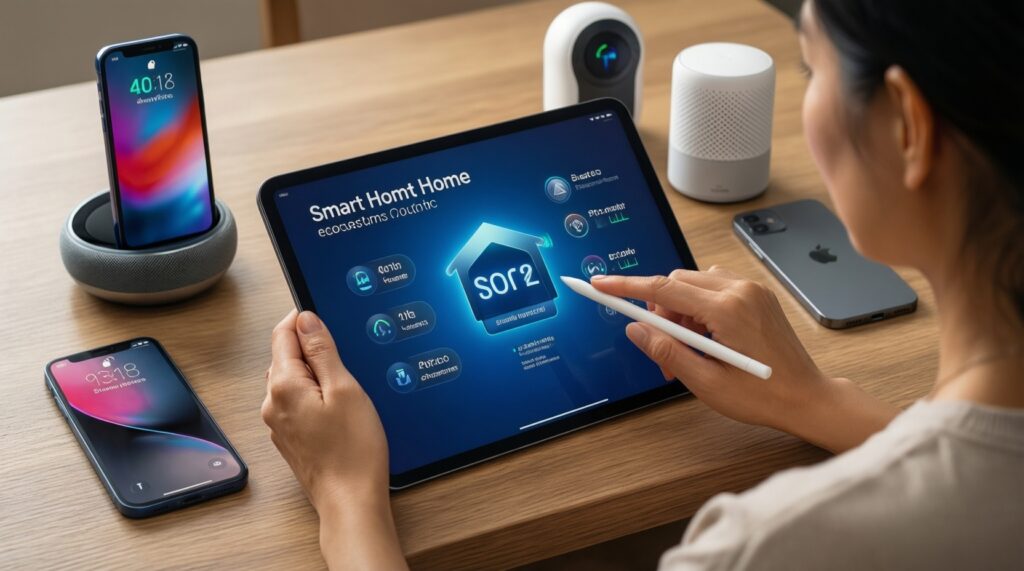
- If everyone uses iPhone and you want the most consistent Apple experience, choose HomeKit-first.
- Else if voice control is central and you want the widest general device support, choose Google Home-first.
- Else if you need many sensors, Zigbee/Z‑Wave, and more complex routines, choose SmartThings-first.
- If you're unsure and buying new devices, prioritize Matter for basics to keep migration options open.
- If you already own speakers/cameras/TVs in one ecosystem, treat that as a "gravity well" and build around it to reduce apps and accounts.
Overall: HomeKit is typically the best fit for Apple-centric homes that value consistency; Google Home is typically the best fit for mixed-device households prioritizing voice and broad compatibility; SmartThings is typically the best fit for scalable, sensor-heavy setups and deeper automation. The most future-resilient path in Thailand is standardizing device purchases (fewer brands) and choosing Matter where it matches your needed device categories.
Common practical concerns and quick answers
Can I use HomeKit, Google Home, and SmartThings at the same time?
Yes, but expect extra app management and more troubleshooting. A clean hybrid is "one platform for automations" and "one platform for voice," not three equal controllers.
Do I need a hub to start?
No for many Wi‑Fi/Matter basics; yes if you want Zigbee/Z‑Wave sensors or more reliable mesh behavior. Hubs become valuable as device count and automation complexity grow.
Is Matter enough to avoid lock-in?
It reduces lock-in for common device types, but not every advanced feature maps equally across apps. Always confirm the exact feature you care about in the platform you'll use daily.
Which platform is easiest for a family to share?
The easiest is usually the one matching most phones in the home (Apple vs Google accounts). Also prioritize clear admin/member roles and consistent device naming.
Why do devices disconnect so often in condos?
Wi‑Fi congestion and weak router placement are common causes. Using a mesh protocol for sensors (Zigbee/Thread) and limiting cheap Wi‑Fi gadgets improves stability.
How should I think about ราคาอุปกรณ์สมาร์ตโฮม when scaling up?
Budget grows mainly with sensors, locks, cameras, and extra hubs/bridges-not the platform app itself. Standardizing on fewer brands and fewer protocols usually lowers long-term cost.