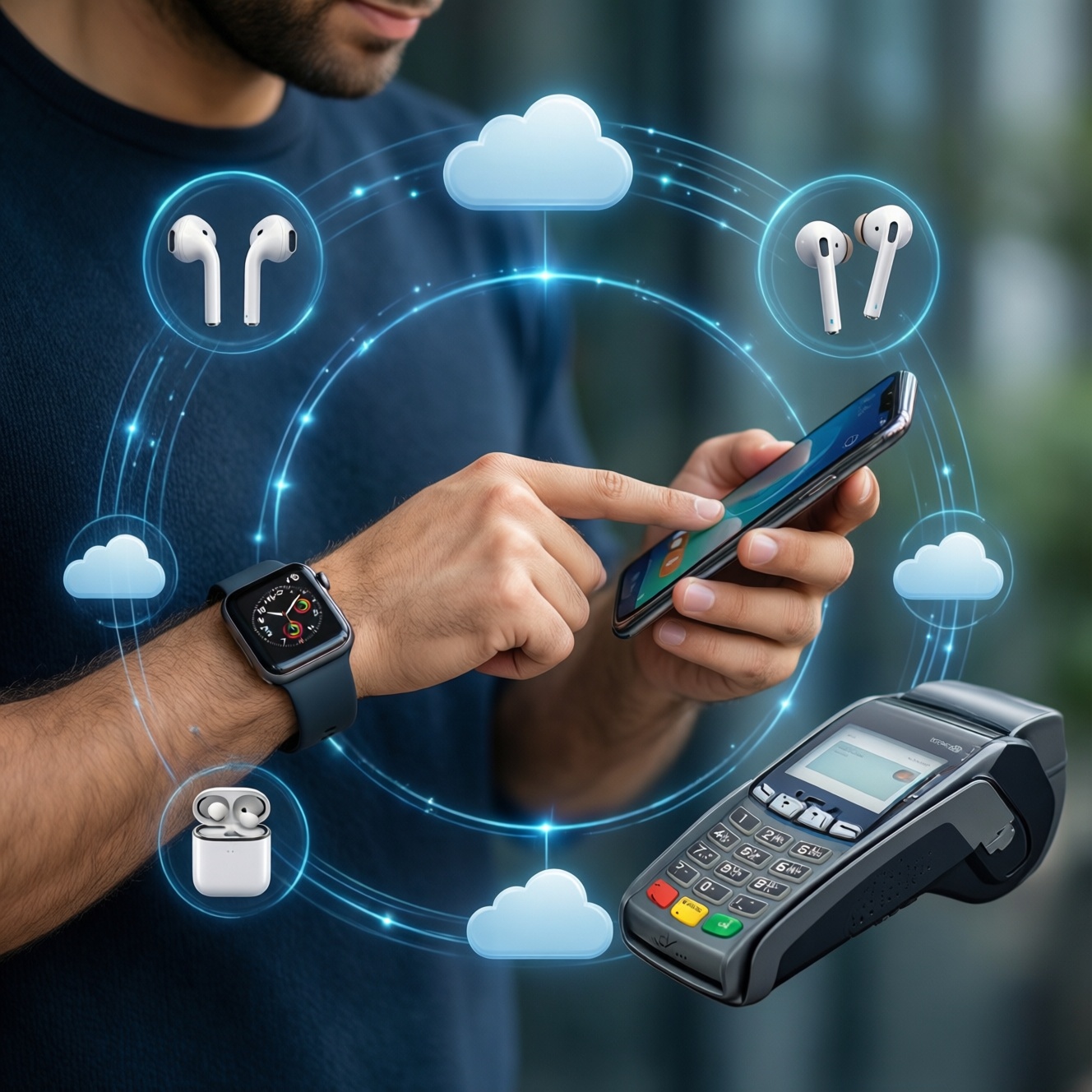
Choose your primary phone by matching the ecosystem you already rely on (accounts, cloud, wearables, earbuds, and payments), then buy only the accessories that can share pairing, sync, and controls across devices. This guide helps you map your current setup, pick a phone that won't break integrations, and validate everything with safe, repeatable checks.
Core Selection Checklist for Phone + Accessories
- List the accounts you refuse to change (Apple ID, Google account, Samsung account, Microsoft) and the services tied to them.
- Decide your "anchor device" (phone-first vs watch-first vs earbuds-first) and pick the ecosystem that best supports it.
- Verify accessory compatibility by feature, not just Bluetooth pairing (multi-device switch, spatial audio, health metrics, fast pairing).
- Confirm charging standards you want to standardize on (USB-C PD, wireless charging type) before buying new chargers/cables.
- Plan backup and device recovery (cloud + local) so switching phones doesn't risk data loss.
Map Your Ecosystem: Accounts, Services and Cross‑device Expectations
This approach fits you if you already use at least two connected items (phone + watch/earbuds/tablet/laptop) and you want consistent sync, notifications, and device handoff. It's especially useful if you're comparing options like ซื้อ iPhone รุ่นไหนดี พร้อมอุปกรณ์เสริม or ซื้อมือถือ Samsung รุ่นไหนดี พร้อมอุปกรณ์เสริม Galaxy Ecosystem and you want fewer surprises after purchase.
Skip this "ecosystem-first" selection if you:
- Change phones frequently and prefer brand-agnostic accessories (basic Bluetooth earbuds, universal chargers, third-party watch platforms).
- Need a specific app/work requirement that dictates your device regardless of ecosystem.
- Share devices across family members with different accounts and you can't standardize sign-in.
Choosing the Primary Phone: Compatibility, Key Specs and Longevity
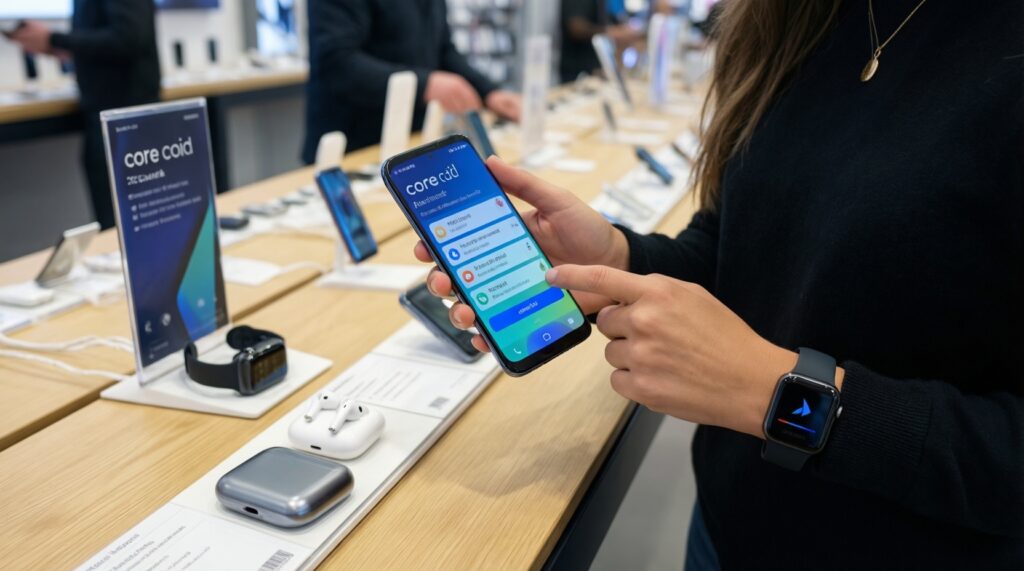
Before you compare models (including questions like มือถือ Android รุ่นไหนดี ใช้ร่วมกับสมาร์ทวอทช์และหูฟังไร้สาย), collect these requirements and access items so you can verify integration safely in-store or during the return window:
- Login access to your core accounts (Apple ID/Google/Samsung) and working 2FA methods (SMS + authenticator + backup codes if available).
- Your current accessories for testing: smartwatch, earbuds, and your main charger/cable (or a known-good USB-C PD charger).
- A list of must-have features: call and message sync, multi-device audio switching, health data sync, cloud photo backup, payments, and find-my-device tracking.
- Carrier/SIM plan details: physical SIM vs eSIM support, and any work profile/MDM needs.
- Storage and backup capacity expectations (enough headroom to restore your data without immediate cleanup).
Quick ecosystem compatibility comparison (practical, not theoretical)
| What you want to do | Best fit if you already use Apple devices/services | Best fit if you already use Samsung Galaxy ecosystem | Best fit if you prefer Google-first Android |
|---|---|---|---|
| Fast pairing + automatic device switching for earbuds | iPhone + AirPods (tightest Apple-to-Apple handoff) | Galaxy phone + Galaxy Buds (deep Galaxy features) | Android phone + "Fast Pair" supported earbuds (varies by brand) |
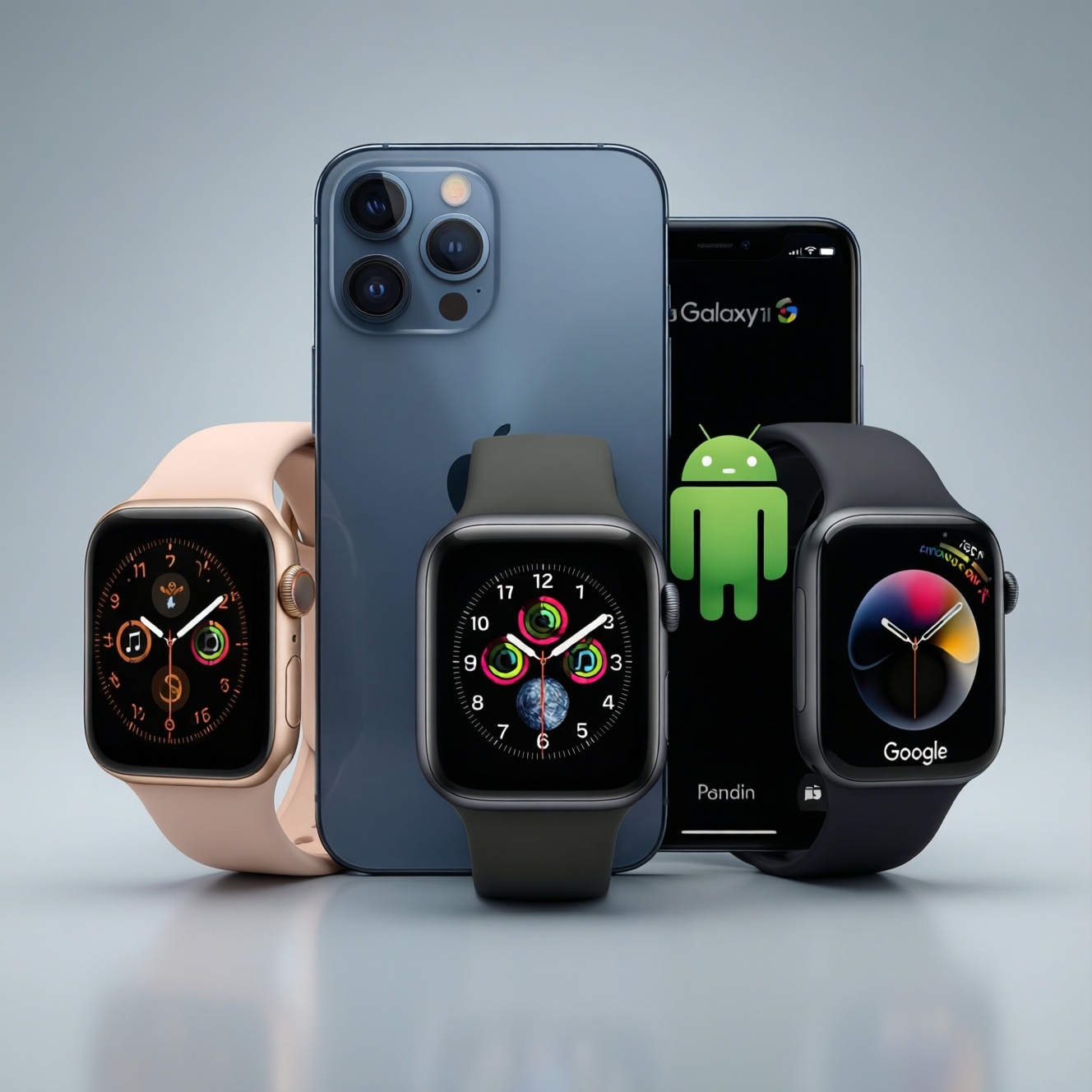
| Smartwatch features (reliable notifications, health sync, app ecosystem) | Apple Watch requires iPhone for setup and full features | Galaxy Watch works best with Galaxy phone (some features reduced elsewhere) | Wear OS watch works across many Android phones (feature set varies) |
| Photos, notes, passwords across devices | iCloud Photos/Keychain/Notes within Apple stack | Samsung Cloud mix + Samsung Pass + Microsoft/Google options | Google Photos/Google Password Manager/Drive across platforms |
| Finding devices (phone/earbuds/watch) | Find My network for Apple gear | SmartThings Find for supported Samsung devices | Google Find My Device ecosystem (coverage depends on device support) |
| Accessory buying question you'll keep asking | ซื้อ Apple Watch AirPods ที่ไหน ราคาดี ของแท้ | ซื้อมือถือ Samsung รุ่นไหนดี พร้อมอุปกรณ์เสริม Galaxy Ecosystem | มือถือ Android รุ่นไหนดี ใช้ร่วมกับสมาร์ทวอทช์และหูฟังไร้สาย |
Accessories Matrix: Which Peripherals Truly Integrate and Why
Prep checklist (do this before you buy)
- Write down your top 3 daily flows (example: commute audio, gym tracking, work calls) and which devices must participate.
- Decide your charging standard to reduce clutter (one primary charger type + one travel kit).
- Check what you already own that you want to keep (watch/earbuds) and whether it is "platform-locked" for full functionality.
- Confirm your backup path works today (photos + chats + authenticator) so you can move safely.
- Set a return-window test plan: pairing, calls, notifications, payments, car audio, and battery/charging.
-
Pick your "ecosystem anchor" accessory first (watch or earbuds)
If you're already committed to Apple Watch, your primary phone choice is effectively iPhone. If your must-have is a Galaxy Watch feature set, plan on a Galaxy phone to avoid missing functions.
- Fallback: if you want flexibility, choose a watch/earbuds line known to work across multiple Android brands (accept that some premium features may be limited).
-
Confirm pairing depth, not just Bluetooth connectivity
Test whether the accessory supports fast pairing prompts, automatic device switching, reliable microphone quality, and per-device controls. A "connects" result is not the same as "integrates."
- Test in a noisy spot for mic pickup (calls/voice notes).
- Switch between two devices (phone + tablet/laptop) and see if audio follows without manual re-pairing.
-
Standardize protection and charging accessories (buy once, use daily)
Start with essentials that reduce risk: case, screen protector, and a reliable fast charger/cable combo. This aligns with แนะนำอุปกรณ์เสริมมือถือ ที่ควรซื้อเพิ่ม เคส ฟิล์ม ชาร์จเร็ว-but prioritize compatibility and safety over maximum watt claims.
- Choose a case that doesn't block wireless charging (if you use it) and has raised edges for screen/camera protection.
- Prefer chargers supporting common standards (USB-C Power Delivery) for broad device support.
-
Validate cross-device services: cloud, payments, and find-my
Sign into your chosen account stack (Apple ID / Google / Samsung) and verify the services you care about actually sync: photos, contacts, calendars, passwords, and device location.
- Turn on device tracking and test a "play sound" or location refresh while the device is locked.
- Set up wallet/payments only after screen lock + biometrics are configured.
-
Run a 48-hour real-life trial before committing
Use your normal routine: commuting audio, meetings, workouts, and charging overnight. Integration problems usually appear with notifications, multi-device audio, and background sync-so test those on day one.
- Advanced: test with Wi‑Fi off (cellular only) to spot battery drain and sync delays.
Connectivity, Sync and Automation: Ensuring Seamless Interactions
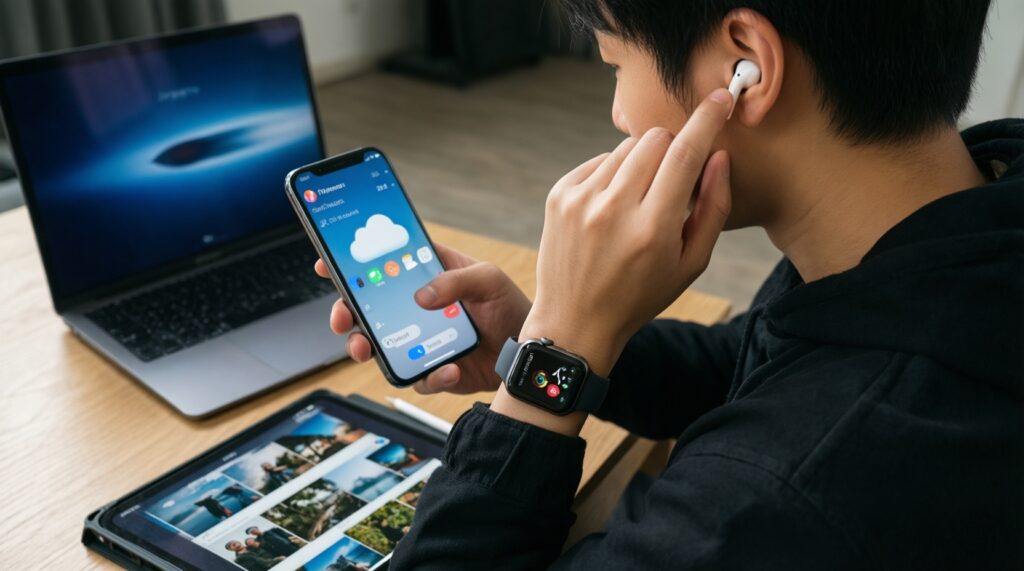
- Earbuds can switch between at least two of your devices without re-pairing (or you've confirmed manual switching is acceptable).
- Smartwatch receives call, message, and calendar notifications consistently for at least one full day.
- Photos sync automatically to your chosen cloud and appear on a second device (tablet/laptop) within a reasonable time for your network.
- Contacts and calendars match across devices after initial sync (no duplicates created by multiple accounts).
- Find-my-device service works while the phone is locked and on cellular data.
- Car audio works for both calls and media; steering wheel controls behave as expected.
- Fast charging works with your chosen charger/cable without overheating warnings.
- Battery usage looks normal after setup day (no single background app dominating after the first sync period).
Security, Backup and Privacy Settings Across Your Devices
- Skipping screen lock setup until "later" (payments, saved passwords, and device tracking become higher-risk).
- Not updating your 2FA method after switching phones (lost access when old SIM/device is gone).
- Mixing multiple contact sync sources (Google + SIM + iCloud + device account) causing duplicates and wrong caller ID.
- Restoring everything blindly, including old VPN/proxy profiles and work profiles that break notifications or drain battery.
- Leaving Bluetooth always discoverable or accepting pairing prompts without verifying the device name/owner.
- Enabling cloud backups without checking storage/quota, then assuming backups are complete.
- Granting "always allow" permissions to companion apps (watch/earbuds) without reviewing location, microphone, and background access.
- Not setting a recovery plan: backup codes, recovery email/phone, and a second trusted device where possible.
Budget, Upgrade Path and Decision Matrix for Optimal Value
Use this decision matrix to choose the most cost-effective path that still preserves integration. It helps when you're weighing questions like ซื้อ iPhone รุ่นไหนดี พร้อมอุปกรณ์เสริม or deciding whether to keep existing accessories and change only the phone.
| Your situation | Best move | Why it's optimal | Trade-offs to accept |
|---|---|---|---|
| You already own Apple Watch and depend on it daily | Choose iPhone first, then fill gaps with Apple-compatible accessories | Watch setup and key features are iPhone-dependent | Less flexibility mixing ecosystems |
| You already own Galaxy Watch/Buds and use Samsung services | Choose a Galaxy phone to maximize Galaxy Ecosystem features | Deepest settings, codecs, and companion features usually live in Samsung stack | Some features may not carry to non-Samsung Android phones |
| You want cross-platform freedom and already rely on Google services | Pick a strong Android phone and prioritize standards-based accessories | Google-first services work broadly; accessories can be reused | Premium "handoff" features may be less consistent |
| Your budget is tight, but you need reliability | Buy fewer accessories now: protection + one good charger + one good audio device | Reduces waste; keeps room for a later ecosystem upgrade | May miss convenience features until you expand |
Alternatives that still work well (when to choose them)
- Phone-first upgrade, keep accessories - Choose this when your current watch/earbuds are "good enough" and you mainly need better camera, battery, or performance.
- Accessory-first upgrade (watch/earbuds), keep phone temporarily - Choose this when your daily pain is audio quality or health tracking; confirm compatibility before purchase.
- Standards-based kit (universal charger + universal earbuds) - Choose this when multiple people share devices or you rotate phones; accept fewer ecosystem-exclusive conveniences.
Practical Integration Questions and Quick Answers
Is "Bluetooth compatible" enough to guarantee the same features?
No. Bluetooth ensures basic connectivity, but features like auto-switching, spatial audio, advanced codecs, and deep watch health integrations often require the same ecosystem or specific companion apps.
If I'm asking ซื้อ Apple Watch AirPods ที่ไหน ราคาดี ของแท้, what should I verify before paying?
Verify serial/activation status at setup, check return policy, and complete pairing on your phone before leaving. Also confirm warranty handling in Thailand and keep the proof of purchase.
Can I use Apple Watch with an Android phone?
For full setup and core features, Apple Watch expects an iPhone. If you must stay on Android, choose a Wear OS or Galaxy Watch model that supports your phone brand.
Will a Galaxy Watch work the same on any Android phone?
It will pair, but some features may require a Samsung phone or Samsung apps/services. Test the exact features you care about (ECG, advanced health metrics, remote camera control) during the return window.
What accessories should I buy first if I want the safest start?
Prioritize a protective case, a quality screen protector, and a reputable fast charger/cable. Then add earbuds and a smartwatch only after you confirm ecosystem fit.
How do I reduce the risk of losing accounts when switching phones?
Update 2FA methods, save backup codes, and ensure your recovery email/phone is current before you migrate. Keep the old phone logged in until the new device is fully verified.
How do I answer ซื้อมือถือ Samsung รุ่นไหนดี พร้อมอุปกรณ์เสริม Galaxy Ecosystem without overbuying?
Choose the phone model based on the integrations you'll actually use (watch, buds, cloud, payments), then buy only the accessories that unlock those workflows. Skip duplicates (extra chargers/cases) until your 48-hour trial is successful.