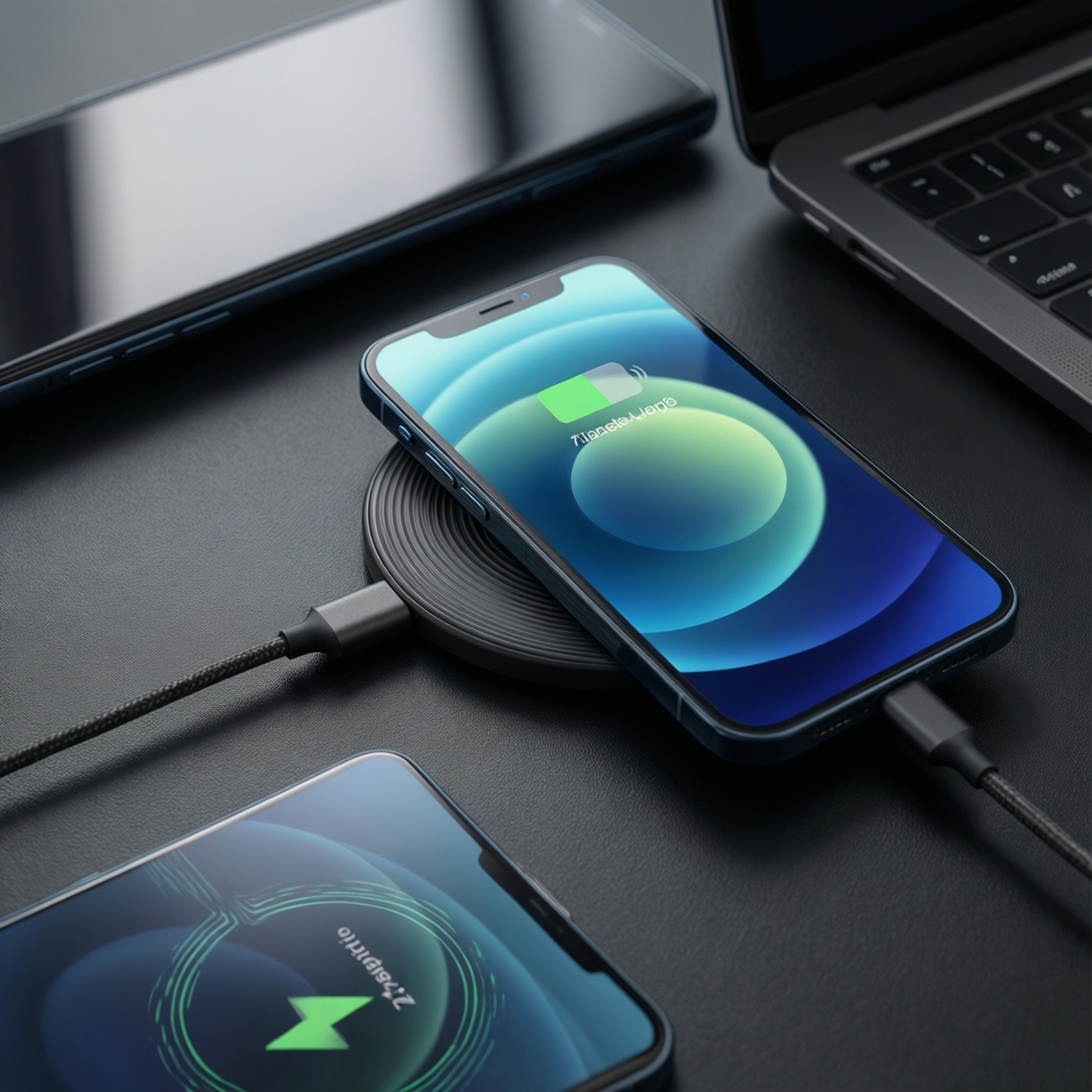
If you want the "best" real‑world option in a mixed ecosystem, use wired charging for fastest, coolest top-ups, add a Qi2/MagSafe-style magnetic pad for daily convenience, and treat PowerShare (reverse wireless) as an emergency tool. Your best pick depends on your phone's support, accessories you own, heat tolerance, and whether you charge at a desk, in a car, or while traveling.
Battery and Charging: Essential Insights for Everyday Use
- Wired charging is usually the most efficient and easiest to keep cool; it's the default for fast top-ups and battery-friendly habits.
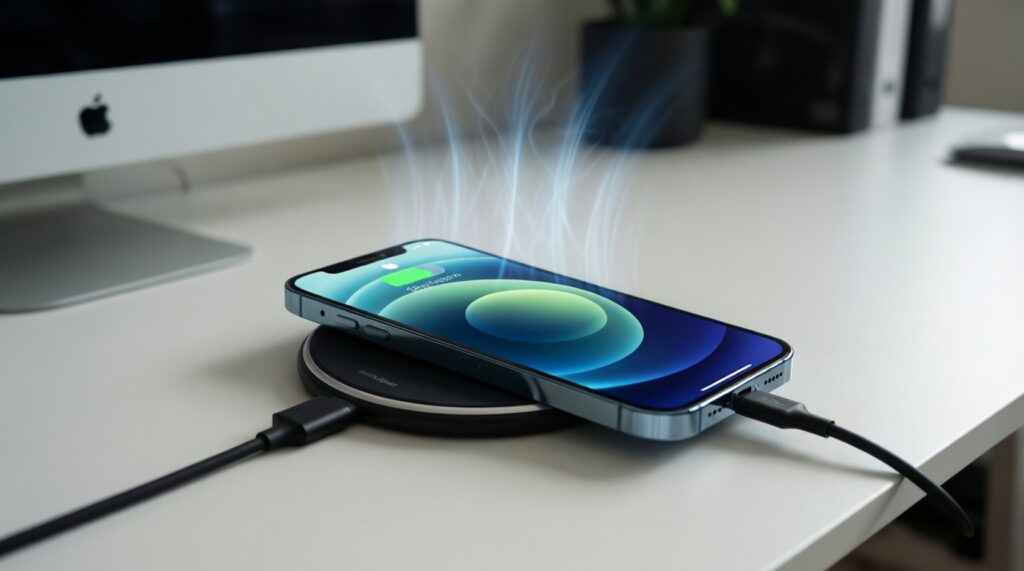
- Magnetic alignment (MagSafe/Qi2) improves consistency versus "any-position" Qi pads, but it still generates more heat than wired in many setups.
- Qi2 is the practical "cross-platform" magnetic path when you want iPhone-like snap alignment without being locked to one brand's ecosystem (check compatibility carefully).
- PowerShare/reverse wireless is best for small devices (buds, another phone in a pinch), not as a daily charging method.
- Heat and time at high charge levels matter more for longevity than the mere fact that charging is wireless.
- Before you search ซื้อที่ชาร์จ MagSafe ราคา or แท่นชาร์จไร้สาย 3 in 1 MagSafe ราคา, decide whether you need multi-device convenience or just reliable single-phone charging.
MagSafe Explained: Mechanics, Alignment, and Practical Limits
MagSafe (and Qi2 magnetic alignment) uses magnets to keep the coil centered, reducing "coil mismatch" and stabilizing charge behavior. For choosing gear and setting expectations, evaluate these criteria:
- Compatibility layer: iPhone MagSafe vs Qi2 Magnetic Power Profile vs standard Qi pad behavior.
- Charging target: desk "keep topped up" vs fast refill vs overnight "set and forget."
- Thermal headroom: your case thickness/material, ambient temperature (Thailand heat), and whether the charger has active cooling.
- Case and accessory fit: MagSafe/Qi2-compatible case rings, camera bump clearance, and whether it wobbles on the puck.
- Power source quality: stable USB-C PD adapter/cable; weak adapters can cause slow cycling and extra heat.
- Attachment strength & usability: for commuting/car mounts vs bedside; magnet strength matters more than peak watt claims.
- Multi-device needs: phone-only vs phone + watch + earbuds; this is where 3-in-1 stands make sense.
- Portability: puck + cable vs stand; a stand is convenient but less travel-friendly.
Practical limit: even with perfect alignment, wireless charging wastes more energy as heat than wired in many real setups-especially with thick cases, poor ventilation, or mis-sized coils.
Qi Wireless Charging Compared: Speeds, Efficiency, and Thermal Effects
Qi is the broad baseline; Qi2 adds magnetic alignment and a more "snap-to-center" experience. If you're asking ที่ชาร์จไร้สาย Qi2 แนะนำ, treat it as "magnetic Qi intended for consistency," then validate your phone and case support.
| Variant | Who it fits | Pros | Cons | When to choose |
|---|---|---|---|---|
| Wired USB-C (PD / fast wired) | Power users, anyone who needs quick top-ups | Typically fastest; usually coolest; predictable; works through any case | Uses the port; cable wear; less "drop-and-go" | Short charging windows, travel, low battery emergencies |
| MagSafe puck (iPhone ecosystem) | iPhone users who want effortless alignment | Snap alignment; stable charging; great with MagSafe accessories | Often warmer than wired; performance depends on adapter/case; ecosystem-centric | Desk/nightstand convenience; frequent small top-ups without plugging in |
| Qi2 magnetic pad/stand | Mixed ecosystems; people who want "magnetic Qi" behavior | Better alignment than standard Qi; less fuss about placement; accessory flexibility | Not every phone benefits equally; still wireless heat; beware vague compatibility claims | Cross-platform household, upgrading from older Qi pads |
| Standard Qi pad (non-magnetic) | Casual users; secondary charging spots (office, living room) | Widely compatible; inexpensive; simple | Placement-sensitive; can run hotter if misaligned; slower in practice | You just need occasional top-ups and don't mind repositioning |
| 3-in-1 wireless stand (phone + watch + earbuds) | Desk-based users with multiple devices | One spot for everything; reduces cable clutter | Often the warmest; bulky; travel-unfriendly; quality varies a lot | When แท่นชาร์จไร้สาย 3 in 1 MagSafe ราคา makes sense because convenience beats pure speed |
| MagSafe-style magnetic power bank (attach-and-charge) | Commuters, travelers, anyone who hates dangling cables | Portable; usable while holding the phone; stable alignment; minimal setup | Extra heat (battery + wireless); heavier; capacity-to-usable-charge varies by usage | Daily commute, events, GPS days; when asking พาวเวอร์แบงค์ MagSafe ยี่ห้อไหนดี, prioritize temperature behavior and magnet strength over peak watt claims |
Persona picks (Thailand context)
- Commuter (BTS/MRT, grab-and-go): magnetic power bank for the ride + wired at home. Choose a strong magnet, slim profile, and avoid using heavy navigation + wireless charging in direct sun.
- Power user (gaming/camera/hotspot): wired primary; Qi/Qi2 only for light desk top-ups. Heat stacks quickly when the phone is already under load.
- Traveler (airports/hotels): one USB-C PD charger + cable first; add a compact Qi2/MagSafe puck only if you truly value bedside convenience.
- Casual (social, messaging): Qi2 stand or standard Qi pad at the desk; wired rarely needed unless you forget to charge.
PowerShare & Reverse Wireless: Use Cases, Constraints, and Myths
Reverse wireless (often marketed as PowerShare) is useful, but it's not "free power." It's a convenience feature with clear constraints: efficiency is low, it's slow, and it can warm both devices.
- If your earbuds case is dead at the café, then use PowerShare for a short boost and stop once you have enough for the commute; don't leave it running in a pocket.
- If a friend's phone is near-empty and needs just enough to call a ride, then reverse wireless can help-remove thick cases and keep both devices still to reduce wasted heat.
- If you're trying to charge another phone to "meaningful" levels, then use a cable or a power bank instead; reverse wireless is a last resort.
- If you're searching มือถือรองรับ PowerShare รุ่นไหนบ้าง, then confirm your exact model/region firmware and whether reverse charging works with your accessory-names vary by brand and not all wireless-capable phones support reverse wireless.
Myth to ignore: "Reverse wireless is fine overnight." In practice it can keep both devices warm and waste energy; wired is safer and more predictable.
Battery Longevity: How Charging Patterns, SOC and Temperature Impact Lifespan
Use this quick selection algorithm when deciding how to charge on a given day:
- Check heat risk: if the phone is hot (gaming, outdoors, fast data), prefer wired with airflow; avoid wireless pads and reverse wireless.
- Decide your time window: under an hour → wired; several hours at a desk → Qi2/MagSafe is fine if it stays warm-not-hot.
- Limit "high SOC parking": if you'll be plugged in for long periods, enable optimized charging/charge limit features when available.
- Reduce thermal insulation: remove thick cases or metal attachments when using wireless; don't stack the phone on soft surfaces.
- Avoid double-boosting: don't combine heavy use + wireless + power bank unless necessary.
- Pick the simplest chain: fewer adapters/dongles usually means fewer stability issues and less waste.
Speed vs Longevity: Quantifying Trade-offs and Optimal Settings
- Buying by "max watts" only: real speed is limited by your phone, temperature, and power negotiation; heat throttling often cancels the headline number.
- Using a weak/old adapter with a magnetic puck: unstable power can cause slow cycling (charge/pause/charge), adding time and warmth.
- Charging wirelessly under pillows/blankets: poor airflow is a common cause of excessive heat.
- Leaving the phone at 100% on a warm pad for hours: high state-of-charge plus warmth is a poor combo for long-term health.
- Reverse wireless as a routine habit: it's inherently lossy; treat it as a convenience tool, not your daily charger.
- Thick "fashion" cases on Qi pads: they increase coil distance and misalignment, pushing up heat and time.
- Multi-device 3-in-1 stands with no ventilation: convenient, but often warmer; place them in open air and avoid direct sunlight.
- Charging while using GPS in a hot car: this is the classic thermal stack; use a vent mount + wired cable, or pause charging when the device overheats.
Decision Matrix: Which Charging Method to Choose by Situation
Best for fast recovery and lower heat is usually wired USB-C. Best for desk convenience without fiddling is Qi2/MagSafe-style magnetic charging (choose Qi2 when you want cross-platform flexibility). Best for travel light is one good USB-C PD charger plus a cable; add a puck only if you consistently use it. Best for emergency sharing is PowerShare/reverse wireless, used briefly and only when a cable isn't available.
Practical Concerns and Quick Answers from Real Users
Is MagSafe actually faster than a normal Qi pad?
Often it's more consistent because alignment is fixed, but the real speed depends on your phone and thermal throttling. If your setup runs warm, both can slow down.
Should I prioritize Qi2 if I'm in a mixed iPhone/Android household?
Yes, Qi2 is typically the most practical middle ground for magnetic alignment across ecosystems-verify your specific phone model and case support before buying.
Is a 3-in-1 stand worth it for daily use?
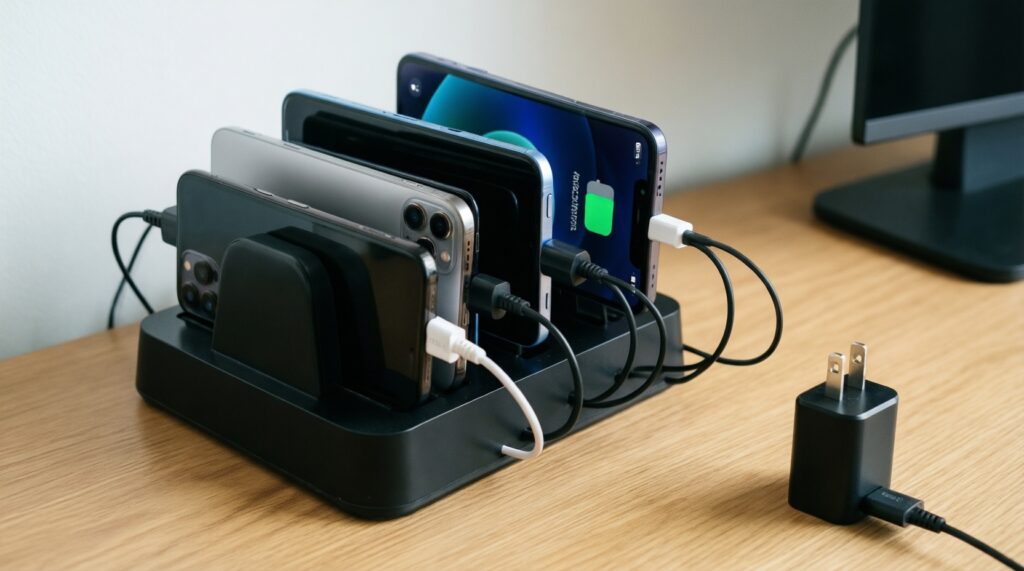
It's worth it when you charge multiple devices every day at one spot and value tidiness. If you only charge a phone, a single puck/pad plus a cable is usually simpler and cooler.
Can PowerShare damage my battery?
It won't "damage" it by itself, but it can add heat and keep the phone at stressful conditions longer. Use it briefly and avoid doing it while the phone is already hot.
What matters most when searching ซื้อที่ชาร์จ MagSafe ราคา?
Compatibility (MagSafe vs Qi2 vs basic Qi), thermal behavior, and magnet strength matter more than big watt claims. Also budget for a good USB-C PD adapter if it's not included.
What should I look for when asking พาวเวอร์แบงค์ MagSafe ยี่ห้อไหนดี?
Strong alignment, stable output, and manageable heat while charging-and-using are the priorities. A design that doesn't block your camera and doesn't wobble helps daily usability.
Where can I confirm มือถือรองรับ PowerShare รุ่นไหนบ้าง?
Check your phone's official specs/settings menu for reverse wireless/reverse charging, then confirm with your exact model number and region. The feature name and availability can differ even within the same series.