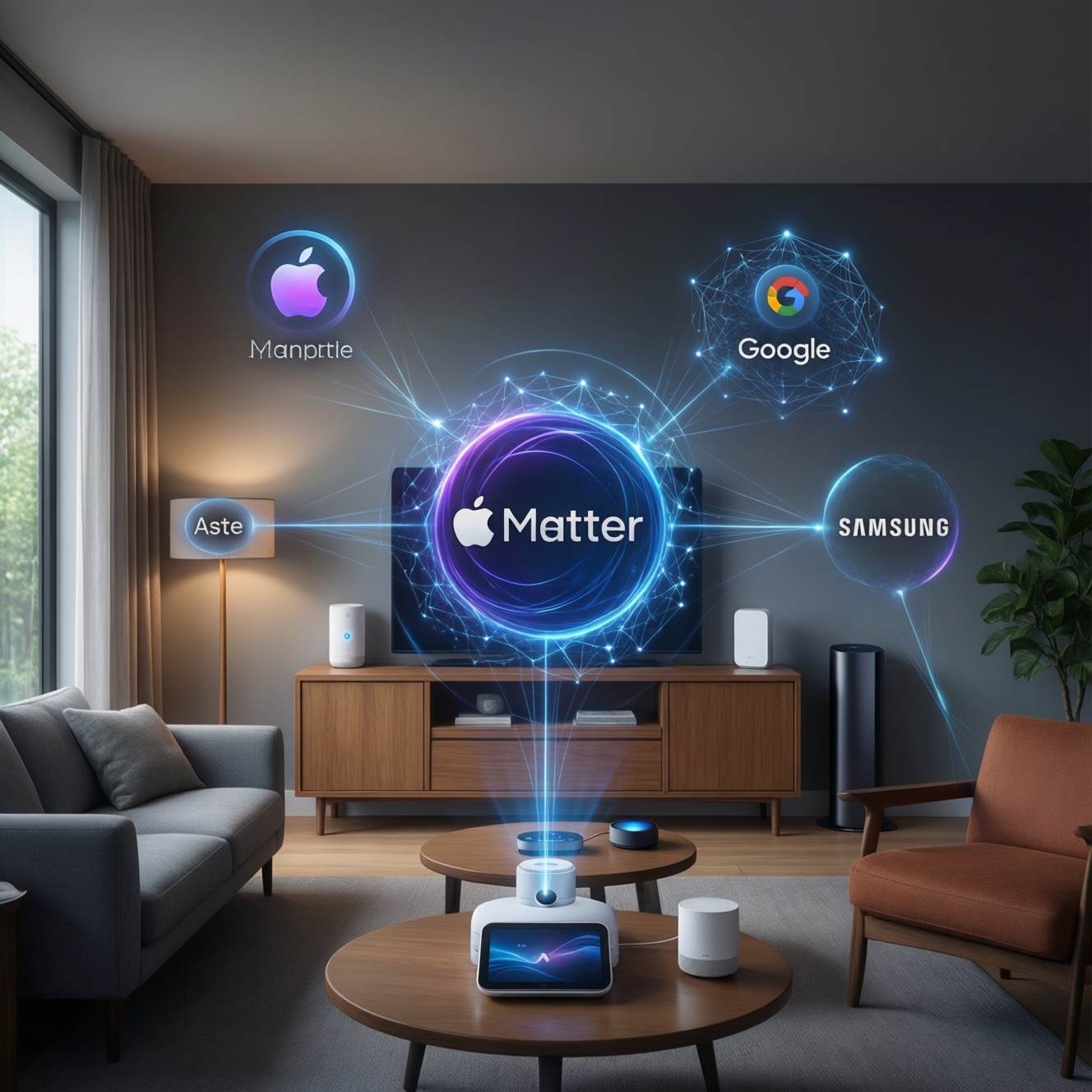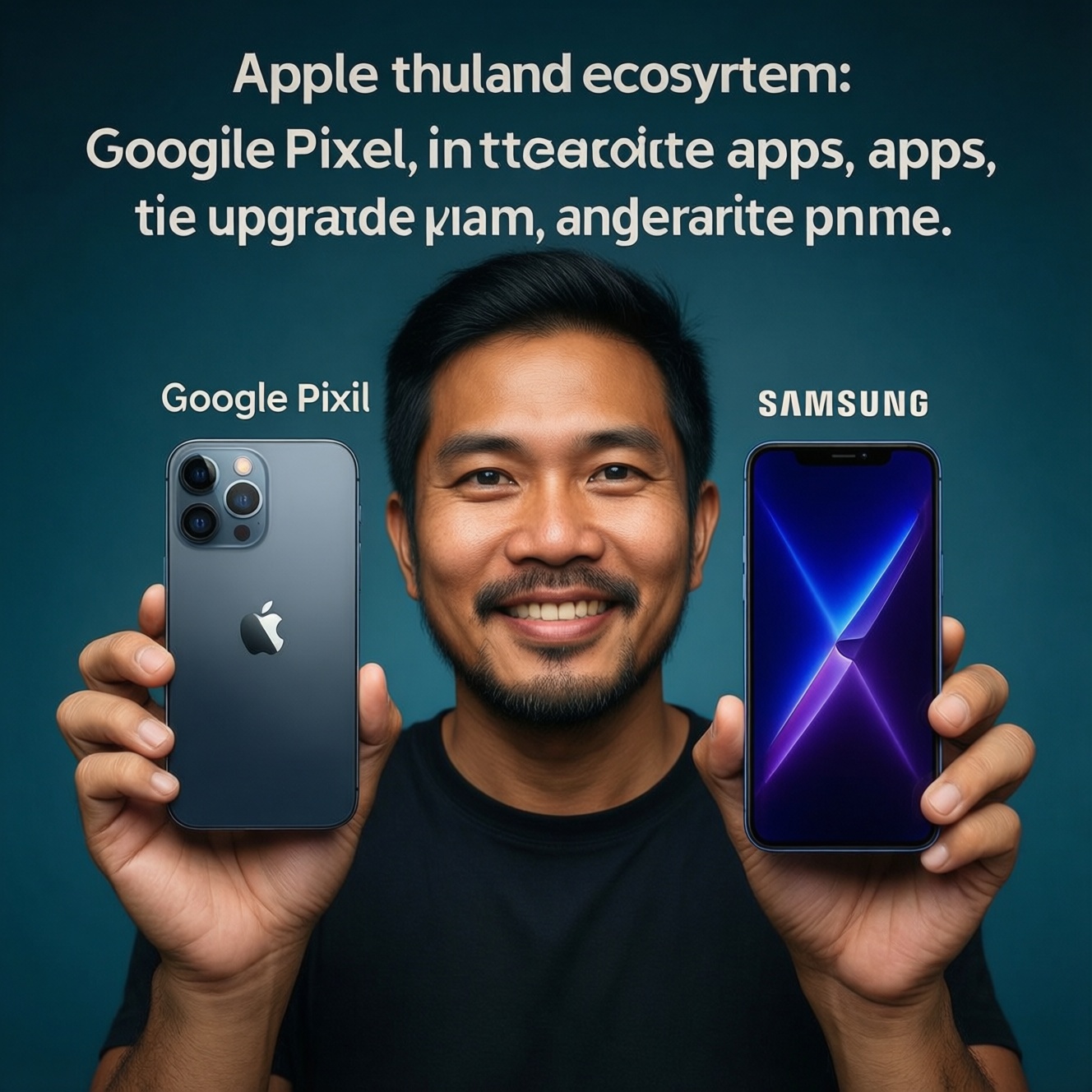
If you want a phone that fits your real budget, habits, and existing devices in Thailand, choose the ecosystem first: Apple (iPhone) for tight cross-device integration and long, consistent support; Google (Pixel) for clean Android and camera-first simplicity; Samsung for the widest hardware range and features. Then confirm with your app needs, service access, and upgrade plan.
Concise decision snapshot
- Already using Mac/iPad/AirPods and value frictionless syncing: pick iPhone; alternative: Pixel if you want Android simplicity.
- Want the most "pure Android" experience and fast OS features without heavy skins: pick Pixel; alternative: Samsung if you need more hardware options.
- Need many price tiers, strong retail presence in TH, and feature depth: pick Samsung; alternative: Pixel for cleaner software.
- Camera priorities: iPhone for predictable video + app compatibility; Pixel for point-and-shoot photos; Samsung for zoom/versatility on higher tiers.
- Customization priorities: Pixel/Samsung; iPhone is intentionally more controlled.
- If your search is "เปรียบเทียบ iPhone กับ Samsung" or "เปรียบเทียบ iPhone กับ Android รุ่นไหนดี", start with your non-phone devices and your must-have apps.
Budget brackets and realistic expectations
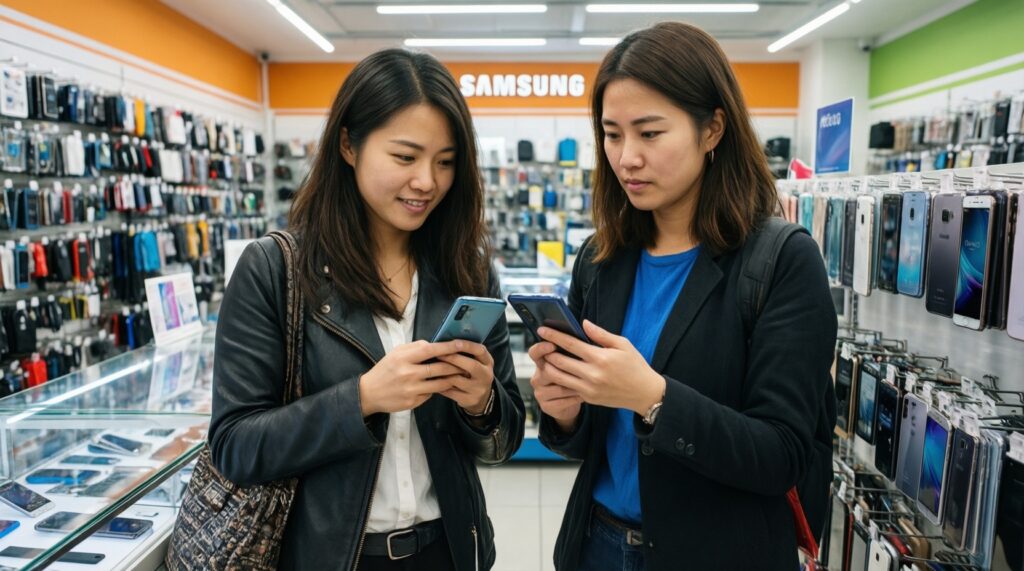
Use these criteria to avoid picking by spec sheets alone (especially when your real question is "ซื้อ iPhone รุ่นไหนดี", "ซื้อโทรศัพท์ Samsung รุ่นไหนดี", or "ซื้อโทรศัพท์ Android รุ่นไหนดี").
- Total cost, not sticker price: include storage tier, accessories, repair risk, and trade-in/resale expectations.
- Service convenience in Thailand: proximity to authorized service, turnaround expectations, and parts availability.
- Software support horizon: how long you want stress-free OS/security updates without babysitting.
- App ecosystem compatibility: banking apps, work profiles, authenticator flows, and accessories you already own.
- Camera output style: natural vs punchy processing, motion handling (kids/pets), and video stability.
- Performance stability: sustained performance under heat, gaming sessions, and multitasking behavior.
- Battery reality: screen-on usage, 5G patterns, and whether you accept carrying a power bank.
- Customization tolerance: do you want to tune everything, or just want it consistent and predictable?
Ecosystem fit: how your current devices steer the choice
The fastest way to decide is to anchor on what you already own (laptop, tablet, watch, earbuds) and what you must keep frictionless.
| Variant | Who it fits | Pros | Cons | When to choose |
|---|---|---|---|---|
| Apple iPhone (current-generation or recent) | People deep in Apple devices; creators who need reliable video/app behavior | Strong cross-device continuity; consistent performance; predictable app support | Less customization; accessories can be pricey; file/workflow can feel constrained vs Android | If you own a Mac/iPad/Watch/AirPods and want fewer moving parts; best match when "ซื้อ iPhone รุ่นไหนดี" is really about ecosystem stability |
| Google Pixel | Android users who want simple software and camera-first results | Clean UI; fast feature drops; strong computational photography | Hardware lineup is narrower; some features depend on region/services; accessory ecosystem smaller than Apple/Samsung | If you want Android without heavy skins and your "เปรียบเทียบ iPhone กับ Android รุ่นไหนดี" leans toward simplicity over endless options |
| Samsung Galaxy S / Z (S-series, Flip/Fold) | Power users; multitaskers; those wanting premium display and feature depth | Broad premium choices; strong displays; multitasking features; wide accessory availability | One UI has more complexity; some features overlap or feel redundant; premium pricing at the top end | If you want a flagship Android and your "เปรียบเทียบ iPhone กับ Samsung" is about features, display, and device variety |
| Samsung Galaxy A (midrange) | Value buyers who want Samsung's ecosystem and local retail/service convenience | Many price points; familiar Samsung experience; easy to find locally | Camera/performance varies widely by model; longevity feel depends heavily on the exact tier you buy | If "ซื้อโทรศัพท์ Samsung รุ่นไหนดี" means a sensible midrange with easy availability and predictable daily use |
| Other Android brands (Xiaomi/OPPO/vivo, etc.) | Spec-per-baht shoppers; people who upgrade often and want aggressive hardware pricing | Strong value; fast charging often prioritized; many designs and configs | Software experience and update consistency vary; bloat/ads may exist depending on brand/region; resale can be less predictable | If "ซื้อโทรศัพท์ Android รุ่นไหนดี" is driven by budget-first hardware and you can tolerate brand-to-brand software differences |
Behavioral profiles: match features to daily habits
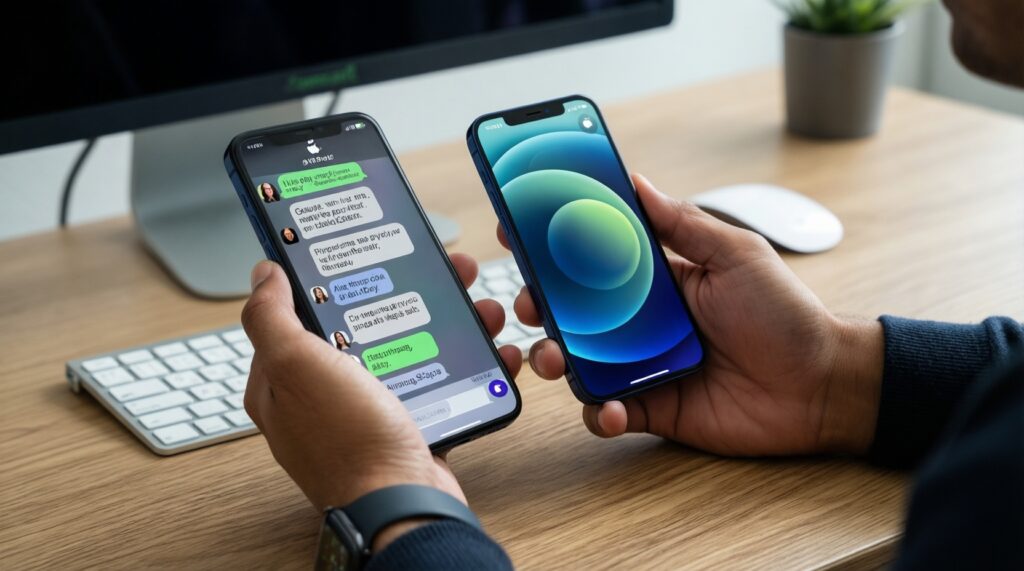
Pick by how you actually use your phone, then choose the least-compromising ecosystem.
- If you live in iMessage/FaceTime, AirDrop files daily, and use Apple Watch: choose iPhone. Recommendation: iPhone; alternative: Samsung Galaxy S if you must switch to Android but want premium polish.
- If your priority is "camera that nails the moment" with minimal tweaking (kids, pets, street shots): choose Pixel. Recommendation: Pixel; alternative: iPhone if you care more about video consistency and social app output.
- If you multitask hard (split screen, floating apps), use DeX-like workflows, or love feature toggles: choose Samsung Galaxy S/Z. Recommendation: Samsung S/Z; alternative: Pixel if you want fewer settings and less UI complexity.
- If you mostly do messaging, social, banking, maps, and light gaming and want easy local purchase/service: choose Samsung Galaxy A. Recommendation: Samsung A; alternative: other Android value brands if budget is the only constraint.
- If you regularly switch phones, chase specs, and don't mind adjusting settings after updates: choose other Android value brands. Recommendation: value Android; alternative: Samsung A for a more standardized experience.
Concrete trade-offs: camera, privacy, customization, support
- Start with your must-keep devices: Apple Watch/AirPods/Mac/iPad strongly nudges to iPhone; Galaxy Watch/Buds nudges to Samsung.
- Decide your camera priority: video + third‑party app consistency → iPhone; effortless still photos → Pixel; zoom/feature versatility (on higher tiers) → Samsung.
- Pick your control level: maximum customization and system-level tweaking → Android (Pixel/Samsung); minimal tuning and consistent patterns → iPhone.
- Check your tolerance for UI complexity: lowest friction → Pixel/iPhone; feature-rich with more menus → Samsung.
- Validate service and repair reality in TH: choose the brand you can service quickly where you live/work, not just the one you like online.
- Audit your "must-work" apps: banking, work MDM, eSIM needs, and accessory compatibility should outweigh small spec differences.
Upgrade path, longevity and total cost of ownership
- Buying the cheapest model in a lineup, then expecting flagship camera/performance consistency.
- Ignoring storage needs (photos, 4K video, offline maps) and paying later via upgrades or cloud dependence.
- Choosing a brand you can't service conveniently in Thailand (time cost matters as much as money).
- Overweighting peak benchmark performance and underweighting heat, battery aging, and day-to-day stability.
- Assuming all Android updates are equal across brands and tiers; support experience varies by model family.
- Switching ecosystems without pricing in replacement accessories (watch, earbuds, chargers/cables, cases).
- Buying based on "feature count" while disliking the UI needed to access those features (common with heavy multitasking suites).
- Not checking resale/trade-in behavior in your local market, then being surprised at the effective upgrade cost.
Decision tree: which brand to pick given your profile
- Do you already own Apple Watch or rely on Mac/iPad workflows? → Pick iPhone.
- Do you want Android but hate bloat and want simple, camera-first behavior? → Pick Pixel.
- Do you want the most hardware choice (from midrange to foldables) and lots of features? → Pick Samsung.
- Is budget the top constraint and you upgrade often? → Consider other Android value brands, but accept software variance.
Best fit for Apple-heavy users: iPhone. Best fit for clean Android + quick photo wins: Pixel. Best fit for maximum choice and feature depth across budgets: Samsung. If your core question is "เปรียบเทียบ iPhone กับ Samsung" or "เปรียบเทียบ iPhone กับ Android รุ่นไหนดี", decide by your existing devices first, then by camera style and UI tolerance.
Answers to frequent buyer dilemmas
Should I choose iPhone if I only have AirPods but no Mac or iPad?
Not necessarily. AirPods work fine on Android with fewer convenience features; pick iPhone only if you value Apple's continuity and prefer a more controlled OS experience.
Is Pixel a good choice in Thailand for everyday banking and work apps?
Usually yes, but you should verify your specific banking and work/MDM apps before committing. App compatibility beats camera opinions.
I'm deciding "ซื้อโทรศัพท์ Samsung รุ่นไหนดี" for a midrange budget-what should I focus on?
Prioritize the exact Galaxy A model's camera consistency, storage, and chipset tier over marketing names. Also choose based on local warranty and service convenience.
If my main search is "ซื้อ iPhone รุ่นไหนดี", what's the quickest way to narrow it down?
Pick the smallest set that meets your storage and camera needs, then choose based on size preference and budget ceiling. Avoid paying extra for features you won't use weekly.
For "ซื้อโทรศัพท์ Android รุ่นไหนดี", is it safer to stick to Samsung/Pixel than other brands?
It's often more predictable for software experience and ecosystem accessories. Other brands can offer better value but vary more in software feel and long-term update behavior.
Between iPhone and Samsung, which is better for customization and multitasking?
Samsung is typically stronger for customization and multitasking features. Choose iPhone if you prefer consistency over configurability.
What's the cleanest way to decide when "เปรียบเทียบ iPhone กับ Samsung" feels 50/50?
Use your non-phone devices as the tiebreaker: Apple devices push to iPhone; Galaxy wearables and Windows-centric workflows often push to Samsung. Then choose based on camera style (video vs zoom/versatility).