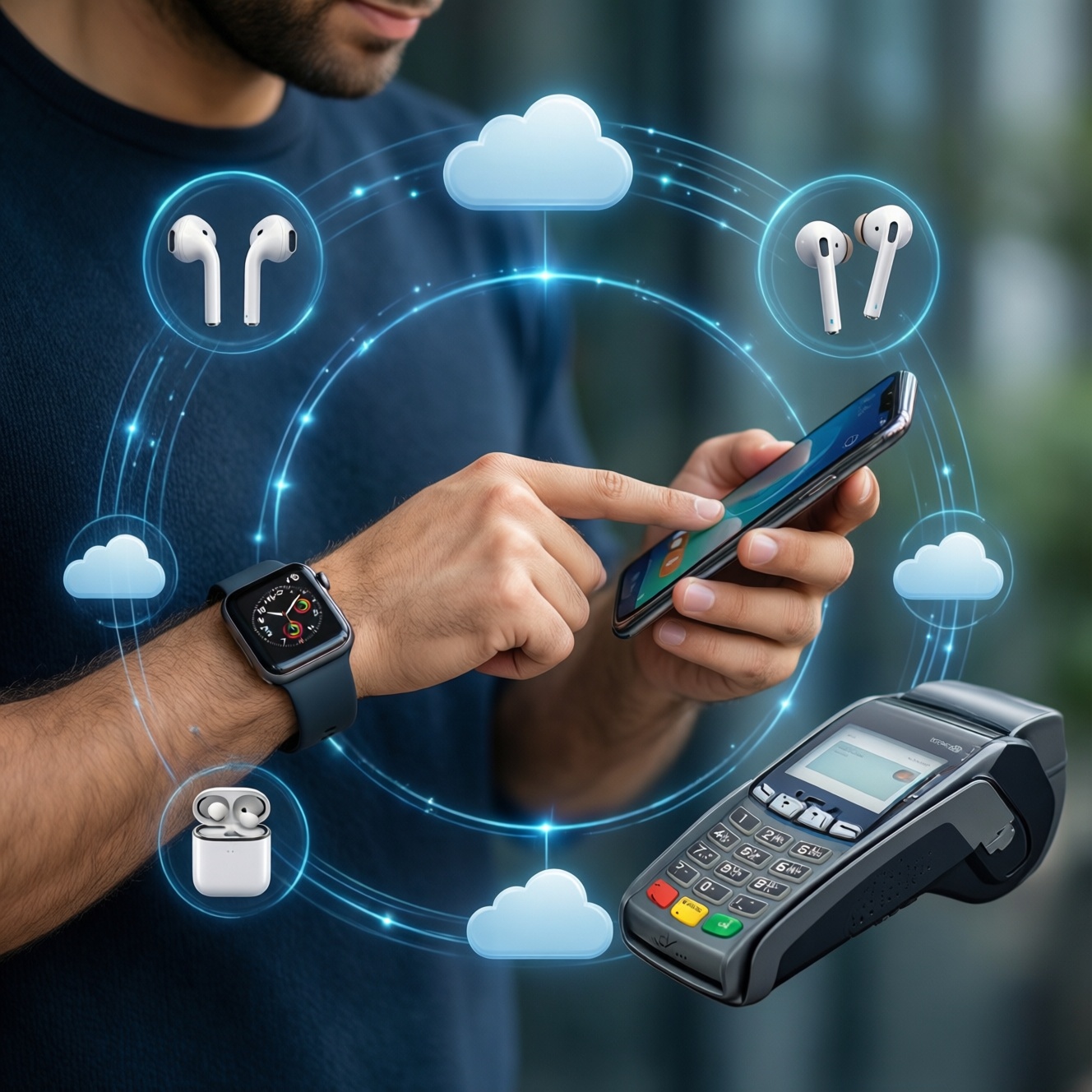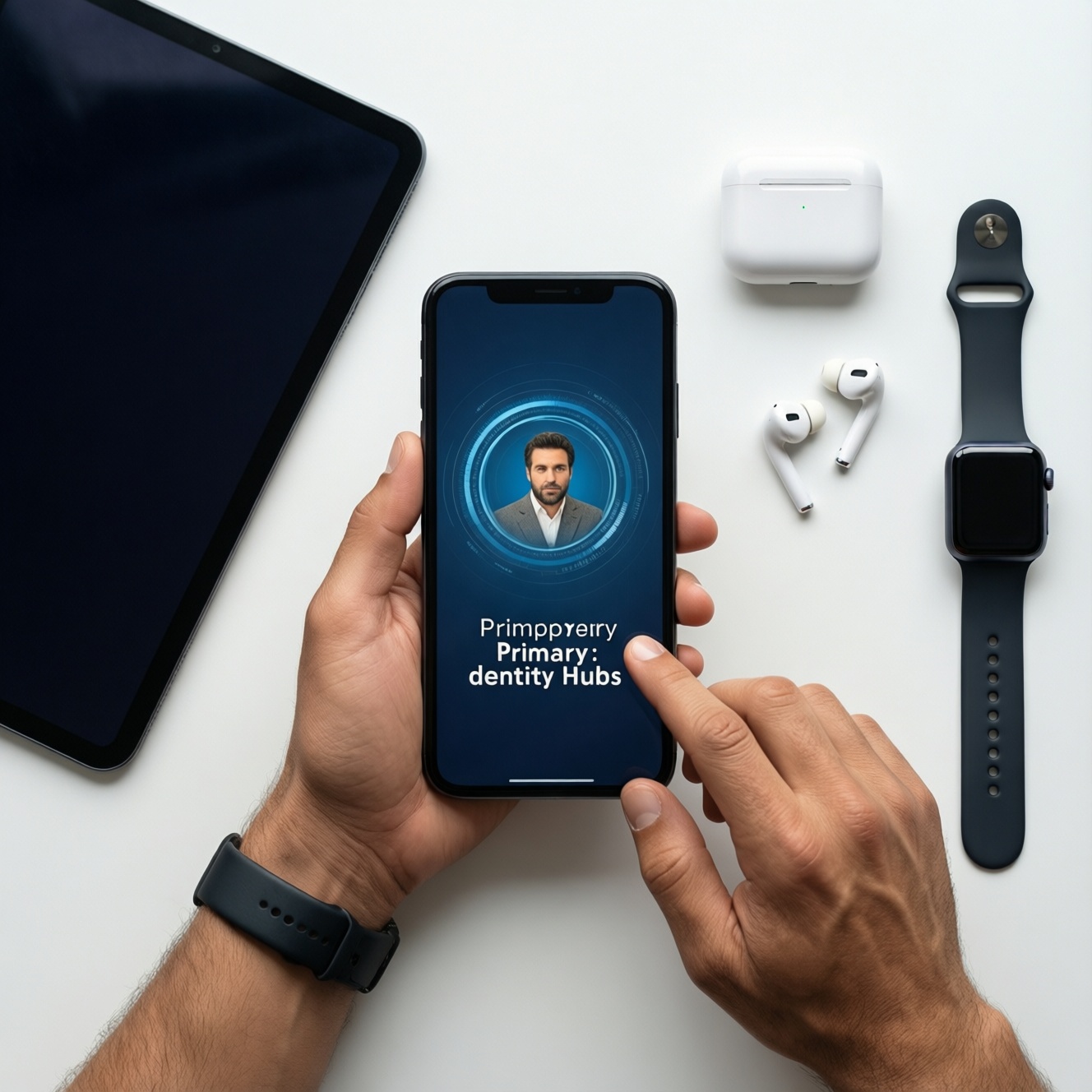
Start your ecosystem by choosing the device that will be your daily "identity hub": phone first for most people, tablet first only if you work mainly on a tablet, and watch/earbuds first only when you already own a compatible phone. Then add one companion device at a time to avoid paying for features you won't use in Thailand.
Essential selection criteria before committing to Apple, Google, or Samsung
- Your primary hub device: phone-first vs tablet-first determines the smoothest onboarding.
- App and account gravity: where your purchases, subscriptions, passwords, photos, and backups already live.
- Cross-device continuity: copy/paste, quick sharing, call/text handoff, multi-device audio switching.
- Privacy posture you prefer: tighter defaults vs broader customization and ad-linked services.
- Hardware variety and repair path: model breadth, authorized service access, parts availability.
- Accessory ecosystem: earbuds, watch bands, cases, chargers, and whether you want "one standard" or flexibility.
- Long-term switching friction: iMessage/FaceTime equivalents, smartwatch pairing limits, photo library migration.
How each ecosystem frames value: privacy, integration, and services
- Identity + backup: Apple ID + iCloud vs Google Account + Google One vs Samsung Account (often alongside Google). Pick the one you'll actually keep logged in everywhere.
- Messaging and calling continuity: iPhone is strongest when your close circle uses iMessage/FaceTime; Android varies by app choice (LINE, WhatsApp, Meet).
- Photos workflow: iCloud Photos favors Apple-only simplicity; Google Photos favors cross-platform access; Samsung Gallery can integrate with OneDrive depending on setup.
- "Works with my laptop" factor: Mac + iPhone handoff is tight; Windows + Android (especially Samsung) has strong linking options; Chromebooks pair naturally with Android services.
- Wearables lock: Apple Watch is effectively iPhone-only; most Wear OS watches require Android; Samsung Galaxy Watch is best with Samsung phones but usable with many Androids.
- Smart home direction: Apple Home tends to be curated; Google Home is broad; Samsung SmartThings shines if you also care about TVs/appliances.
- Payments and wallet habits: if you rely on phone tap-to-pay and passes, test Apple Pay / Google Wallet / Samsung Wallet availability with your bank and daily merchants.
- Service bundle preference: Apple One-like "bundle thinking" vs Google One storage-first vs Samsung services as add-ons.
If you're searching "ซื้อ iPhone หรือ Android ยี่ห้อไหนดี", treat it as a services question, not only hardware: the best phone is the one that unlocks the lowest-friction daily flow across your other devices.
Device roles and interoperability: phones, watches, tablets, speakers, and TVs
Use the table below as a "role-based" picker. It answers "เปรียบเทียบ Apple vs Google vs Samsung อันไหนคุ้มกว่า" in practical terms: which combination reduces daily friction for your specific device mix.
| Variant | Who it fits | Pros | Cons | When to choose |
|---|---|---|---|---|
| Apple-first (iPhone → AirPods → Watch → iPad/Mac) | People who value seamless handoff, tight integration, and consistent UX | Strong continuity; reliable accessory behavior; straightforward setup | Apple Watch requires iPhone; fewer "mix and match" options | When you want the least setup time and plan to keep devices in one family |
| Google-first (Pixel/Android → Pixel Buds → Wear OS → Chromecast/Google TV) | People who live in Google services and want cross-platform reach | Excellent Google Photos/Drive flow; flexible hardware choices; strong voice/search layer | Integration consistency depends on brand; some features vary by device maker | When your work and files already run on Gmail/Drive/Calendar across devices |
| Samsung-first (Galaxy phone → Galaxy Buds → Galaxy Watch → SmartThings + Samsung TV) | Android users who want a "one-brand" experience with broad device categories | Good device-to-device features; strong TV/appliance ecosystem; wide local availability | Best features may require Samsung-to-Samsung pairing; extra accounts/settings | When you expect to buy phone + wearable + TV and want fewer third-party apps |
| Phone Apple, everything else mixed (iPhone + Google services + any TV) | People who want iPhone hardware but prefer Google apps | iPhone stability with Google Photos/Maps/Drive flexibility | No Apple Watch alternatives with full parity; some "Apple magic" reduced | When you want iPhone but must collaborate in Google Workspace |
| Phone Samsung, tablet iPad (Galaxy phone + iPad + cross-app syncing) | People who want Android phone freedom but best-in-class tablet app ecosystem | Strong tablet creative apps; phone choice stays open; easy cloud syncing via Google/Microsoft | Two ecosystems to manage; accessories/charging can fragment | When you ask "ซื้อ iPad หรือแท็บเล็ต Android รุ่นไหนดี" and your answer is "iPad for tablet tasks, Android for phone tasks" |
| Audio-first buyer (AirPods vs Galaxy Buds vs Pixel Buds focus) | People upgrading earbuds first for calls, commuting, and meetings | Immediate daily benefit; minimal data migration; good ROI per hour used | Best features often locked to the same-brand phone; multipoint varies | When "ซื้อหูฟังไร้สาย AirPods vs Galaxy Buds vs Pixel Buds รุ่นไหนดี" is your top question and your phone is staying for 1-2 years |
Practical Thailand context: buy based on what you can service quickly locally (authorized service access, warranty clarity, and accessory availability) because that often matters more than small spec differences.
Total cost of ownership: hardware, subscriptions, and accessory lock-in
- If you upgrade phones frequently, then avoid buying ecosystem-locked accessories first (watch/earbuds) unless you're sure the next phone stays in the same family.
- If you pay for cloud storage already, then standardize on that provider across devices (iCloud-heavy households: lean Apple; Drive-heavy workflows: lean Google) to avoid paying twice for backups.
- If you want a smartwatch for health + payments, then pick the phone that unlocks the watch you actually want (Apple Watch implies iPhone; many Wear OS options imply Android; Samsung Watch is strongest with Samsung phones).
- If you share devices with family, then choose the ecosystem with the simplest shared purchases and device management for your household, not only for yourself.
- If you care about accessories and chargers, then commit to a single connector/charging strategy early (one main cable type, one multi-port charger) to reduce "small repeated buys."
For people asking "ซื้อสมาร์ทโฟน Samsung รุ่นไหนดี ราคาไม่เกิน 20000", treat the budget constraint as a signal to prioritize longevity: commit first to the ecosystem services (backup, photos, password manager), then pick the best-value model available at purchase time-models change faster than your data habits.
Decision flow: step-by-step tree to pick your primary ecosystem
- Pick your hub: Is your "always-with-you" device a phone (most cases) or a tablet (field work, pilots, artists)? Choose that platform first.
- List your top 3 daily flows: (a) messaging/calls, (b) photos, (c) work files/calendar. Choose the ecosystem that makes those flows 1-2 taps shorter.
- Decide on watch dependency: If a smartwatch is non-negotiable, choose the phone that unlocks your preferred watch category.
- Decide on TV/smart home direction: If you'll buy a TV and smart devices soon, prefer the ecosystem that matches your control preference (Google Home vs SmartThings vs Apple Home).
- Run a migration test: Move 20 photos, 20 contacts, and 1 password vault export/import before you buy the second device.
- Buy the second device only after 14 days of real use: Earbuds or watch first, not both, so you can validate comfort and reliability.
Switching costs and hybrid strategies: when to mix ecosystems safely
- Mistake: buying an Apple Watch before committing to iPhone. Safer move: choose the phone first, then the watch.
- Mistake: splitting photos between iCloud Photos and Google Photos without a plan. Safer move: pick one "source of truth" and set the other to backup-only or off.
- Mistake: assuming earbuds behave the same across brands. Safer move: verify key features (auto switching, spatial audio, voice assistant, device finder) on your exact phone model.
- Mistake: mixing password managers and 2FA methods across ecosystems. Safer move: standardize on one password manager and one authenticator app across all devices.
- Mistake: buying a tablet hoping it replaces a laptop without testing your must-have apps. Safer move: test your top 5 workflows on a store demo or borrowed device.
- Mistake: choosing Samsung-only features if you'll later switch brands inside Android. Safer move: prefer Google-standard features (Google Photos, Google Password Manager, Nearby Share equivalents) when you expect brand changes.
- Mistake: ignoring service centers and warranty pathways. Safer move: pick brands/devices with clear local support where you live and work in Thailand.
Concrete purchase sequences and bundled savings to maximize ROI
- If your priority is the smoothest "one-family" experience: iPhone → AirPods → Apple Watch → iPad/Mac.
- If your priority is cross-platform services and flexibility: Android (Pixel or other) → Google One/Google Photos workflow → earbuds/watch chosen for your phone → Google TV/Chromecast.
- If your priority is a broad device lineup under one brand: Galaxy phone → Galaxy Buds → Galaxy Watch → SmartThings + Samsung TV.
- If you want the best tablet experience but prefer Android phones: Android phone → iPad → keep files/photos unified via one cloud provider → earbuds matched to your phone.
Best-for recommendations depend on which device becomes your daily hub: Apple-first is best for people who want the least friction across phone-earbuds-watch-tablet; Google-first is best for people anchored in Google accounts and cross-platform collaboration; Samsung-first is best for people who want an Android-centric ecosystem spanning phones, wearables, and TVs. Start with the hub device, then add exactly one companion device that removes your biggest daily annoyance.
Typical decision blockers with concise guidance
Should I start with a phone or earbuds to enter an ecosystem?
Start with the phone unless you are 100% sure your current phone stays for at least a full cycle. Earbuds are a safe first buy only when you prioritize calls/commuting and accept feature trade-offs on other platforms.
I use Google apps on iPhone-am I wasting the Apple ecosystem?
No. iPhone + Google services is a common stable hybrid; you mainly give up some Apple-only continuity benefits and Apple Watch flexibility stays iPhone-bound.
Is Samsung worth it if I won't buy a Samsung TV or appliances?
It can be, but prioritize Android-wide features so you aren't locked into Samsung-only advantages. If you plan to expand into TV/smart home, Samsung's value increases.
Which tablet direction is safer for productivity in Thailand: iPad or Android tablet?
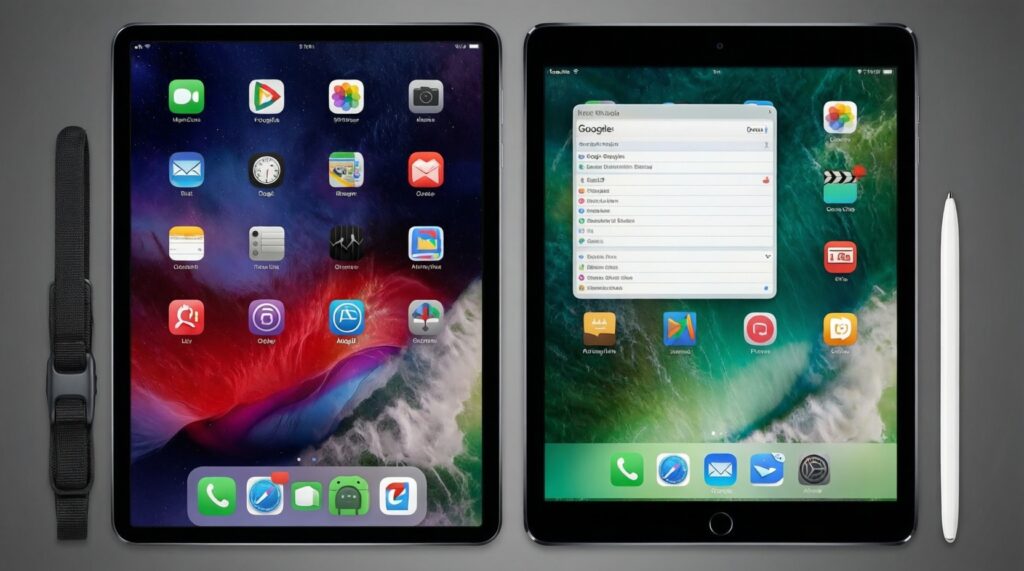
Choose iPad when your must-have apps and accessories are iPad-optimized. Choose an Android tablet when you need better file-system flexibility or tight integration with Android phones and Google services.
How do I decide between AirPods, Galaxy Buds, and Pixel Buds?
Pick the earbuds that match your phone brand if you care about seamless switching and deeper settings. If comfort and mic quality are the priority, test fit and call performance on your own phone before committing.
What is the fastest way to test switching without fully committing?
Move a small set of data (contacts, photos, calendar) and run your daily flows for a week. Only then buy the watch or tablet, because those create the strongest lock-in.
What if my budget forces me to buy mid-range now but I want a premium ecosystem later?
Standardize your accounts, backups, and password manager first; those migrate better than device-only features. Then upgrade hardware later without rebuilding your digital life.