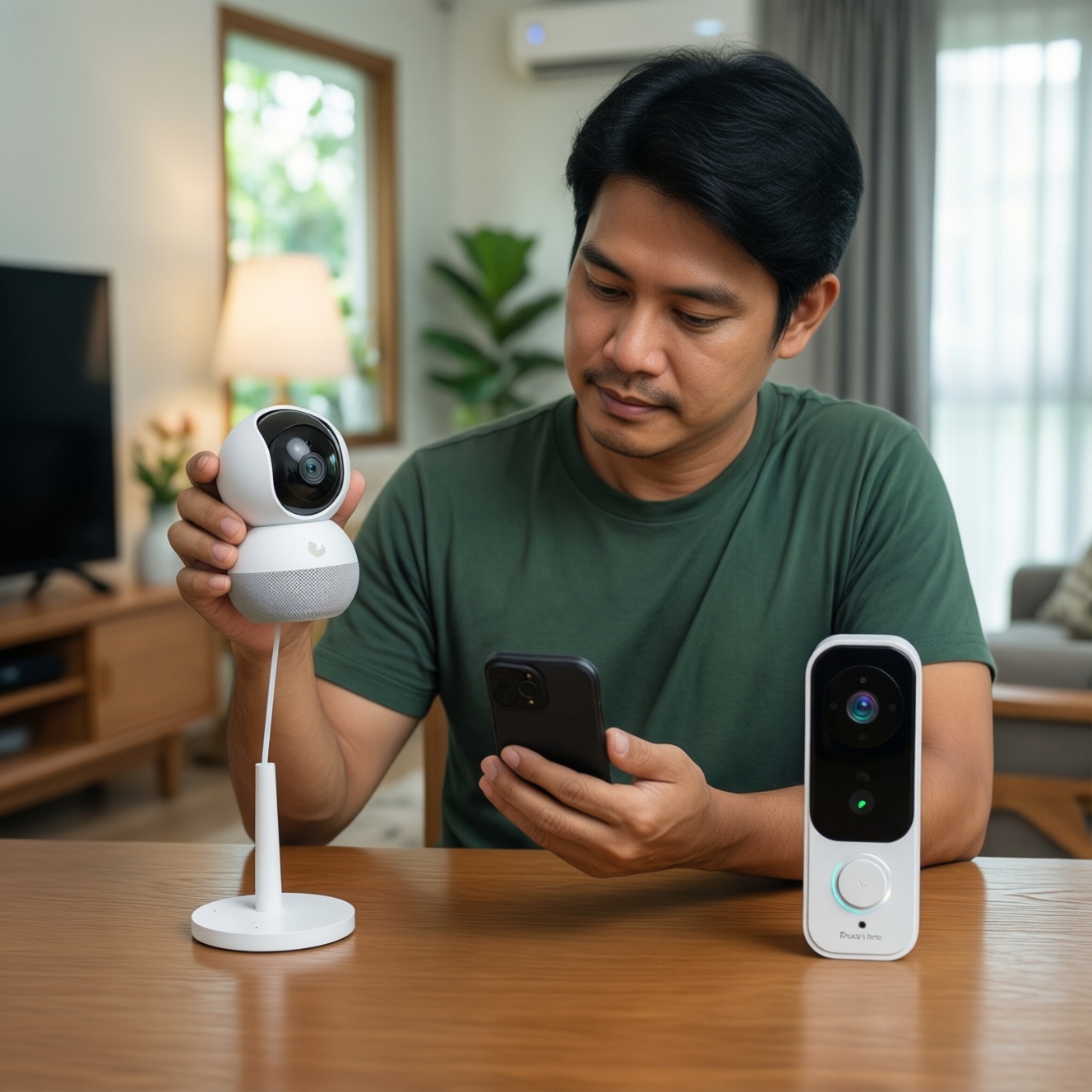
To choose a smart camera or video doorbell in Thailand, start from the ecosystem you already use: HomeKit prioritizes on-device privacy controls, Google Home is often the easiest for mixed Android households, and SmartThings fits Samsung-heavy homes and broader device linking. Then confirm video features, storage costs, and your Wi‑Fi stability before buying.
Snapshot: What to Verify Before You Buy
- Official compatibility badge on the box/app (not "works via IFTTT" or unofficial bridges).
- Where video lives: local microSD/NVR, vendor cloud, or platform subscription; know ongoing fees upfront.
- Live view speed + two-way talk on your main phone type (iOS vs Android) and on smart displays.
- Notification quality: people/package detection, alert thumbnails, and how quickly alerts arrive on your network.
- Wi‑Fi requirements: 2.4 GHz vs 5 GHz, router capacity, and whether a hub is required for stable automation.
- Regional availability in TH: warranty, local sellers, and returns (relevant if you search "กริ่งประตูอัจฉริยะ รองรับ HomeKit ซื้อที่ไหน").
How HomeKit, Google Home and SmartThings Differ Technically
- Account and device identity: HomeKit pairs to Apple Home; Google Home ties tightly to Google Account; SmartThings ties to Samsung Account and a device graph that often spans many brands.
- Core video path: some products stream in the vendor app first, then "mirror" into the platform; others integrate natively. Native paths usually mean faster controls and fewer missing features.
- Hubs and controllers: HomeKit is most reliable with a Home hub (Apple TV/HomePod). SmartThings may need a hub for Zigbee/Z-Wave devices; Google Home often relies more on cloud-to-cloud unless you add a separate hub.
- Local processing vs cloud: HomeKit tends to push more toward local controls where supported; Google/SmartThings integrations often depend on vendor cloud for events and automations.
- Multi-user access: HomeKit's household sharing is simple for Apple users; Google Home supports broad family sharing; SmartThings is strong in "home members + device permissions," but vendor apps can still be the bottleneck.
- Notification routing: platform alerts can be limited if the camera's "smart detection" is only in the vendor app; verify which app generates the alert you care about.
- Smart display support: Google Nest Hub support is common; Apple TV can show camera feeds in Home; SmartThings dashboards depend on the integration quality.
- Automation model: HomeKit scenes/automations are straightforward but conservative; Google routines are flexible for households; SmartThings excels at cross-device logic when devices are fully integrated.
Feature Gaps: Video, Two‑Way Audio, Motion Zones and Alerts
The biggest buying mistake is assuming "it shows up in Home/Google/SmartThings" means you get all features there. Many doorbells/cameras still require the vendor app for motion zones, AI detection types, or reliable two‑way talk.
| Option | Who it fits | Pros | Cons | Choose it when |
|---|---|---|---|---|
| HomeKit-first camera/doorbell (native Apple Home support) | iPhone households prioritizing simple control and privacy-style permissions | Unified Home app control; consistent user access; good "household" experience | Model choice can be narrower; some advanced analytics may still live in vendor app; may require an Apple home hub for best remote use | You're specifically comparing "เปรียบเทียบ HomeKit vs Google Home vs SmartThings กล้องวงจรปิด" and want the most consistent Apple experience end-to-end |
| Google Home-compatible camera/doorbell (works with Google) | Android families, mixed phones, homes with Nest Hub displays | Easy voice/display viewing; broad availability; often simplest for everyday users | Feature depth varies by brand; some alerts and motion zones may be vendor-app-only; cloud dependence is common | You're shopping by "กล้องวงจรปิด รองรับ Google Home ราคา" and want wide device choice with good smart-display viewing |
| SmartThings-compatible camera/doorbell (integrates into SmartThings) | Samsung phone/TV users, homes already using SmartThings for sensors and routines | Strong cross-device automations; good for linking sensors, lights, and modes; scalable to larger smart homes | Camera/doorbell integrations can be uneven; may still require vendor app for talkback and zones; a hub may be needed for best automation coverage | You're comparing "กริ่งประตูอัจฉริยะ รองรับ SmartThings ราคา" and your priority is automations across many device types |
| Vendor-app-first camera with platform "link" (shows in Home/Google/SmartThings, but vendor app is primary) | Budget-first buyers who mainly want reliable recording and basic alerts | Typically lower upfront cost; vendor app often has the most complete feature set (zones, AI types, schedules) | Platform app may only provide live view and basic on/off; automations can be limited; privacy/retention varies by vendor | You mainly want value and accept using the vendor app daily; you're price-hunting "กล้องวงจรปิด รองรับ HomeKit ราคา" but still want workable integration |
| Local-recording-first setup (microSD/NVR, minimal cloud) | Homes with unstable internet or privacy-focused recording needs | Recording continues when internet is down; predictable cost (less subscription reliance); good for multiple cameras | Remote viewing can be trickier; platform integrations may be basic; setup complexity can be higher | You want stable evidence capture above "smart" features and can accept more setup work |
| Subscription-first premium video (cloud AI, rich notifications) | Users who want the best alerts, detection categories, and quick clip access | Better AI detections and event timelines; often faster sharing/export; easy remote access | Ongoing cost; cloud dependency; features can be locked behind tiers | You value high-quality alerts more than minimizing monthly costs |
If your shopping starts with Thai price queries like "กล้องวงจรปิด รองรับ HomeKit ราคา" or "กล้องวงจรปิด รองรับ Google Home ราคา", treat the platform label as only step one-confirm which app provides motion zones, person detection, and doorbell quick replies.
Setup, Network and Router Requirements for Reliable Performance
- If your doorbell is far from the router, then prioritize a model known to handle weak Wi‑Fi and add a mesh node near the door; doorbells are the first to drop frames because exterior walls attenuate signal.
- If your home network is crowded (many devices), then choose cameras that support modern Wi‑Fi features (where available) and keep cameras on a dedicated SSID; upgrade the router before blaming the ecosystem.
- If you want budget-first stability, then favor local recording (microSD/NVR) so motion events don't fail when your internet is congested; use platform integration mainly for live view and basic status.
- If you want premium convenience, then accept that a subscription-centric setup plus strong upstream internet is usually required for rich thumbnails, fast timelines, and consistent AI alerts across phones and smart displays.
- If you run HomeKit as the primary control, then plan for a Home hub (Apple TV/HomePod) for smooth remote access and automations; without it, you'll often fall back to vendor-app remote viewing.
- If you plan SmartThings-wide automations, then consider a SmartThings hub (or a hub-capable setup) so sensors/locks/alarms can trigger reliably even when cloud links are slow.
Storage, Privacy Policies and Local vs Cloud Recording
- Decide the "must not lose" window: if losing video during internet outages is unacceptable, prioritize local recording first.
- Separate live view from recording: some products stream fine in Google Home/Apple Home/SmartThings, but only record reliably in the vendor app or to local storage.
- List ongoing costs explicitly: note whether event history, AI detections, and clip downloads require a subscription; compare that against the number of cameras you plan to add.
- Check retention and export practicality: if you need to share clips with condo security or police, confirm the export workflow is straightforward in the app you'll actually use.
- Review privacy controls you will use: indoor cameras benefit from quick privacy modes (lens shutter, schedule off, geofencing). Ensure these controls exist in your main ecosystem app or the vendor app.
- Plan for account recovery: pick a setup where you can easily transfer ownership, add family members, and recover access if a phone is replaced.
Automation, Routines and Cross‑Device Interoperability
- Assuming "works with" equals full feature parity: you may only get live view, while motion zones and AI detections stay in the vendor app.
- Buying a doorbell for the platform, then discovering talkback is unreliable: two‑way audio often depends on the vendor app performance and phone power settings.
- Not validating the trigger type: "motion detected" might be generic motion only, not person/package/vehicle-breaking your intended routines.
- Ignoring notification routing: if the best alerts are in the vendor app, disable duplicated platform alerts to avoid chaos and missed events.
- Over-automating on cloud links: routines that depend on multiple clouds can feel random; keep safety-critical actions (sirens/locks) on the most reliable local path you have.
- Mixing multiple camera brands without a plan: you'll end up with three apps for playback; standardize on one vendor for cameras if timeline review matters.
- Underestimating shared-access friction: family members may need both the platform app and the vendor app for full functionality, especially for doorbells.
- Forgetting about displays: if you want instant door view on a smart display/TV, verify that specific model supports it in practice, not just in marketing.
Budget‑First Buying Checklist and Value Recommendations
For a budget-first setup, a vendor-app-first camera/doorbell with solid local recording is often the best value, while still giving basic Google Home or SmartThings visibility if you need it ("กล้องวงจรปิด รองรับ Google Home ราคา" shoppers usually land here). For Apple-heavy homes, a HomeKit-first device is the cleanest day-to-day experience, especially if you already have a home hub. For Samsung-centric automations, a SmartThings-compatible doorbell/camera makes most sense when you're building routines across sensors and modes and accept that some features may remain in the vendor app.
Common Compatibility Concerns and Quick Fixes
My camera shows in Google Home, but I can't set motion zones there. Is that normal?
Yes-motion zones are frequently vendor-app-only. Use Google Home for live view and voice/display streaming, and configure zones and AI detections in the camera brand's app.
HomeKit pairing works, but remote viewing is inconsistent. What should I check first?
Confirm you have a Home hub (Apple TV/HomePod) and stable Wi‑Fi at the camera location. Without a hub, remote access usually falls back to the vendor app or becomes unreliable.
Two-way audio works on Wi‑Fi but fails on mobile data. What does that indicate?
This often points to router NAT/firewall issues or aggressive phone background restrictions. Test in the vendor app first; if it fails there too, fix network/phone settings before blaming the ecosystem.
SmartThings sees the device, but automations don't trigger from person detection. Why?
Many integrations only expose generic motion, not person/package events. Build routines around the events that are actually available in SmartThings, or keep the detection-based automation in the vendor app.
Where should I buy a HomeKit doorbell in Thailand (กริ่งประตูอัจฉริยะ รองรับ HomeKit ซื้อที่ไหน)?
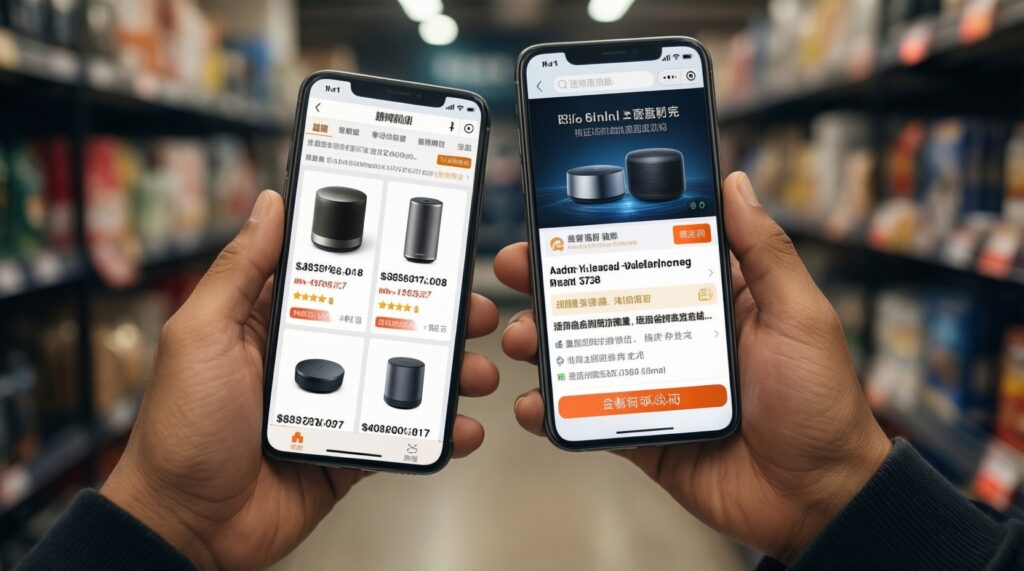
Prioritize authorized sellers with clear return policies, because "HomeKit-compatible" varies by exact model and region. Verify the exact model number and supported features before checkout.
Why do price searches like กล้องวงจรปิด รองรับ HomeKit ราคา show big gaps for similar specs?
The gap is often subscription tiering, AI features, and whether the ecosystem integration is native or only a linked view. Compare ongoing costs and integration depth, not just resolution.
I'm comparing HomeKit vs Google Home vs SmartThings for cameras (เปรียบเทียบ HomeKit vs Google Home vs SmartThings กล้องวงจรปิด). What's the simplest tie-breaker?
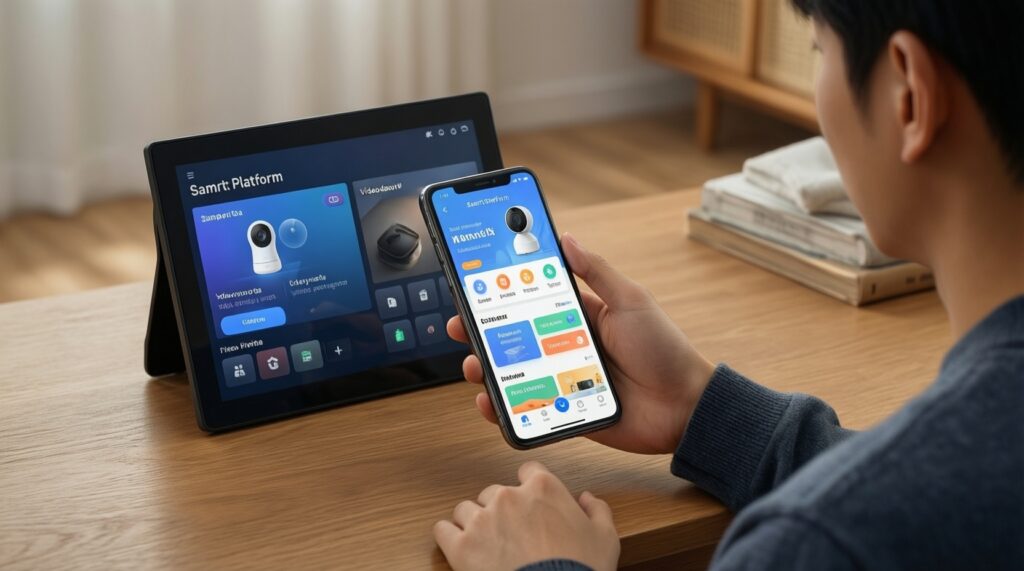
Choose the platform used by the primary household phones and displays. Then pick the camera/doorbell brand that delivers the features you care about (zones, AI, timeline) in the app you will actually open every day.