If you want the most reliable "it just works" streaming at home, choose based on your TV generation and phone ecosystem: AirPlay (best with Apple devices and TVs that clearly list AirPlay 2), Chromecast (best cross-platform and easiest to add via a dongle), and Smart View (best for Samsung-to-Samsung). Your TV's OS version, Wi‑Fi quality, and app needs matter more than specs.
Compatibility and performance snapshot
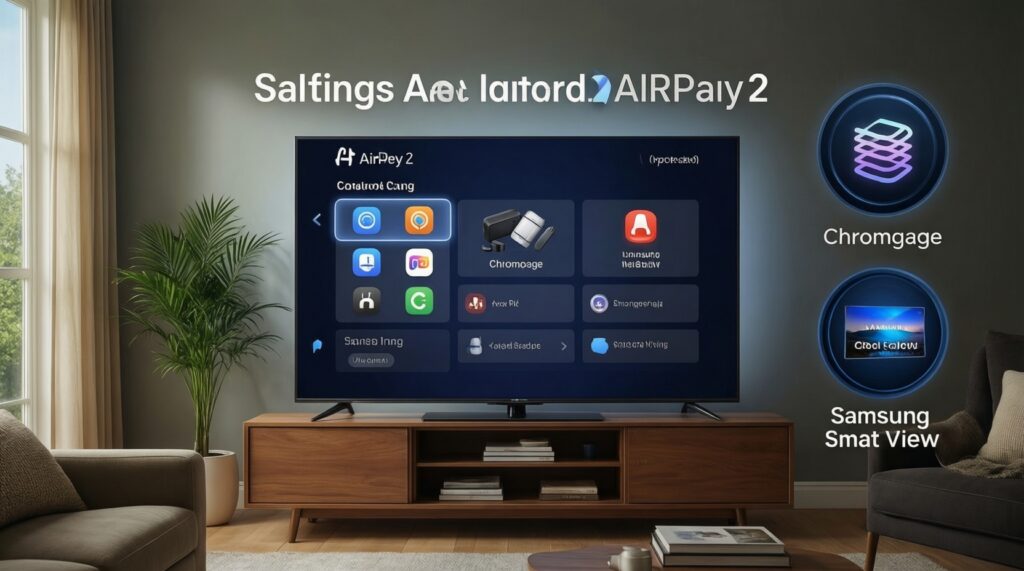
- AirPlay is strongest in Apple-first homes; confirm your model explicitly shows ทีวีรองรับ AirPlay 2 in specs/menus.
- Chromecast is the most flexible for Android + iPhone mix; adding an external device is often simpler than relying on "built-in" casting.
- Smart View is mainly a Samsung ecosystem feature; ask first: Smart View ใช้กับทีวียี่ห้อไหนได้บ้าง-practically, it's most predictable with Samsung TVs.
- Latency depends on protocol and network, not just the TV; gaming-like use needs wired/low-latency paths.
- When comparing สมาร์ตทีวี ราคา, treat casting support as a "hidden cost": unsupported TVs may need ซื้อ Chromecast or ซื้อ Apple TV.
AirPlay behavior across brands, OS versions, and TV generations
Use these criteria before you commit to AirPlay as your main method (or before buying a TV because it "supports AirPlay").
- AirPlay 2 presence (explicit): Look for "AirPlay 2" in the TV's settings and on the product page, not just "works with iPhone." This is the single most important check for ทีวีรองรับ AirPlay 2.
- TV OS update history: AirPlay stability depends on firmware. If your TV line rarely receives updates, expect more dropouts and handshake issues over time.
- AirPlay mode you need: Decide whether you mostly use (a) in-app casting (e.g., video apps sending to TV) or (b) full screen mirroring. Mirroring is more sensitive to Wi‑Fi and adds more delay.
- iPhone/iPad vs Mac workflows: Mac-to-TV mirroring and audio routing can behave differently; validate your specific workflow (presentations, browser tabs, local files).
- Router features: AirPlay discovery uses local networking; "AP isolation/guest mode," aggressive firewall settings, or multi-AP mesh misconfig can break device discovery.
- Multiroom expectations: AirPlay 2 can do multiroom audio, but TV implementations vary; if whole-home audio matters, plan for a dedicated Apple TV or AirPlay speakers.
- App DRM constraints: Some content plays better via in-app casting than screen mirroring (which can be blocked or downgraded by apps).
- HDMI fallback plan: For meetings and "no surprises," keep a cable/adapter option; it's the fastest fix when AirPlay discovery fails.
Chromecast: built-in casting vs external dongles - practical trade-offs
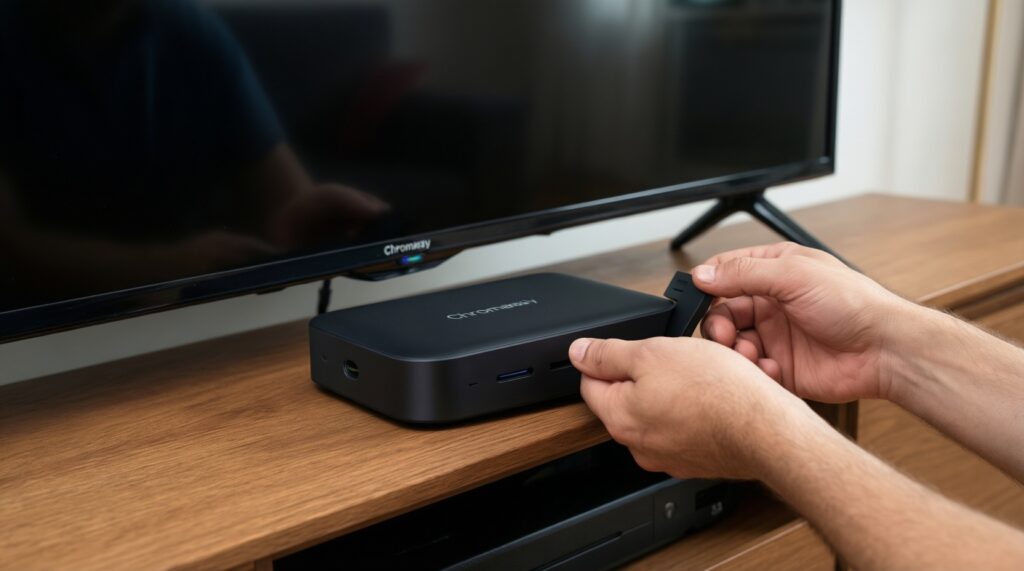
Think of Chromecast in two categories: "Cast built into the TV" (varies by vendor/OS) and "external Chromecast/Google TV device" (more consistent). If your TV is older or you don't trust firmware support, ซื้อ Chromecast is often the lowest-friction upgrade.
| Variant | Who it fits | Pros | Cons | When to choose |
|---|---|---|---|---|
| TV with Chromecast built-in (Android TV / Google TV) | Users who want casting without extra boxes | One remote setup; easy casting from many apps; good Google ecosystem integration | Quality depends on TV chipset/firmware; slower updates on some brands | If your TV is recent, gets updates, and you're fine with "good enough" performance |
| External Chromecast (dongle) plugged into HDMI | Older TVs; anyone prioritizing consistency | Predictable casting behavior; easy to move between TVs; bypasses weak TV OS | Extra device + power; another HDMI input | If you compare สมาร์ตทีวี ราคา and choose a cheaper panel, then add stable streaming via a dongle |
| Chromecast with Google TV (streaming stick/box with UI) | People who want a full streaming interface, not only casting | Apps on the device; better for family use; works even when phone is not available | Requires account setup; UI maintenance; storage constraints | If you want "TV-first" viewing and only occasional casting |
| Cast from Android apps (native Cast button) | Android-heavy households | Most reliable casting mode; phone acts as controller; lower chance of stutter than mirroring | Not all apps support Cast; depends on app implementation | If your main use is YouTube/streaming apps rather than mirroring |
| Chrome browser tab casting (PC/Mac) | Ad-hoc sharing of web pages, slides, dashboards | Fast to start; no special app required | More latency; can be choppy; audio sync can drift | If you need quick "show this page" more than perfect video smoothness |
| Phone screen mirroring to Chromecast | Occasional mirroring needs | Works when app has no Cast button | Highest latency; most sensitive to Wi‑Fi; battery drain | If you accept delays and just need a temporary mirror |
Smart View specifics: Samsung TVs, feature limits, and cross-platform issues
Smart View is best treated as a "Samsung-to-Samsung convenience layer." For anything cross-brand or cross-platform, expect variability and keep a fallback (AirPlay/Chromecast/HDMI).
- If you have a Samsung phone + Samsung TV → use Smart View first → consider enabling "allow device" prompts on the TV and keeping both devices on the same Wi‑Fi SSID.
- If you have an iPhone + Samsung TV → prefer AirPlay (if the TV supports AirPlay 2) → otherwise use an external device (Apple TV or Chromecast depending on your apps).
- If your TV is not Samsung → don't plan around Smart View → answer to "Smart View ใช้กับทีวียี่ห้อไหนได้บ้าง" for real-world reliability is "Samsung TVs first," so pick Chromecast/AirPlay instead.
- If you need protected streaming apps (premium video services) → use the TV's native app or a streaming box → Smart View mirroring can be blocked, downgraded, or inconsistent depending on the app.
- If you want "tap to cast" simplicity → check Samsung ecosystem features (SmartThings/Smart View availability by device region) → otherwise Chromecast with a Cast-enabled app is usually faster to launch.
Latency, resolution, and codec support: measured expectations by scenario
- Decide the task type: app casting (lowest friction) vs full mirroring (most delay) vs device UI (Apple TV / Google TV).
- If you care about responsiveness (games, cursor mirroring, karaoke timing) → avoid mirroring → use native TV apps, a streaming box, or HDMI.
- If you care about maximum stability for movies → prefer in-app casting (AirPlay from supported apps or Chromecast Cast button) over screen mirroring.
- If your TV is older or slow → expect stutter regardless of protocol → choose an external device (often the best "upgrade per baht" even when comparing สมาร์ตทีวี ราคา).
- If you switch between iPhone and Android → prioritize Chromecast for household compatibility, and keep AirPlay as a bonus if the TV is ทีวีรองรับ AirPlay 2.
- If audio sync matters (soundbar/AVR) → use one ecosystem end-to-end (Apple TV + AirPlay, or Google TV/Chromecast) and avoid multi-hop routing (phone → TV → Bluetooth speaker).
Network, multiroom, and interference: setup and troubleshooting per protocol
- Different SSIDs/VLANs: Phone on "Guest Wi‑Fi" and TV on main LAN often breaks discovery for AirPlay/Chromecast/Smart View.
- AP isolation / client isolation: Common on guest networks; blocks device-to-device discovery.
- Mesh Wi‑Fi roaming quirks: TV on one node, phone on another; discovery can be flaky-try pinning TV to Ethernet or one band.
- 2.4 GHz vs 5 GHz mismatch: Some setups behave better when both devices are on the same band; test both if you see dropouts.
- Router multicast handling: AirPlay and Cast rely on local discovery; "IGMP snooping" and multicast filtering settings can cause invisible devices.
- VPN on the phone: Often breaks local discovery or routes traffic away from the LAN-disable VPN to test.
- Bluetooth audio detours: Mirroring plus Bluetooth headphones/speakers can create extra delay and desync.
- HDMI-CEC conflicts: External devices may fight for input control; disable CEC on one device if inputs switch unexpectedly.
- Firmware drift: A TV update can change AirPlay/Cast behavior; if reliability matters, external devices get more consistent app/platform updates.
Decision guide: which streaming method to pick for your TV and use case
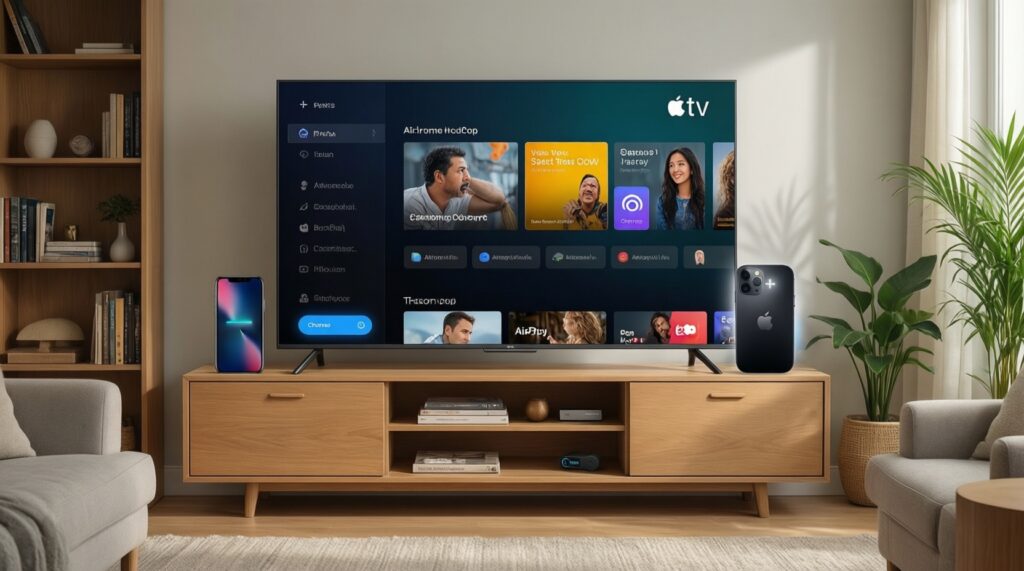
- If your home is Apple-first → verify the TV is ทีวีรองรับ AirPlay 2 → if not, ซื้อ Apple TV for predictable AirPlay + app playback.
- If your home is mixed iPhone + Android → plan around Cast-capable apps → ซื้อ Chromecast if your TV casting is unreliable or missing.
- If you already own Samsung phone + Samsung TV → start with Smart View → keep Chromecast/AirPlay as a backup for specific apps and guests.
- If you're optimizing value while comparing สมาร์ตทีวี ราคา → choose the best panel you can, then add an external streamer for stability instead of paying extra for a fragile smart platform.
Best fit by use case: AirPlay is strongest for Apple workflows and quick sharing when your TV clearly supports AirPlay 2; Chromecast is the most universal choice and easiest to retrofit onto older TVs; Smart View is convenient mainly inside Samsung-to-Samsung setups, but it's not the safest "single solution" for a mixed-device household.
Quick scenario-based answers and deployment tips
I have an iPhone and I'm unsure whether my TV supports AirPlay 2-what do I check first?
Check the TV's network/casting settings for an AirPlay toggle and confirm the model spec explicitly lists ทีวีรองรับ AirPlay 2. If it's unclear or missing, an Apple TV is the most reliable way to add AirPlay.
Is it smarter to buy a TV with built-in Chromecast or to buy an external Chromecast?
If you want predictable updates and consistent casting across TVs, an external device is usually safer. Built-in casting can be fine on recent TVs with good firmware support.
Smart View ใช้กับทีวียี่ห้อไหนได้บ้าง in practice?
In practice, Smart View is most reliable with Samsung TVs. For other brands, plan on Chromecast or AirPlay (when available) instead of depending on Smart View.
When should I ซื้อ Chromecast instead of relying on the TV's smart features?
Choose it when the TV is older, slow, rarely updated, or when casting is unstable. It's also a good buy if you need cross-platform support in a mixed iOS/Android home.
When does it make sense to ซื้อ Apple TV?
Buy Apple TV when you want the most consistent AirPlay behavior, strong app playback, and fewer discovery issues-especially if your TV doesn't clearly support AirPlay 2.
How should สมาร์ตทีวี ราคา affect my streaming choice?
Don't overpay for a "smart" platform if the panel is your priority; you can add streaming reliability later with an external device. Treat casting support as a compatibility requirement, not a premium feature.