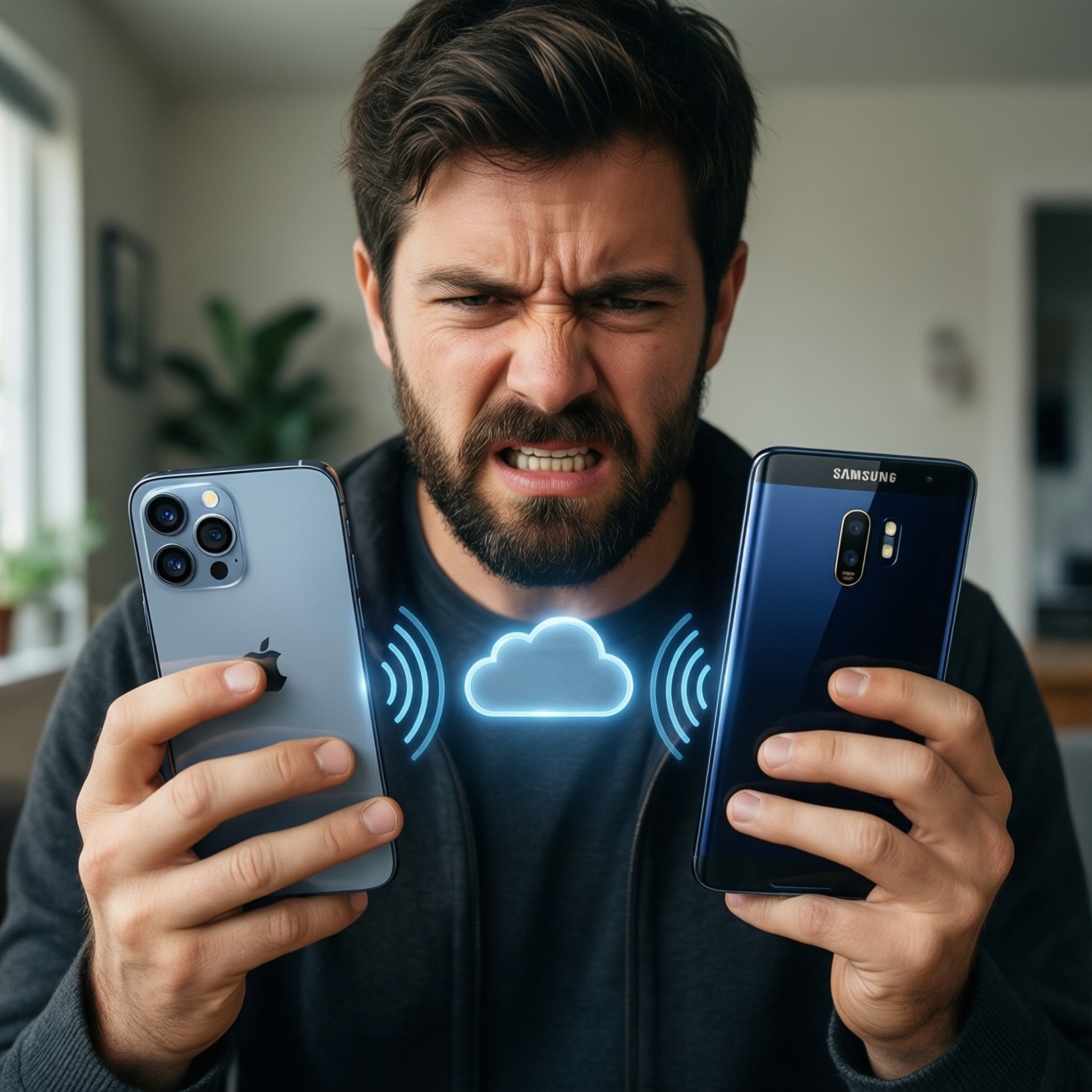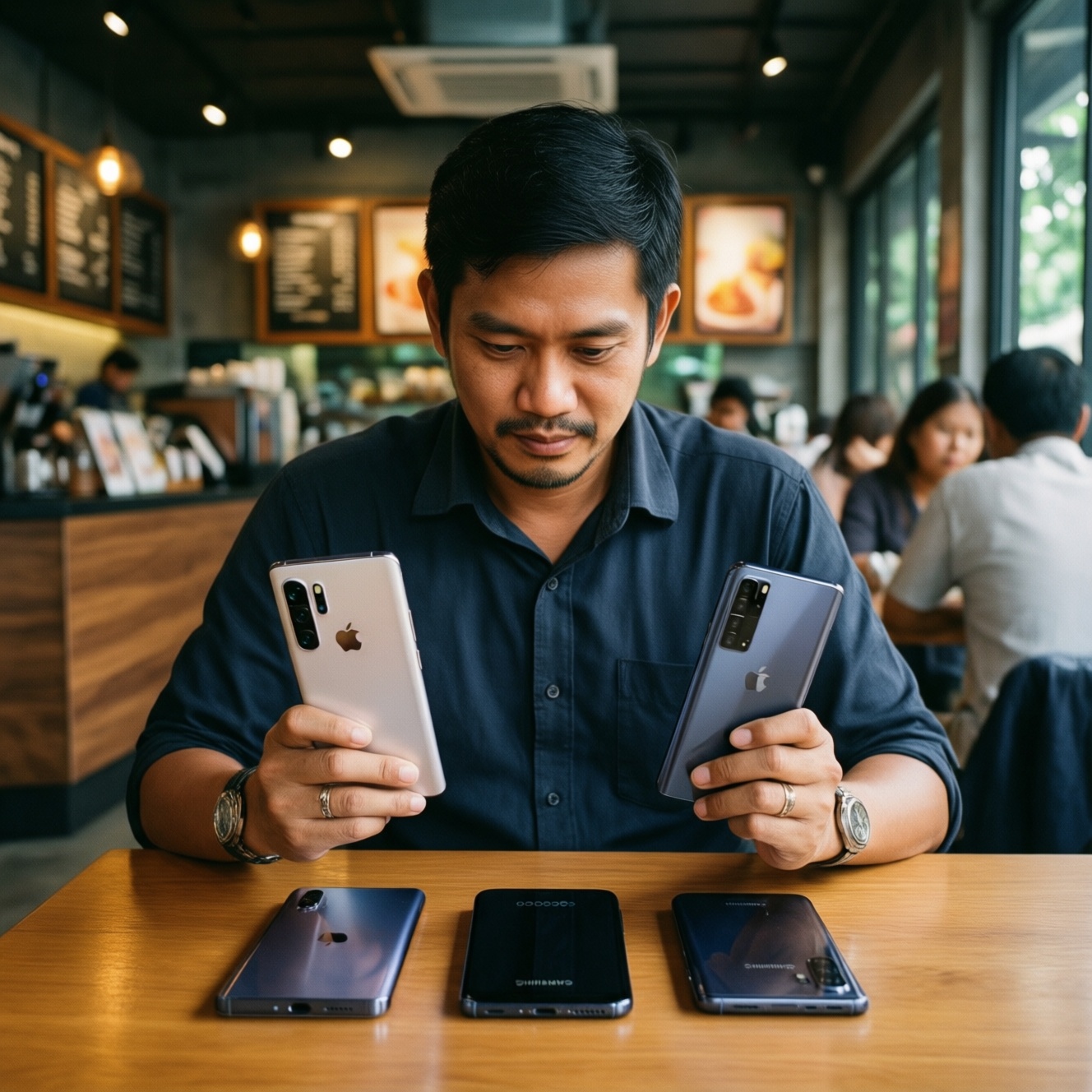
If you want the smoothest day-to-day experience on a budget in Thailand, pick the ecosystem that matches the devices you already own and the services you refuse to pay extra for. Apple feels most seamless across phone-laptop-tablet, Samsung is strongest for mixed Android + Windows setups, and Google is the value pick when you want clean Android and simple cloud-first workflows.
Seven-Day Summary: Which Ecosystem Feels Seamless on a Budget
- Apple is the least "fiddly" when your main devices are Apple, but budget friction appears when you need accessories, storage upgrades, or cross-platform messaging.
- Samsung is usually the easiest "hybrid" choice (Android phone + Windows laptop), with many handoff features that don't lock you into one PC brand.
- Google (Pixel + Google services) is the cleanest low-cost path if you prefer cloud sync and fewer vendor apps, but hardware variety and regional availability can shape the experience in TH.
- Most users deciding "ซื้อ iPhone หรือ Samsung รุ่นไหนดี" should start from their laptop/tablet: that choice dictates 70% of the seamlessness.
- "ราคา iPhone vs Samsung vs Google Pixel ล่าสุด" matters less than total cost: cloud storage tier, replacement battery, repairs, and accessory ecosystem.
- For "เปรียบเทียบ Ecosystem Apple กับ Samsung อันไหนดีกว่า", the real separator is cross-device continuity (calls/messages/files) and how often you switch devices mid-task.
Day 0 - Setup and Initial Costs: Devices, Accounts and Hidden Fees
Use these criteria before you buy anything. They reveal where the budget leaks happen over 7 days, not just at checkout.
- What you already own (Windows laptop, iPad, Galaxy Tab, smartwatch): switching ecosystems is where hidden costs begin.
- Account gravity: Apple ID + iCloud vs Google Account + Drive vs Samsung Account + Samsung Cloud features (often routed through other services).
- Cloud storage needs: photo/video backups are the fastest way to trigger recurring fees; decide your free-tier tolerance.
- Messaging expectations: do you need seamless phone-to-laptop texting, or is LINE enough?
- Repairability and service access in TH: pick what you can service quickly locally; downtime is a real cost.
- Accessory ecosystem: cables, fast chargers, cases, stylus, watch bands-small purchases add up.
- Cross-platform sharing: AirDrop/Nearby Share/Quick Share are great until you share with someone on a different platform daily.
- Work app constraints: MDM, Microsoft 365, Google Workspace, VPN clients; avoid choosing an ecosystem that adds admin friction.
- Long-term OS update comfort: not "years", but whether you're okay with slower updates on some Android models vs unified Apple rollout.
| Setup cost/friction | Apple | Samsung | |
|---|---|---|---|
| Initial setup (phone + laptop + earbuds) | Very smooth if all-Apple; budget hit if you need multiple Apple devices | Smooth with Google account; budget-friendly if you already use Drive/Gmail | Easy on Android; best value if you pair with Windows and use Samsung/Google mix |
| Hidden recurring costs | Often iCloud storage pressure (photos/backups) | Drive/Photos storage pressure if you shoot lots of video | Similar to Google; plus temptation to duplicate services (Samsung + Google) |
| Budget-friendly starter bundle | iPhone + non-Apple laptop works, but continuity features drop | Pixel (or any Android) + Chromebook/Windows + Google One optional | Galaxy A/S + Windows laptop + Galaxy Buds (Quick Share/Link to Windows) |
Day 1-2 - Daily Communication: Calls, Messages and Cross-Device Handoffs
Over two days, the "seamless" feeling comes from whether your messages, calls, and links continue across devices without manual copying. In Thailand, LINE reduces the importance of native SMS features, but link sharing, calls on other devices, and quick file sends still matter.
| Option | Who it fits | Pros | Cons | When to choose |
|---|---|---|---|---|
| Apple-first continuity (iPhone + Mac/iPad) | People who switch between phone and laptop/tablet constantly | Fast handoff habits (links, calls on other devices), tight app defaults, fewer moving parts | Less smooth with Windows; budget increases if you want the "full" loop | You already have a Mac/iPad or you value minimal friction over hardware variety |
| Samsung + Windows workflow (Galaxy + Link to Windows) | Android users on Windows who want calls/messages/photos on PC | Practical cross-device utilities, good Quick Share coverage in Android/Windows circles | Experience varies by PC setup; some features need tweaking/permissions | You live in Windows and want the most seamless Android-to-PC day |
| Google-centric messaging (Android/Pixel + Google Messages + web) | People who want simple "works anywhere" access via browser | Browser-based continuity, low vendor lock-in, clean defaults (especially on Pixel) | Carrier/SMS relevance is lower in TH; still not the same as deep OS-level handoff | You want a low-cost ecosystem and already rely on Gmail/Chrome |
| LINE-first communication (any phone + LINE on desktop) | Most users in TH who don't care about SMS ecosystems | Platform-neutral, easy group flow, minimal switching costs | File and photo organization can get messy; not a full device handoff layer | You want budget freedom and don't want ecosystem lock-in to control communication |
| Cross-platform "copy/paste" via cloud notes (Keep/OneNote/Apple Notes web-ish) | People who constantly move snippets, OTPs, addresses | Works even when native continuity doesn't; cheap to maintain | Slower than true handoff; depends on sync and login hygiene | You mix devices and want a reliable fallback for daily micro-tasks |
Practical read on "เปรียบเทียบ Ecosystem Apple กับ Samsung อันไหนดีกว่า" for communication: Apple wins when all devices are Apple; Samsung wins when your laptop is Windows; Google wins when you accept browser-first continuity and want lower total cost.
Day 3-4 - Productivity and File Flow: Notes, Docs, Cloud Sync and Sharing
Over days 3-4, seamlessness is mostly "where your files live" and how often you share across platforms. Build around one primary cloud and one sharing method, then add ecosystem features as convenience-not as dependencies.
- If you use Windows at work and share files daily, then Samsung + Google Drive (or Microsoft 365) is the least painful: Quick Share/Link to Windows handles quick transfers, Drive/OneDrive handles long-term storage.
- If you already pay for Apple services and own multiple Apple devices, then Apple Notes + iCloud Drive will feel the most "invisible" (budget-friendly only if your storage needs stay modest).
- If you want the lowest-friction multi-platform setup, then Google Drive + Google Docs/Sheets + Google Keep works across Android, iOS, Windows, and macOS with minimal feature gaps.
- If your main pain is sending photos/videos to friends and groups, then choose a single shared album approach: iCloud Shared Albums (Apple-heavy circles) or Google Photos shared albums (mixed circles).
Budget-first vs premium-first productivity picks
- Budget-first: prioritize cloud-native tools (Google Workspace free tiers, Drive/Photos, web apps) so you can swap phones without rebuilding your workflow-relevant to "Google Pixel คุ้มไหม เทียบ iPhone และ Samsung" thinking.
- Premium-first: prioritize device-native continuity (Apple handoff, Samsung multi-control features) when you're willing to buy matching hardware to reduce micro-friction every hour.
| File/productivity friction | Apple | Samsung | |
|---|---|---|---|
| Notes/tasks across devices | Best inside Apple loop; web access is not the main story | Strong cross-platform via Keep/Docs in browser | Good with Google/Microsoft; Samsung Notes shines mostly within Galaxy devices |
| Quick sharing to nearby devices | Excellent Apple-to-Apple; mixed platforms need extra steps | Nearby Share style flows work well in Android circles | Quick Share is strong for Android-to-Android and can fit Windows workflows |
| Budget implication | Cheapest when you already own Apple devices; expensive to "complete" later | Cheapest to maintain across device changes | Often best value if you want ecosystem perks without buying a whole new computer |
Day 5 - Media and Entertainment: Streaming, Photos and Multi-screen Playback
- Pick your photo home first: decide between iCloud Photos or Google Photos as your default backup; avoid splitting libraries across both.
- Check casting targets: if you use Chromecast/Google TV, Google/Samsung fit naturally; if you rely on Apple TV/AirPlay speakers, Apple is smoother.
- Decide your "family sharing" style: subscriptions are easiest when your household uses the same ecosystem; mixed homes should prefer platform-neutral services.
- Choose one earbuds/watch priority: lowest latency and easiest switching usually happens inside each brand's ecosystem; mixed brands often add reconnect friction.
- Plan storage before a trip week: if you record lots of video, expect cloud pressure; budget for a low-cost tier early rather than reacting mid-month.
- Test multi-device playback: try moving audio from phone to tablet/TV in your real setup; keep whichever path needs the fewest taps.
| Media experience | Apple | Samsung | |
|---|---|---|---|
| Photos backup + sharing in mixed groups | Great for Apple groups; mixed groups may prefer Google Photos links | Strong for mixed groups; link-based sharing is straightforward | Often ends up using Google Photos anyway for cross-platform sharing |
| TV casting | Best with AirPlay targets/Apple TV | Best with Chromecast/Google TV | Good with Chromecast targets; also works well with many smart TVs |
| Budget implication | Media feels premium; storage/add-ons can become recurring costs | Great value if you standardize on Google services | Good value if you avoid duplicating Samsung + Google services |
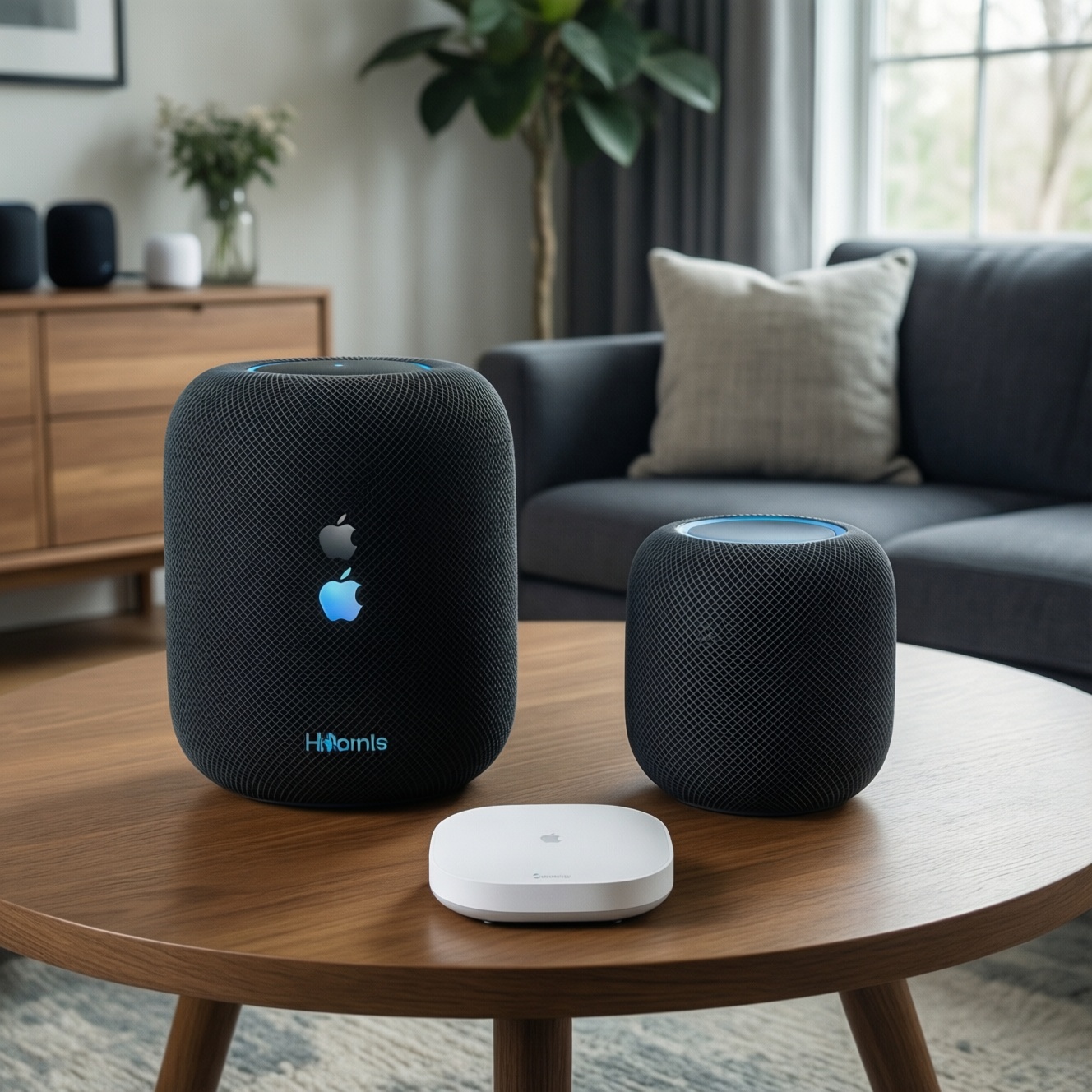
Day 6 - Smart Home and Wearables: Integration, Latency and Battery Trade-offs
- Buying a watch before choosing the phone: the watch experience is most locked-in; pick your phone ecosystem first.
- Mixing multiple smart home standards without a plan: you'll end up with two apps and inconsistent automations.
- Assuming all Android wearables behave the same: Samsung features are often best with Galaxy phones; Pixel-style simplicity is different.
- Chasing every automation: too many routines create troubleshooting overhead; start with 2-3 that save time daily.
- Ignoring notification hygiene: battery and "lag" feelings are often notification overload, not hardware weakness.
- Overpaying for cellular wearables you rarely use: recurring fees can exceed the value if you carry your phone anyway.
- Underestimating setup time: smart home feels cheap until you spend an evening pairing, updating firmware, and fixing Wi‑Fi coverage.
| Wearables/smart home | Apple | Samsung | |
|---|---|---|---|
| Watch integration | Best with Apple Watch + iPhone; very cohesive | Good with Wear OS; Pixel gives a clean baseline | Strong with Galaxy Watch + Galaxy phone; many convenience features |
| Smart home control style | Best when your home is Apple-friendly; otherwise you'll lean on third-party apps | Strong cloud-first control and casting-friendly homes | Works well with Android-friendly homes; often paired with Google services |
| Budget implication | Seamless but can be the costliest to build end-to-end | Often the lowest-cost route to "good enough" automation | Good value if you pick one primary platform (Samsung or Google) and stick to it |
Final Day - Reliability, Privacy and Long-term Ownership Costs
Best for minimum daily friction: Apple, if you commit to the Apple loop and accept higher total ownership costs over time. Best for Android + Windows practicality: Samsung, especially when you want ecosystem perks without replacing your PC. Best for budget-first flexibility: Google-centric (Pixel or other Android) when you want cloud-first continuity and easy switching-useful when you're weighing "Apple Ecosystem มีอะไรบ้าง ซื้ออุปกรณ์อะไรคุ้ม" against not buying extra devices.
Practical Clarifications for Choosing an Ecosystem
Which ecosystem feels most seamless in Thailand if I mainly use LINE?

LINE reduces the importance of iMessage/SMS features, so seamlessness shifts to file sharing, photo backup, and device switching. Samsung + Windows and Google-centric setups often feel smoother for mixed-device homes, while Apple is smoothest when all devices are Apple.
Is Google Pixel a good value choice compared to iPhone and Samsung?
For "Google Pixel คุ้มไหม เทียบ iPhone และ Samsung", Pixel is compelling if you want clean Android, fast-feeling defaults, and Google-first cloud workflows. The main risk is whether the exact model and support options you want are convenient in TH.
How should I interpret "ราคา iPhone vs Samsung vs Google Pixel ล่าสุด" when choosing an ecosystem?
Compare total ownership: accessories, cloud storage tier, repairs, and the cost of matching devices (watch/earbuds/tablet). The cheapest phone can become expensive if it pushes you into recurring subscriptions or replacement peripherals.
What should I buy first to avoid wasting money building an ecosystem?
Start with the device you use for long sessions: laptop or tablet. That choice determines your best phone pairing more than the phone determines your computer choice.
Apple Ecosystem: what's worth buying first for value?
For "Apple Ecosystem มีอะไรบ้าง ซื้ออุปกรณ์อะไรคุ้ม", the highest value is usually iPhone plus one productivity anchor (Mac or iPad) that you will use daily. Add Watch/earbuds only if switching audio/notifications is a real pain you feel every day.
Between Apple and Samsung, which ecosystem is better for cross-device work?
For "เปรียบเทียบ Ecosystem Apple กับ Samsung อันไหนดีกว่า", Apple wins in an all-Apple setup with the least tweaking. Samsung often wins for people on Windows who want practical handoffs without buying a new computer.
If I'm stuck between "ซื้อ iPhone หรือ Samsung รุ่นไหนดี", what single question decides fastest?
Ask: will your main computer for the next year be a Mac or Windows? Mac pulls you toward iPhone for maximum continuity; Windows often pulls you toward Samsung for smoother daily integration.