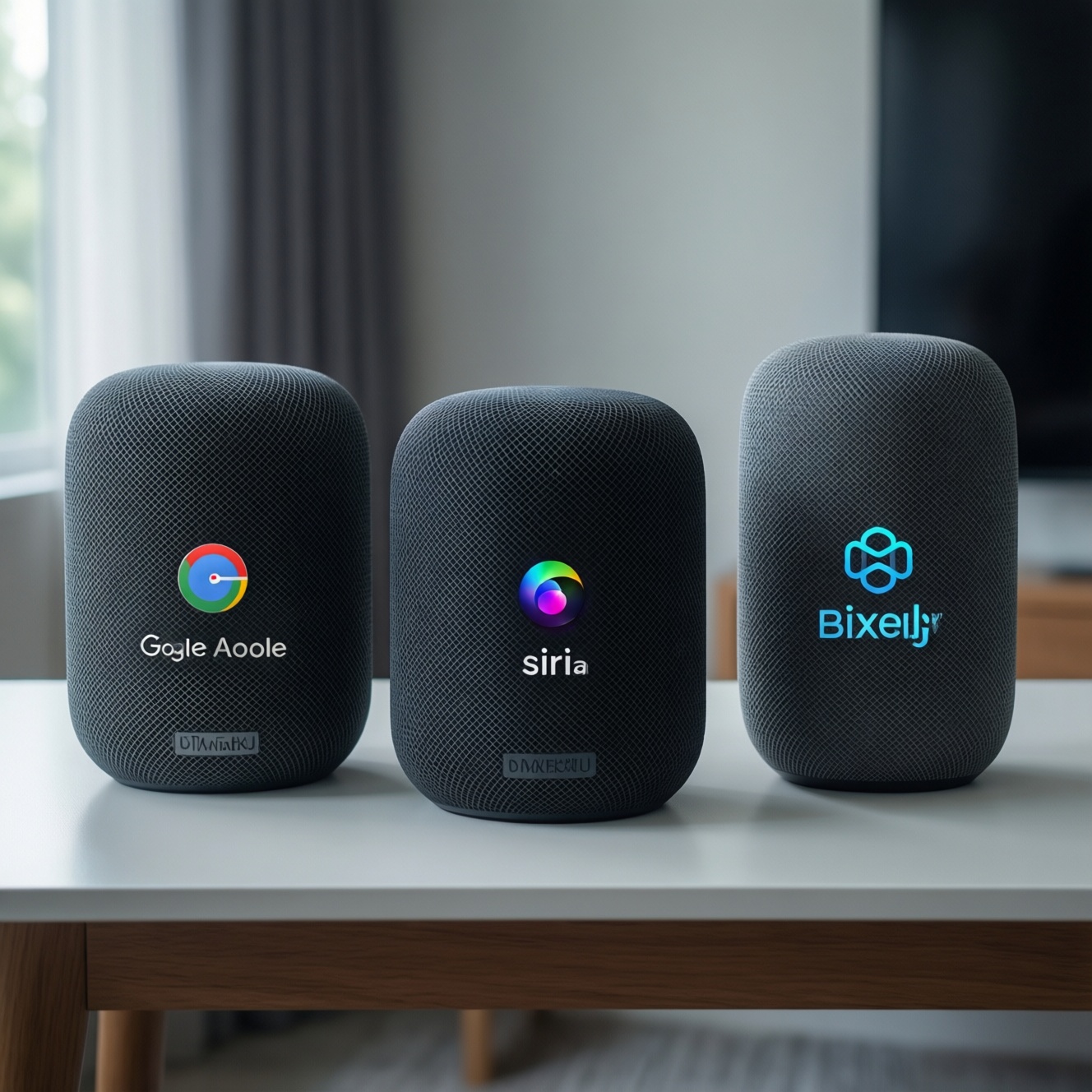
If you're choosing a smart speaker mainly for real-world usefulness in Thailand, Google Assistant (Google Nest) is usually the safest "cheap and capable" pick, Siri (HomePod) is best when you already live in Apple's ecosystem, and Bixby works best when your home is already Samsung-first. The "best" depends on your phone, apps, and privacy tolerance.
Budget-Focused Executive Summary
- Best low-risk budget choice: a Google Nest speaker because it covers more apps, languages, and smart-home brands for the money.
- Best sound-per-baht within Apple: HomePod mini if you use iPhone daily and want seamless handoff, timers, and HomeKit scenes.
- Best Samsung-centric control: Bixby makes the most sense when SmartThings and Samsung devices are already your default.
- Don't pick by brand loyalty alone; pick by phone OS, streaming service, and your smart-home standard first.
- Budget buyers should prioritize: stable Wi‑Fi, mic performance, and supported services over "peak audio" claims.
- When in doubt, start with one inexpensive unit in the main room before expanding to multi-room audio.
Hardware and Price: Which Smart Speaker Gives the Most Value
To answer "ลำโพงอัจฉริยะ รุ่นไหนดี" for real use, compare these criteria before you compare sound:
- Phone and account lock-in: iPhone users get the most friction-free experience with Siri/HomePod; Android users typically benefit most from Google Assistant; Samsung users may prefer Bixby + SmartThings.
- Mic pickup in your room: open-plan kitchens, loud fans, and air conditioners punish weaker mic arrays more than they punish speaker quality.
- Local language and mixed-language recognition: how well it handles Thai/English names, contacts, and place names in your daily phrasing.
- Smart-home standard support: what it can control reliably (lights, plugs, AC IR hubs), and whether your devices need an extra hub.
- Streaming service fit: whether your household actually uses Spotify/YouTube Music/Apple Music and how "native" the voice control feels.
- Multi-user and family features: separate calendars, reminders, voice matching, and kid-safe controls if the device sits in a shared space.
- Connectivity and placement: Wi‑Fi stability in condos, Bluetooth needs, and whether you need line-in (many budget speakers don't have it).
- Ongoing costs: cloud services you may end up paying for (music subscriptions, extra iCloud storage, smart-home hubs) rather than the speaker alone.
Budget-minded recommendation: shortlist one budget-tier speaker that matches your phone OS first, then only upgrade to mid/premium audio if you're already happy with the assistant behavior in your home.
Voice Intelligence: Siri vs Google Assistant vs Bixby in Real Tasks
For "ผู้ช่วยเสียง Siri vs Google Assistant vs Bixby อันไหนดีกว่า" in daily life, test the assistant with the same routine: set timers while cooking, add items to a shopping list while commuting, and control a light/plug when your hands are busy. The best assistant is the one that completes the task in one try, in your accent, on your network.
| Variant | Who it fits | Pros | Cons | When to choose |
|---|---|---|---|---|
| Google Nest Mini (Google Assistant) - budget tier | Most first-time buyers; Android-heavy homes; renters | Strong general voice utility; broad smart-home compatibility; good "set-and-forget" value | Small speaker can feel thin for music; relies on Google account/services | When you want the cheapest viable entry point and you're checking "ซื้อ Google Nest ลำโพงอัจฉริยะ ราคา" before anything else |
| Google Nest Audio (Google Assistant) - mid tier | People who want better music without leaving Google | Noticeably fuller sound than mini-class; same Assistant behavior | Still not a "premium hi‑fi" replacement; placement-sensitive in small rooms | When you already like Google Assistant results and want an audible upgrade for living room music |
| Apple HomePod mini (Siri) - mid tier | iPhone users; HomeKit users; Apple Music listeners | Very smooth with iPhone features and Apple ecosystem; consistent for timers, reminders, and intercom-style home use | Less flexible outside Apple services; smart-home expansion may cost more if you avoid bridges | When you're asking "Apple HomePod ราคา ซื้อที่ไหน" and your priority is Apple-first convenience, not cross-platform flexibility |
| Apple HomePod (Siri) - premium tier | Apple households that care about room-filling sound | Stronger audio presence; good for a main speaker in a primary room | Premium spend; still best when paired with Apple ecosystem decisions | When you want Siri plus "one speaker that can carry the room" and you accept the Apple ecosystem trade-offs |
| Samsung SmartThings + Bixby via Samsung devices (speaker/TV/soundbar/phone) - mixed tier | Samsung-first users with SmartThings routines | Good for controlling Samsung devices and SmartThings scenes; can feel "native" in Samsung homes | Dedicated Bixby speaker choices can be limited; skills/integrations may feel narrower than Google for general queries | When "Samsung Galaxy Home ลำโพงอัจฉริยะ ราคา" is on your list but your real goal is SmartThings control more than general assistant Q&A |
Budget-minded recommendation: if you're undecided, start with a budget Google Nest model for the lowest regret, unless your household is clearly iPhone/HomeKit-first (then start with HomePod mini).
Ecosystem Fit for Budget Buyers: Apps, Platforms and Compatibility
- If you commute and use Android + Google Maps daily, then Google Assistant on a Nest speaker usually gives the fastest "set reminders, check traffic, play news" flow with fewer account conflicts.
- If you cook a lot and your household is iPhone-centric, then Siri on HomePod can feel more reliable for "timers + reminders + calling/intercom" because your contacts, calendar, and devices are already in Apple IDs.
- If you're budgeting and your smart-home gear is a mix of cheap brands, then Google Assistant often reduces friction because it typically supports a wider range of third-party devices and services without extra hubs.
- If your home is Samsung-first (TV, phone, appliances) and you already use SmartThings, then Bixby is most valuable as a voice shortcut for SmartThings scenes rather than as a general knowledge assistant.
- If you want the most budget option today but a premium audio path later, then start with a low-cost Nest/HomePod mini in the main room; upgrade only after confirming your top 10 voice commands work reliably in your space.
- If you're willing to pay premium for "single-room audio satisfaction," then prioritize the speaker that matches your phone ecosystem first (HomePod for Apple, Nest Audio for Google) so you don't waste money fighting app limitations.
Budget-minded recommendation: choose the ecosystem that matches your phone and subscriptions; that decision usually saves more money (and frustration) than chasing the "best-sounding" device on day one.
Privacy Trade-offs and Data Costs on a Budget

- List your always-on zones: decide which rooms can tolerate an always-listening microphone (living room) and which should not (bedroom).
- Pick one primary account owner: avoid multiple overlapping accounts on day one; shared devices get messy and cause wrong calendars, wrong playlists, and accidental purchases.
- Minimize paid-service duplication: don't subscribe to multiple music ecosystems just to "make the speaker work"; pick the assistant that matches your current subscription.
- Set voice purchasing limits: disable or restrict purchases to reduce accidental spending, especially in family spaces.
- Tune microphone behavior: learn the mic-mute habit for guests, sensitive calls, or when you're discussing finances at home.
- Prefer local control where possible: for simple on/off routines, choose devices that still work well on your LAN so brief internet hiccups don't break the basics.
- Trial before expanding: buy one unit, measure how often it mishears, and only then add more rooms.
Budget-minded recommendation: the cheapest "privacy win" is not a different brand-it's fewer devices, fewer rooms, and stricter purchasing settings from day one.
Everyday Performance: Music, Calls, Home Control and Reliability
- Overbuying audio before validating voice accuracy: premium sound doesn't matter if the assistant fails your top commands in your accent or room acoustics.
- Ignoring Wi‑Fi conditions: a congested condo network creates "assistant feels dumb" moments; fix router placement before blaming the speaker.
- Assuming all services are equally supported: music and voice control can behave differently depending on your subscription and region settings.
- Putting the speaker in the worst acoustic spot: corners, behind appliances, or next to a loud fan hurt both mic pickup and bass clarity.
- Mixing ecosystems too early: running Siri + Google + Bixby in one home without a plan often creates duplicated devices, inconsistent naming, and routine conflicts.
- Poor device naming: "Lamp 1 / Lamp 2" leads to voice confusion; name devices by room + function (e.g., "Kitchen main light").
- Skipping routine automation: many users never set 2-3 simple routines (morning, leaving home, bedtime) that deliver most of the value.
- Assuming smart-home control is universal: some budget IR blasters, bulbs, or plugs may need specific apps or hubs; verify compatibility before purchase.
Budget-minded recommendation: spend time on Wi‑Fi, placement, and device naming first-these are free fixes that often outperform upgrading hardware.
Setup, Maintenance and Long-Term Ownership Expenses
Best for a low-cost, low-regret start is typically a budget Google Nest model if your household is mixed-brand and you care about broad compatibility; best for Apple-centric convenience is usually HomePod mini (and premium HomePod when audio is the priority in a main room); best for Samsung-centric homes is Bixby as part of a SmartThings routine strategy rather than as a standalone smart-speaker plan.
Practical Concerns and Quick Clarifications
Can I use Siri, Google Assistant, and Bixby in the same home?
Yes, but it increases setup time and routine conflicts. For budget control and fewer headaches, pick one primary ecosystem for shared rooms.
Which option is usually best if I'm starting from zero and want the cheapest viable device?
In most mixed-device homes, a budget Google Nest model is the easiest starting point. It's also the quickest way to test whether voice control fits your lifestyle before buying more units.
Is HomePod a good choice if I don't use Apple Music?
It can be, but the experience is usually most seamless when your services and devices are Apple-first. If you're heavily invested in non-Apple services, validate voice control for your exact apps before committing.
Does Bixby make sense without SmartThings?
Less so. Bixby's strongest value is fast control of Samsung devices and SmartThings scenes rather than broad third-party assistant coverage.
What's the simplest way to avoid accidental spending by voice?
Disable voice purchasing or require confirmation in the assistant settings. Do this before you put the speaker in a family space.
Where should I place a smart speaker for best real-life performance?
Put it at head height in the room where you speak most, away from loud appliances and corners. Stable Wi‑Fi signal matters as much as speaker quality.