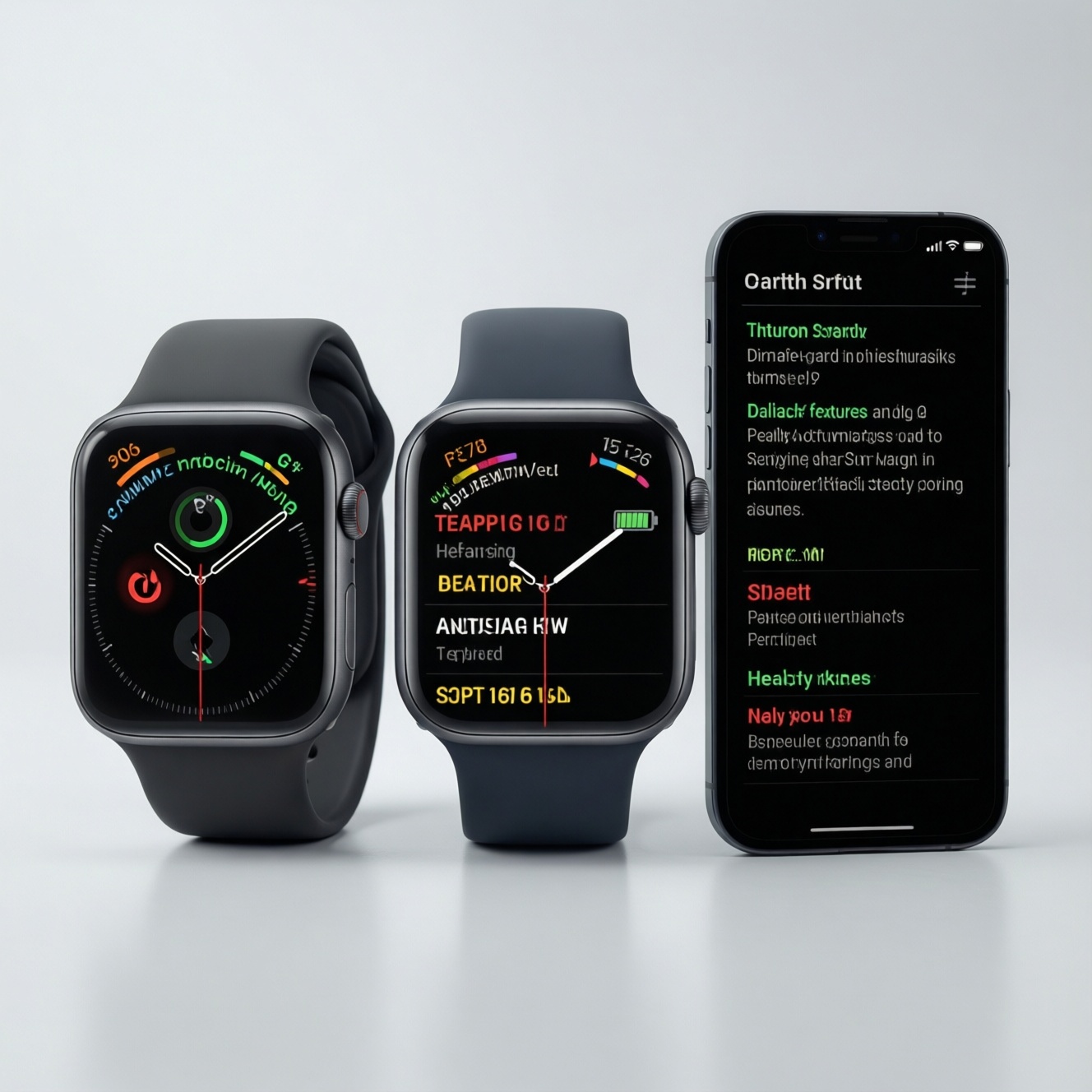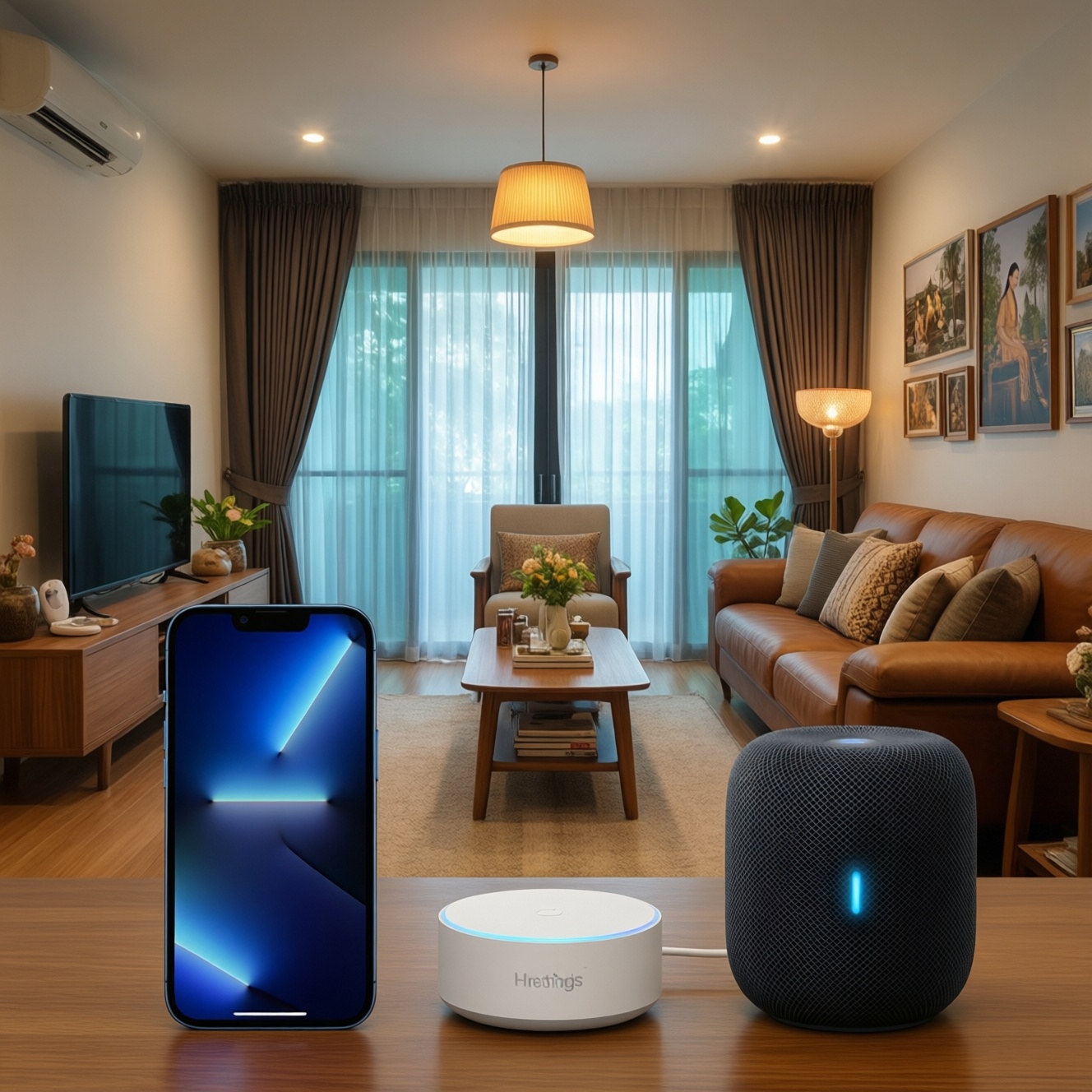
If your goal is the most cost-effective smart speaker for controlling a home in Thailand, start with the ecosystem you already use: iPhone users who want the best Apple integration should lean HomePod, most mixed-device homes get the best value from Nest Audio, and SmartThings-first homes should prioritize a SmartThings hub strategy over chasing a rare Samsung speaker.
Concise Verdicts for Budget-Focused Buyers
- Best value for most homes: Nest Audio, especially when you want broad device compatibility and easy multi-room expansion.
- Best Apple-centric control: HomePod (or HomePod mini) if your household is already deep in iPhone/iPad/Apple TV.
- Best for SmartThings automation reliability: buy for the hub first (SmartThings-enabled hub/station), then pick speakers based on your preferred assistant.
- Lowest "hidden cost" path: choose the platform you already pay for and use daily (Apple Music/YouTube Music/Spotify), not the speaker with the flashiest features.
- If you keep searching "ซื้อ ลำโพงอัจฉริยะ รุ่นไหนดี", decide by two checks: your phone OS and the smart-home standard your devices support (Matter/Google Home/HomeKit/SmartThings).
Value Comparison: HomePod vs Nest Audio vs Galaxy SmartThings
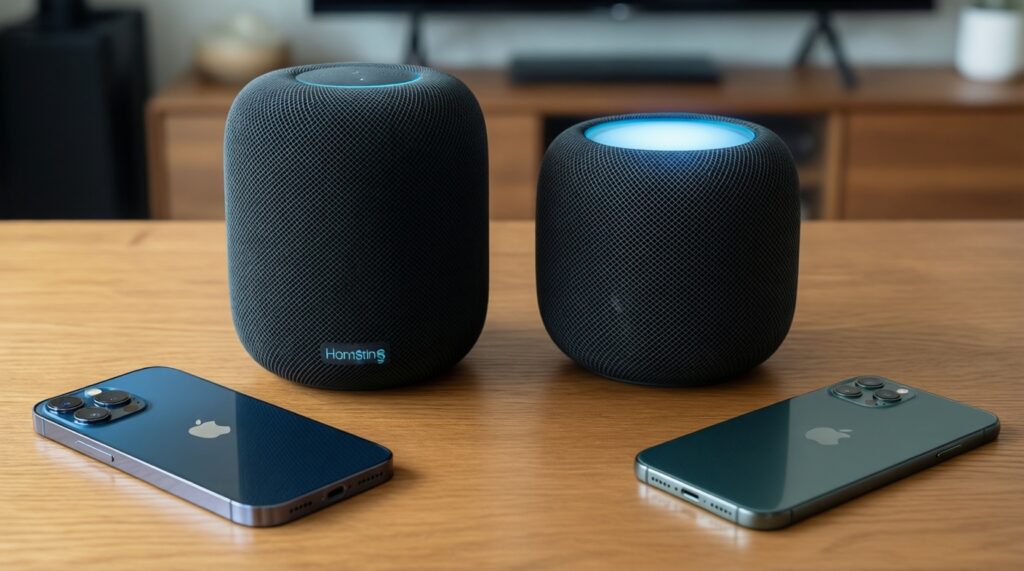
Use these budget-first criteria to decide before you compare sound. This keeps "HomePod vs Nest Audio vs Galaxy SmartThings เปรียบเทียบ" practical instead of spec-driven.
- Your primary phone OS: iOS favors HomePod; Android favors Google Assistant devices; mixed homes favor Google Home's flexibility.
- Smart-home platform you already run: HomeKit, Google Home, or SmartThings (and whether your devices are already grouped there).
- Automation needs: simple voice control vs. dependable routines, sensors, and presence-based automation (often hub-dependent).
- Streaming habits: which services you actually use daily; check how naturally each speaker supports them in your region.
- Multi-room plan: are you buying one speaker now or building a set over time (value often comes from scaling).
- Local control tolerance: how much you accept cloud dependency for voice commands and routines.
- Availability and support in Thailand: warranty, Thai language support, and retailer ecosystem matter more than small spec gaps.
- Total ecosystem cost: possible need for a hub, bridge, or additional dongles; avoid paying twice for the same capability.
Practical recommendation: If you're undecided, pick the platform that matches your phone and your existing smart-home app; that reduces re-buying devices later.
Core Audio Performance and Real-World Listening
Pure sound quality differences matter, but for value you should think in room size, placement freedom, and whether you'll add a second unit for stereo later.
| Variant | Who it suits | Pros | Cons | When to choose |
|---|---|---|---|---|
| Apple HomePod (full-size) | iPhone households wanting richer sound in a living room | Strong room-filling output; tight Apple ecosystem integration; good for Apple TV setups | Usually costs more to scale; best features assume Apple-first household | Choose if you want premium sound and your home already runs on iOS/HomeKit |
| Apple HomePod mini | Budget-conscious Apple users, bedrooms, desks, condos | Lower entry cost into Siri/HomeKit; easy to place; good for multi-room on a budget | Less bass and headroom than larger speakers; still most logical in Apple-centric homes | Choose if you want Apple control with the smallest "regret risk" |
| Google Nest Audio | Most mixed-device homes and Android users | Balanced sound for price; flexible Google Home groups; typically the easiest value pick | Assistant/cloud reliance; some integrations depend on region/service availability | Choose if you want the safest value for music + general smart-home voice control |
| Samsung Galaxy Home Mini (Bixby) (where available) | Samsung-heavy users who specifically want Bixby-style interaction | Can fit into Samsung lifestyle; compact footprint | Availability can be inconsistent; ecosystem depth for voice control may feel narrower than Google/Apple | Choose only if you can buy with warranty support and you're committed to Samsung voice experiences |
| SmartThings hub strategy (SmartThings hub/station + your preferred speaker) | SmartThings automation builders who want reliability over brand purity | Best path to consistent device control; lets you pick speaker by value and sound | More components to manage; voice control depends on the speaker/assistant you pair | Choose if your priority is "ลำโพงอัจฉริยะ ควบคุมบ้านอัจฉริยะ รองรับ SmartThings" with fewer automation compromises |
| Used/refurb speaker from your chosen ecosystem | Budget-first buyers comfortable checking condition and support | Highest value per baht when you find a good unit; lets you scale multi-room cheaply | Warranty risk; older models may lose features sooner | Choose if you want to minimize upfront cost and can test mic, Wi‑Fi stability, and power supply |
Practical recommendation: For most listeners, prioritizing the right ecosystem beats chasing marginal sound gains; buy the speaker you can afford to expand into two units if you want a noticeable step-up.
Smart Home Integration and Ecosystem Cost
Match your buying plan to your control scenarios; this is where hidden costs appear (hubs, bridges, standards, duplicate apps).
- If you run SmartThings devices (sensors, switches) and want dependable automations, then budget for a SmartThings-capable hub/station first, and treat the speaker as a separate choice for voice and music.
- If your household is iPhone-only and you want quick, low-friction control, then keep the stack Apple-first (HomePod/HomePod mini + Home app) to avoid maintaining parallel ecosystems.
- If your home is mixed iOS/Android and you want the least "ecosystem tax", then use Google Home as the shared layer and choose Nest Audio for the simplest multi-user setup.
- If you aim for a budget path today but want future-proofing, then prioritize devices that support modern interoperability (for example, Matter-ready products where relevant) so you don't pay again during upgrades.
- If you want a premium experience in one main room, then put money into a better-sounding speaker (often HomePod full-size) and keep cheaper endpoints elsewhere.
- If you want the cheapest whole-home coverage, then buy fewer "premium" units and more "good-enough" speakers in the same ecosystem to keep grouping and routines consistent.
Practical recommendation: Budget buyers should avoid mixing three ecosystems at once; premium buyers can mix, but only when a hub strategy keeps automations consistent.
Voice Assistants, Privacy, and Local Control
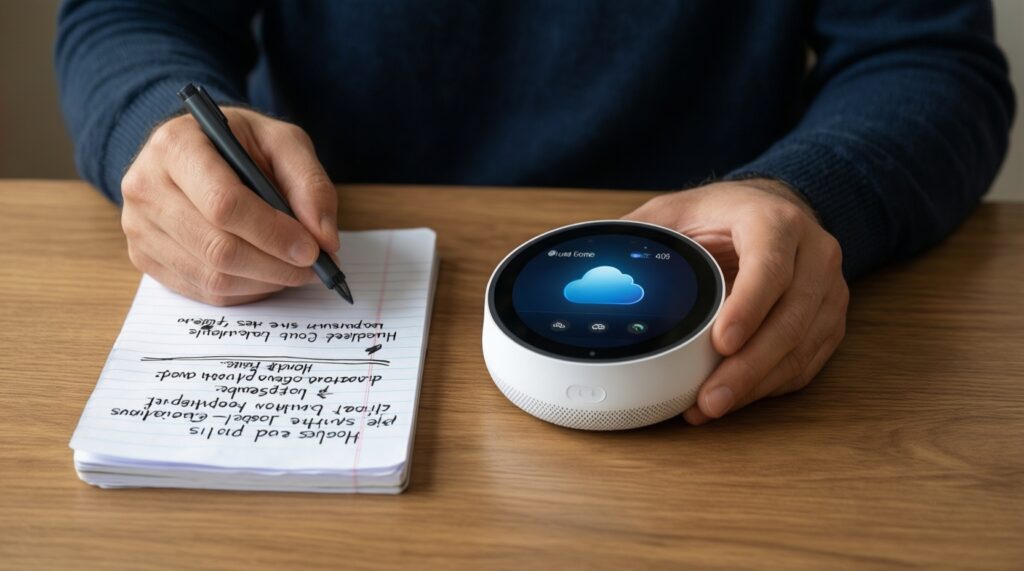
Use this quick selection algorithm when comparing assistants, privacy expectations, and how much you can tolerate cloud dependence.
- List the languages and voice recognition needs in your home (including guest users) and confirm the assistant experience meets your expectations.
- Pick one "home authority" app (Home app, Google Home, or SmartThings) and avoid splitting devices across multiple primary controllers.
- Decide whether you want voice purchasing, personalized results, and voice match features enabled; if not, disable them early and test daily use.
- Prefer a setup where core device control still works from the app even if the speaker is offline (reduces frustration).
- Check microphone mute behavior and how easy it is to verify what the assistant heard (practical privacy, not marketing privacy).
- Choose the speaker that aligns with your account ecosystem to reduce cross-account linking and ongoing permission prompts.
Practical recommendation: If privacy control and predictability matter more than features, choose the ecosystem you can manage with the fewest linked accounts and the clearest mute/review controls.
Setup, Maintenance, and Long-Term Ownership Costs
These are the selection mistakes that usually create ongoing costs or daily friction in Thailand.
- Buying based on "ราคา HomePod ล่าสุด" or "ราคา Nest Audio ล่าสุด" without checking local warranty, plugs, and retailer support.
- Assuming you can control every device by voice without a hub/bridge; many devices still need a controller strategy.
- Overestimating how well mixed ecosystems cooperate long-term (updates can break links; app permissions change).
- Ignoring Wi‑Fi quality and placement; poor coverage looks like "assistant is bad" but is often network instability.
- Planning for stereo or multi-room later but choosing a model line you can't easily find again locally.
- Not budgeting for additional endpoints (second speaker, hub, or smart display) that make routines truly convenient.
- Using one shared account for the whole family; this complicates personalization, privacy, and access control.
- Skipping a reset/ownership check when buying used; lingering account locks can make the device unusable.
Practical recommendation: Treat Wi‑Fi reliability and local support as part of the price; the cheapest speaker becomes expensive when it's flaky or hard to service.
Which Speaker to Buy for Different Budgeted Use-Cases
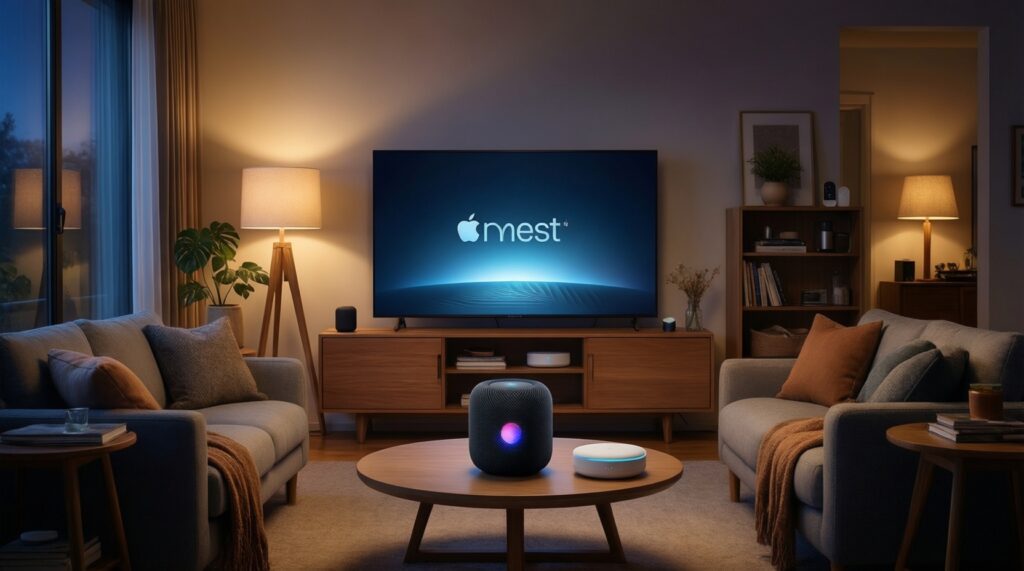
For a budget-first choice, Nest Audio is often the most balanced for mixed-device homes; for Apple-centric buyers who want tighter integration and a premium feel, HomePod (or HomePod mini to control cost) fits best; for SmartThings-focused control, spend on a SmartThings hub strategy first and then pick the speaker that matches your preferred assistant and music habits.
Common Purchase Concerns About Smart Speakers
Do I need a separate hub for SmartThings, or is a speaker enough?
For basic voice actions, a speaker can be enough, but dependable SmartThings automations often work best with a SmartThings-capable hub/station. Plan your hub first if sensors and routines are the priority.
Is HomePod worth it if I only own one iPhone?
It can be, but the value increases when your home is mostly Apple devices. If you just want an affordable entry, HomePod mini is usually the safer buy.
Will Nest Audio work well in a mixed iOS and Android household?
Yes, it's commonly the easiest shared ecosystem for multi-user control. The main requirement is consistent account setup and stable Wi‑Fi.
How should I interpret "ราคา HomePod ล่าสุด" and "ราคา Nest Audio ล่าสุด" when choosing?
Use current pricing only after confirming warranty terms, return policy, and local compatibility. A slightly higher price is often justified by easier support and fewer region issues.
Can I control my home locally without the cloud?
Most voice assistants still depend heavily on cloud services for understanding and executing commands. You can reduce cloud reliance by keeping core automations in your hub/app and using voice as a convenience layer.
Is it smart to mix HomePod, Nest Audio, and SmartThings together?
It can work, but it increases maintenance and troubleshooting time. A hub strategy helps, but you'll still want one primary ecosystem for day-to-day control.
What's the quickest way to decide if I'm stuck between options?
If you're still unsure after a "HomePod vs Nest Audio vs Galaxy SmartThings เปรียบเทียบ", pick the ecosystem tied to your main phone and music service. That choice minimizes hidden switching costs.