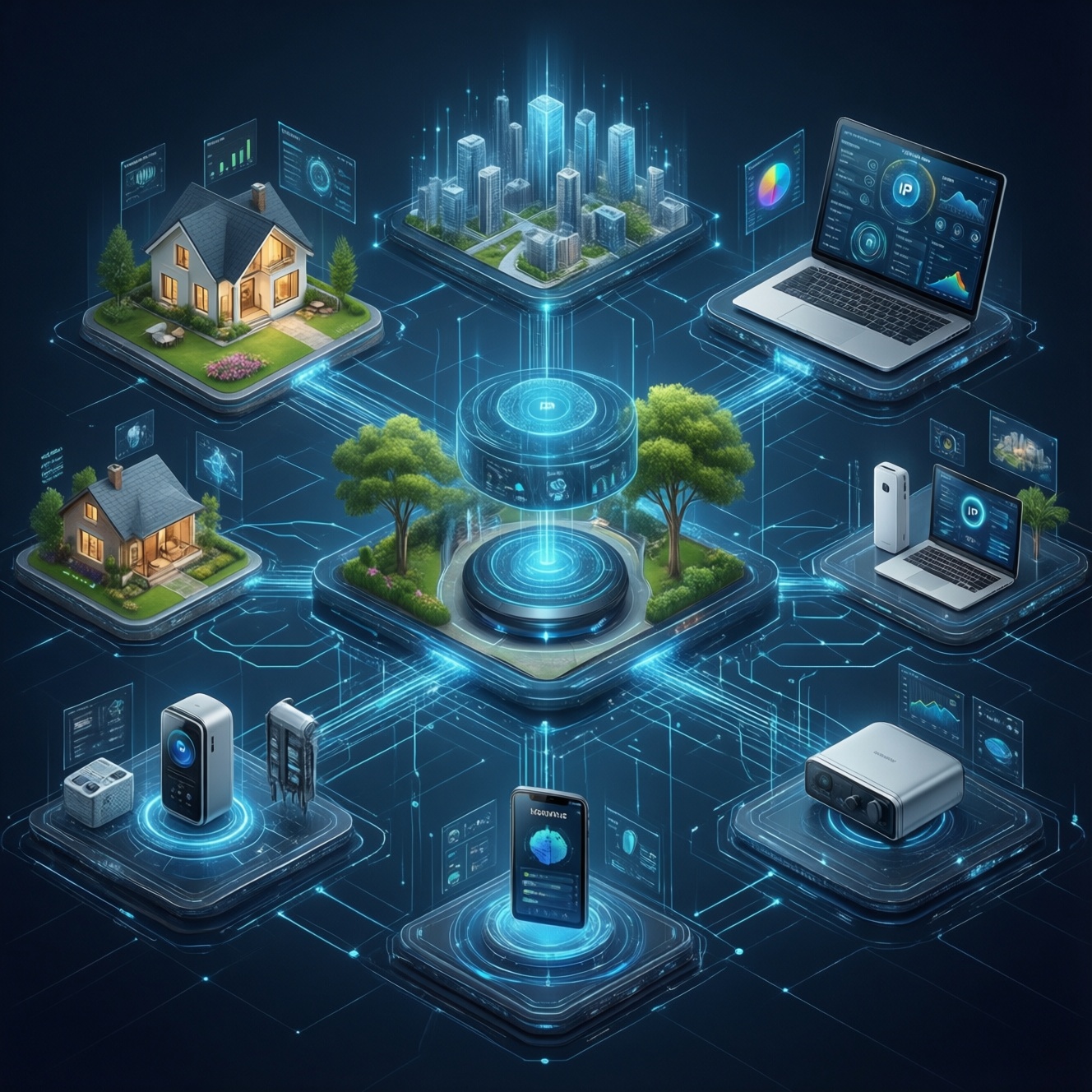
Matter คืออะไร? It is an open smart-home application standard that lets compatible devices work across ecosystems using IP networking. In practice, it reduces vendor lock-in and improves onboarding, but it does not guarantee every feature will match across Apple Home, Google Home, and SmartThings. Interoperability depends on device type, controller/hub support, network (Wi‑Fi/Thread), and firmware.
Essential Matter concepts to know
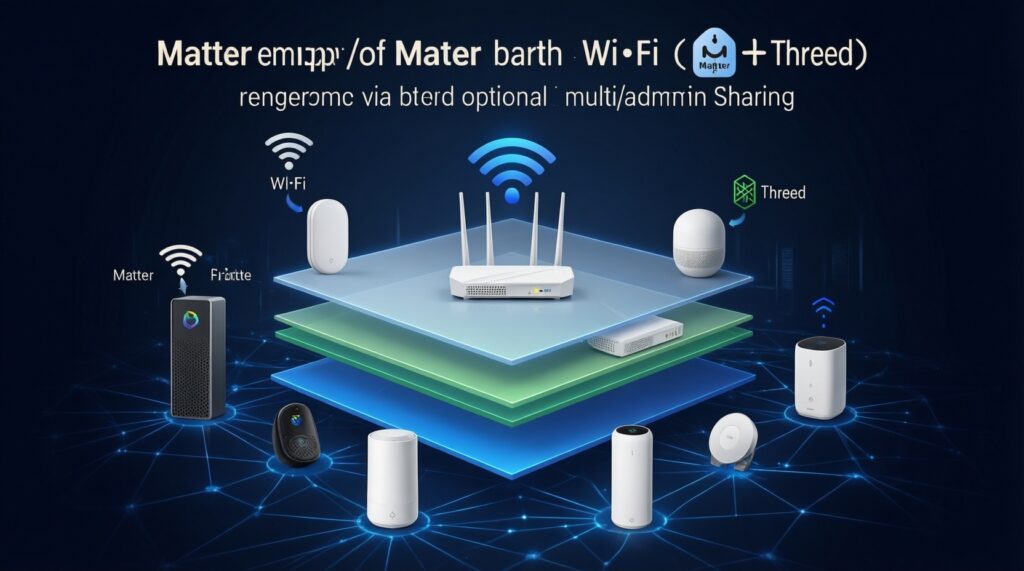
- Matter is the app layer: it defines how devices communicate and expose capabilities; it is not a radio technology by itself.
- Thread vs Wi‑Fi: many Matter devices are Wi‑Fi; Thread devices need a Thread Border Router (often built into a hub/speaker/router).
- Multi-admin is real, but optional: sharing a device with multiple platforms usually works, yet setup steps vary by platform and device.
- Certification matters: look for explicit Matter support for the device category you need (e.g., lights, plugs, locks), not just a firmware promise.
- Bridges are not the same as native Matter: a bridge can expose non-Matter devices to Matter, but limitations are common.
What Matter is and the problems it solves
Matter is a common language for smart-home devices. It standardizes discovery, secure commissioning, and a set of device capabilities (clusters) so that a light, plug, sensor, or lock can be controlled by different ecosystems without custom cloud-to-cloud integrations.
It mainly solves three pain points: inconsistent onboarding, ecosystem lock-in, and fragile integrations that break when an API changes. It does not solve hardware quality, poor Wi‑Fi coverage, or missing platform features (for example, one platform may expose fewer advanced options for a device than another).
When people ask "Matter รองรับ Apple Home ไหม", "Matter ใช้กับ Google Home ได้ไหม", or "Matter ใช้กับ SmartThings ได้ไหม", the practical answer is: yes for many common device types, but check (1) whether your platform has a Matter controller, (2) whether the device uses Wi‑Fi or Thread, and (3) whether the device supports multi-admin sharing.
- Confirm the device is Matter-certified for its category (not only "Matter-ready").
- Decide whether you want one platform or multi-admin control from day one.
- Identify the network path: Wi‑Fi Matter vs Thread Matter (Border Router needed).
- Plan for firmware updates early (some devices need the vendor app at least once).
Technical architecture: Thread, IP, Bluetooth and Matter stack
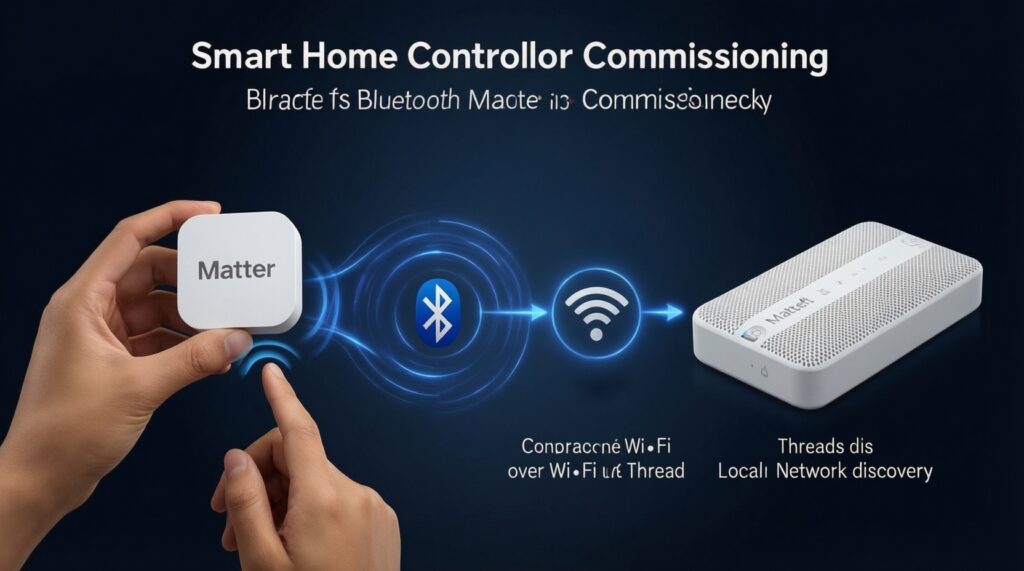
Matter runs over IP and typically uses Wi‑Fi or Thread for day-to-day communication. Bluetooth LE is commonly used only during initial commissioning (pairing) to pass network credentials and security material.
- Device discovery: controllers find devices on the local network (commonly via mDNS/Bonjour-like discovery).
- Commissioning: you scan a QR code or enter a setup code; Bluetooth is often used briefly to bootstrap.
- Secure session: devices establish encrypted sessions (local-first control is a core design goal).
- Operational networking:
- Wi‑Fi for many mains-powered devices (plugs, bulbs, switches, hubs).
- Thread for low-power mesh devices (sensors, some lights/locks). Requires a Thread Border Router.
- Controllers and fabrics: each ecosystem (Apple/Google/SmartThings) can manage devices inside its own fabric; multi-admin can add the same device to more than one fabric.
- Keep 2.4 GHz Wi‑Fi stable (many devices do not support 5 GHz-only setups).
- Ensure you have at least one Matter controller on the target platform.
- If using Thread devices, verify you have a Thread Border Router powered on and on the same home network.
- During setup, keep phone permissions enabled (Bluetooth + local network access) to avoid silent commissioning failures.
Certification, device types, and onboarding flows for each platform
Matter certification focuses on specific device types and capabilities. Interoperability is best for common categories (lights, plugs, switches, basic sensors) and can be more limited for complex devices (locks, HVAC, cameras-cameras are often outside Matter's common purchase expectations).
Typical real-world scenarios:
- Buy a Matter smart plug and control it from Apple Home and Google Home via multi-admin sharing.
- Thread contact sensor joins a Thread mesh; you control it locally even if the internet is down, as long as controllers can reach the Thread Border Router.
- Bridge scenario: an existing Zigbee device becomes visible in a Matter ecosystem through a bridge (convenient, but feature mapping may be partial).
- Mixed-home setup: Apple Home for automations + SmartThings for device breadth; one set of devices shared to both where supported.
- Migration: replace vendor-cloud integrations with Matter to reduce "works today, breaks tomorrow" issues.
Onboarding flow patterns (what differs by platform)
- Apple Home: commonly "Add Accessory" → scan QR code → optionally share later to another platform.
- Google Home: "Add" → "Device" → Matter device → scan/setup code; multi-admin sharing is often triggered by "share"/"link" steps afterward.
- SmartThings: "Add device" → scan/setup code; may prompt for hub involvement depending on your topology and device type.
- Before adding, update the platform apps and OS to reduce pairing edge cases.
- Prefer native Matter devices for predictable capability exposure; use bridges only when needed.
- Keep the device close to the phone/router during commissioning; move it after it fully joins.
- If you wonder "อุปกรณ์ Matter ซื้อที่ไหนดี", prioritize reputable Thai retailers that clearly list: Matter support, Wi‑Fi vs Thread, and required hub/controller compatibility.
How Apple Home, Google Home and SmartThings implement Matter
All three ecosystems support Matter in a controller role, but they differ in onboarding UX, how automations expose capabilities, and how reliably they handle multi-admin for specific device categories. Expect basic control to be consistent; advanced options can vary by platform and device firmware.
Practical strengths you can rely on
- Local control is a realistic baseline when the network is healthy.
- Cross-ecosystem control is feasible for many common device types using multi-admin.
- Reduced account sprawl: you often don't need three vendor clouds just to toggle a light.
Common limits that cause "it should work but doesn't"
- Capability mismatches: one platform may not expose every cluster/feature a device supports.
- Thread dependency: Thread devices may appear unreliable if the Border Router is missing or on an isolated network segment.
- Multi-admin friction: sharing to a second ecosystem can fail if the device is already in a bad state, outdated firmware, or the platform is missing permissions.
- Bridge limitations: bridged devices may show fewer controls than the original ecosystem.
Compact interoperability comparison (what to check before you buy)
| Platform | What you need for Matter control | Thread readiness (what to verify) | Multi-admin expectation | Typical gotcha to prevent |
|---|---|---|---|---|
| Apple Home | Matter controller in the ecosystem; add via Home app | Confirm you have a Thread Border Router on your home network for Thread devices | Often works for common device types if device supports multi-admin | Phone local-network permission off → device not discovered |
| Google Home | Matter controller available; add via Google Home app | Border Router required for Thread; ensure it is online before commissioning | Good for shared basics; share step may be required after first add | Commissioning on guest Wi‑Fi / isolated VLAN → pairing succeeds but control fails |
| SmartThings | Matter controller support in SmartThings environment; add via SmartThings app | Thread devices require a working Border Router path; topology can matter | Works where device supports multi-admin; may be more sensitive to firmware quirks | Old hub/app versions → incomplete device capabilities or add failures |
- Pick one "primary" ecosystem for commissioning first; share to others after it's stable.
- For Thread purchases, verify Border Router availability before you buy.
- Assume advanced features may differ; test the one feature you care about most (e.g., lock user codes, switch bindings).
- Keep everything on one LAN (avoid guest networks and client isolation).
Practical setup: hubs, bridges, firmware and cross-platform pairing
Most fast failures come from misunderstanding roles: the phone is not the controller long-term; the controller lives in the ecosystem. Another common mistake is assuming Matter eliminates the need for firmware updates or vendor apps-many devices still require vendor firmware maintenance to stay stable.
- Myth: Matter means "no hub needed". Reality: Thread devices still need a Thread Border Router somewhere; many homes already have one without realizing it, but you must confirm it.
- Mistake: commissioning on the wrong Wi‑Fi (guest SSID, office VLAN, mesh backhaul quirks). Result: device adds but becomes unreachable.
- Mistake: skipping firmware updates. Result: intermittent offline status or multi-admin sharing failures.
- Mistake: mixing bridges and native Matter expectations. Result: fewer controls than you saw in the vendor app.
- Mistake: re-adding without factory reset. Result: "already paired" or stuck in a previous fabric.
- Commission on the same 2.4 GHz LAN your controllers use; avoid guest networks.
- Update device firmware and the controller platform apps before attempting multi-admin.
- If sharing fails, factory reset the device and recommission cleanly (don't loop "add again").
- Document which ecosystem commissioned first; it helps when troubleshooting fabric conflicts.
Common interoperability issues and step-by-step troubleshooting
Mini-case: a Matter light adds to Apple Home, but "Matter ใช้กับ Google Home ได้ไหม" becomes "not for me" after sharing-Google Home can't control it or sees it offline.
Fast diagnostic flow (works for Apple Home, Google Home, and SmartThings)
- Confirm device state: does the device respond in the ecosystem where it was first commissioned? If not, fix baseline connectivity before multi-admin.
- Check network topology: phone + controllers + device must be on the same LAN without client isolation; avoid guest SSIDs.
- Re-check radio path:
- Wi‑Fi device: verify 2.4 GHz coverage and router multicast/mDNS friendliness.
- Thread device: verify a Border Router is online and reachable; if you moved the device far away, bring it closer temporarily.
- Permissions: on the phone used for adding/sharing, enable Bluetooth and local network access for the app doing commissioning.
- Firmware: update device firmware (often via vendor app) and update iOS/Android + smart-home apps.
- Reset and re-commission if needed: if the device is stuck in a previous fabric, do a proper factory reset, then add again and repeat sharing.
Quick prevention rules (the 80/20)
- Commission once, verify stability for a few minutes, then share to the next platform.
- Keep your controllers and Border Router on 24/7 power (avoid smart plugs powering them off).
- Avoid running smart-home devices on guest Wi‑Fi or networks with AP/client isolation.
- When buying in Thailand, prioritize clear labeling of Wi‑Fi vs Thread and Matter certification; it reduces surprises after "อุปกรณ์ Matter ซื้อที่ไหนดี".
- Can you control the device reliably in the first ecosystem before sharing it?
- Are phone permissions (Bluetooth + local network) enabled for the commissioning app?
- Is your device on the right transport (Wi‑Fi vs Thread) with required Border Router present?
- Are all apps/OS/device firmware updated before you troubleshoot deeper?
Concise answers to common interoperability concerns
Matter คืออะไร in one sentence?
Matter is an IP-based smart-home standard that lets compatible devices be added and controlled across major ecosystems with a consistent security and capability model.
Matter รองรับ Apple Home ไหม?
Yes, Apple Home can control many Matter device types, but you must have a supported controller setup and the device must be Matter-certified for its category.
Matter ใช้กับ Google Home ได้ไหม?
Yes, Google Home supports Matter for many common devices; problems usually come from network isolation, missing Thread Border Router (for Thread devices), or outdated firmware.
Matter ใช้กับ SmartThings ได้ไหม?
Yes, SmartThings can work with Matter devices, but capability exposure and onboarding success depend on the device type, firmware maturity, and your hub/controller environment.
Can I add one Matter device to Apple Home and Google Home at the same time?
Often yes via multi-admin, but it's safer to commission in one ecosystem first, verify stability, then share to the second ecosystem.
Do I always need a hub for Matter?
Not always for Wi‑Fi Matter devices, but Thread Matter devices require a Thread Border Router, and every setup needs a platform controller to manage the device long-term.
อุปกรณ์ Matter ซื้อที่ไหนดี if I want fewer setup issues?
Buy from sellers that clearly state Matter certification, Wi‑Fi vs Thread, and return policy; ambiguity in these three points is a leading cause of interoperability surprises.