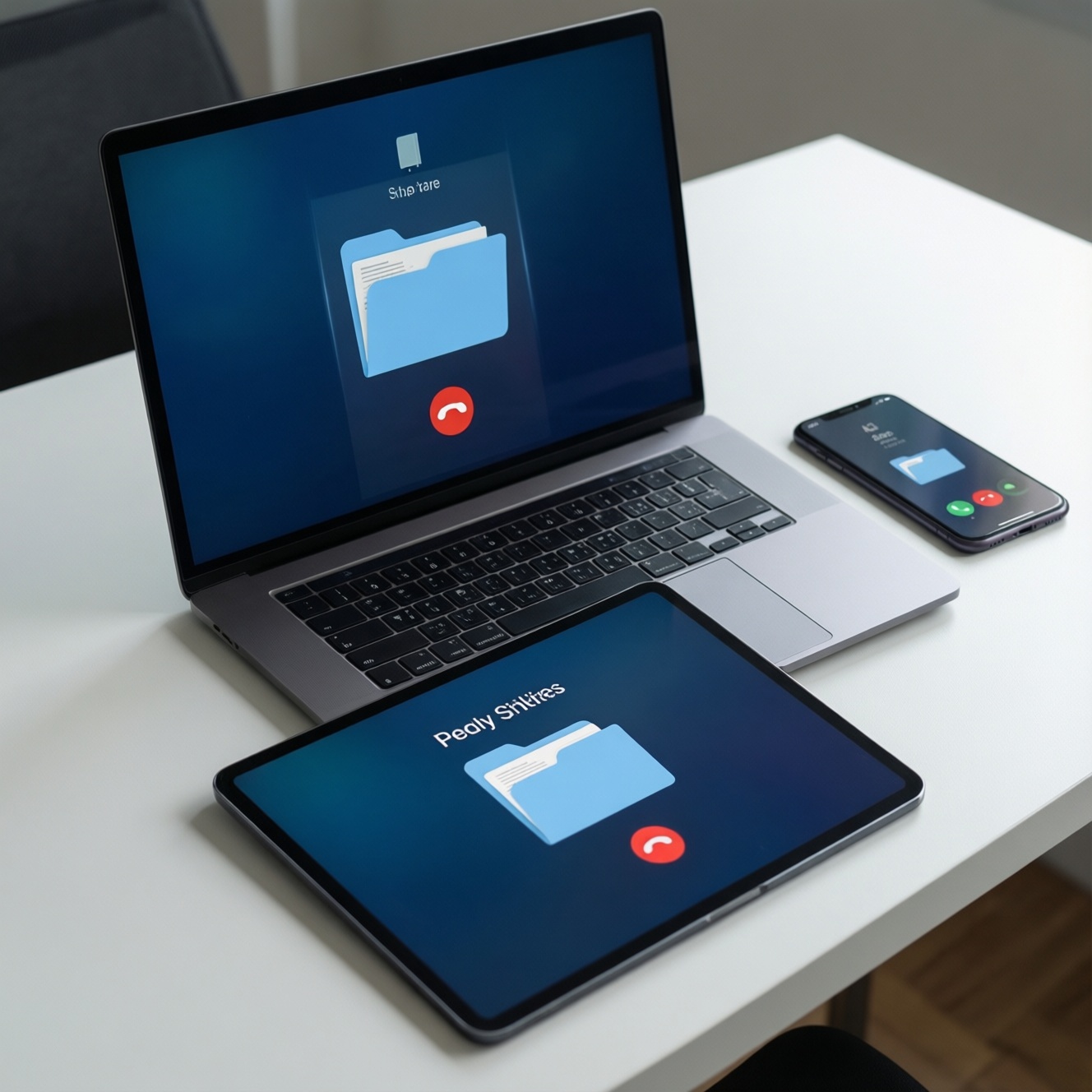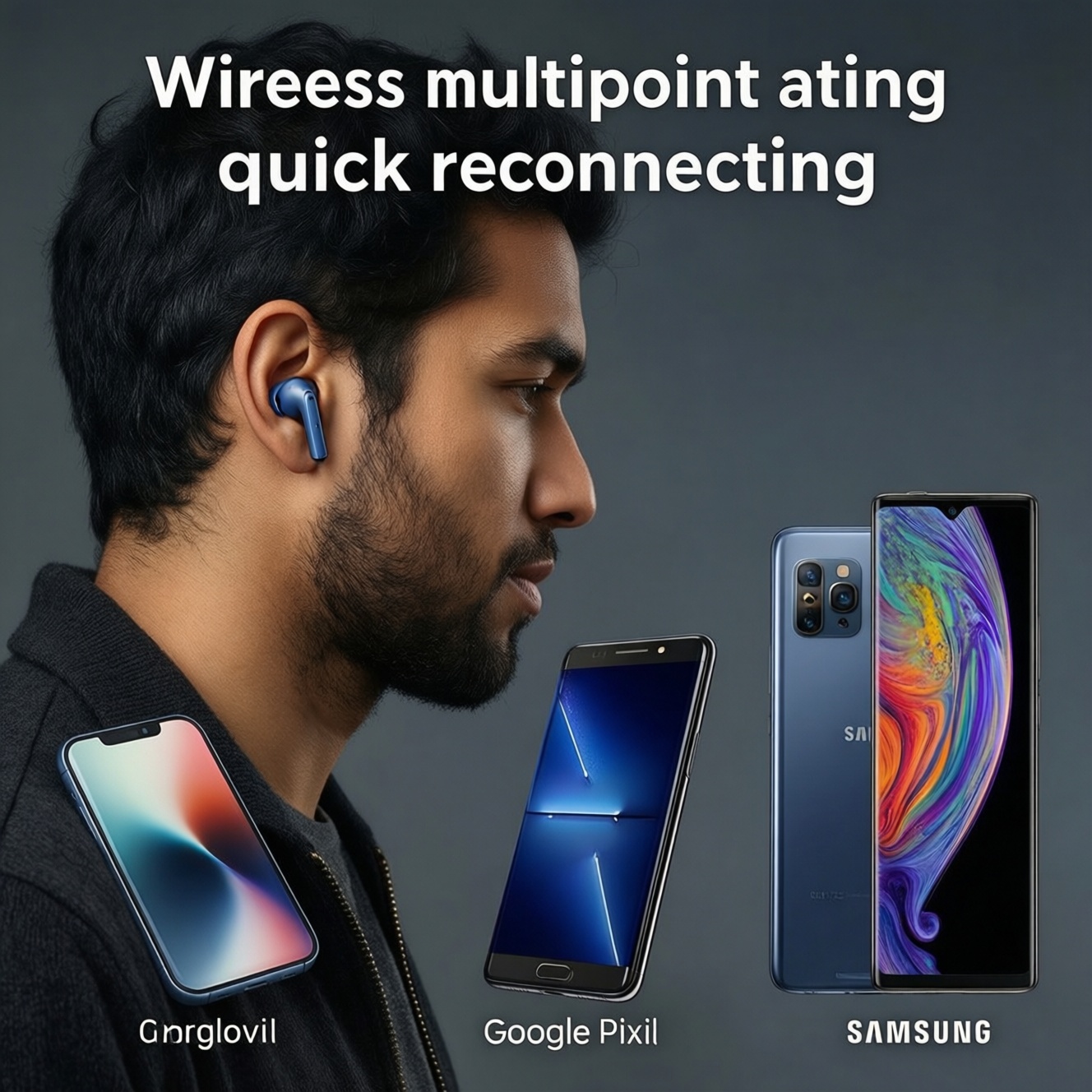
If cross-device switching is your top priority, pick the earbuds that match your primary OS: AirPods feel most seamless inside Apple's ecosystem, Pixel Buds tend to behave best across Google devices, and Galaxy Buds usually switch most smoothly within Samsung. Mixed-device users should prioritize multipoint behavior, stable reconnection, and app support over brand loyalty.
Snapshot: Cross-device Switching Summary
- Fastest "it just moves over" experience usually comes from staying inside one ecosystem (Apple/Google/Samsung).
- For mixed devices, prioritize true multipoint and predictable manual switching over marketing terms like "auto switch."
- Companion apps matter: they control updates, codec choices, and device priority rules that affect handoffs.
- Video calls reveal switching weaknesses first (mic routing, app permissions, and latency spikes).
- Battery drain during handoffs often comes from aggressive background scanning and unstable Bluetooth environments.
- Before comparing AirPods ราคา, Pixel Buds ราคา, or Galaxy Buds ราคา, confirm your daily device mix and switching workflow.
Automatic Device Handover: How Each Brand Implements It
Auto handover is not one feature; it's a bundle of OS hooks, account sync, and earbud firmware rules. Use these criteria to choose:
- Primary ecosystem fit: which OS you use most (iOS/macOS vs Android/ChromeOS vs Samsung Android/Windows).
- Account-based device linking: whether switching relies on the same Apple ID / Google account / Samsung account.
- Multipoint vs ecosystem handoff: can it keep two devices connected at once, or does it "hop" between devices.
- Priority logic: what wins when two devices start audio (calls vs media, most-recent vs most-active).
- Manual override speed: how quickly you can force a switch (control center / quick settings / app button).
- Mic routing behavior: whether the mic reliably follows the active device during a call handoff.
- Firmware update dependency: whether switching quality improves only after updates (and how easy updates are on your OS).
- Cross-platform limitations: what you lose when pairing to the "other" OS (features, codec options, device list sync).
Persona lens for handover behavior
- Commuter: stay in one ecosystem to avoid surprise reconnect delays when pulling out your phone on trains/BTS/MRT.
- Multitasking professional: value multipoint and fast manual override over "automatic" switching claims.
- Media creator: prioritize stable mic routing and predictable device priority when jumping between camera, laptop, and phone.
Connection Reliability Across Platforms
For หูฟังไร้สาย bluetooth, reliability is mostly about reconnection rules, interference tolerance, and how well the earbuds' app can manage paired devices. Use the comparison below as a platform-fit checklist rather than a promise of identical behavior across all models.
| Variant | Who it fits | Pros | Cons | When to choose |
|---|---|---|---|---|
| AirPods in Apple ecosystem (iPhone + Mac/iPad) | Commuters and office users on iOS/macOS | Seam-like switching with Apple devices; simple device list management | Features can drop when used mainly on Android; less control over advanced tuning | If your day is mostly iPhone + Mac and you want minimal switching friction |
| AirPods with mixed devices (iOS + Windows/Android) | Professionals with a Windows laptop and an iPhone | Strong on iPhone side; good baseline pairing | Manual switching can become routine; some controls depend on Apple devices | If you accept manual switching and your calls happen mostly on the iPhone |
| Pixel Buds across Google devices (Android + Chromebook) | Android-first users, Google Workspace flows | Typically smoother behavior with Google services; app-driven controls on Android | Experience may vary on non-Google Android skins and Windows | If you live on Android and want a Google-native management experience (check Pixel Buds ราคา after confirming compatibility) |
| Galaxy Buds inside Samsung ecosystem (Galaxy phone/tablet) | Samsung users who want tight device integration | Usually consistent switching among Samsung devices; strong app integration | Some features can be limited on non-Samsung Android or iOS | If you mainly use Galaxy devices and want a Samsung-optimized flow (verify Galaxy Buds ราคา only after feature-fit) |
| Any multipoint-focused earbuds (brand-agnostic alternative) | Multitasking professionals with laptop + phone (mixed OS) | Predictable two-device behavior; less dependence on ecosystem accounts | May not feel as "native" as ecosystem handoff; app quality varies | If you need หูฟังไร้สาย เชื่อมต่อหลายอุปกรณ์ and want stable laptop+phone switching across platforms |
Persona lens for day-to-day connection stability
- Commuter: prioritize reconnect speed after pocketing and stable phone calls over fancy switching.
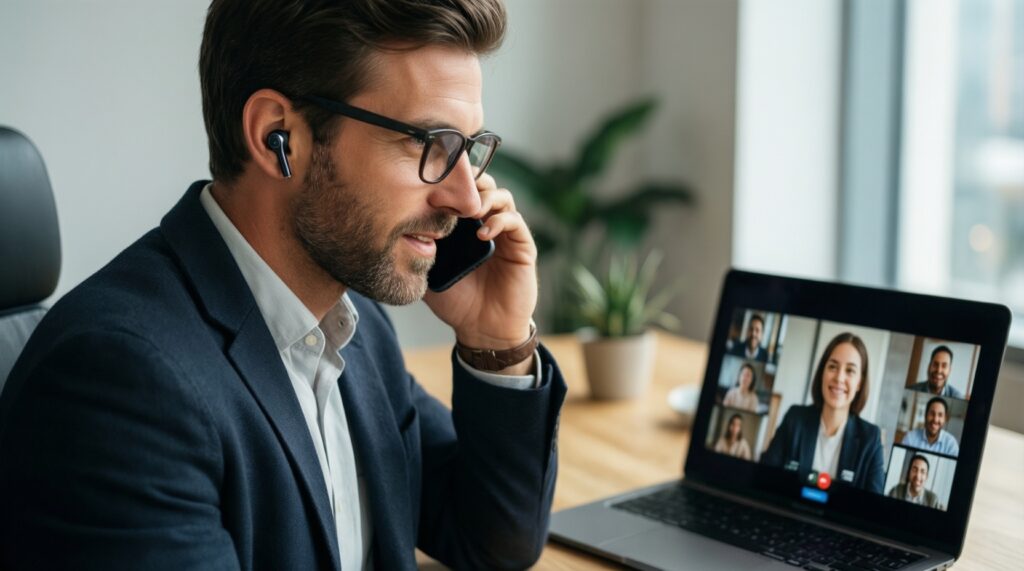
- Multitasking professional: if you switch between laptop meetings and phone calls, multipoint-style predictability often beats ecosystem-only handoff.
- Media creator: prefer the setup where your primary editing device keeps the most reliable connection, then add your phone as secondary.
Latency and Audio Sync When Jumping Between Devices
Latency problems show up when you switch devices mid-session. Use these scenario rules:
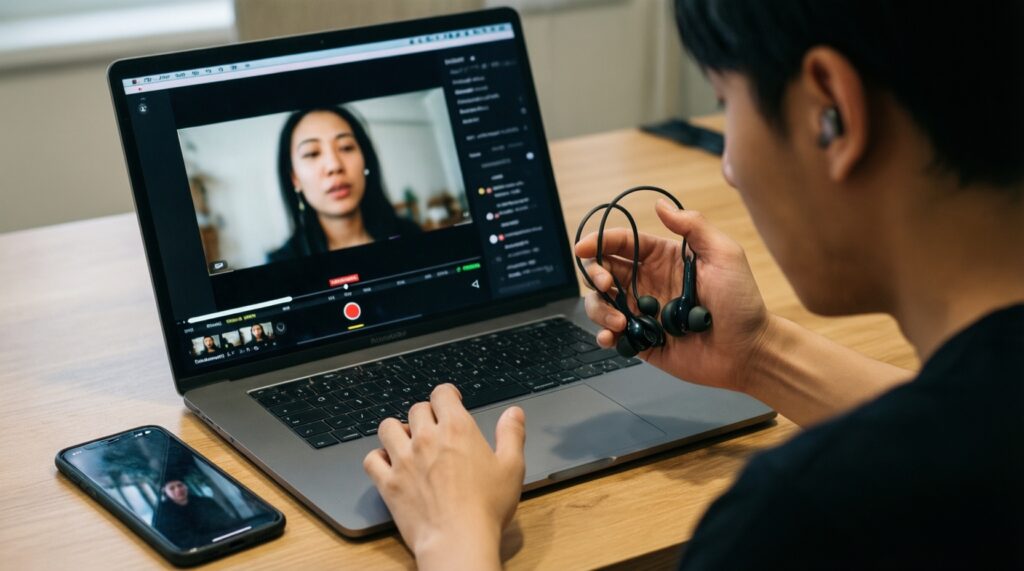
- If you edit video on a laptop and preview on a phone, then keep the earbuds paired primarily to the editing device and switch only during pauses to avoid desync surprises.
- If you join frequent video meetings, then set the meeting device as default audio at the OS level and avoid last-second handoffs that can break mic selection.
- If you watch streaming video and notice lip-sync drift after switching from tablet to phone, then disconnect/reconnect once to force a clean codec renegotiation.
- If you game on mobile, then disable unused paired devices nearby (or turn off Bluetooth on them) so the earbuds don't chase the wrong device during gameplay.
- If your earbuds sound fine but the mic becomes delayed after a handoff, then reselect the microphone source in the call app (not only in system settings).
Persona lens for low-latency switching
- Commuter: avoid switching during calls; end the call or pause audio before hopping devices.
- Multitasking professional: treat handoffs like state changes during meetings; switch only when muted or between agenda items.
- Media creator: lock your monitoring to one device per task; switching mid-timeline is where sync issues waste the most time.
Battery Behavior and Power Management During Handoffs
Switching features can increase background scanning and reconnection attempts. Use this fast selection algorithm:
- List your two most-used devices (example: phone + laptop) and decide whether you need simultaneous connection or just fast switching.
- Prefer earbuds whose companion app you can run on your primary device (that's where you'll update firmware and tune power behavior).
- Check whether you can disable auto-switch/nearby device scanning if you value battery over convenience.
- Pick a workflow: keep one home device and manually switch, or enable multipoint and accept a small battery trade-off.
- Reduce paired-device clutter: remove old devices you no longer use to prevent extra reconnect attempts.
- Decide how you'll carry them: frequent in/out of the case can trigger more wake cycles and scanning.
- Test in your real environment (office + transit): interference can cause retries that look like bad battery.
Persona lens for battery-first switching setups
- Commuter: prioritize stable single-device behavior; it often wastes less power than constant hunting for another device.
- Multitasking professional: multipoint can be worth it, but keep your paired list clean and keep firmware current.
- Media creator: minimize mid-session toggling; repeated reconnect cycles can drain faster than long continuous monitoring.
Ecosystem Integration: OS Features, Companion Apps and Limits
Most switching disappointments come from mismatched expectations about what works outside the home ecosystem. Common selection mistakes:
- Assuming auto switch works the same on iOS, Windows, and Android without ecosystem account linking.
- Buying based on AirPods ราคา / Pixel Buds ราคา / Galaxy Buds ราคา before confirming your laptop OS and meeting apps.
- Ignoring companion app availability on your primary device (no app often means harder updates and fewer controls).
- Expecting identical button/gesture customization across platforms; some options may be OS-restricted.
- Not checking how the earbuds behave with two active audio sources (music on one device, notifications/calls on another).
- Mixing multiple Bluetooth audio profiles during calls (stereo vs headset mode) and blaming switching for quality drops.
- Keeping too many devices in the paired list, which increases wrong-device grabs and reconnection loops.
- Relying on quick switching but forgetting app permissions (mic access, Bluetooth permissions) after OS updates.
Persona lens for ecosystem feature trade-offs
- Commuter: choose the earbuds whose basic controls (ANC/transparency, volume, mic) you can manage without fighting app settings.
- Multitasking professional: prioritize meeting reliability: mic selection, stable reconnection, and predictable device priority.
- Media creator: choose the ecosystem where you can control codec/latency-related behaviors via OS/app, not only via defaults.
Persona-driven Use Cases: Which Buds Fit Which Workflow
Best fit typically follows your anchor device: AirPods are usually the cleanest choice for iPhone + Mac workflows; Pixel Buds are a strong match for Android-first users who want Google-native management; Galaxy Buds tend to suit people deep in Samsung devices. If you routinely mix laptop+phone across brands and need หูฟังไร้สาย เชื่อมต่อหลายอุปกรณ์, favor multipoint-style predictability and app support over ecosystem-only handoff.
Troubleshooting Common Switching Pitfalls
Why do my earbuds connect to the wrong device when I open the case?
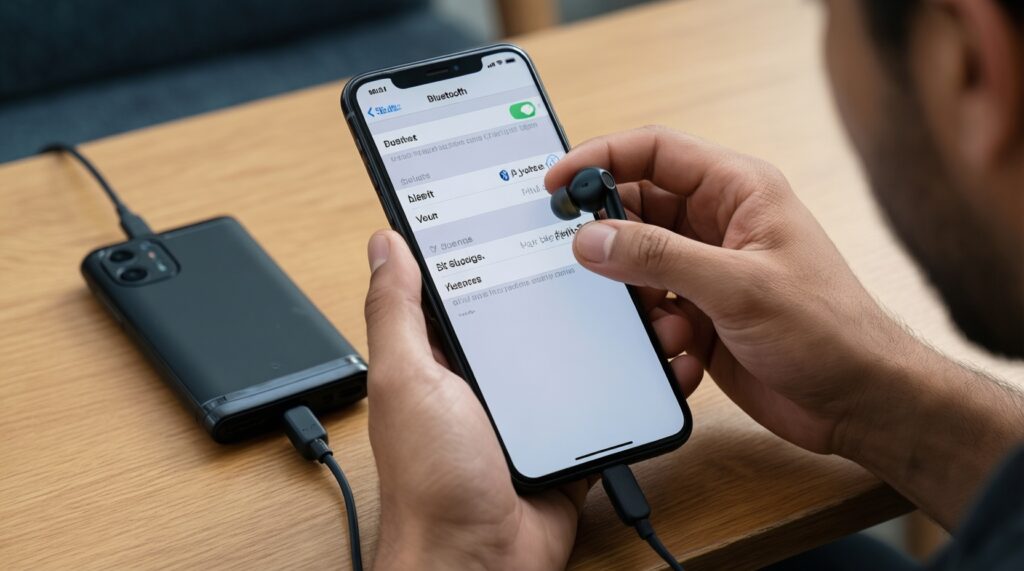
Disable Bluetooth on devices you don't want as targets, or remove them from the paired list. Also check whether your earbuds prioritize last connected rather than currently playing.
Audio switched, but the microphone stayed on the old device; how do I fix it?
In the call app, reselect the microphone/input device explicitly. If that fails, disconnect and reconnect once so the headset profile resets on the active device.
After switching, video lip-sync feels off; what should I do?
Pause playback, disconnect/reconnect, then resume so the codec and buffering renegotiate cleanly. Avoid switching devices mid-stream when possible.
Multipoint feels unstable; calls drop or audio stutters when notifications arrive.
Reduce competing Bluetooth activity (smartwatches, old paired laptops) and keep only two active devices. Update earbud firmware via the companion app on your primary device.
Why do features disappear when I use AirPods, Pixel Buds, or Galaxy Buds on another OS?
Many advanced features depend on OS-level integration and the vendor app. Expect the most complete experience on the brand's home ecosystem and a more basic feature set elsewhere.
Switching works at home but fails on transit or in the office; what's different?
Interference and dense Bluetooth/Wi-Fi environments can trigger repeated reconnect attempts. Test with fewer active devices nearby and consider manual switching in crowded areas.