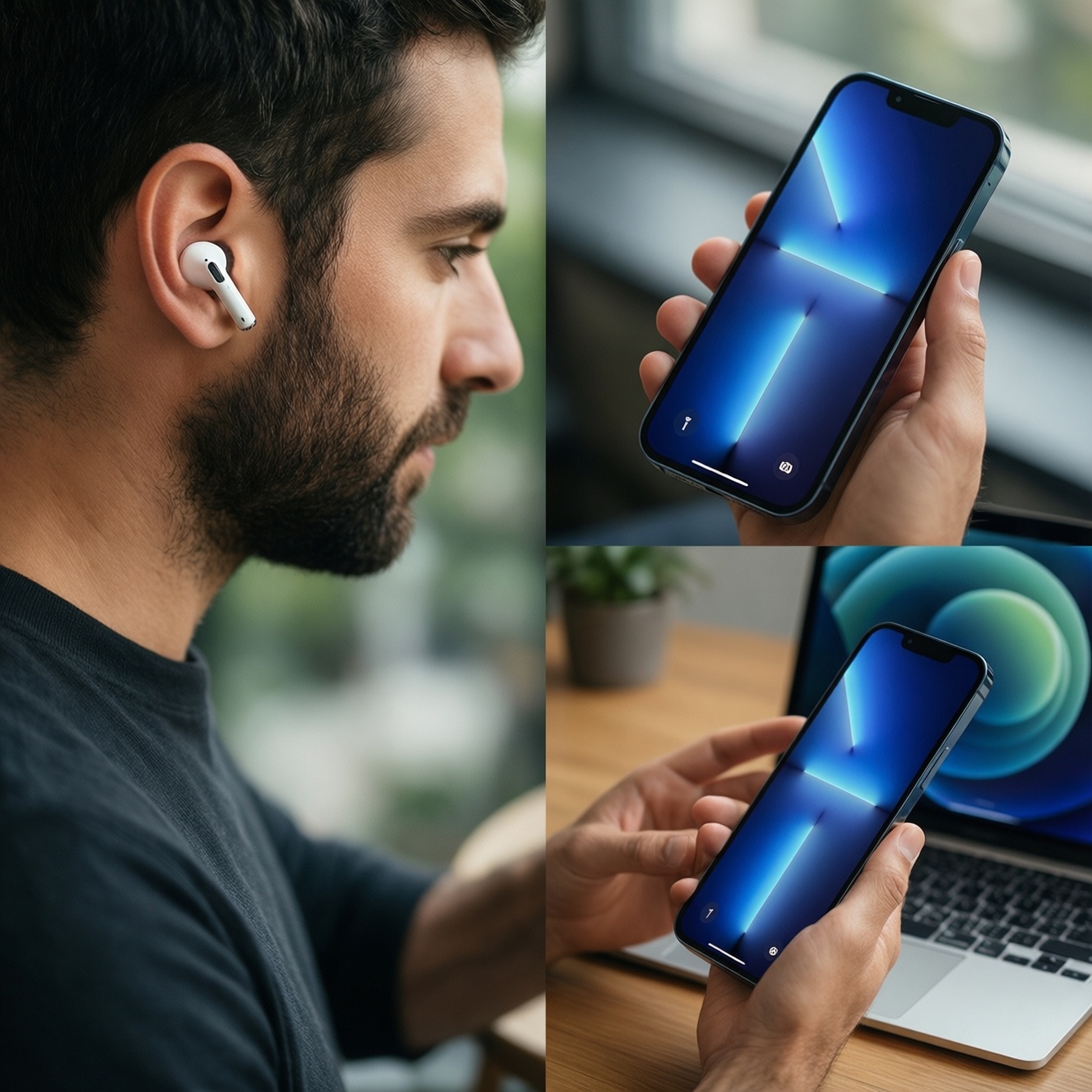
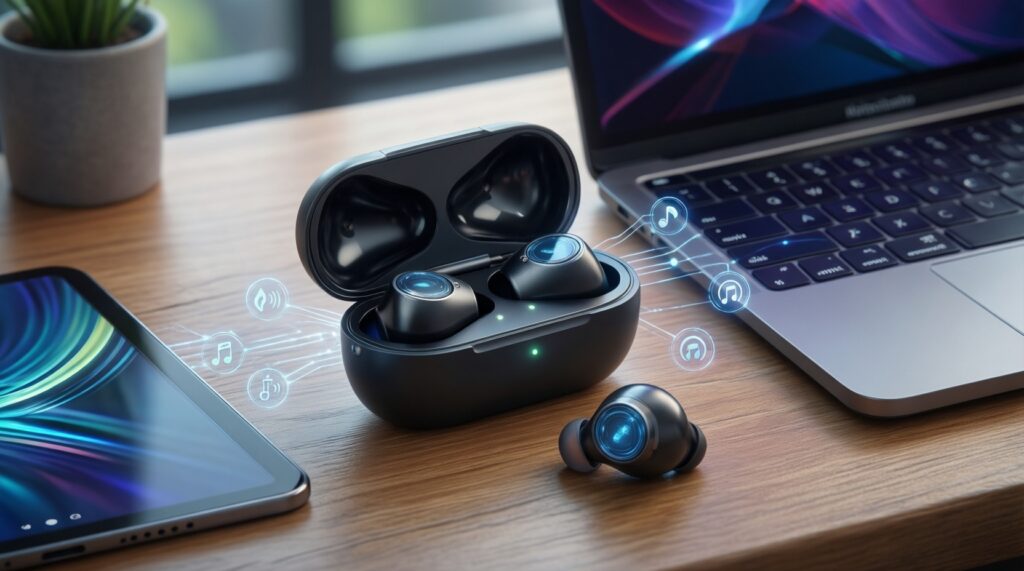
If your priority is effortless multi-device switching, pick the earbuds that match your main ecosystem: AirPods feel most automatic across iPhone/iPad/Mac, Galaxy Buds integrate best with Samsung phones and Windows, and Pixel Buds are most consistent inside Android/ChromeOS. Cross-platform switching works, but usually becomes more manual and slower.
Quick comparison highlights for multi-device switching
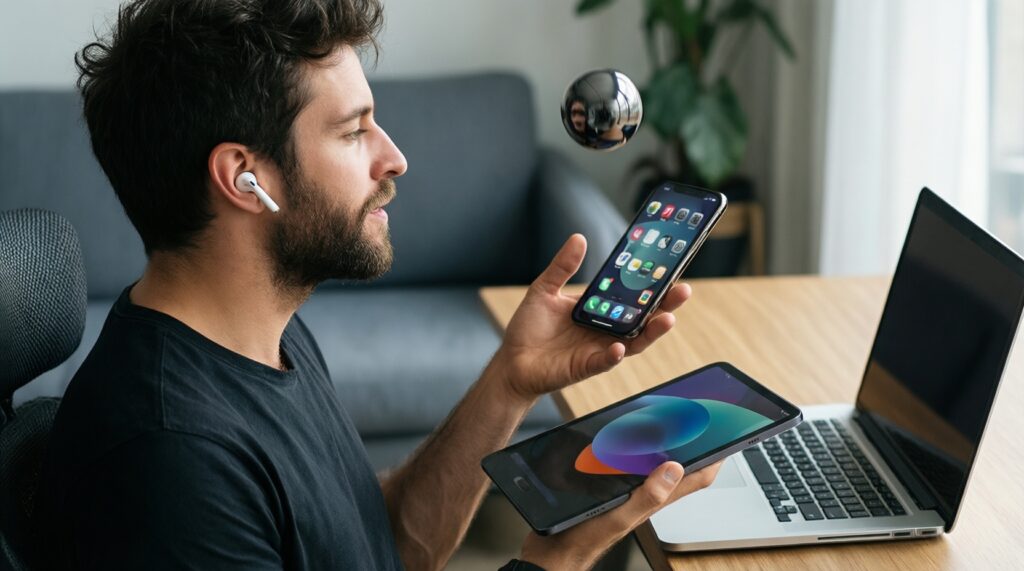
- Best "it just follows you" handover: AirPods within Apple IDs; outside Apple, expect manual switching.
- Most practical for Samsung users juggling phone ↔ tablet ↔ Windows laptop: Galaxy Buds with Samsung's device features and companion app.
- Most predictable for Google-centric Android + Chromebook: Pixel Buds, especially for Android-first controls and updates.
- Budget reality: cheaper models often keep stable Bluetooth but drop the most seamless auto-switch behavior.
- Purchase check: prioritize the platform where you'll update firmware and control multipoint/auto-switch settings.
How each ecosystem handles seamless device handover
Use these criteria to choose based on how you actually switch (phone ↔ laptop ↔ tablet) rather than brand reputation or "หูฟังไร้สาย AirPods ราคา / Samsung Galaxy Buds ราคา / Google Pixel Buds ราคา" headlines.
- Auto-switch vs multipoint: auto-switch follows the active device in an ecosystem; multipoint keeps two devices connected and lets you switch audio priority.
- Where settings live: iOS/macOS system menus vs Samsung Wearable vs Pixel Buds app affects how quickly you can fix issues.
- Firmware update path: choose earbuds you can update from your primary phone (critical for stability and switching behavior).
- Device mix: Apple-only, Samsung-heavy, or mixed Android/Windows/iPad changes the "seamless" experience more than the earbud model.
- App availability on your secondary devices: some features require the companion app; without it, switching becomes basic Bluetooth.
- Codec and call stack behavior: impacts perceived latency in video calls and gaming when you hop devices.
- Mic consistency across platforms: many buds sound fine for music everywhere but behave differently in Windows meeting apps.
- Manual override speed: how fast you can force-connect from Bluetooth menus matters when auto-switch guesses wrong.
Value takeaway: pay for ecosystem-fit first; "premium sound" won't fix clunky switching.
Connection reliability and latency in real-world use
| Multi-device switching feature | AirPods (Apple ecosystem) | Galaxy Buds (Samsung ecosystem) | Pixel Buds (Google/Android ecosystem) |
|---|---|---|---|
| Best-case seamless handover | Strongest when all devices share Apple ID (iPhone ↔ iPad ↔ Mac) | Strongest on Samsung phone ↔ Samsung tablet; decent with Windows depending on model/app | Strongest on Android phone ↔ Chromebook; varies on Windows/iPad |
| Cross-platform switching | Usually manual outside Apple; can feel "sticky" to last Apple device | Generally straightforward Bluetooth; feature depth depends on Wearable app availability | Generally straightforward Bluetooth; best controls on Android via Pixel Buds app |
| Latency feel (video/meetings) | Typically well-matched in Apple apps; Windows meeting apps can be finicky | Often reliable for calls on Samsung/Android; Windows behavior varies by app profile | Often consistent in Android apps; Windows/iPad may need manual profile selection |
| "Stays connected to the wrong device" risk | Medium if you alternate Mac and iPhone frequently and don't disable auto-switch in some workflows | Medium in mixed-brand setups; lower in Samsung-heavy setups | Medium in mixed setups; lower in Android/ChromeOS-heavy setups |
| Variant | Who it fits | Pros | Cons | When to choose |
|---|---|---|---|---|
| AirPods within Apple-only switching | iPhone + iPad + Mac users who want minimal tapping | Most "invisible" handover when it works; settings live in system menus | Outside Apple, switching becomes manual; less flexible in mixed-device offices | If you want the closest thing to true auto-switch across Apple devices |
| AirPods in a mixed setup (Apple + Windows/Android) | People who daily move between iPhone and a Windows laptop | Great on iPhone; usable everywhere as standard Bluetooth | Expect more manual reconnect steps; meeting-audio profiles can be annoying on Windows | If your iPhone is primary and you can tolerate manual switching at work |
| Galaxy Buds with Samsung phone + tablet + Windows | Samsung-centric users who also use a PC | Solid device integration in Samsung world; practical controls via Samsung Wearable app | Some best features depend on model and app support; iOS control depth is limited | If "เปรียบเทียบ AirPods กับ Galaxy Buds" matters because your daily devices are mostly Samsung |
| Galaxy Buds with iPhone + Mac/Windows | iPhone users tempted by "Samsung Galaxy Buds ราคา" deals | Often stable basic Bluetooth; good value models exist | Less seamless than AirPods on iOS; fewer tuning/settings options compared with Android | If price/value is priority and you accept simpler switching behavior |
| Pixel Buds with Android + Chromebook | Android-first users who want predictable app support and updates | Best control experience via Pixel Buds app; strong fit for Google services | Some features are less convenient outside Android/ChromeOS | If you care about "Google Pixel Buds ราคา" but still want the smoothest Google-side behavior |
| Pixel Buds in mixed devices (Android + iPad/Windows) | Android phone + iPad tablet, or Android phone + Windows laptop | Stable Bluetooth for music; multipoint (if available) can reduce reconnect hassle | Settings and updates are Android-centric; iPad/Windows often require more manual switching | If your main phone is Android and you want straightforward, budget-friendly switching |
Value takeaway: the "best" switching is the one you can control and update from your main device.
Battery behavior and power management during switches
- If you switch devices every hour, then prioritize models with multipoint or reliable auto-switch; repeated reconnect attempts can drain faster than steady playback.
- If you use one bud for calls and swap ears, then avoid aggressive auto-switch workflows; keep the second device's Bluetooth off or "forget" it to prevent constant re-negotiation.
- If you commute and move from phone to laptop on arrival, then keep one "primary" device connected and trigger the second connection manually once; it reduces background scanning.
- If you are budget-first, then expect fewer power-optimization options (and sometimes fewer switching features) but often very stable basic Bluetooth; choose simplicity over chasing premium auto-switch.
- If you go premium for convenience, then you're paying for tighter ecosystem coordination (fewer taps) rather than dramatically better battery during switching; still plan a manual fallback.
Value takeaway: fewer connection "events" usually means steadier battery, regardless of brand.
Setup, pairing quirks and cross-platform compatibility
- List your top 3 devices in order of hours used (for "หูฟังไร้สาย สลับอุปกรณ์ได้หลายเครื่อง", the primary device matters most).
- Decide which switching style you want: auto-switch inside one ecosystem, or multipoint across two devices.
- Confirm you can install the companion app on your primary phone (AirPods settings are system-level on iOS; Galaxy Buds need Samsung Wearable; Pixel Buds need the Pixel Buds app).
- Before judging reliability, update firmware from the primary phone and reboot both earbuds and devices.
- Test your real workflow: start a call on the phone, then play video on the laptop, then return to the phone-note how many taps it takes.
- Set a manual fallback: learn the fastest "connect" path in Bluetooth settings on each device (especially Windows).
Value takeaway: the best purchase is the one that stays predictable when you're in a hurry.
Feature trade-offs: smart switching, auto-switch, and app support
- Assuming "auto-switch" works the same across brands: each ecosystem prioritizes its own devices first.
- Buying for codec/spec sheets while ignoring Windows call behavior (mic mode can change the experience more than music mode).
- Choosing a deal model without checking whether the companion app supports it fully on your phone.
- Leaving two laptops paired and expecting the earbuds to guess correctly every time.
- Confusing multipoint with auto-switch: multipoint reduces reconnect friction, but it doesn't always pick the device you want.
- Not learning the quick manual override (Bluetooth connect) and losing time when auto-switch fails.
- Mixing work profiles/MDM restrictions with earbuds settings (some corporate laptops restrict Bluetooth profiles).
- Judging switching based on a single first-day test before firmware updates and a clean re-pair.
Value takeaway: seamless features are great, but control and predictability win for daily switching.
Best picks for budget-conscious users in each ecosystem
Best for Apple-only users who want the fewest taps: AirPods (choose based on fit and the Apple features you'll actually use, not just "หูฟังไร้สาย AirPods ราคา"). Best for Samsung-heavy setups and practical value: Galaxy Buds (often the strongest match when "Samsung Galaxy Buds ราคา" is attractive and you still want good switching on Samsung devices). Best for Android/Google-centric users: Pixel Buds (a safer bet when you care about updates and controls via Android, beyond "Google Pixel Buds ราคา").
Practical troubleshooting and purchase considerations
Why do my earbuds keep reconnecting to the wrong device?
Auto-switch and multipoint both prioritize "last active" differently. Turn off Bluetooth on the device you don't want, or disable auto-switch where available, then reconnect from the device you do want.
Is multipoint always better for switching between phone and laptop?
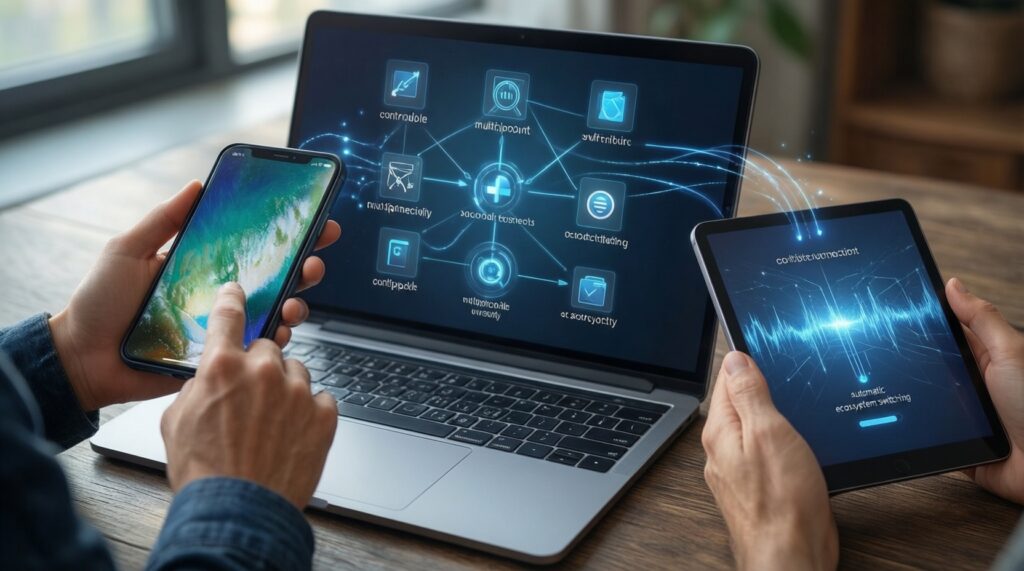
Multipoint is best when you truly alternate between two devices all day. If you bounce across three devices (phone ↔ laptop ↔ tablet), ecosystem auto-switch can feel smoother but less controllable.
What's the fastest fix when switching feels laggy on Windows?
Remove (forget) the earbuds and re-pair, then ensure the correct audio profile is selected in Windows sound settings. If calls sound bad, switch the meeting app's input/output explicitly rather than relying on defaults.
Do cheaper models switch worse than premium ones?
Often yes, because budget models may skip advanced auto-switch or offer limited app controls. Basic Bluetooth stability can still be excellent, so you may trade convenience for value.
How should I compare AirPods vs Galaxy Buds for my setup?
Use "เปรียบเทียบ AirPods กับ Galaxy Buds" based on your primary device: iPhone/iPad/Mac favors AirPods; Samsung phone/tablet favors Galaxy Buds. In mixed setups, prioritize the model with the best controls on your main phone.
What should I check before buying for multi-device switching in Thailand?
Confirm app support on your phone, test return/warranty conditions, and verify your must-have features (multipoint or auto-switch). Use price searches like "หูฟังไร้สาย AirPods ราคา", "Samsung Galaxy Buds ราคา", and "Google Pixel Buds ราคา" to shortlist, then choose by ecosystem fit.