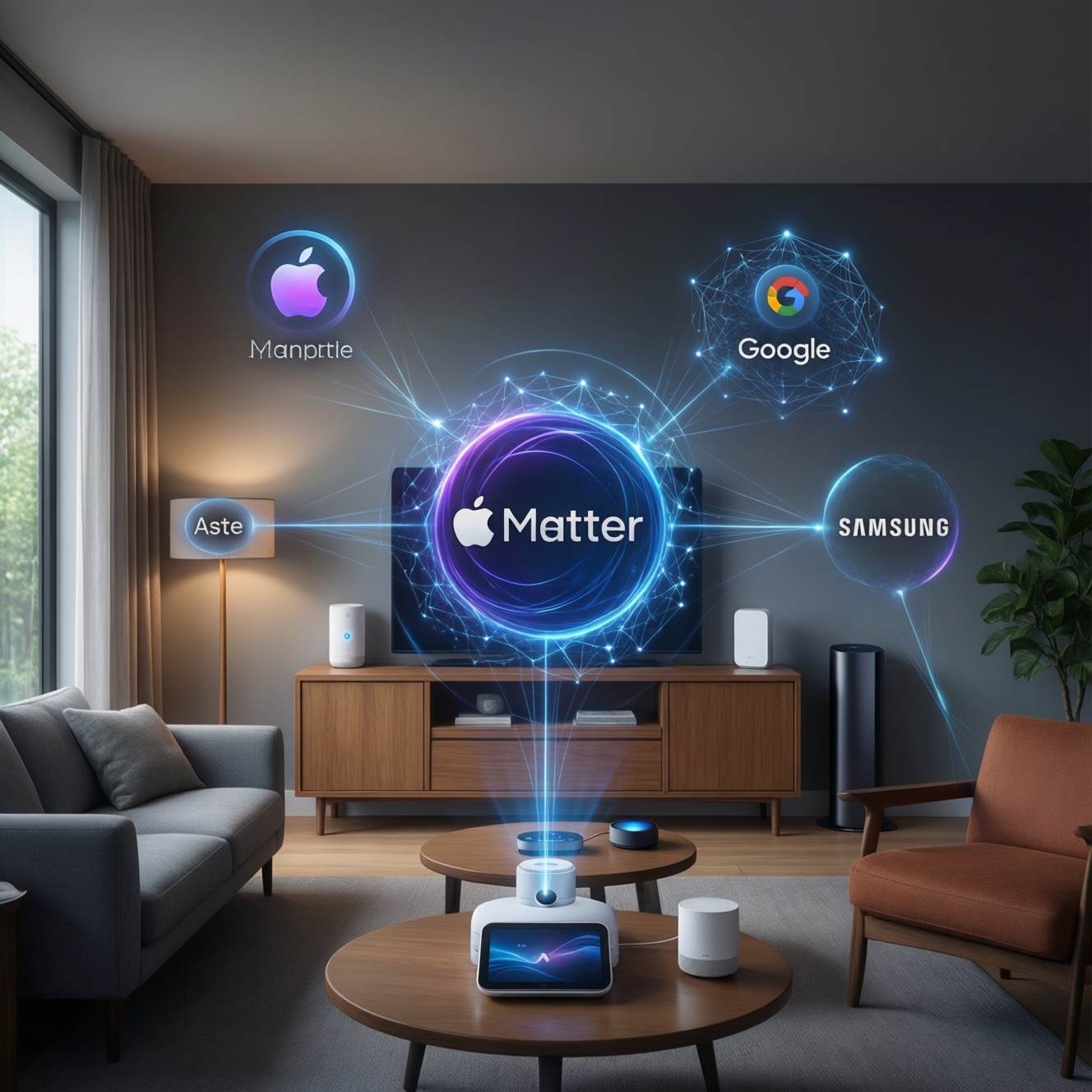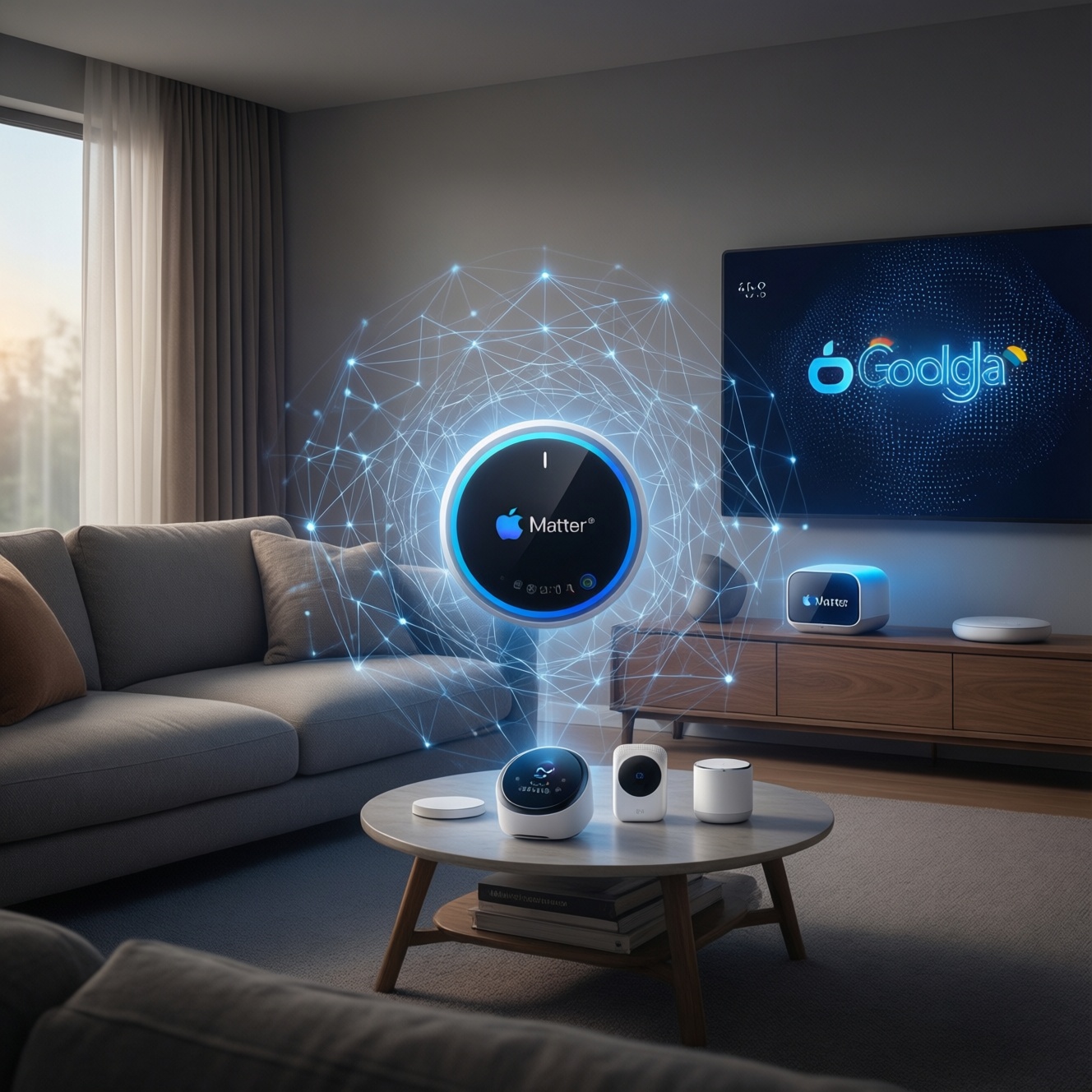
Matter is an IP-based smart home standard that lets certified devices work across major ecosystems (Google Home, Apple Home, Alexa) with the same core setup flow. Thread is a low-power IPv6 mesh network many Matter devices use underneath. Together they can reduce "brand lock-in", but only when device types, controllers, and network roles (like border routers) truly match.
What Matter and Thread Actually Provide for Smart Homes
- A shared "language" (Matter) so devices can be controlled across apps and platforms more consistently.
- A low-power, self-healing mesh option (Thread) that avoids Wi‑Fi congestion for sensors and controls.
- Local-first control paths are possible, reducing reliance on cloud automations for basic actions.
- More predictable onboarding: QR/commissioning flows are converging across brands.
- Clearer compatibility boundaries: you can separate "supports Matter" from "works only via cloud skill".
Technical Overview: How Matter and Thread Work Together
Matter is the application layer: it defines device models (for example, lights, plugs, locks) and how controllers talk to them over IP. Matter can run over Wi‑Fi or Ethernet, and it can also run over Thread. Thread is not "the standard"; it is one possible network transport optimized for low power and short-range devices.
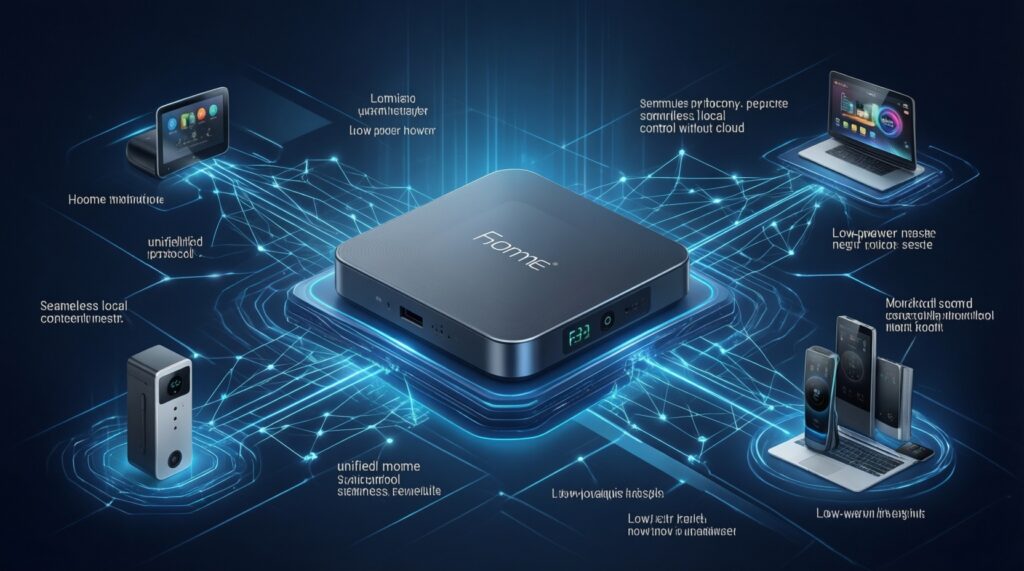
Thread networks need a Thread Border Router to connect the Thread mesh to your home IP network (Ethernet/Wi‑Fi). A Matter "controller" (often your phone plus a home hub) performs commissioning, manages fabrics/permissions, and issues commands. In practice, many consumer hubs combine roles: controller + border router, but you should still verify both capabilities.
Keep the mental model simple: Matter defines what messages mean; Thread/Wi‑Fi define how packets move. This separation is why cross-brand interoperability is realistic-yet also why it can fail when the device type or role is missing.
| Piece | What it is | What it replaces or competes with | Where it usually fits |
|---|---|---|---|
| Matter | Smart home interoperability standard (app/device model + security + commissioning) | "Works with X" proprietary integrations; partial overlap with Zigbee profiles | Device-to-controller control across ecosystems |
| Thread | IPv6 low-power mesh network | Zigbee mesh, Z‑Wave mesh (network layer differs) | Sensors, switches, battery devices; resilient in-home mesh |
| Wi‑Fi/Ethernet | IP home network transports | Not replacements-often co-exist | Cameras, speakers, hubs, high-bandwidth devices |
Interoperability in Practice: Cross‑Brand Device Scenarios
Interoperability is real when you align three things: (1) the device is Matter-certified for the same device category you need, (2) your ecosystem has a Matter controller, and (3) if the device is Thread-based, you have an available border router on your network.
- Same device, multiple ecosystems: a Matter light can often be controlled from more than one ecosystem, but adding it to multiple "homes" can require re-commissioning depending on controller support.
- Brand A device + Brand B hub: onboarding succeeds if Brand B hub is a Matter controller for that device type; otherwise it may fall back to cloud-only integration.
- Thread device reliability: if at least one always-powered Thread router device is present (not just sleepy end devices), the mesh improves. Some products are "end devices" only.
- Mixing old Zigbee with new Matter: Zigbee devices do not become Matter by magic; you need a hub/bridge that exposes them to Matter (if supported), and bridged devices may have limited features.
- Wi‑Fi Matter vs Thread Matter: both are "Matter", but Wi‑Fi devices load your router; Thread devices load your border router and mesh. Plan capacity accordingly.
- Buying guidance in Thailand: when comparing อุปกรณ์รองรับ Matter ยี่ห้อไหนดี, prioritize consistent firmware updates and clear wording: "Matter controller", "Thread border router", and "Matter over Thread".
Mini-scenarios to validate "cross‑camp" claims (fast tests)
- Condo, limited budget: start with one อุปกรณ์สมาร์ตโฮม Matter (plug or bulb) on Wi‑Fi Matter to avoid needing a border router. Confirm it appears in your chosen ecosystem and reacts locally when internet is unstable.
- Townhome with many sensors: choose Thread sensors plus one reliable border router-capable hub; add one always-powered Thread device to strengthen the mesh before deploying many battery sensors.
- Mixed household ecosystems: if one person uses Apple Home and another uses Google Home, first confirm whether your controller(s) support multi-admin and how re-pairing works; don't assume "Matter = share it everywhere instantly".
Security and Privacy: Built‑In Protections and Limitations
Matter mandates modern cryptography, device attestation, and secure commissioning, which is a step up from many ad-hoc IoT integrations. It does not automatically make every automation private or local-your controller ecosystem choices still matter.
- Local control for basics: lights, plugs, and some sensors can be controlled locally through the controller/hub, reducing dependency on vendor clouds for simple actions.
- Safer onboarding: QR-based commissioning and fabric-based access reduce the "default password" style risks common in older Wi‑Fi devices.
- Guest/temporary access: manage sharing at the controller level; don't rely on vendor apps if you want consistent permission models.
- Cloud still exists: voice assistants, remote access, push notifications, and some advanced features can still route through cloud services depending on ecosystem.
- Bridge limitations: a hub bridging Zigbee/Z‑Wave into Matter can constrain which attributes are exposed; verify what is actually controllable.
Network Topology and Reliability: Thread Mesh Explained
Thread forms a self-healing mesh: devices can relay traffic, and routes can adjust when nodes go offline. This is particularly useful for dense smart lighting/sensor deployments where Wi‑Fi airtime becomes a bottleneck.
Advantages you can expect (when the mesh is designed well)
- Lower power: battery sensors can last longer than typical Wi‑Fi devices because Thread is designed for sleepy end devices.
- Resilience: multiple routing paths can reduce single-point failures compared with one hub-to-device star topology.
- Less Wi‑Fi contention: shifting sensors and control endpoints off Wi‑Fi can improve overall home network stability.
Constraints that commonly break real deployments
- Border router placement: one border router in a metal-reinforced condo corner can underperform; placement matters as much as with Wi‑Fi access points.
- Role confusion: not every "Thread device" is a router; many are end devices only and won't strengthen the mesh.
- Capacity and selection: if you're comparing Thread Border Router ราคา, don't pick solely on price-verify it is actually a border router (not just "Thread ready") and receives firmware updates.
Migration Strategies: Upgrading Existing Smart Home Setups
Matter/Thread adoption goes smoothly when you treat it like a staged network upgrade, not a single "swap everything" event. For limited resources, you can still capture most benefits by prioritizing controllers and the most fragile parts of your current setup.
- Myth: "Matter means no hubs." Reality: you still need a controller; Thread devices also need a border router. Plan where the controller lives and how it stays powered and connected.
- Mistake: buying devices before choosing an ecosystem controller. Pick your primary controller first, then ensure device categories are supported there.
- Mistake: assuming all features map 1:1. Vendor apps may expose advanced scenes/effects not represented in Matter yet; verify your must-have features.
- Low-resource path: start with one Matter-over-Wi‑Fi device for quick wins, then add Thread only when you need battery sensors or mesh reliability.
- Testing tip: after adding a device, test (a) local toggle latency, (b) behavior during internet outage, and (c) controller reboot recovery before buying more.
Budget-conscious adoption checklist (practical order)
- Choose one primary ecosystem controller you will keep long-term.
- Buy one low-risk device category first (plug/bulb) and validate commissioning and local control.
- If you need Thread, add one verified border router-capable hub before buying many Thread endpoints.
- Only then migrate "must not fail" devices like door locks or main lighting circuits.
Vendor Adoption and Ecosystem: Who's Supporting What Now
Support is uneven by device category and by controller. In Thailand, shoppers often ask Matter Hub ซื้อที่ไหน alongside device questions-treat the hub as infrastructure, not an accessory, and confirm it explicitly supports Matter controller functionality and (if needed) Thread border router mode.
Mini-case: upgrading a main lighting circuit. You want a smart wall switch, but you also want it to remain usable if the vendor app disappears.
- Constraint: you're comparing สวิตช์ไฟอัจฉริยะรองรับ Matter ราคา and want the cheapest viable option.
- Action: choose a Matter-certified switch for your ecosystem, confirm neutral-wire requirements, and verify that basic on/off works locally from the controller without vendor cloud login.
// Practical validation pseudo-flow (controller-side)
commission(device)
assert device.endpointType in ["OnOffLightSwitch", "OnOffLight"]
toggle(device, ON)
disconnectInternet()
toggle(device, OFF)  // should still work for local control paths
reconnectInternet()
verify automations still run
Common Practical Concerns About Adopting Matter/Thread
Does Matter really make smart homes cross-brand "easy"?
It makes cross-brand control more consistent when both device and controller support the same Matter device type. It does not remove the need to verify roles (controller, border router) and feature coverage.
Do I need Thread for Matter devices?
No. Matter can run over Wi‑Fi/Ethernet. You need Thread only for Matter-over-Thread devices, typically sensors and low-power controls.
Can I keep my Zigbee or Z‑Wave devices?
Yes, but they won't become Matter devices unless your hub bridges them into Matter. Bridged devices may expose fewer features than in the original hub app.
What should I check on the box before buying?
Look for "Matter-certified" and the exact device category (light, plug, lock). If it is Thread-based, confirm you have or will buy a Thread border router and that your ecosystem supports it.
Will Matter improve privacy automatically?
It improves baseline security and supports local control, but privacy depends on your controller ecosystem, remote access settings, and whether you enable cloud-dependent features like voice assistants.
What's the cheapest safe way to start with limited resources?
Start with one Matter-over-Wi‑Fi plug or bulb to validate your controller and local behavior, then expand. Add a border router only when you have a clear need for Thread sensors or mesh reliability.