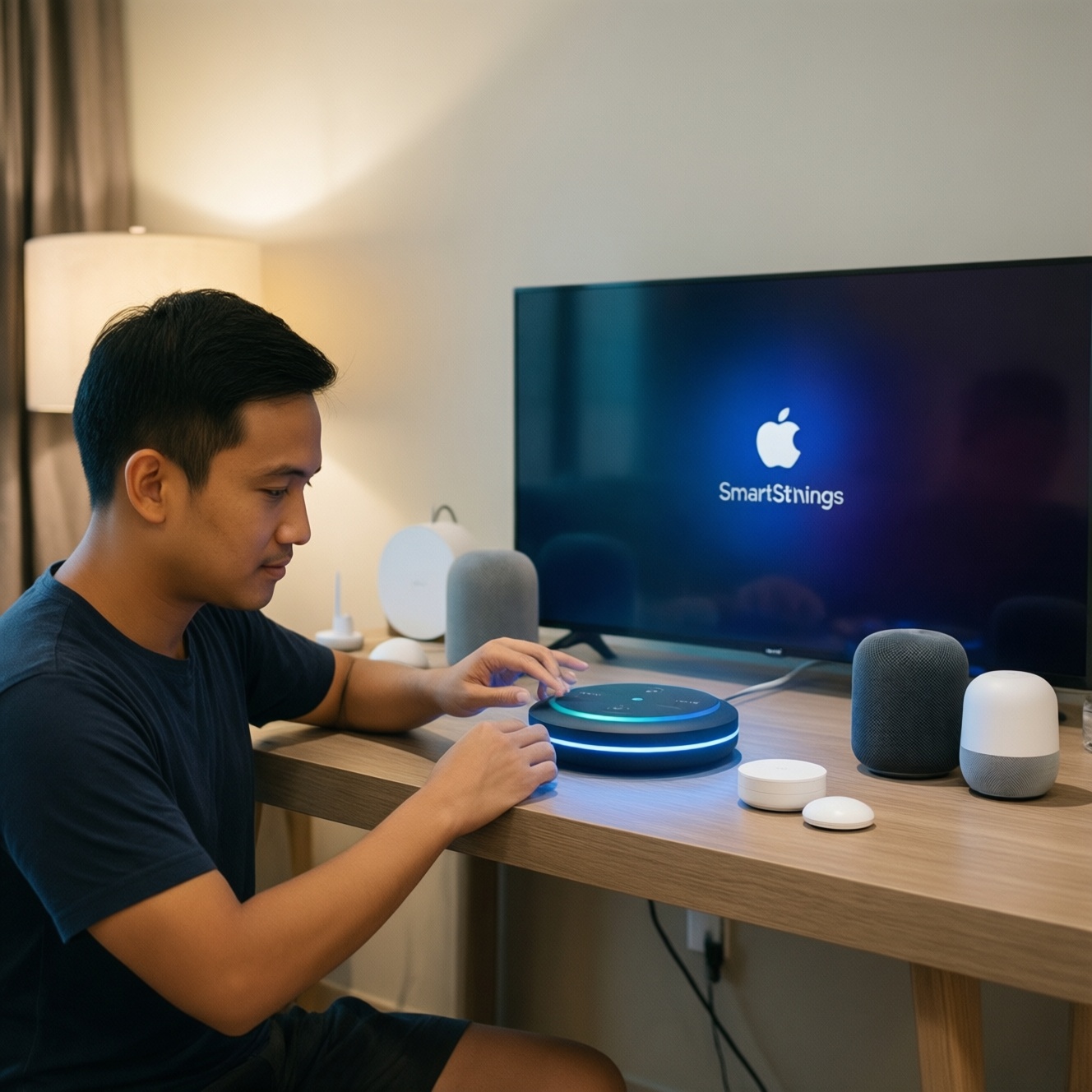
For a budget smart home start in Thailand, pick the ecosystem that matches your phones and the devices you can actually buy locally, then build around one reliable "hub class" device plus a few sensors. Apple Home favors privacy and local control, Google Home favors voice and low-friction setup, and SmartThings favors device breadth and automations.
Quick decision checklist for budget smart homes
- You already use iPhone/iPad/Mac heavily (lean Apple Home) or Android/Chromecast (lean Google Home).
- You need the widest brand compatibility and complex routines (lean SmartThings).
- You can commit to one control standard first (Matter/Thread preferred) before adding legacy Zigbee/Z-Wave.
- You know where automations should run (local-first vs cloud-dependent) and accept the trade-off.
- You can name 2-3 "must work" devices (locks, AC IR, cameras) and verify platform support before checkout.
Choosing the right ecosystem: Apple Home vs Google Home vs SmartThings
- Primary phone platform: iOS users get the least friction with Apple Home; Android users usually ramp faster with Google Home.
- Local vs cloud automations: Apple Home typically encourages local processing; Google Home leans cloud; SmartThings can do both depending on device types.
- Device availability in TH: before thinking about อุปกรณ์ Apple HomeKit ราคา or อุปกรณ์ Google Home ราคา, confirm which models are actually in Thai retail channels and have regional warranty.
- Compatibility strategy: prioritize Matter-capable devices for portability across ecosystems; add Zigbee/Z-Wave only if you accept hub dependency.
- Voice assistant expectations: Google Assistant breadth and Thai language support tends to be the smoothest path; Siri works well inside Apple's ecosystem but may be stricter about supported devices.
- Automation complexity: SmartThings is strong for conditional logic and multi-device orchestration; Apple Home is clean and stable for "if sensor then light" style; Google Home is improving but varies by device category.
- Household sharing: check how each platform handles multi-user access, guest permissions, and remote control without breaking automations.
- Privacy posture: decide whether you accept more cloud telemetry for convenience (often Google) or prefer local-first constraints (often Apple).
Essential hardware for a tight budget: hubs, speakers, and sensors
If you're aiming for a ชุดสมาร์ตโฮม งบประหยัด, don't start by buying many devices. Start with (1) a "brain" (hub/speaker), (2) one lighting control path, and (3) one sensor category that triggers automation. The options below map to Apple Home, Google Home, and SmartThings-first builds.
| Option | Who it fits | Pros | Cons | When to choose |
|---|---|---|---|---|
| Apple Home hub (Apple TV or HomePod-class) | iPhone households that want stable Home automations | Strong local-first behavior; solid Home app experience; good household sharing | Fewer "cheap random" devices; you must verify Home/Matter support carefully | When you value privacy posture and predictable scenes more than device variety |
| Google Nest speaker/display as controller | Android-first homes prioritizing voice control | Fast setup; great voice UX; wide third-party service integrations | More cloud reliance; some device categories behave inconsistently across brands | When you want the quickest start and will keep automations simple |
| SmartThings hub (or Samsung hub-class gateway) | Users who want broad device compatibility and deeper routines | Zigbee/Z-Wave ecosystem access; powerful automation engine; scalable structure | Extra hub to maintain; brand/model selection matters to avoid flaky drivers | When "it must work with many sensors" matters more than a minimal footprint |
| Matter-over-Wi‑Fi smart plugs/switches | Renters and beginners who need reversible installs | Cheap path to automation; portable; works across ecosystems when Matter is supported | Wi‑Fi congestion risk; limited if you later need low-latency sensors | When you're automating lamps/appliances first and avoiding wiring work |
| Zigbee sensor set (motion/contact/temp) + compatible hub | Intermediate users wanting reliable triggers | Fast, low-power sensors; strong automation triggers | Requires a hub (SmartThings or another Zigbee gateway); compatibility checks are mandatory | When you want "lights follow motion" and "door opens triggers" that feel instant |
| IR blaster for AC/TV (platform-supported) | Homes where AC control is the main value | High impact in Thailand; adds scheduling and presence-based AC rules | Model-by-model support varies; cloud dependencies are common | When your first automation is "arrive home → set AC" and you can verify integrations |
Cost-effective device combinations: three recommended starter kits
Use these as "starter shapes" and then swap brands based on what's available in Thailand. If you're researching SmartThings Starter Kit ราคา, treat "starter kit" as a concept: hub + 2-3 sensors + one actuator, not a specific bundle.
- If your household is iPhone-first and you want fewer cloud dependencies, then: Apple Home hub + 2 Matter smart plugs + 1 motion sensor (Matter/Thread if possible) to automate lights and fans.
- If you want the simplest voice-driven home and quick wins, then: Google Nest speaker/display + 2 Wi‑Fi/Matter plugs + IR blaster (verified for Google Home) for AC schedules and voice commands.
- If you expect to grow into many sensors and more complex logic, then: SmartThings hub + Zigbee motion/contact sensors + one smart plug to build reliable trigger-based routines.
- If you're renting and can't change switches, then: any ecosystem controller + smart plugs + a portable lamp (automation target) + one door/contact sensor for "entry triggers lighting."
- If your priority is AC cost control, then: pick the ecosystem your phone supports best + an IR blaster with proven integration + one temperature sensor to drive setpoint and schedules (avoid "AI" promises unless you can test returns).
Integration and compatibility: what to check before you buy
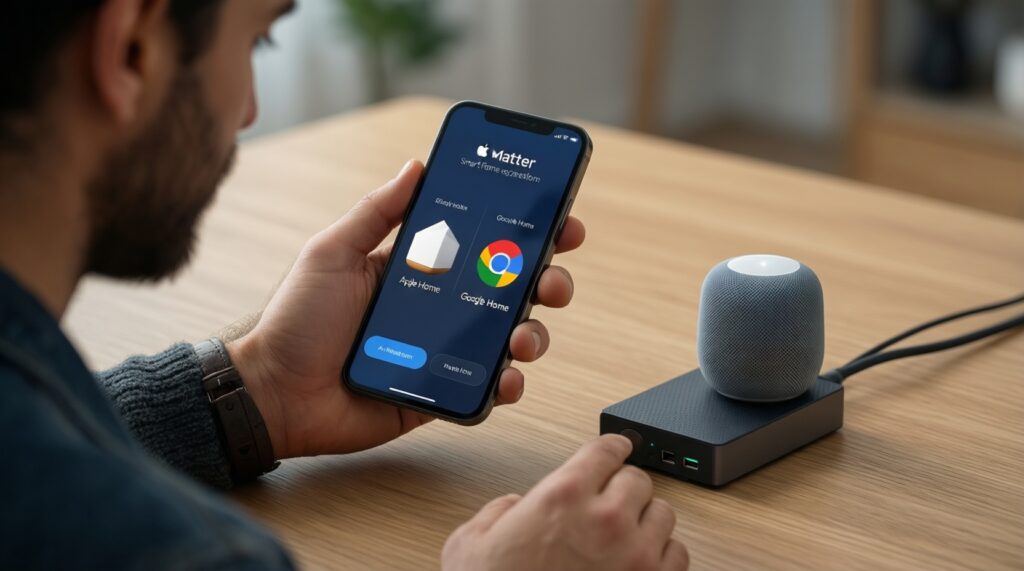
- Write down your target ecosystem first (Apple Home, Google Home, or SmartThings) and avoid mixing "just because it's cheap" on day one.
- Check device protocol: prefer Matter; otherwise confirm Zigbee/Z-Wave needs a hub you actually have.
- Confirm the control surface you will use daily (Home app, Google Home app, SmartThings app) supports the exact feature you need (dimming, energy reporting, local triggers).
- Verify regional constraints: language support, cloud region, and whether the brand operates reliably in Thailand.
- Check automation requirements: time-based, presence-based, sensor-based-then confirm the platform supports that trigger without third-party hacks.
- Decide camera strategy early: many cameras lock you into their own app; treat them as separate unless native integration is proven.
- Plan your "exit": if you might switch ecosystems later, avoid platform-locked devices unless they're essential.
Step-by-step setup flowchart for each ecosystem
Apple Home decision-tree setup
- If you have no Apple hub, then add an Apple Home hub first; otherwise remote access and some automations may be limited.
- If the device supports Matter, then onboard it with the Home app using the Matter code; otherwise confirm it is Apple Home compatible before pairing.
- If you want faster, more reliable sensors, then prefer Thread-capable devices; otherwise accept Wi‑Fi latency and battery impact.
Google Home decision-tree setup
- If you want the fastest start, then begin with a Google Nest speaker/display and link devices inside Google Home.
- If a device offers both vendor app setup and Matter setup, then choose Matter when available to reduce vendor lock-in.
- If automations don't trigger reliably, then reduce complexity: test one trigger + one action first, then layer conditions.
SmartThings decision-tree setup
- If you plan to use Zigbee/Z-Wave sensors, then install a SmartThings hub before buying sensors; otherwise you'll be forced into Wi‑Fi-only devices.
- If a device is Zigbee, then pair it directly to SmartThings (avoid multiple hubs competing for the same device type).
- If you need advanced routines, then build them in SmartThings first and only expose final controls to voice assistants.
Frequent setup mistakes that waste budget

- Buying devices before choosing the ecosystem (this is the main way ซื้ออุปกรณ์สมาร์ตโฮม เริ่มต้น turns into incompatible leftovers).
- Assuming "works with" means full feature support (often it's only on/off, not dimming, scenes, or sensor triggers).
- Mixing multiple Wi‑Fi smart brands on a weak router and blaming the platform instead of the network.
- Choosing IR blasters or cameras without confirming the integration path you'll actually use day-to-day.
- Overbuilding automations before validating one device category end-to-end (pairing → control → automation → remote access).
- Ignoring household access and permissions until someone can't control lights or breaks a routine.
- Skipping firmware updates after setup, then chasing "random" reliability issues.
Ongoing costs, privacy trade-offs, and upgrade paths
- If you want the cleanest Apple-native daily experience, then choose Apple Home and prioritize Matter/Thread devices.
- If you want the quickest voice-first home with broad consumer device support, then choose Google Home and keep automations simple and testable.
- If you want to grow into many sensors and richer rules, then choose SmartThings and standardize on Zigbee where it's stable.
Best for privacy-leaning households is typically Apple Home with Matter/Thread where possible; best for "fastest to start" is Google Home; best for scalability and mixed-device environments is SmartThings. None is universally best-pick the one that matches your phones, your must-have devices, and how much cloud reliance you accept.
Common purchase and setup concerns answered
Can I mix Apple Home, Google Home, and SmartThings in one apartment?
You can, but budget builds get messy fast. Use one primary ecosystem for automations and add cross-platform devices (preferably Matter) to keep control consistent.
Is Matter enough to avoid compatibility problems?
Matter reduces lock-in for basic control, but not every advanced feature is standardized. Always confirm the exact features you need (dimming, energy, sensors, routines) in your chosen app.
Do I need a hub on day one?
Not always. You need a hub when you want Zigbee/Z-Wave sensors, more reliable triggers, or stronger local behavior; Wi‑Fi-only devices can start without one but may be less consistent.
Why do automations feel delayed or unreliable?
Common causes are weak Wi‑Fi, cloud-dependent device paths, and overly complex routines. Test one trigger-to-action path first, then expand.
What should I buy first for the biggest impact in Thailand?
For most homes, start with smart plugs for lights/fans and one motion/contact sensor for automation triggers. Add IR AC control only after you confirm the exact integration for your ecosystem.
How do I avoid wasting money on the wrong device?
Decide the ecosystem first, then verify protocol (Matter vs Zigbee/Z-Wave vs Wi‑Fi) and feature support in the app you will actually use. Keep receipts until you validate pairing and routines.