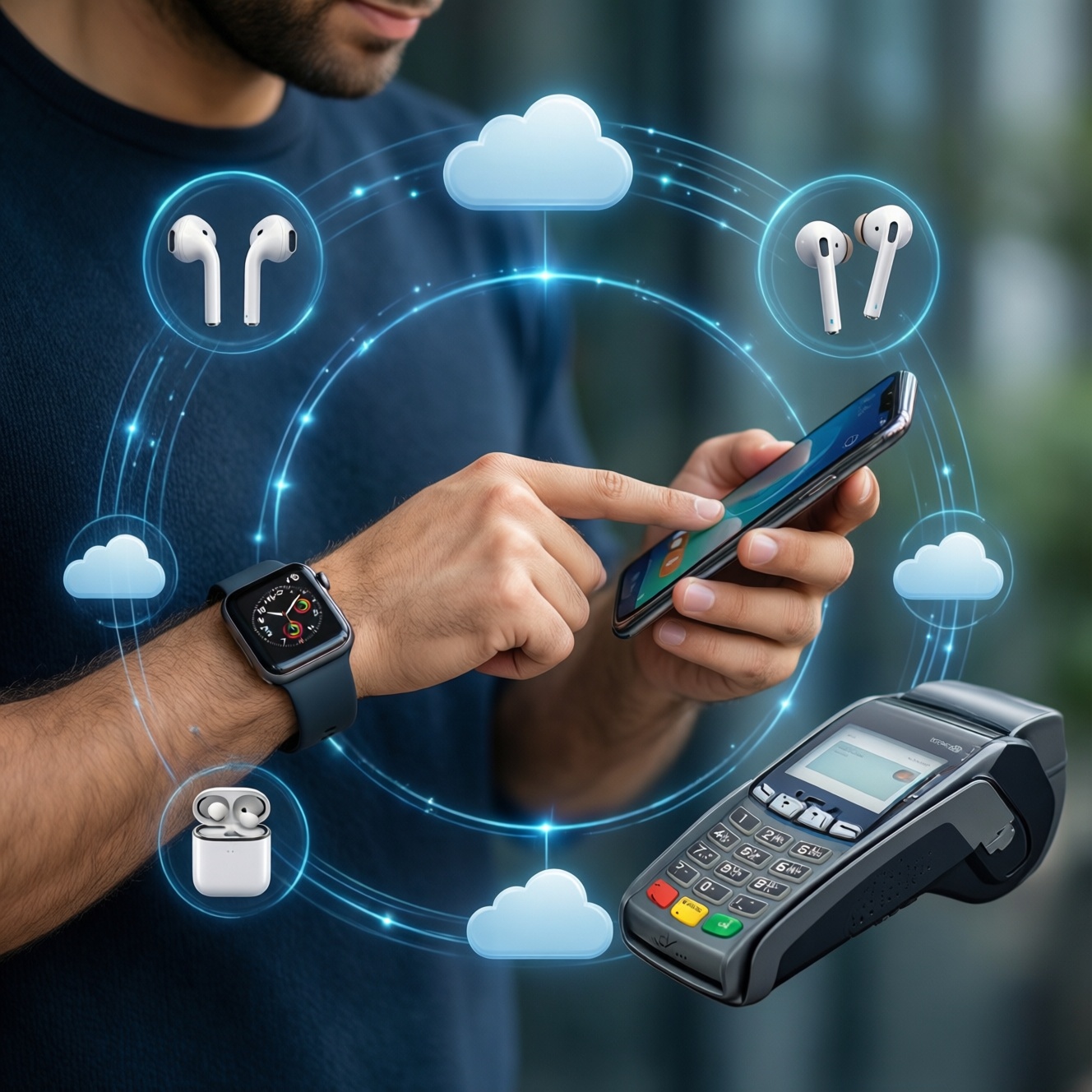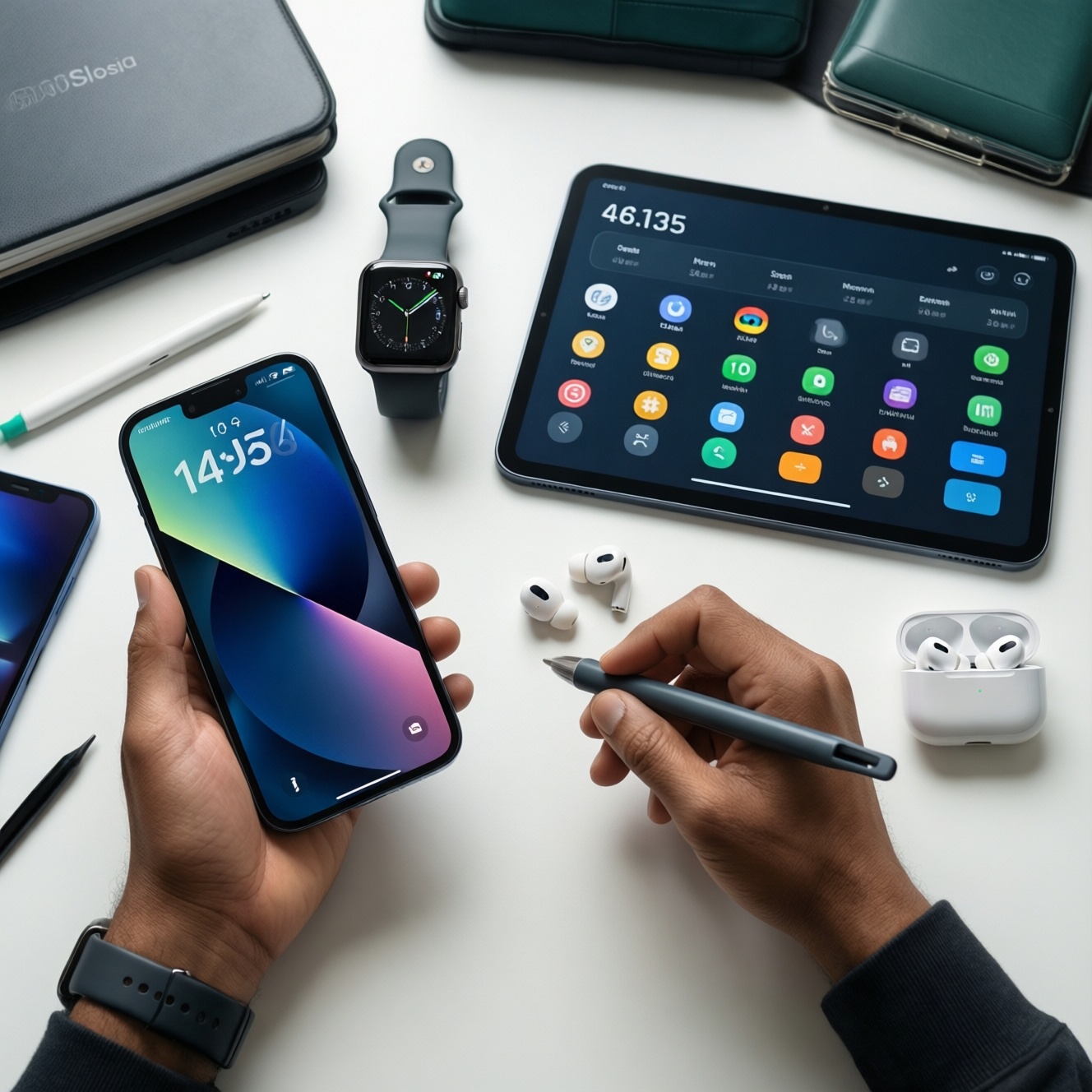
A cost-effective full-device upgrade (phone + tablet + watch + earbuds) is easiest when you budget as an ecosystem, not as four separate purchases. Pick one "anchor" device (usually the phone), then allocate money to the pairings that unlock cross-device features, and avoid hidden costs like subscriptions, straps/cases, and mismatched standards.
Budgeting Blueprint for a Full-Device Upgrade
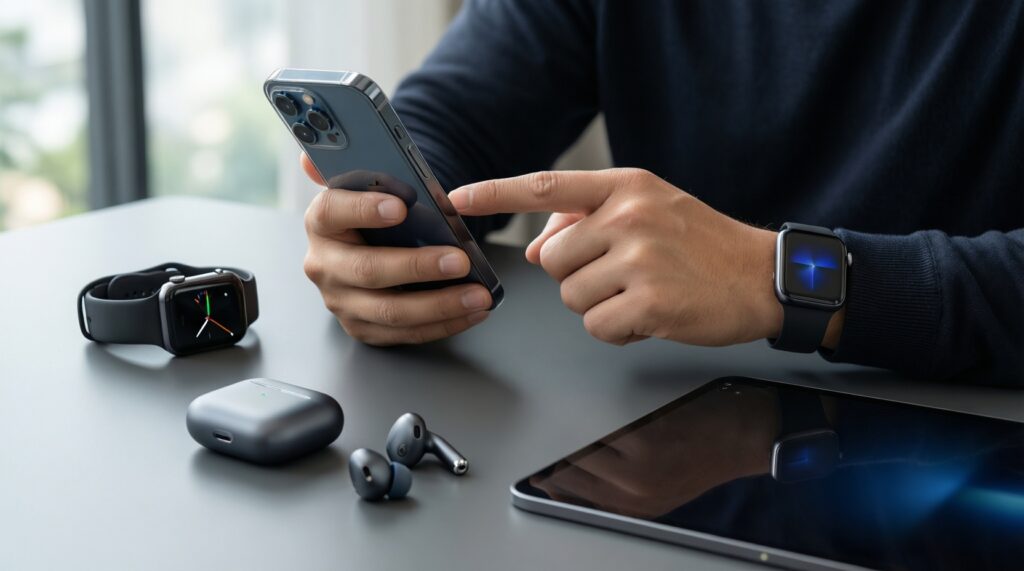
- Choose one ecosystem first; mixing brands often adds "conversion costs" (apps, chargers, compatibility workarounds).
- Make the phone your anchor, then fund the watch second for health/notifications, and the earbuds third for call quality and switching.
- Buy the tablet only if it replaces a real task (notes, meetings, study); otherwise, downgrade it to save most efficiently.
- Plan for services and accessories up front (cloud storage, protection plan, case, chargers, bands/tips).
- Use trade-in + timing (launch cycles, clearance, bundles) to reduce total cost without downgrading experience.
Why Ecosystem Cohesion Matters for Value
Ecosystem cohesion means your phone, tablet, watch, and earbuds are designed to share accounts, settings, notifications, media, and health data with minimal friction. Value comes from features that only work (or work best) within the same family: seamless device switching, unified backups, fast pairing, shared clipboard, and consistent security updates.
The boundary is practical: you can mix brands and still "function," but you usually lose automation and convenience (and spend time patching gaps with extra apps, adapters, and manual workflows). Those gaps become real costs when you upgrade again, troubleshoot connectivity, or replace accessories.
In Thailand, many buyers start with the question "แนะนำ Ecosystem มือถือ แท็บเล็ต นาฬิกา หูฟัง คุ้มค่า" because the best deal isn't always the cheapest device-it's the set that stays smooth for years with fewer replacements and fewer add-ons.
- Recommendation: Decide your ecosystem before comparing models; it prevents "almost compatible" purchases.
- Recommendation: Treat time spent fixing sync/pairing issues as a cost-especially if you rely on devices for work/study.
Setting Priorities: When to Spend and Where to Save
- Spend on the anchor phone. Prioritize chipset generation, storage, and long-term software support; these affect every other device.
- Spend on the watch if you'll use health + notifications daily. If it becomes your "second screen," it pays off; if not, choose a simpler model.
- Save on the tablet unless it replaces a laptop task. If it's mostly video/reading, mid-range is enough; invest only for stylus workflows or pro apps.
- Save smartly on earbuds. Pay for comfort, microphone quality, and multi-device switching; avoid premium audio features you won't use.
- Standardize charging. If your set forces multiple cables/chargers, you'll buy duplicates for home/office/car.
- Lock in cross-device features early. Pick the watch/earbuds that fully support your phone's best features (fast pairing, spatial audio, device switching).
- Recommendation: If your total budget is tight, downgrade the tablet first-not the phone.
- Recommendation: Don't pay extra for "Pro" tiers unless you can name the one feature you will use weekly.
Recommended Budget Tiers per Ecosystem (Apple, Samsung, Google, Generic Android)
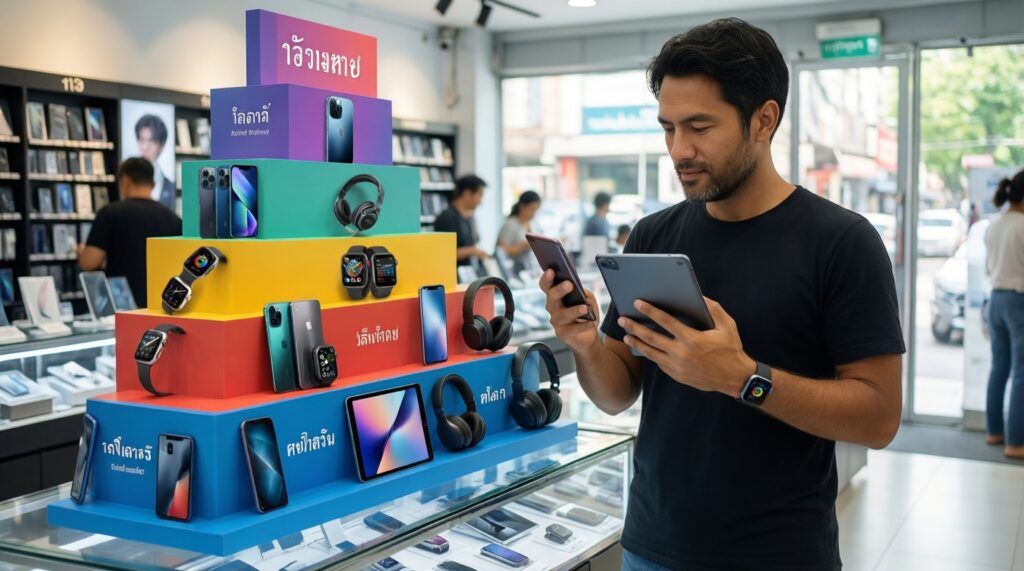
Use tiers as a decision shortcut; then choose exact models based on current pricing in Thailand. These scenarios cover the most common budgeting intents, including "จัดชุดมือถือ แท็บเล็ต สมาร์ทวอทช์ หูฟัง งบ 20000" (which usually requires compromises like used/refurb or skipping the tablet).
Scenario A: Entry tier (tight budget, maximum compatibility)
- Apple: Typically requires older/used iPhone + older iPad + Watch SE class + AirPods entry tier; best if you need iMessage/FaceTime continuity.
- Samsung Galaxy: Strong value if you build around an A-series phone + Tab FE class + Galaxy Watch entry tier + Galaxy Buds; look for bundles.
- Google / Pixel: Often limited availability; good if you prioritize clean Android + Google services; watch/earbuds may vary by local stock.
- Generic Android: Best raw specs per baht, but watch + earbuds integration varies; plan extra time for setup and app selection.
Scenario B: Mid tier (best balance for most intermediate users)
- Apple: iPhone (current or recent) + base iPad + Apple Watch (non-Ultra) + AirPods with ANC if you take calls often.
- Samsung Galaxy: S-series "base" phone + Tab S FE or mid Tab S + Watch with good sensors + Buds with ANC.
- Google / Pixel: Pixel phone + Pixel Buds + Wear OS watch; tablet choice may be non-Google but should support fast nearby pairing and shared accounts.
Scenario C: High tier (heavy productivity, longevity focus)
- Apple: iPhone Pro class + iPad Air/Pro + Watch with advanced sensors + higher-tier AirPods; ideal if you rely on tablets for work.
- Samsung Galaxy: S Ultra class + Tab S flagship + Watch higher tier + Buds higher tier; best for multi-window and DeX-style workflows.
Scenario D: "All-in-one bundle" hunting
If you're actively searching "โปรโมชัน ซื้อโทรศัพท์พร้อมแท็บเล็ตและสมาร์ทวอทช์", prioritize bundles that reduce total cost without forcing a weak anchor phone. Bundles are most valuable when they include the watch or earbuds at a steep discount.
Scenario E: People explicitly comparing complete sets
Questions like "ซื้อ iPhone iPad Apple Watch AirPods ชุดไหนดี" and "ชุด Samsung Galaxy โทรศัพท์ แท็บเล็ต นาฬิกา หูฟัง ราคา" are best answered by starting with your anchor use-case (work, study, health, travel), then choosing the smallest tier that supports it.
- Recommendation: If you want the "most seamless" experience, pick Apple or Samsung end-to-end.
- Recommendation: If you want the "best specs per baht," pick Android but budget extra for setup and accessory standardization.
Device Pairings That Maximize Features and Longevity
High-impact pairings (usually worth paying for)
- Phone + watch from the same ecosystem: best notification reliability, health/fitness data continuity, and security/lock features.
- Phone + earbuds optimized for that phone: stable multipoint/device switching, better call noise reduction, and predictable latency.
- Phone + tablet with shared account/backup: fewer app repurchases and less friction moving notes/files.
Common limitations when you mix ecosystems
- Feature loss: some advanced watch features (ECG-like capabilities, deeper health insights) may be limited outside the intended phone brand.
- Extra complexity: more apps for syncing, more permissions, more battery drain, more troubleshooting.
- Accessory fragmentation: different chargers, bands, cases, and audio codecs can increase hidden spend.
- Recommendation: If you must mix, keep the phone + watch together; mix the tablet last.
- Recommendation: Avoid "almost matching" earbuds-prioritize mic quality and stable switching over marketing features.
Trade-in, Financing, and Timing Strategies to Lower Total Cost
- Mistake: optimizing only the sticker price. Fix: compare total cost including accessories, protection, and any required subscriptions.
- Mistake: trading in too late. Fix: trade in while your current phone is still in strong condition; small damage can erase trade-in value.
- Mistake: financing the wrong device. Fix: if using installments, finance the anchor phone first; accessories and earbuds often discount heavily later.
- Mistake: bundle traps. Fix: don't accept a weaker phone just because the bundle includes a watch; the phone dictates the whole experience.
- Myth: "Newest always lasts longest." Fix: longevity comes from the right tier (storage/RAM class, battery health, update policy), not just launch date.
- Recommendation: Time purchases around clearances and official campaigns, but never downgrade the anchor phone to "win" a bundle.
- Recommendation: Do a 10-minute "total kit audit" before paying: chargers, cables, case, band, tips, and warranty.
Essential Services and Accessories to Factor into the Total
Budgeting fails most often because buyers forget recurring services and "small" add-ons that become mandatory on day one. Use a simple pre-check like the pseudo-formula below before you commit to a set-especially if you're trying to fit within a fixed target such as a 20,000 THB plan.
total_cost =
  devices(phone + tablet + watch + earbuds)
+ essentials(case + screen_protector + charger + cable + watch_band/tips)
+ services(cloud_backup + warranty/accidental + paid_apps_if_needed)
- discounts(trade_in + bundle + cashback)
- Fast prevention tip: If total_cost is uncomfortable, reduce the tablet tier first, then the watch tier-keep the phone stable.
- Fast prevention tip: If you use two locations (home/work), budget at least one extra charger/cable set to avoid constant cable swapping.
Consolidated self-check before you buy (per ecosystem)
- Apple: iPhone is recent enough for the Watch and iPadOS features you care about; your AirPods tier matches your call/noise needs.
- Samsung: Galaxy phone and Watch are the same region/account setup; your tablet supports your productivity plan (S Pen/DeX if needed).
- Google: Confirm local availability/service, then keep phone + earbuds tightly matched; choose a Wear OS watch with reliable sensors.
- Generic Android: Standardize charging (prefer one cable type), verify watch app support for your phone brand, and avoid impulse "spec upgrades" that break integration.
Quick Answers on Common Upgrade Concerns
Should I buy the phone, tablet, watch, and earbuds all at once?
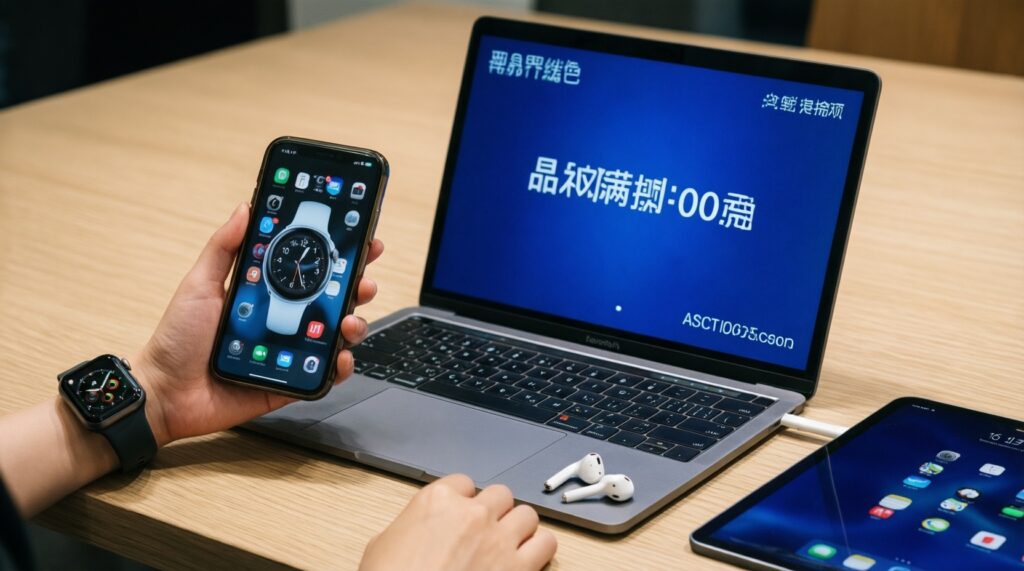
Only if a bundle meaningfully reduces the total cost and the phone remains strong. Otherwise, buy the phone first, then the watch/earbuds, and add the tablet last.
What's the most common budgeting mistake in a full set upgrade?
Underfunding the anchor phone and overspending on the tablet. Fix it by protecting the phone tier and downgrading the tablet tier when needed.
If my budget is "จัดชุดมือถือ แท็บเล็ต สมาร์ทวอทช์ หูฟัง งบ 20000", what should I compromise on first?
Compromise on the tablet first (older/used or lower tier), then earbuds. Try not to compromise on the phone's storage and general performance.
Are ecosystem bundles always worth it (โปรโมชัน ซื้อโทรศัพท์พร้อมแท็บเล็ตและสมาร์ทวอทช์)?
No-some bundles hide a weak phone or inflate accessory pricing. Verify the phone tier and check the real discount against buying items separately.
How do I decide between "ซื้อ iPhone iPad Apple Watch AirPods ชุดไหนดี" and a Samsung set?
Choose Apple for the tightest cross-device continuity and predictable accessories; choose Samsung for flexible Android workflows and frequent bundle/value options. Let your daily tasks decide, not just brand preference.
When comparing "ชุด Samsung Galaxy โทรศัพท์ แท็บเล็ต นาฬิกา หูฟัง ราคา", what matters most?
Match the phone and watch first, then pick earbuds for call quality and switching reliability. Treat the tablet as optional unless it replaces real work/study tasks.
What's the quickest way to avoid compatibility surprises?
Before buying, confirm: one account ecosystem, one primary charging standard, and full app support for the watch on your phone. If any of these fail, expect extra spending and setup time.