If you're choosing between HomePod, Nest Audio, and SmartThings-compatible speakers in Thailand, pick based on your main ecosystem first (Apple vs Google vs SmartThings home), then confirm sound preference, multiroom plans, and privacy tolerance. This practical review focuses on real daily differences: tuning style, assistant reliability, device bridging, and long-term ownership friction.
At-a-glance performance summary
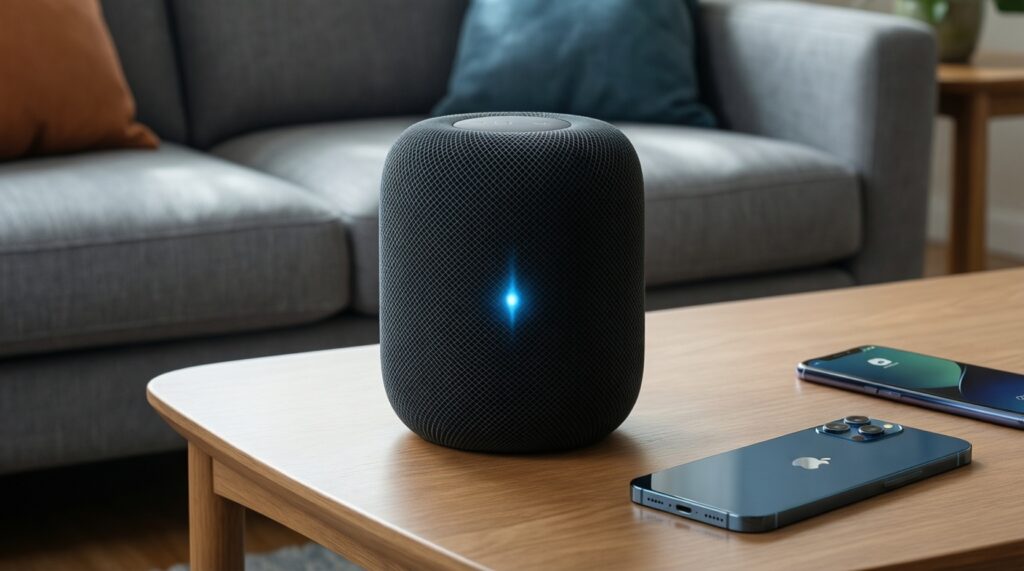
- HomePod fits Apple-first homes: tight iPhone integration, solid room-adaptive sound, but less flexible outside the Apple ecosystem.
- Nest Audio fits Google-first homes: strong Google Assistant reach and easy casting, but feature depth depends on your Google account and app setup.
- SmartThings-compatible speakers win on mixed-device homes when you want automation-first control, but audio/assistant experience varies by brand.
- Multiroom is easiest when all speakers are in the same family; bridging ecosystems is possible, but expect compromises in grouping and control.
- Privacy expectations differ: decide how comfortable you are with cloud processing, always-listening microphones, and account-level personalization.
- Total cost is driven less by the speaker itself and more by accessories, ecosystem buy-in, and how often you change phones/TVs.
Sound quality and tuning: HomePod vs Nest Audio vs SmartThings speakers
For intermediate buyers, the fastest way to judge sound is to map the speaker's tuning and placement behavior to your room and listening style. Use these criteria to structure an in-store demo or a home trial.
- Tuning signature: neutral vs warm vs bass-forward; notice vocal clarity at low volume.
- Room adaptation: whether it changes EQ based on placement (corner, shelf, open room).
- Off-axis listening: how it sounds when you're not directly in front (kitchen and living room use).
- Dynamic behavior: whether it compresses (sounds "flat") when you push volume.
- Dialogue intelligibility: podcasts, YouTube speech, TV dialogue via supported links.
- Low-volume detail: late-night listening without losing bass and presence.
- Stereo image potential: whether you can stereo pair two units and how stable the image is.
- Input flexibility: streaming-only vs any wired/TV integration options you realistically need.
Practical verdict: In "เปรียบเทียบ HomePod กับ Nest Audio" terms, HomePod typically feels more like a self-contained hi-fi appliance, while Nest Audio feels more like a smart, cast-friendly speaker; SmartThings-compatible options range from soundbar-like to speaker-like depending on the model and setup.
Voice assistants, interoperability and ecosystem lock-in
Your assistant choice is not only about voice accuracy; it changes how you control smart home devices, share music, and recover from Wi‑Fi/app issues. Below is a practical comparison for Thailand buyers, including those searching "ลำโพงอัจฉริยะ ยี่ห้อไหนดี 2026".
| Variant | Who it's for | Pros | Cons | When to choose |
|---|---|---|---|---|
| Apple HomePod (latest generation) | iPhone/iPad users with Apple Music and Home app routines | Deep Apple integration; consistent handoff within Apple devices; strong "set and forget" feel | Less flexible with non-Apple services; many smart-home paths assume HomeKit/Matter-first thinking | When you want one primary control plane (Apple Home) and minimal tinkering |
| Apple HomePod mini | Apple users needing smaller rooms or more speakers across rooms | Easy to deploy multiple units; good for Siri-based room control | Not the best pick if your priority is maximum output or broad third-party assistant features | When you want affordable multiroom in an Apple-first home |
| Google Nest Audio | Android/Google Workspace/Gmail households and heavy voice-query users | Google Assistant strength for general queries; smooth casting and shared household control | Experience is account-driven; some controls live inside Google Home app complexity | When you value Google Assistant and easy casting more than strict ecosystem privacy boundaries |
| Google Nest Mini | Budget multiroom voice nodes (bedrooms, hallway, desk) | Low-friction voice control in many rooms; simple to add coverage | Audio is functional, not "main speaker" level for music-first listeners | When you mainly need voice control points rather than one premium music speaker |
| SmartThings-compatible speaker via Samsung ecosystem (speaker/soundbar class) | Samsung phone/TV owners building automations and scenes in SmartThings | Automation-first control; works well when your home logic is in SmartThings; good for mixed-brand devices | Assistant experience varies (may rely on Alexa/Google); speaker UI differs by brand; setup can be more manual | When you want SmartThings routines to be the "brain" and accept a less uniform speaker lineup |
| Third-party speaker integrated with SmartThings (e.g., app-linked brands) | Mixed ecosystems where you need SmartThings hooks but want your preferred audio brand | Best chance to balance sound preferences with automation needs | Integration depth varies; grouping/voice features may not match first-party speakers | When "ลำโพงรองรับ SmartThings แนะนำ" is your priority and you're okay validating features model-by-model |
Practical verdict: Choose the assistant based on which app becomes your daily remote: Apple Home + Siri (HomePod), Google Home + Assistant (Nest), or SmartThings as the automation layer (SmartThings-compatible speakers). The more mixed your devices, the more you'll trade simplicity for flexibility.
Multiroom, stereo pairing and third‑party speaker bridging
Multiroom success depends on keeping grouping inside one ecosystem. Bridging is possible (via app-level casting/airplay or third-party platforms), but it often breaks "one-tap whole-home audio". Use these scenarios:
- If you want whole-home music with one group every day, then standardize on one family (all HomePods or all Nest) for the rooms that matter.
- If you want stereo music in the living room, then buy two identical speakers and stereo pair inside the same ecosystem; avoid mixing brands in the stereo pair.
- If you mainly need background audio plus voice control in many rooms, then use a "main" speaker in the living area and smaller nodes (mini-class) elsewhere.
- If your home is SmartThings-centered for automations, then keep audio grouping inside your audio ecosystem, and use SmartThings for triggers/scenes rather than expecting perfect cross-brand speaker grouping.
- If you already own speakers in multiple ecosystems, then plan for two separate multiroom groups and decide which rooms belong to which group, instead of forcing a single merged group.
Practical verdict: Treat multiroom audio as a "single-vendor domain" for the rooms where you actually group speakers; use bridging only for occasional playback, not as your default habit.
Privacy, data handling and on‑device processing differences
Privacy is best handled as a decision checklist: confirm what you'll tolerate, then pick the ecosystem that matches your comfort level and daily usage.
- Decide whether you want voice personalization tied to a primary account (Apple ID / Google account / Samsung account).
- Confirm if you're comfortable with cloud-dependent recognition for better assistant features, or you prefer minimizing cloud reliance where possible.
- Choose your microphone posture: always-on for hands-free control vs frequent mute for peace of mind.
- Check guest behavior: can visitors control playback and smart devices without accessing your personal data?
- Review app permissions you'll grant on your phone (contacts, location, home device access) to enable your preferred features.
- Plan a "privacy routine": physical mute when not needed, and periodic review of voice/activity settings in the relevant app.
Practical verdict: If you want the simplest privacy posture, pick the ecosystem you trust enough to keep signed in daily; if you don't trust any, prioritize physical mute habits and limit voice personalization features.
Daily usability: controls, latency and real‑world reliability
Most disappointment comes from small workflow mismatches: how you start music, how fast it responds, and how often the controlling app breaks. Avoid these common buying mistakes:
- Choosing the "best sounding" speaker but ignoring that your household uses the other ecosystem's phones and apps daily.
- Assuming all smart home devices will be equally controllable by voice; integrations differ by platform and device type.
- Underestimating Wi‑Fi quality: weak coverage causes delayed responses, desync in multiroom, and random dropouts.
- Relying on voice for everything; when the network is flaky, you'll want reliable touch controls and phone control.
- Buying one speaker for a large open space, then blaming the product for physics; placement and room size still matter.
- Expecting perfect bilingual/multilingual behavior without testing your real command phrases and names of rooms/devices.
- Ignoring who "owns" the home setup: shared families need clear account/admin structure to avoid constant re-linking.
- Shopping only by "รีวิว HomePod รุ่นล่าสุด ราคา" or "ซื้อ Nest Audio ราคาถูก" and skipping return policy; real fit often requires a home trial.
Practical verdict: The most reliable setup is the one your household can operate without thinking: stable Wi‑Fi, one primary app, and a consistent naming scheme for rooms/devices.
Total cost of ownership: pricing, accessories and firmware support
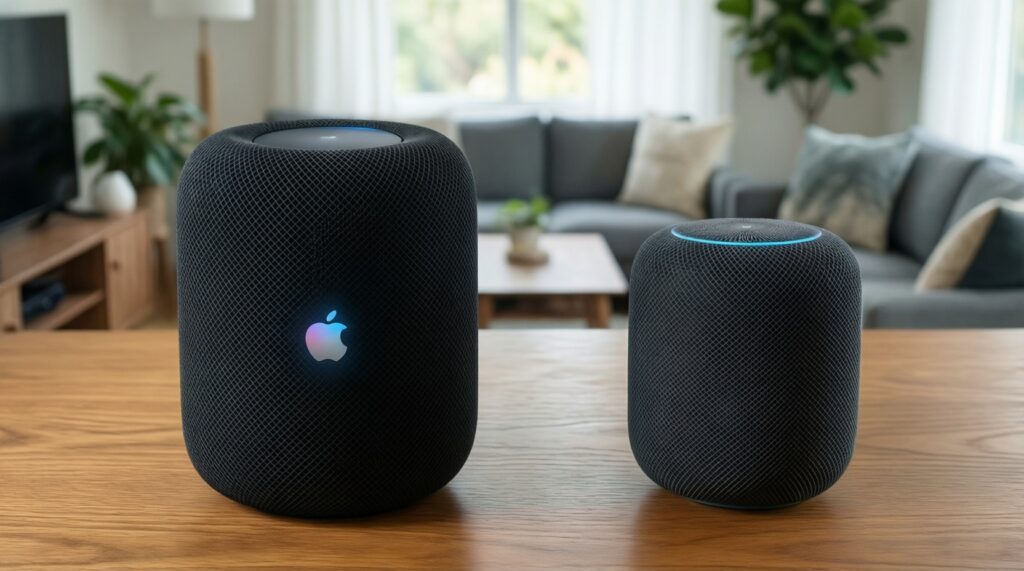
- If your priority is Apple-first simplicity + music-first listening, go HomePod; if you want cheaper coverage across rooms, add HomePod mini nodes.
- If your priority is Google services + casting convenience, go Nest Audio for main rooms and add Nest Mini where you only need voice coverage.
- If your priority is automation breadth in a mixed-brand home, choose SmartThings-compatible speakers and validate the exact integration paths you need before buying.
Overall, "best" depends on what you already own and how you listen: HomePod tends to reward Apple ecosystem commitment, Nest Audio rewards Google-first households, and SmartThings-compatible speakers reward automation builders who accept more model-by-model verification rather than a single uniform experience.
Common decision scenarios and quick answers
I use iPhone and Apple Music-should I default to HomePod?
Yes, if you want the least setup friction and consistent control through Apple Home. If you depend on Google services or need broader casting compatibility, test Nest Audio first.
I'm on Android-does HomePod still make sense?
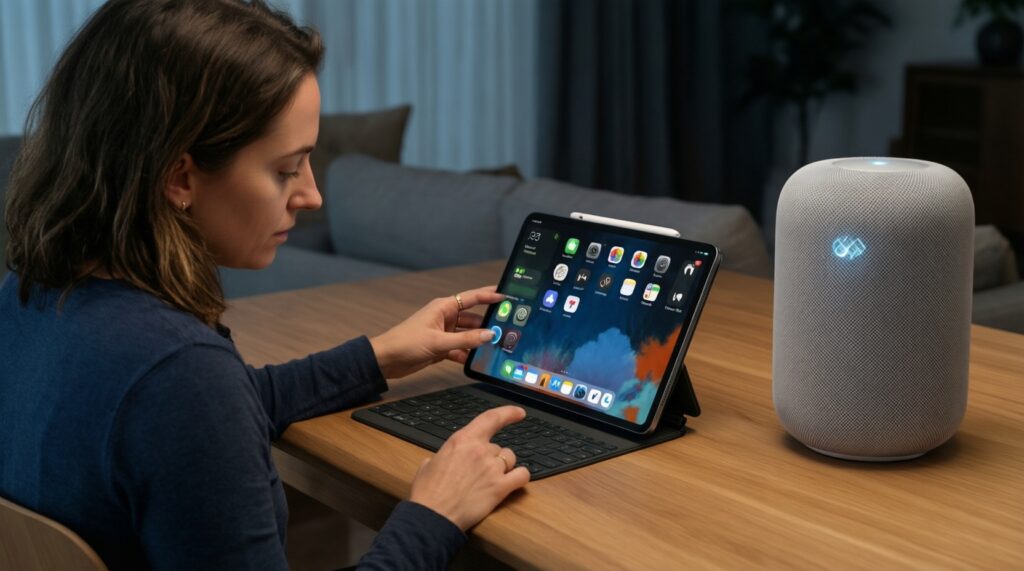
Usually only if you're intentionally committing to Apple Home via a shared iPad/home admin device. For day-to-day Android control, Nest Audio or a SmartThings-centered setup is typically smoother.
I want SmartThings routines first; which speaker type should I buy?
Pick a SmartThings-compatible speaker where the integration you need is confirmed (devices, triggers, playback control). Treat the speaker as part of an automation system, not only an audio purchase.
Can I mix HomePod and Nest Audio for one whole-home group?
Not as a single native multiroom group across ecosystems. Plan separate groups per ecosystem and assign rooms intentionally to avoid daily frustration.
What matters most when shopping in Thailand for deals?
Prioritize warranty/return policy and local app-store compatibility over small price differences. If you're searching "ซื้อ Nest Audio ราคาถูก", verify region support and account setup works on your household phones.
Which is a safer pick if I'm unsure about privacy expectations?
Choose the ecosystem you're willing to manage actively: mic mute habits, account permissions, and activity controls. If you won't manage settings, minimize always-on usage and keep controls simple.
How should I decide if I'm stuck between ecosystems?
Pick the ecosystem that already owns your "daily remote": iPhone/Home app, Google Home app, or SmartThings. Then choose the speaker that reduces app switching and account confusion.