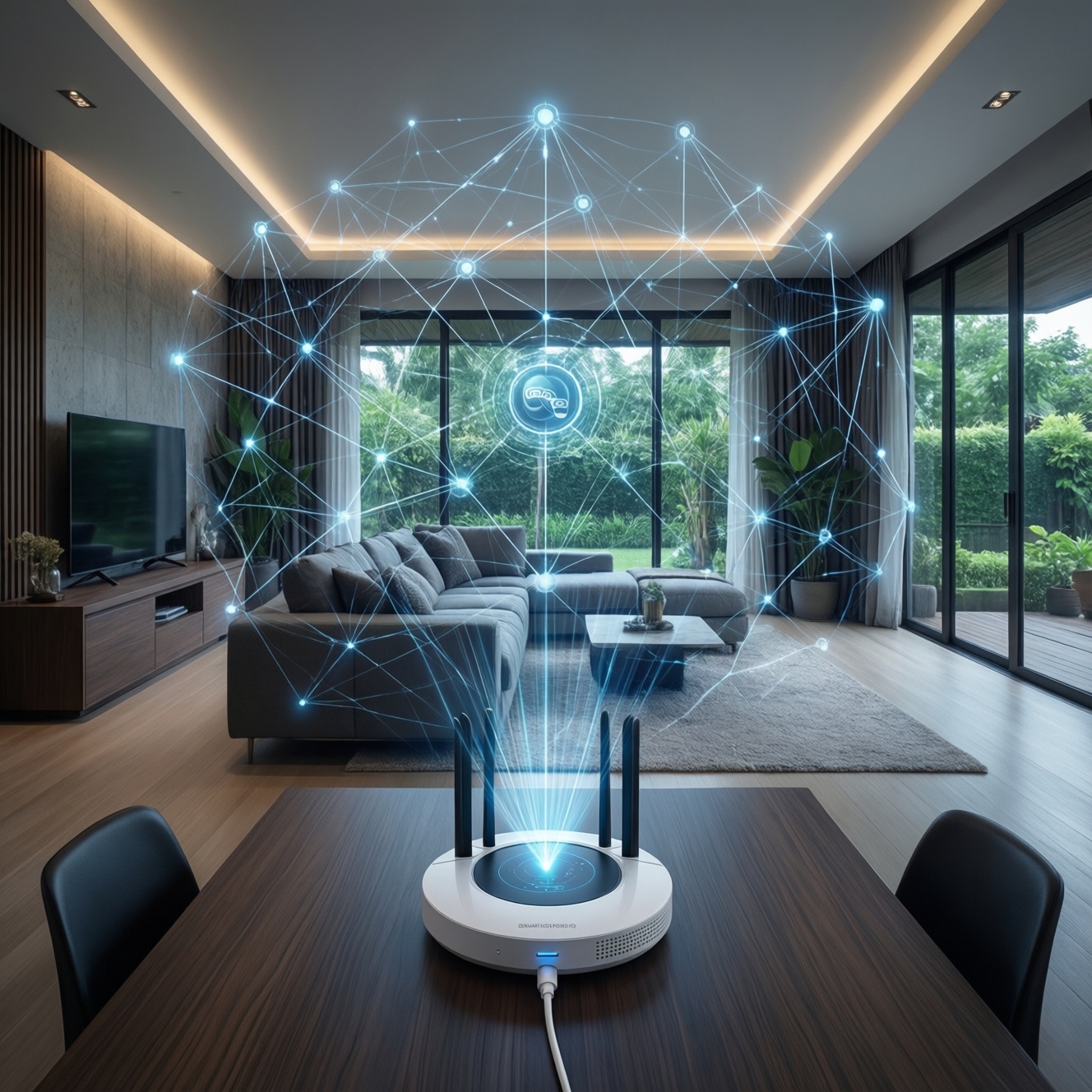
Matter + Thread feels smoothest in a real Thai home when your Thread devices form a healthy mesh (enough always-powered nodes) and you commission everything through a capable border router in the same ecosystem you actually use daily. Choose device types that match your power source and room scale, and avoid mixed "bridge-first" setups unless you need legacy support.
Compatibility at a Glance - table-ready summary
- Best "it just works" path: one primary ecosystem + one strong Thread border router + mostly Thread-native Matter devices.
- Thread reliability improves when you add a few always-powered routers (plugs/switch modules), not only battery sensors.
- For lighting, prefer wired switches/dimmers for stability; bulbs are fine but can complicate wall-switch behavior.
- Bridges are useful for migrating legacy Zigbee/Wi‑Fi gear, but they add a dependency layer for troubleshooting.
- Commissioning problems are more often "wrong controller / wrong border router / stale credentials" than "bad device."
- If you're comparing prices (เช่น "ฮับ Matter Thread ราคา", "หลอดไฟ Matter Thread ราคา", "สวิตช์ไฟ Matter Thread ราคา"), compare total system cost: hub + powered routers + the device, not device-only.
How Matter and Thread operate together in real homes
Matter is the shared application layer (how devices describe and expose features). Thread is the low-power IPv6 mesh transport many Matter devices use. In practice, "smooth interoperability" depends less on logos and more on the following selection criteria.
- Your primary controller: pick the platform you'll actually automate with daily (Apple Home, Google Home, Alexa, SmartThings) and commission from there.
- Border router presence and placement: ensure at least one Thread border router is always on and centrally placed.
- Mesh density: plan for some always-powered Thread devices to act as routers; battery devices typically don't strengthen the mesh the same way.
- Device power source: battery sensors favor Thread; high-power loads (lighting circuits) may be better with wired switches/dimmers.
- Room scale: a condo studio vs a two-story house changes how many routers you'll need and where.
- Network "noise" constraints: crowded 2.4 GHz environments can affect Wi‑Fi; Thread also uses 2.4 GHz, so channel planning and placement still matter.
- Migration needs: if you must keep legacy Zigbee/Wi‑Fi devices, decide up front whether you accept a bridge layer.
- Operational simplicity: prefer one app/controller for commissioning and routines; multi-controller setups can work but raise the troubleshooting skill required.
If you're asking อุปกรณ์ Matter Thread ยี่ห้อไหนดี, treat it as a system question: the best "brand" is often the one that matches your chosen controller ecosystem and has solid firmware support in that region.
Thread mesh behavior: single-room vs whole-home performance
The biggest real-home difference is whether your Thread network is effectively "one island" (border router + a few endpoints) or a multi-hop mesh spanning floors. Use the comparison below to pick the least fragile topology for your layout and device mix.
| Variant | Who it fits | Pros | Cons | When to choose |
|---|---|---|---|---|
| Single border router + a few Thread endpoints (single room) | Studio/one-room setups; first-time buyers | Simple commissioning; fewer failure points | Coverage drops fast behind thick walls; easy to outgrow | When you want a quick start and can place the border router close to devices |
| One border router + powered Thread routers (plugs/switch modules) across rooms | Typical condo/medium home | Stable mesh; better reach; good day-to-day responsiveness | Requires planning outlets/circuits; more devices to maintain | When reliability matters more than minimum device count |
| Two border routers (same ecosystem), centrally placed | Larger homes; multi-zone condos | Better coverage; redundancy if one area is weak | More complex placement decisions; still needs powered routers for best results | When one border router can't cover both ends of the home |
| Matter-over-Wi‑Fi for mains-powered devices + Thread for sensors | Homes with strong Wi‑Fi and many existing Wi‑Fi devices | Easy for high-bandwidth devices; fewer Thread routers required | Wi‑Fi congestion risk; power-failure recovery can be messier across many APs | When you already have robust Wi‑Fi and want Thread mainly for battery sensors |
| Matter bridge-centered setup (legacy Zigbee/Wi‑Fi behind a bridge) | Upgraders with lots of non-Matter devices | Keeps old devices usable; gradual migration | Bridge becomes a single dependency; some features may not map perfectly | When replacing everything is unrealistic and you accept bridge troubleshooting |
Device classes that interoperate most smoothly with Matter+Thread
Use these practical "if...then..." rules to choose devices that behave predictably across controllers.
- If you want stable lighting control from the wall, then prioritize Matter-compatible wired switches/dimmers (often the smoothest daily experience) and treat smart bulbs as optional for color scenes.
- If you're building many battery sensors, then choose Matter-over-Thread sensors and add at least one or two always-powered Thread routers nearby (plug/module) to keep the mesh strong.
- If your home has thick walls or long corridors, then plan powered Thread routers per zone before buying dozens of endpoints; this is usually more effective than swapping sensor brands.
- If you need to keep legacy devices, then use a reputable Matter bridge for that category and keep new purchases Thread-native where possible to reduce "bridge-on-bridge" complexity.
- If you're deciding where to spend budget, then invest first in the hub/border router layer (people searching "ฮับ Matter Thread ราคา" are often underestimating its impact), then expand endpoints.
Short real-home test cases (what typically happens)
- Condo bedroom + living room: Border router near the TV cabinet, one powered Thread plug in the hallway. Verdict: sensors stop "going missing" after the mesh gets a mid-point router.
- Two-story townhouse: One border router downstairs only, mostly battery sensors upstairs. Verdict: upstairs devices may feel intermittent until you add powered routers and/or a second border router.
- Lighting-heavy setup: Smart bulbs controlled by a physical wall switch that cuts power. Verdict: user experience feels broken; a smart switch (or leaving bulbs always powered) is the smoother path.
Border routers, bridges and hubs: roles and recommended models
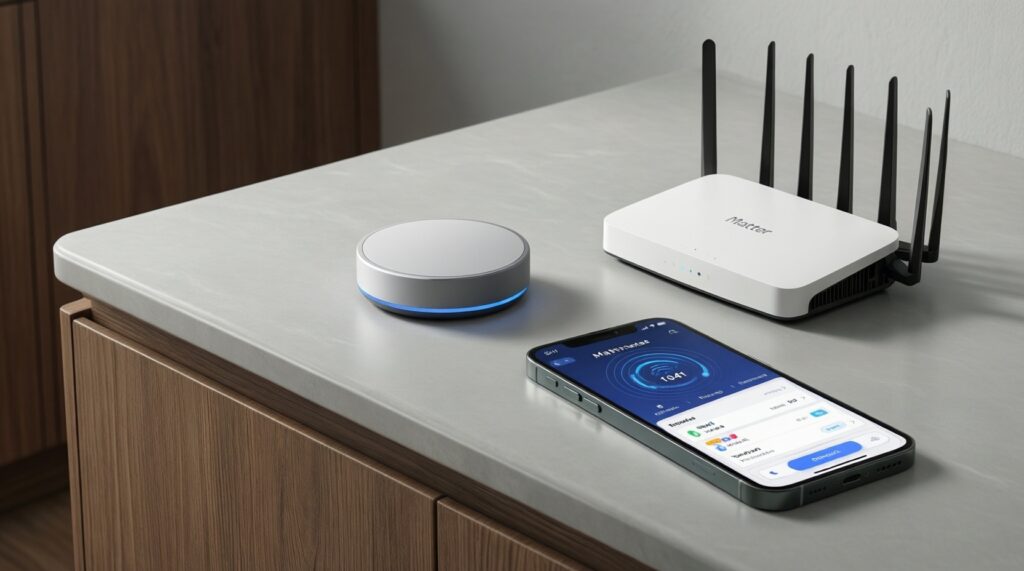
"Hub" is used loosely in shops; in Matter+Thread, what you truly need is a Matter controller and usually a Thread border router. A bridge is optional for bringing non-Matter devices into Matter.
- Confirm your primary ecosystem (the app you want to run automations in) and commit to commissioning from it first.
- Verify you have a Thread border router that your chosen ecosystem supports; place it centrally and keep it always powered.
- Add at least one always-powered Thread router device (plug/switch module) per "problem area" (distance, walls, floor transition).
- If you must keep older devices, choose one bridge per category (e.g., legacy Zigbee lights) and avoid stacking multiple bridges that overlap.
- Commission in a clean order: controller → border router online → add powered routers → add endpoints.
- Before buying more devices, test recovery: power-cycle the border router and confirm devices return without manual re-pairing.
- When you compare ซื้ออุปกรณ์ Smart Home Matter Thread options, prioritize vendor support/firmware update behavior in Thailand over marginal feature differences.
Measured trade-offs: latency, reliability and battery impact
You can't meaningfully optimize without instruments, but you can avoid predictable selection mistakes that create "feels slow / randomly offline" outcomes.
- Buying only battery Thread devices: a mesh with too few powered routers tends to feel fragile, especially across rooms.
- Assuming any hub equals a Thread border router: many "smart home hubs" are controllers for one protocol, not necessarily Matter+Thread-ready.
- Overloading one corner of the home: placing the border router next to a busy Wi‑Fi router/metal cabinet can reduce real coverage.
- Mixing controllers during commissioning: pairing some devices with one ecosystem and others with another can create confusing ownership and duplicated rooms.
- Choosing bulbs when you need switches: if your household uses the wall switch, smart bulbs will frequently appear offline after power cuts.
- Expecting a bridge to map every feature: some advanced behaviors may not appear identically across controllers when a bridge is in the middle.
- Ignoring total cost: comparing only "หลอดไฟ Matter Thread ราคา" or "สวิตช์ไฟ Matter Thread ราคา" without budgeting for routers/border router often leads to an unstable system that costs more to fix later.
| Design choice | Latency feel | Reliability feel | Battery impact | Setup complexity |
|---|---|---|---|---|
| Thread sensors + powered Thread routers + one good border router | Typically consistent | High when mesh is dense | Generally favorable | Medium (needs placement planning) |
| Thread sensors without powered routers | Can feel inconsistent | Medium to low in larger homes | Not the main issue; connectivity is | Low initially, high later (debugging) |
| Matter-over-Wi‑Fi endpoints on busy Wi‑Fi | Varies with Wi‑Fi load | Medium (depends on AP/router stability) | Not applicable for mains devices | Medium (Wi‑Fi tuning may be needed) |
| Bridge-centered legacy integration | Usually acceptable | Depends heavily on bridge uptime | Depends on underlying protocol | Medium to high (more layers) |
Migration strategies for adding Matter+Thread to existing setups
Decision tree you can apply before you buy
- Home size? Single room/small condo → start with 1 border router + a few endpoints. Medium/large → plan powered routers by zone from day one.
- Power source? Mostly battery devices (sensors/buttons) → Thread-first + add powered routers. Mostly mains devices (lights/plugs) → consider Thread for stability, or Wi‑Fi if your network is strong and segmented.
- Lighting behavior? People use wall switches → prioritize smart switches/dimmers. People use apps/voice and leave power on → bulbs are fine for scenes.
- Legacy devices to keep? Yes → pick a single high-quality bridge path and migrate category-by-category. No → stay Thread-native to minimize layers.
- One ecosystem or many? Want simplest ops → one primary controller. Want cross-platform flexibility → do it later, after the mesh is stable.
Best fit for small homes and first upgrades is one strong border router plus Thread-native Matter devices, expanding with powered routers as you add rooms. Best fit for mixed legacy homes is a bridge-centered transition while buying new endpoints as Matter-over-Thread where possible, so you steadily reduce dependency on legacy layers without replacing everything at once.
Practical troubleshooting and lingering interoperability concerns
Why do my Matter-over-Thread devices pair but then go offline?
This is often a weak mesh (too few powered Thread routers) or poor border router placement. Add one always-powered Thread router device between the border router and the "offline" area, then re-check.
Can I use multiple ecosystems (Apple/Google/Alexa) with the same Matter+Thread devices?
Usually yes via Matter multi-admin, but it increases complexity. Commission with one primary controller first, confirm stability, then add the second controller.
Do I need a special hub for Thread, or is any "smart hub" enough?
You specifically need a compatible Matter controller and a Thread border router (sometimes combined). Many hubs support other protocols but do not provide Thread border routing.
What's the cleanest approach if I'm comparing ฮับ Matter Thread ราคา across stores?
Compare ecosystem compatibility, border router capability, update support, and placement needs. The cheapest hub can become expensive if it forces workarounds or extra routers later.
Why do smart bulbs feel unreliable when my family uses the wall switch?
Cutting power makes bulbs disappear from the network until power returns, and scenes/automations fail in the meantime. A smart switch/dimmer (or always-on power strategy) matches real household behavior better.
If I'm shopping based on หลอดไฟ Matter Thread ราคา or สวิตช์ไฟ Matter Thread ราคา, what should I prioritize first?
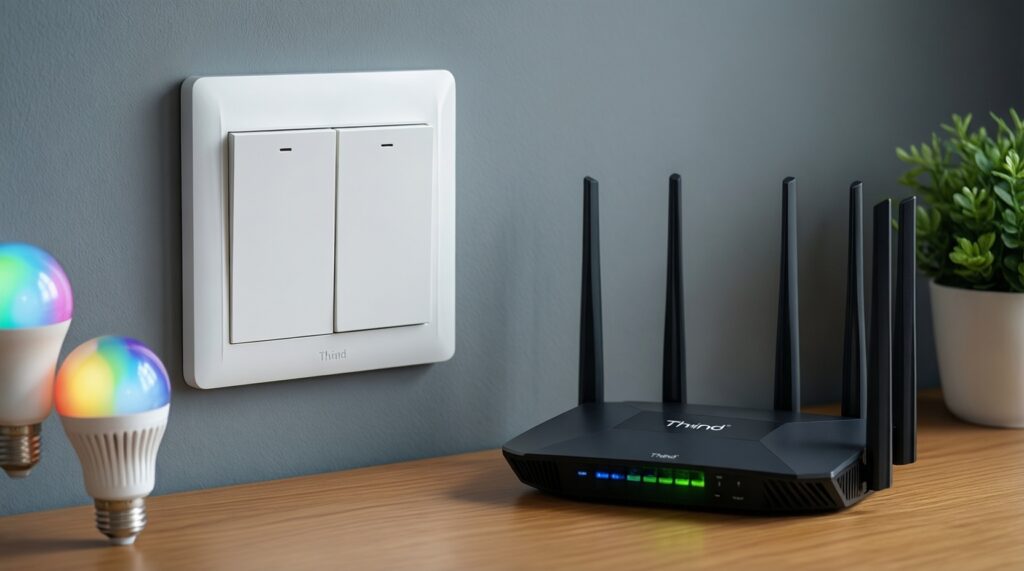
Prioritize the control method that matches your daily use: switches/dimmers for physical control, bulbs for color scenes. Budget for the border router and at least one powered Thread router device to avoid a fragile setup.