If you want the best "fast charging" outcome, start with USB‑C Power Delivery for wired speed and predictable compatibility, add MagSafe only when you value perfect iPhone alignment and stand convenience, and treat Wireless PowerShare as an emergency top‑up feature between phones. Your best choice depends on device support, heat control, and how you charge daily.
At-a-glance charging summary
- Choose USB‑C PD when you care most about consistent fast charging, travel flexibility, and powering multiple device types.
- Choose MagSafe when you mainly charge an iPhone and want easy placement, a stable hold, and desk/bedside ergonomics.
- Use Wireless PowerShare when you need a cable-free backup to share power, not as your primary daily charger.
- Heat management (phone case, airflow, charger quality) often matters more than the charging method itself.
- For Thailand shopping, prioritize certified chargers and reputable brands over "too-good-to-be-true" marketplace listings.
How MagSafe, USB-C PD and Wireless PowerShare work
- Device support first: confirm your phone actually supports USB‑C PD fast charging, MagSafe, or PowerShare before buying accessories.
- Primary charging context: desk, bedside, car, travel, or carry-a-single-charger days require different setups.
- Heat tolerance: wireless charging is more heat-sensitive; thick cases and warm rooms reduce sustained speed.
- Alignment & stability: MagSafe reduces misalignment losses; generic Qi pads can drift and slow down.
- Cable ecosystem: USB‑C PD depends on good USB‑C to USB‑C cables (and sometimes e‑marked cables for higher power profiles).
- Multi-device needs: do you charge phone + watch + earbuds, or only one phone?
- Portability: a compact GaN adapter beats a heavy dock when you move between home/office/cafés.
- Safety & compliance: prioritize recognized certifications and proper thermal protection over marketing terms.
Electrical and thermal differences that affect charging speed
| Variant | Who it fits | Pros | Cons | When to choose |
|---|---|---|---|---|
| USB‑C PD wall charger + USB‑C cable | Most users who want the most predictable "fast charging" | Stable performance; broad compatibility; best for travel and laptops/tablets too | Requires cable discipline; cheap cables can bottleneck or run hot | When you plan to ซื้อหัวชาร์จ USB-C PD as your main charger for phone and other gadgets |
| GaN USB‑C PD fast charger (multi‑port) | Power users with phone + tablet + laptop | Compact for the output class; often multiple ports; good heat handling in quality models | Power sharing between ports can reduce peak speed; needs careful cable selection | When looking at หัวชาร์จเร็ว GaN USB-C PD 65W to consolidate chargers into one brick |
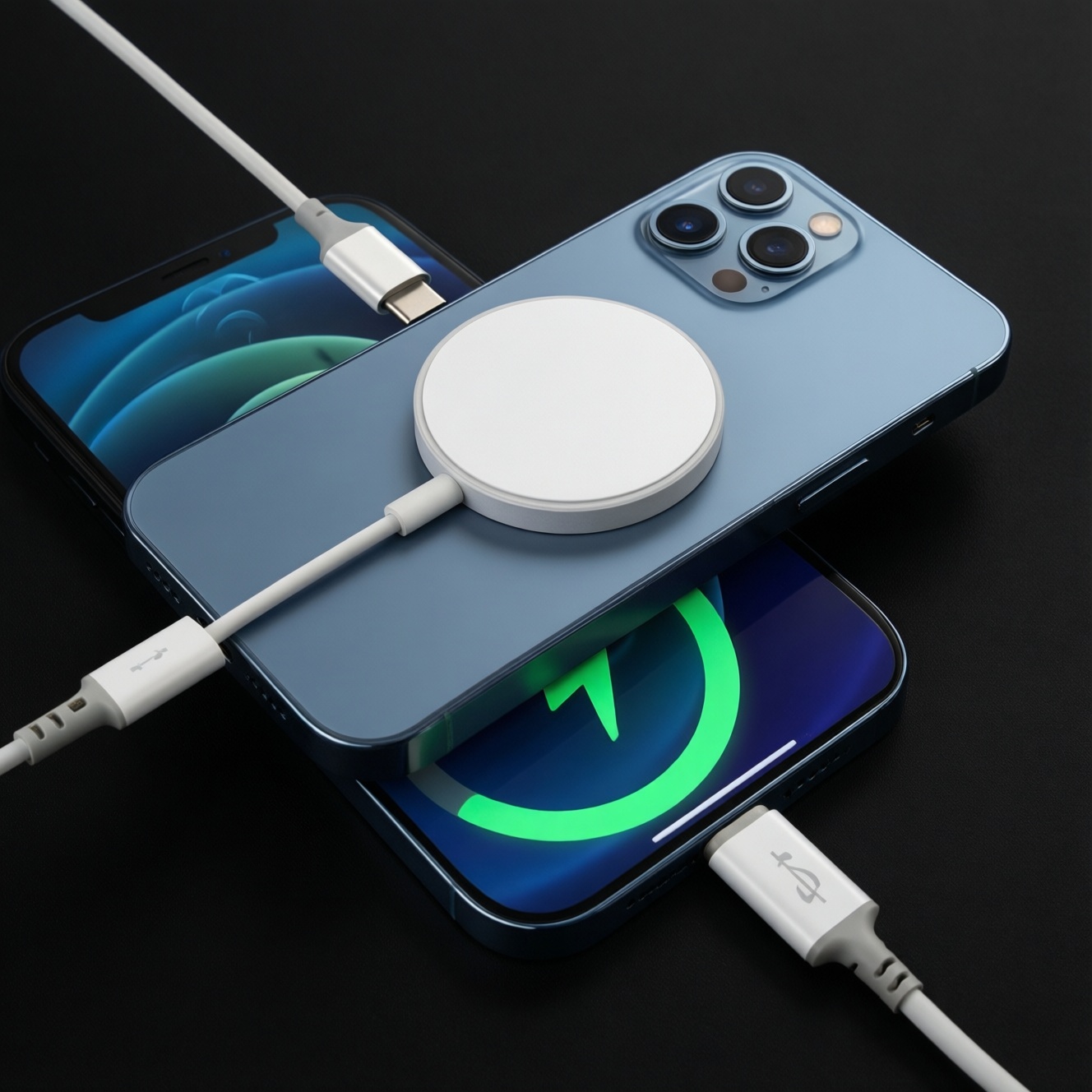
| Apple‑style MagSafe puck + USB‑C PD adapter | iPhone-centric users who want effortless alignment | Magnetic alignment reduces placement mistakes; great bedside/desk convenience | More heat-sensitive than wired; requires a solid adapter and good ventilation | When you want MagSafe convenience and are comparing แท่นชาร์จ MagSafe ราคา versus a wired setup |
| MagSafe 3‑in‑1 stand (phone + watch + earbuds) | Apple ecosystem desk/bedside users | One drop zone for everything; tidy cable management; consistent daily routine | Bulkier; pricier; stand design affects cooling and stability | When you specifically want a แท่นชาร์จไร้สาย MagSafe 3 in 1 for a fixed location |
| Generic Qi wireless pad/stand | Casual top-ups and universal wireless compatibility | Works with many phones; inexpensive; simple for short sessions | Alignment issues; easier to overheat; inconsistent sustained speed | When you want low-cost convenience and accept slower, less predictable charging |
| Wireless PowerShare (phone-to-device reverse wireless) | Samsung/Android users who occasionally share charge | No extra accessory needed; handy for earbuds/another phone in a pinch | Least efficient; generates heat; drains the host phone noticeably | When asking ที่ชาร์จไร้สาย PowerShare ใช้กับรุ่นไหน and you need emergency sharing, not daily charging |
Measured performance: real-world charge times and efficiency
- If you need the fastest "from low to usable" boost before leaving, then use USB‑C PD wired charging with a reputable adapter and cable; wireless options are more likely to throttle when warm.
- If your phone often feels warm while charging, then switch from generic Qi pads to either wired USB‑C PD or a well-designed MagSafe stand with better airflow, and remove thick cases during charging.
- If you regularly charge while using navigation/video calls, then prefer wired USB‑C PD; it copes better with simultaneous load, while wireless tends to add heat and reduce sustained charge rate.
- If you top up many short sessions at a desk, then MagSafe (or a stable stand) can outperform generic Qi in practice because alignment is consistent and you avoid "not actually charging" misplacement.
- If you're sharing battery to earbuds or a friend's phone, then use Wireless PowerShare only for short emergency top-ups and stop once the accessory is stable; prolonged sharing is inefficient and warms both devices.
Compatibility, accessories and ecosystem limits
- Identify your devices: iPhone with MagSafe support, Android with/without Qi, and whether your phone supports reverse wireless (PowerShare-style).
- Pick the primary method: wired USB‑C PD for speed; MagSafe for iPhone convenience; PowerShare only as backup.
- Check the connector reality: ensure you have USB‑C ports where you need them (wall adapter, car charger, power bank) and the correct cable ends.
- Match the accessory type to location: travel = compact adapter; bedside = stand/dock; office = multi-port hub-style charger.
- Validate case and mount behavior: thick or metal cases can hurt wireless charging; for MagSafe, weak magnets or misaligned rings reduce stability.
- Buy for safety, not marketing: choose trusted brands with clear specs, protection features, and local warranty support in Thailand.
- Plan for expansion: if you'll add a watch/earbuds later, consider a stand or a multi-port adapter now.
Choosing a charger by user persona and daily scenario
Persona 1: "One charger for everything" (phone + tablet + laptop)
- Choose a reputable multi‑port GaN USB‑C PD charger (example lines: Anker GaNPrime, UGREEN Nexode, Baseus GaN) to reduce clutter.
- Carry one high-quality USB‑C to USB‑C cable plus a short backup; avoid no-name cables that can heat up or underperform.
- When shopping around หัวชาร์จเร็ว GaN USB-C PD 65W, treat "65W" as a class label and confirm port behavior (how it shares power when two devices are plugged in).
- Skip a fixed 3‑in‑1 stand unless you truly charge multiple Apple devices at one spot every day.
Persona 2: "iPhone bedside + desk convenience" (minimal fuss)
- Pick an official-style MagSafe puck paired with a solid USB‑C PD adapter from a known brand for stable daily charging.
- If you also have Apple Watch and earbuds, a แท่นชาร์จไร้สาย MagSafe 3 in 1 is worth it for routine consistency-choose a stand with good airflow and a stable base.
- When comparing แท่นชาร์จ MagSafe ราคา, prioritize build quality, thermal behavior, and warranty over ultra-cheap listings.
- Keep a USB‑C PD cable nearby anyway for days you need the quickest top-up.
Persona 3: "Android user who sometimes shares charge" (practical, flexible)
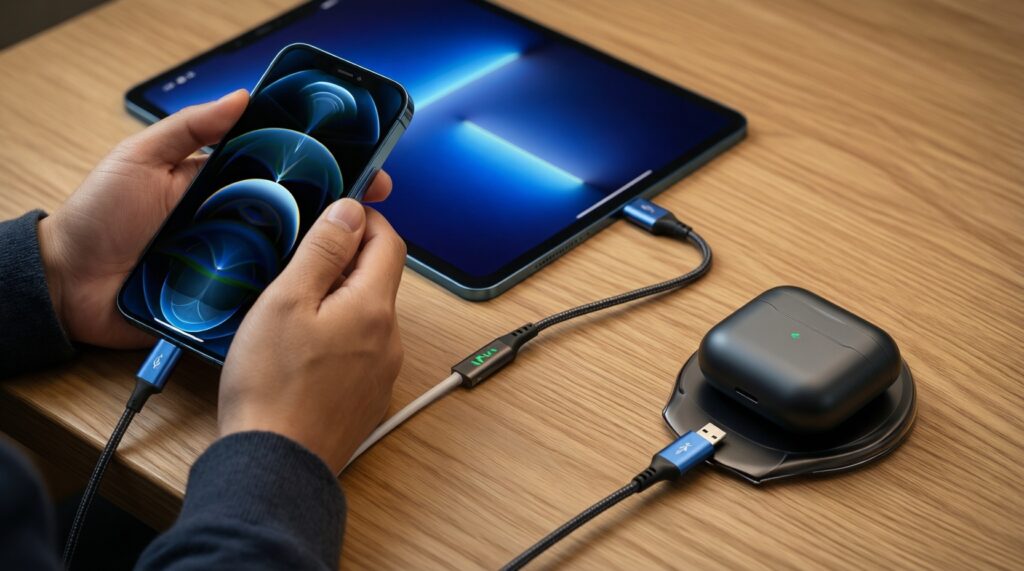
- Make USB‑C PD your main path; it's the simplest way to guarantee strong performance across phones, tablets, and accessories.
- Use Wireless PowerShare only as a short emergency tool for earbuds or a friend's phone; expect heat and efficiency loss.
- If you keep asking ที่ชาร์จไร้สาย PowerShare ใช้กับรุ่นไหน, confirm your exact phone model supports reverse wireless and learn where the coil area sits for reliable placement.
- Consider a small PD power bank for travel rather than relying on reverse wireless sharing.
Persona 4: "Budget buyer in Thailand marketplaces" (wants value, avoids mistakes)
- For ซื้อหัวชาร์จ USB-C PD, prioritize recognizable brands and local warranty; avoid unknown adapters with vague PD claims.
- Don't assume any USB‑C charger equals fast charging; compatibility and cable quality decide your real experience.
- Be cautious with very cheap magnetic "MagSafe-compatible" pucks: weak magnets and poor thermal design often mean unreliable daily charging.
- If you want wireless for convenience, a decent Qi stand can work-but treat it as comfort charging, not the fastest option.
Common purchase mistakes to avoid
- Buying a high-end charger but using a low-quality or damaged cable that limits charging and increases heat.
- Assuming wireless charging will be "as fast as wired" in sustained daily use, especially in warm rooms or with thick cases.
- Choosing a multi-port adapter without understanding that charging behavior can change when multiple ports are occupied.
- Overpaying for a 3‑in‑1 stand without actually owning (or planning to buy) the watch/earbuds it's designed for.
- Relying on Wireless PowerShare as your regular routine instead of an occasional backup.
- Ignoring physical ergonomics: a stand angle, base stability, and cable strain relief can matter more than brand hype.
- Buying "MagSafe compatible" accessories that don't align well, leading to intermittent charging at night.
Battery health, safety standards and maintenance tips
For most people in Thailand, USB‑C PD is the best default when you want speed and predictability across devices; MagSafe is the best fit for iPhone users who value effortless placement and a tidy bedside/desk setup; Wireless PowerShare is best kept for occasional emergency sharing. Whichever you pick, reduce heat (ventilation, thinner cases) and stick to reputable chargers and cables.
Quick answers to common charging concerns
Is MagSafe faster than USB‑C PD?
In practice, USB‑C PD wired charging is typically the most consistent for fast charging. MagSafe is about reliable alignment and convenience, and it can throttle more when heat builds up.
Do I need a special adapter for MagSafe?
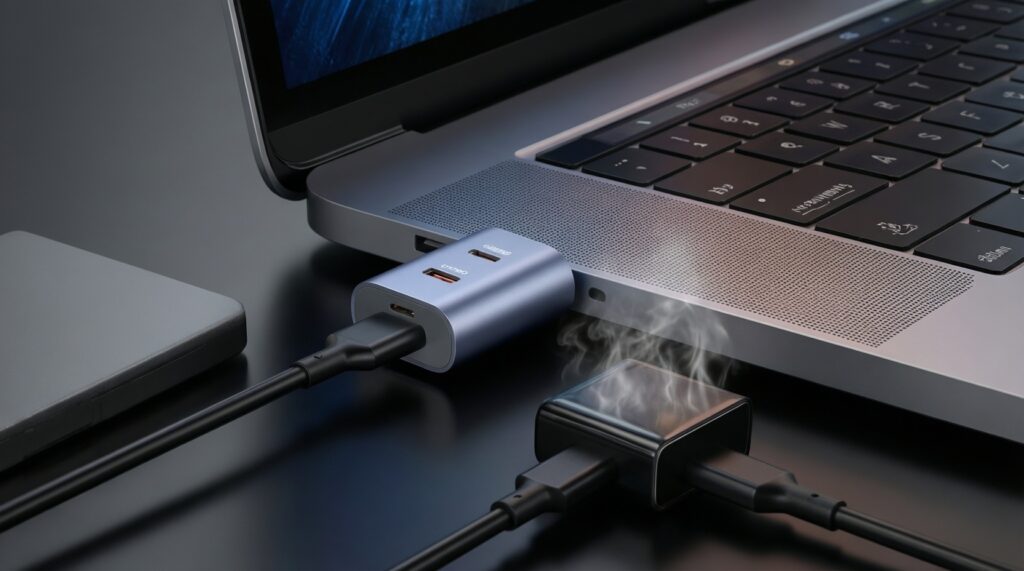
Yes-use a quality USB‑C PD adapter from a reputable brand to avoid unstable performance. Cheap adapters can run hot and cause charging to slow down.
Is a GaN charger automatically better?
No. GaN designs can be smaller and handle heat well, but performance depends on the exact model, port behavior, and protections.
Why does wireless charging slow down after a while?
Heat management. As temperature rises, phones reduce charging power to protect the battery, and wireless charging tends to create more heat than wired.
Can Wireless PowerShare replace a power bank?
Not realistically. It's less efficient and drains your phone while warming both devices, so it's best for short, occasional top-ups.
Will a 3‑in‑1 MagSafe stand work with any case?
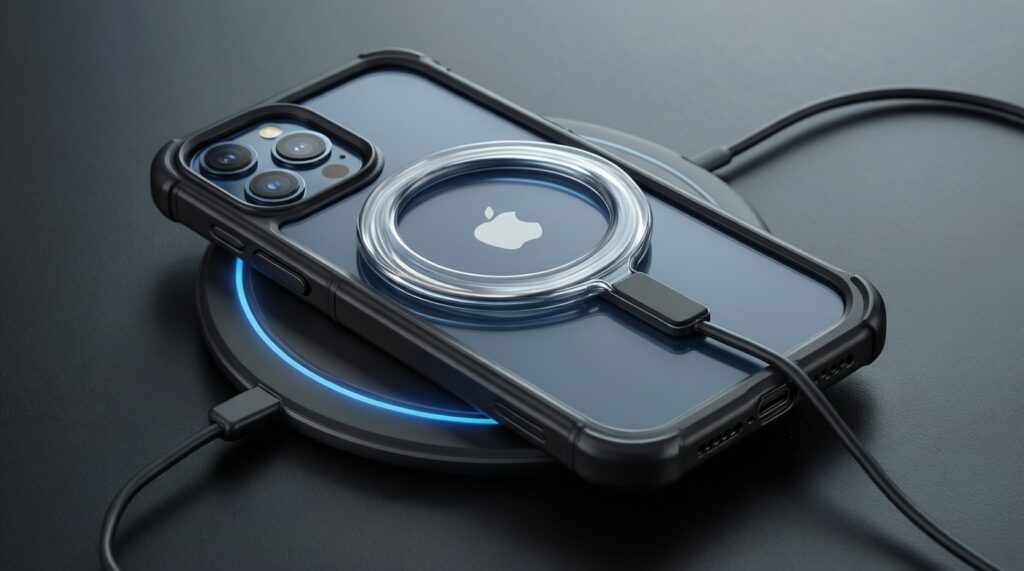
Not always. Thick cases or misaligned magnetic rings can weaken attachment and reduce charging reliability; slimmer cases typically behave better.
What's the safest "buying rule" in Thailand marketplaces?
Buy from reputable brands and sellers with clear specifications and warranty support. Avoid listings with vague PD/MagSafe claims and no safety information.