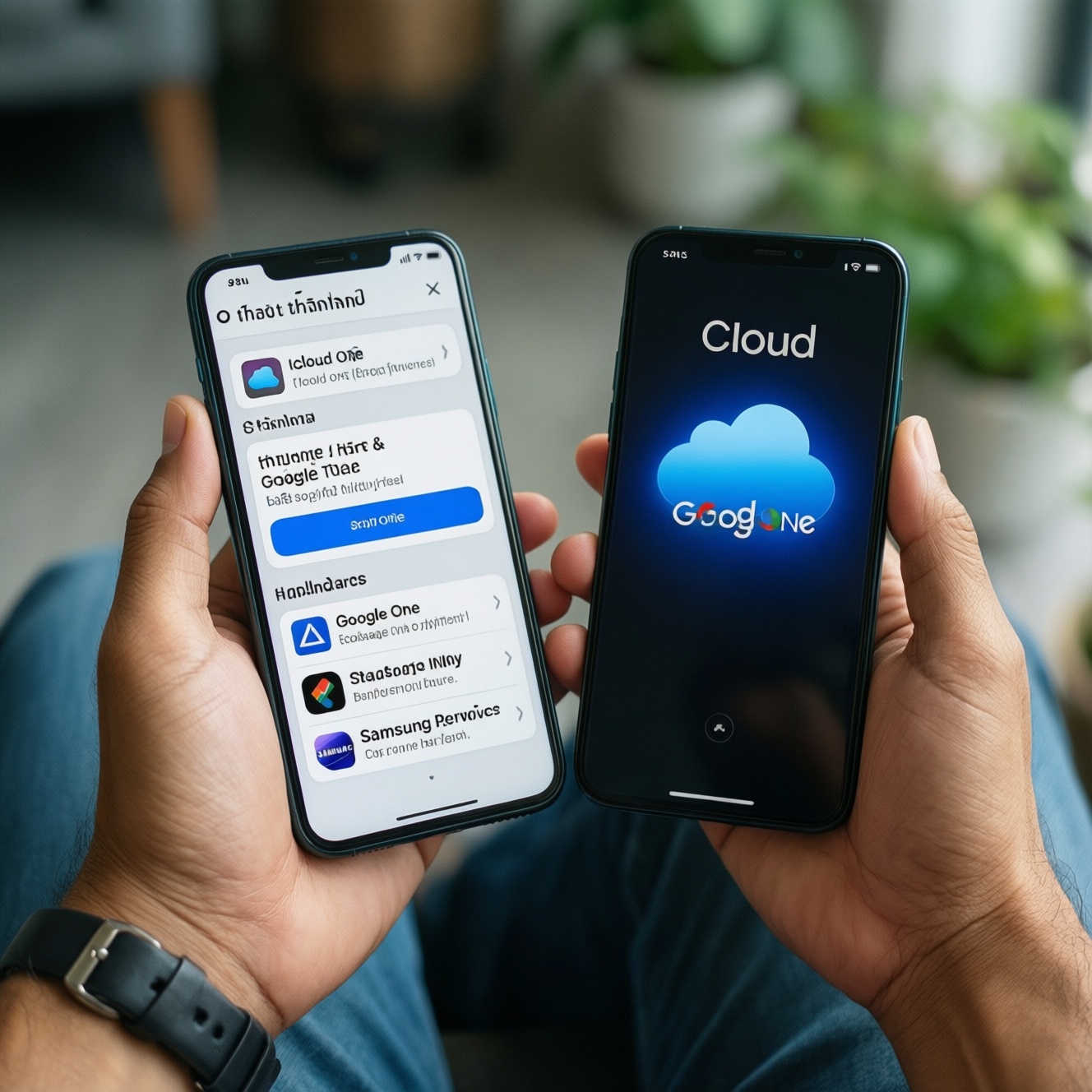
If you want the best value subscription for cloud storage in Thailand, pick the service that matches your device ecosystem and backup needs: iCloud+ is usually the smoothest for iPhone/iPad backups, Google One is the most flexible across Android/Windows and Google apps, and Samsung's add-ons fit Galaxy-first users who rely on Samsung services.
Headlines: value by user type
- iPhone-only users: iCloud+ is typically the lowest-friction way to buy storage for device backup and Photos (people often search "ซื้อพื้นที่เก็บข้อมูล iPhone iCloud").
- Mixed devices (Android + PC + iPad): Google One is usually easier to share and use across platforms; "สมัคร Google One เพิ่มพื้นที่เก็บข้อมูล" is the common path.
- Galaxy-first users: Samsung add-ons can feel native for Galaxy workflows, but may be less universal outside Samsung apps.
- Families: Prefer plans that support straightforward sharing and separate accounts, not shared logins.
- Privacy-focused power users: Compare encryption scope and recovery options before looking at iCloud+ ราคา or Google One ราคา.
Storage tiers and what they actually provide
Use these criteria to choose a plan tier (not just the biggest GB number):
- What fills your storage: device backups, photos/videos, app data, large files, or email attachments.
- Backup scope: full-device backup vs selective folder sync vs app-by-app backup.
- Multi-device reality: how many phones/tablets/PCs you need covered under one subscription.
- Family sharing: whether storage can be shared with separate accounts and simple permissions.
- Cross-platform access: quality of web access and desktop clients when you are not on the primary device.
- Photo pipeline: how well it handles HEIC/RAW/video, search, albums, and deduplication.
- Network behavior: background upload reliability on mobile data, Wi‑Fi, and while roaming.
- Recovery model: account recovery options, device loss scenarios, and how hard lockouts are to fix.
Persona note: A photographer should prioritize photo workflow and cross-device review; a family organizer should prioritize sharing and account separation; a power user should prioritize recovery and cross-platform clients.
Privacy, encryption, and data handling compared
All major clouds use encryption, but they differ in end-to-end coverage, recovery tradeoffs, and how tightly data is tied to an ecosystem. Use the table to decide what you're optimizing for when you "เปรียบเทียบ iCloud+ กับ Google One".
| Variant | Who it fits | Pros | Cons | When to choose |
|---|---|---|---|---|
| iCloud+ | iPhone/iPad/Mac-first users needing seamless backup | Tight OS integration for device backup and Photos; simple setup; Apple ecosystem features bundled with iCloud+ | Cross-platform experience can feel secondary; recovery and advanced encryption choices can add complexity | When your priority is "it just works" backup for Apple devices and you're comparing iCloud+ ราคา mainly by tier |
| Google One (Google Drive/Photos/Gmail storage) | Mixed-device users; heavy Google app users | Strong cross-platform access; storage impacts Drive/Photos/Gmail together; easy to expand and manage in Google account | Google account lockout risk affects many services at once; photo/backup behavior can vary by app and device settings | When you want one pool for Google services and plan to "สมัคร Google One เพิ่มพื้นที่เก็บข้อมูล" for everyday sharing |
| Samsung account add-ons (Galaxy cloud features where available) | Galaxy-first users using Samsung Gallery/Smart Switch-style workflows | Native feel on Galaxy; can complement device migration and Samsung ecosystem features | Feature availability and cloud scope can vary by region/device; less attractive if you frequently switch brands | When your workflow is anchored on Galaxy devices and you prefer Samsung's ecosystem UX over third-party apps |
| Microsoft OneDrive (often via Microsoft 365) | Windows/Office-heavy users and teams | Excellent Windows integration; strong file collaboration; good for documents and shared work folders | Not as "phone-backup-centric" as iCloud+; photo experience depends on your habits and apps | When your priority is documents, PC sync, and Office workflows rather than phone-first backup |
| Dropbox | Creators who need reliable file sync across many machines | Mature sync and sharing; strong third-party integrations; predictable folder-based workflow | Not a native phone backup solution; can get expensive if you only need basic storage | When you want best-in-class file sync and collaboration rather than ecosystem-specific backups |
Persona note: A privacy-focused power user should decide whether they value maximum encryption coverage or easier recovery; a family organizer should prioritize account recovery simplicity and sharing controls over niche privacy toggles.
Ecosystem fit: cross-device sync and app integration
- If you live on iPhone/iPad and want automatic device backup plus Photos sync, then iCloud+ will usually feel the most native (especially when you "ซื้อพื้นที่เก็บข้อมูล iPhone iCloud").
- If your daily apps are Gmail, Google Photos, Google Drive across Android + PC, then Google One is usually the least friction because one storage pool supports them together (check Google One ราคา by tier in-app).
- If you switch between Android and iOS or collaborate with others, then Google One or Dropbox tends to be easier than platform-locked tooling.
- If you are Windows + Office heavy and need structured folders and permissions, then OneDrive is often a better "work storage" companion than phone-centric clouds.
- If you are Galaxy-first and prefer Samsung apps for gallery and migration, then Samsung add-ons may reduce friction-verify what's actually available for your model and region.
Persona note: A power user with mixed devices typically gets more long-term value from Google One/OneDrive; an iPhone photographer often prefers iCloud+ for capture-to-edit flow on Apple devices.
Feature deep-dive: backups, media management, and sharing
Run this quick selection checklist in order; stop when a condition clearly matches your reality:
- If you need full iPhone/iPad backup with minimal setup, shortlist iCloud+ first.
- If your storage pressure is mostly Google Photos + Gmail + Drive, shortlist Google One first.
- If you must share storage with family, verify: individual accounts, simple invitation flow, and whether shared storage affects everyone's limits.
- If you need PC folder sync and collaboration, verify desktop client quality (Google Drive for desktop, OneDrive, Dropbox) instead of relying on mobile apps.
- If you care about photo search, albums, and cross-device review, test the photo app behavior (Apple Photos vs Google Photos vs Samsung Gallery workflows) before committing.
- If lockouts would be catastrophic, harden account recovery (2FA, recovery contacts/codes) and pick the provider whose recovery model you can actually maintain.
- Only then compare iCloud+ ราคา vs Google One ราคา inside the subscription screens on your device, because bundles and eligibility can change by account.
Persona note: A family organizer should test sharing and permissions with one family member first; a photographer should test upload behavior on mobile data/Wi‑Fi and how edits sync.
Pricing models, discounts, and regional limitations
- Comparing the wrong unit: price per month matters, but so does what it covers (device backup vs files vs email storage).
- Forgetting bundle scope: some plans include extra features (privacy tools, sharing, support). Don't compare "storage only" in your head.
- Assuming family sharing is identical: sharing rules and admin control vary; confirm each member keeps a separate account.
- Mixing up photo storage behavior: "optimized storage" on device is not the same as cloud tier size; test with a small batch first.
- Underestimating account lock-in: switching later can mean re-uploading libraries and changing links/permissions.
- Not checking app-specific trash/retention: deleted items may still consume storage until emptied in the relevant app.
- Buying storage but not fixing backup settings: you can pay more and still fail backups due to Wi‑Fi-only rules, battery optimization, or disabled permissions.
- Regional availability assumptions: Samsung features and some bundled services can differ in Thailand; validate on your exact device/account.
- Overpaying for peak months: if your need is temporary (trip footage), plan an upgrade/downgrade cycle-then confirm downgrade consequences.
Persona note: A power user should plan an exit strategy (export paths, shared links, second copy) before optimizing for the lowest Google One ราคา or iCloud+ ราคา.
Persona playbook: which service to pick by needs
Best fit tends to look like this: iCloud+ for iPhone-centric users who mainly want reliable device backup and Apple-native photo sync; Google One for mixed-device users living in Google apps and needing flexible sharing; Samsung add-ons for Galaxy-first workflows tied to Samsung services; OneDrive/Dropbox when your priority is PC-first file sync and collaboration more than phone backup.
Quick clarifications for subscribers
Is iCloud+ mainly about storage or features?
It's both: storage tiers plus Apple ecosystem features tied to your Apple ID. For most users, the practical win is seamless iPhone/iPad backup and Photos sync.
What does Google One storage actually cover?
Typically it's one pool for Google services like Drive, Photos, and Gmail under your Google account. That's why many compare Google One ราคา by tier after checking how full Photos and Gmail already are.
Can I use iCloud+ well on Windows or Android?
You can access data, but the smoothest workflows are on Apple devices. If you're frequently outside Apple hardware, cross-platform services may feel easier day to day.
Is "buy iPhone iCloud storage" the same as fixing backup failures?
No-buying space helps only if backups are enabled and allowed to run. After you "ซื้อพื้นที่เก็บข้อมูล iPhone iCloud", also verify Wi‑Fi rules, iCloud Backup toggle, and battery/permission settings.
Does Samsung have a direct equivalent to iCloud+ for every Galaxy user?
Not always; availability and feature scope can vary by model and region. Treat Samsung add-ons as ecosystem enhancers, and confirm what's enabled in your Samsung account settings.
Which is easier for families?
Choose the one with simple sharing under separate accounts and clear admin control. Test inviting one member first before moving everyone's data.
How should I decide between iCloud+ and Google One?
Start with where your primary backup must succeed: iPhone/iPad points to iCloud+, while Google Photos/Drive/Gmail across devices points to Google One. Then compare iCloud+ ราคา and Google One ราคา only after confirming the workflow fits.