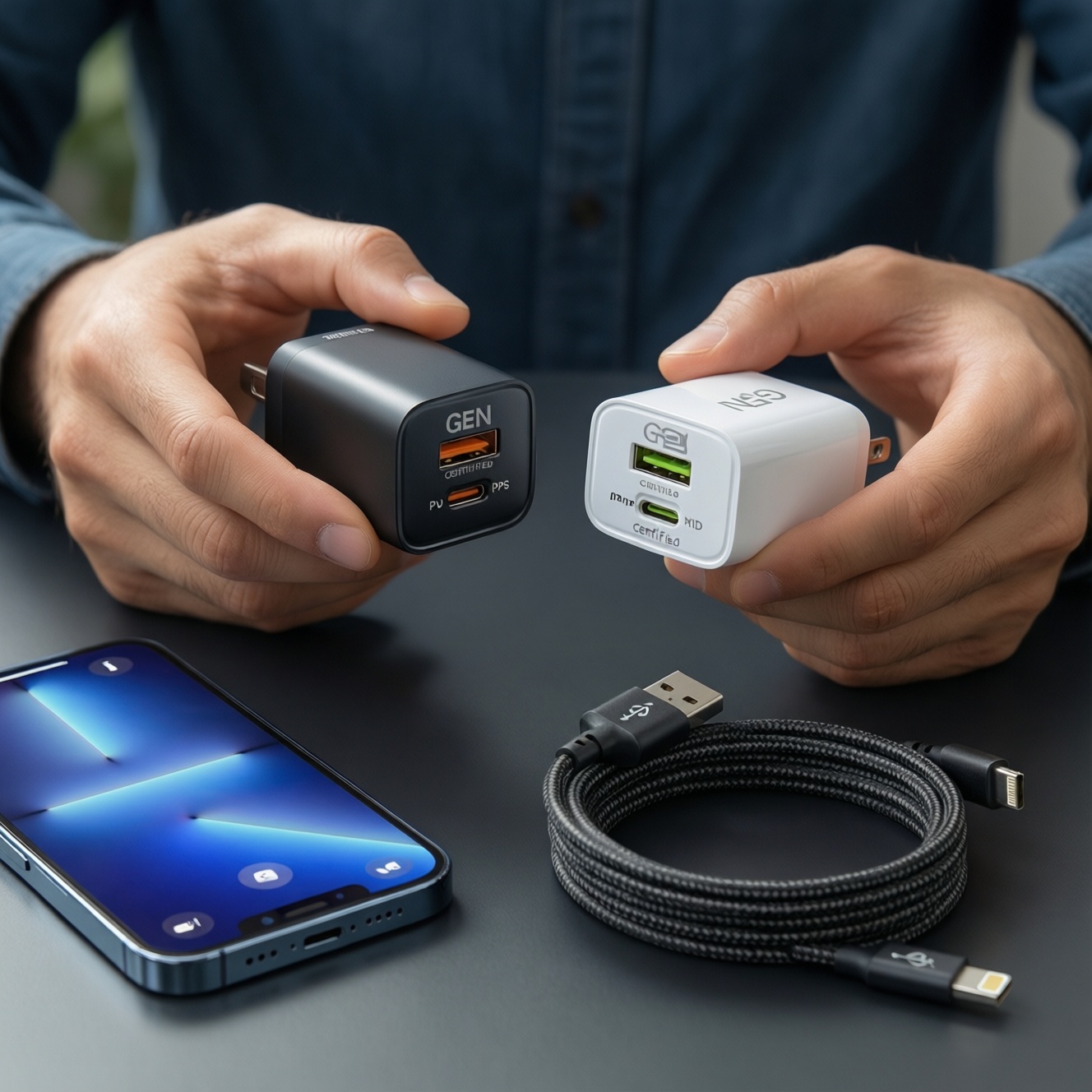
To avoid mismatched charging, start from your device's required protocol (USB‑C Power Delivery, PPS, or Lightning) and then pick a charger wattage and a cable that can actually carry that power safely. GaN chargers help reduce size, but compatibility still depends on PD/PPS profiles, port layout, and certified cables (especially Lightning MFi).
Quick compatibility snapshot for chargers and cables
- For most modern Android, a USB‑C PD charger is the baseline; add PPS if you want best performance on PPS phones (notably many Samsung models).
- For iPhone/iPad with Lightning, prioritize a genuine สายชาร์จ Lightning MFi ของแท้ and a PD charger with USB‑C output.
- For laptops, match the charger's single-port PD wattage to the laptop's expected input; multi-port sharing can reduce speed.
- For fast charging, the cable matters as much as the brick: use a rated สายชาร์จ USB-C to USB-C PD for higher power.
- GaN reduces bulk and heat at similar power, but only reputable designs with proper protections should be used for daily charging.
How USB‑C PD and PPS actually change charging behavior
USB‑C Power Delivery (PD) is a negotiation standard: the device and charger agree on a safe voltage/current profile. This is why one USB‑C charger can power many devices-if it supports the right PD profiles and enough wattage.
PPS (Programmable Power Supply) is an extension commonly used for high-efficiency fast charging on supported phones. Instead of fixed "steps," PPS can adjust voltage in smaller increments, reducing heat in the phone during fast charging.
- Good fit: USB‑C phones/tablets, many ultrabooks, handheld consoles, power banks that accept PD input.
- When PPS matters: If your phone explicitly supports PPS (and you care about peak charging speed and heat management). People often search for หัวชาร์จ PPS Samsung ราคา because PPS support can change real-world Samsung charging behavior.
- When not to chase it: If your device is limited to basic 5V charging, or it fast-charges via a proprietary non-PD method-PPS won't magically help.
| Charger type | Ports | Power range (practical) | PD support | PPS support | Typical devices |
|---|---|---|---|---|---|
| Single-port USB‑C | 1× USB‑C | Mid to high (depends on model) | Usually yes | Sometimes | Phones, tablets, some laptops (best per-port speed) |
| Dual USB‑C (shared power) | 2× USB‑C | High total, lower per-port when both used | Yes | Sometimes (often only on one port) | Phone + tablet, phone + laptop (reduced laptop speed possible) |
| Multi-port travel (USB‑C + USB‑A) | 1-3× USB‑C, 1-2× USB‑A | Varies widely | Yes on USB‑C ports | Optional | Mixed accessories, earbuds, power banks, older cables via USB‑A |
| High-watt desktop | 2-4× USB‑C (sometimes USB‑A) | High total; check single-port rating | Yes | Model-dependent | Workstation laptop + phone + tablet simultaneously |
Lightning nuances: adapters, MFi, and power limits
Lightning charging quality depends heavily on the cable. For iPhone/iPad with Lightning, plan around PD on the charger side and MFi certification on the cable side.
What you should have on hand
- USB‑C PD charger: a reliable unit (people often compare หัวชาร์จ USB-C PD ราคา, but prioritize safety/protections over the cheapest option).
- Certified Lightning cable: choose a genuine สายชาร์จ Lightning MFi ของแท้ to reduce "Accessory may not be supported" errors and premature cable failures.
- If you must use USB‑A chargers: a good USB‑A to Lightning cable works, but you usually lose PD fast charging and overall efficiency.
- Adapters: avoid no-name USB‑C-to-Lightning adapters; prefer full cables with certification. For data use cases, confirm what the adapter supports (charging-only vs data).
GaN chargers explained: efficiency, size, and safety trade‑offs
-
Start from your device's maximum input (not the charger's marketing)
Check what your phone/tablet/laptop accepts: PD, PPS, or basic 5V. Buying more watts than your device can use doesn't speed it up; it just increases headroom for other devices.
-
Pick the port type and count you actually need
USB‑C is the main port for PD/PPS. USB‑A is useful for legacy cables, but it's not the right choice for high-power USB‑C devices.
- For one primary device: prefer a single USB‑C port with strong single-port output.
- For two devices: confirm how power is shared when both ports are used.
-
Confirm PD/PPS support explicitly (don't assume)
PD is common; PPS is optional. If you're specifically targeting Samsung fast charging, verify PPS is listed on the product specs-this is the real answer behind many หัวชาร์จ PPS Samsung ราคา comparisons.
-
Match charger power to the cable rating
If you plan to use higher-watt charging, your cable must be rated for it. For USB‑C, choose a clearly rated สายชาร์จ USB-C to USB-C PD from a reputable brand.
-
Choose GaN for size/heat, but filter hard for safety
GaN designs can be smaller for the same power, which is why many people search ซื้อหัวชาร์จ GaN for travel kits. Stick to chargers with clear safety protections (over-current/over-voltage/over-temperature) and avoid suspiciously light, no-name models.
Fast mode: 60-second selection algorithm
- Identify your device type (Lightning iPhone, USB‑C Android, USB‑C laptop) and required protocol (PD vs PD+PPS).
- Decide "one device" vs "two+ devices" to determine single-port strength vs multi-port sharing.
- Pick a cable rated for the intended power (USB‑C to USB‑C PD for USB‑C; MFi for Lightning).
- Only then choose GaN vs regular based on size/heat preference and brand trust.
Cable anatomy: AWG, USB4 vs USB‑C vs USB‑A, and real wattage
- Don't confuse connector with capability: "USB‑C" is a plug shape; the cable may still be charge-only or low-speed.
- Look for explicit power rating: the packaging/spec should state the supported wattage/current for charging.
- Prefer e‑marked USB‑C cables for higher power: especially when using higher-watt chargers or charging laptops.
- USB4 vs USB‑C: USB4 is about data capability; a USB4 cable can be great, but it's not required for fast charging alone.
- USB‑A limitations: USB‑A ports/cables are fine for accessories, but they're often the bottleneck for modern fast charging.
- AWG (wire thickness) matters: thinner power conductors can increase resistance, heat, and voltage drop-showing up as slower charging.
- Watch cable length: longer cables are more prone to voltage drop; choose quality cables and avoid unknown extra-long ones for high power.
- For Lightning: treat MFi as a minimum bar for reliability and compatibility over time.
Matching chargers to devices: phones, tablets, laptops, and accessories
- Mistake: buying by "total watts" only. Multi-port chargers may advertise a high total, but your laptop may need strong single-port output to charge properly while in use.
- Mistake: assuming PPS is included. Many PD chargers do not support PPS; a PPS phone may charge, but not at its best rate.
- Mistake: using USB‑A for a USB‑C fast-charge device. You often lose PD/PPS negotiation and fall back to slower modes.
- Mistake: mixing "high power" charger with a weak cable. The cable can cap speed, overheat, or become unstable under load.
- Mistake: cheap Lightning cables. Non-certified Lightning cables can cause disconnects, errors, and early failures even with a good charger.
- Mistake: charging a laptop on a shared port while also charging a phone. Power distribution may drop the laptop below what it needs, leading to slow charge or battery drain.
- Mistake: ignoring plug/voltage needs for Thailand travel patterns. Focus on safe, stable chargers and avoid bulky add-on adapters that loosen in wall sockets.
Shopping checklist: what to buy for single‑device, multi‑device, and travel kits
Option 1: Home kit (one primary device, maximum simplicity)
- One reliable USB‑C PD charger (add PPS if your phone benefits from it).
- One primary cable matched to your device:
- USB‑C devices: a quality สายชาร์จ USB-C to USB-C PD.
- Lightning iPhone/iPad: a genuine สายชาร์จ Lightning MFi ของแท้.
- One backup cable (same type) to avoid emergency low-quality purchases.
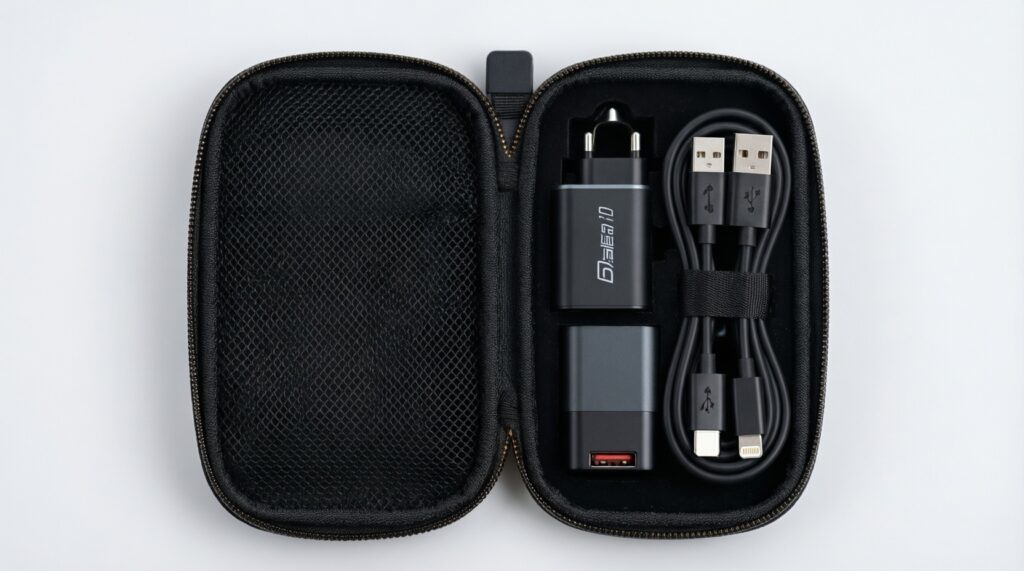
Option 2: Travel kit (small, light, flexible)
- A compact GaN charger if you value size-this is where ซื้อหัวชาร์จ GaN makes sense.
- At least one USB‑C port with PD; add one USB‑A port only if you still carry legacy cables.
- Two short cables: one USB‑C to USB‑C PD, plus Lightning MFi if you carry iPhone accessories.
Option 3: Workstation kit (laptop + phone + accessories)
- A higher-power multi-port USB‑C charger with clear per-port power rules.
- If you use Samsung fast charging at your desk, prioritize PPS support (re-check specs even if the listing emphasizes หัวชาร์จ USB-C PD ราคา).
- One e‑marked USB‑C cable for laptop charging; don't rely on a thin free-in-the-box cable for sustained load.
Option 4: Budget/legacy kit (only when you must)
- Use USB‑A charging for low-power accessories and emergency situations.
- Accept that you may lose PD/PPS fast charging and focus on safe, branded hardware rather than maximum speed.
Troubleshooting common compatibility and performance issues
My phone says "fast charging" sometimes, but not always-why?
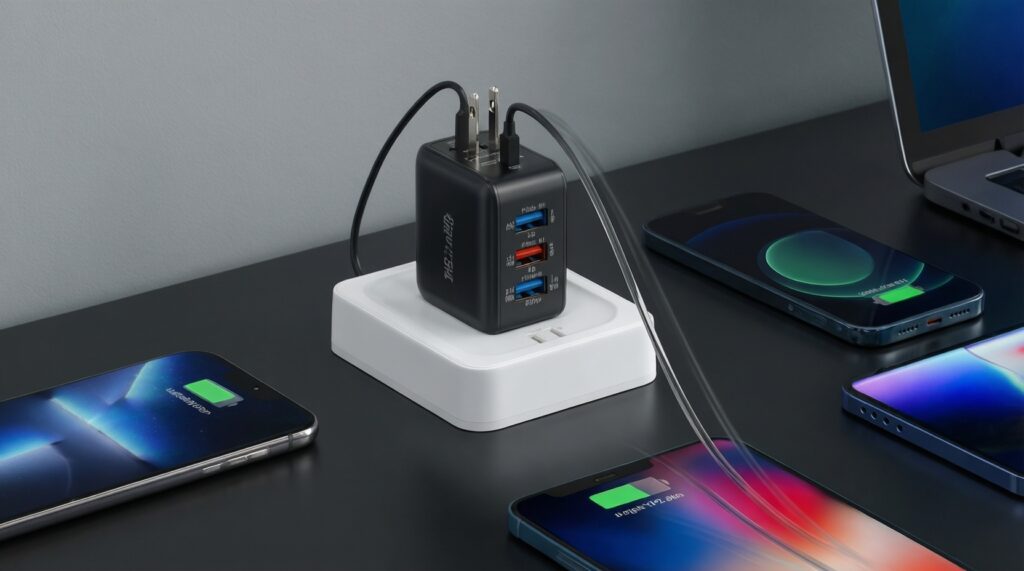
Multi-port chargers can reduce per-port output when more than one device is connected. Also, a cable that can't carry the needed current can force a slower mode.
Why does a PD charger not fast-charge my Samsung the way I expected?
Many Samsung models benefit from PPS; PD alone may still charge, but not at peak speed. Verify the charger explicitly lists PPS and use a proper USB‑C to USB‑C PD cable.
My iPhone disconnects or shows accessory warnings-what should I change first?
Replace the cable with a genuine Lightning MFi unit. Then try a different USB‑C PD charger port to rule out a loose connector.
Why does my laptop charge slowly on a multi-port charger?
Power may be shared across ports, lowering the laptop's available wattage. Test using only the laptop on the highest-rated USB‑C port with an e‑marked cable.
Is a GaN charger automatically safer or faster?
No-GaN mainly enables smaller designs at similar power. Safety and performance depend on the charger's engineering, protections, and honest power specifications.
My cable gets warm-should I stop using it?
Mild warmth can be normal under load, but hot-to-the-touch cables are a warning sign. Stop using it, especially if it's unbranded or unusually long, and replace with a properly rated cable.