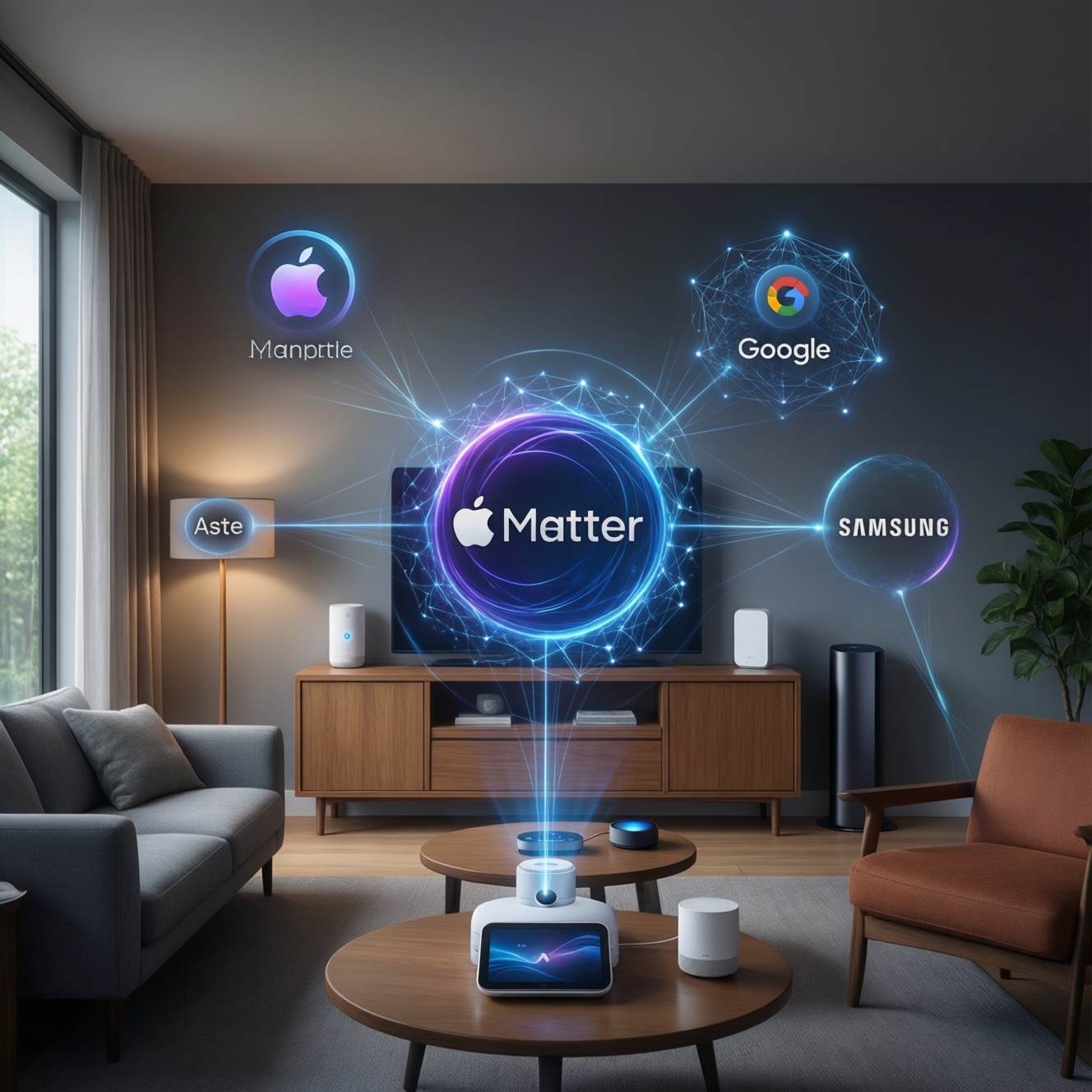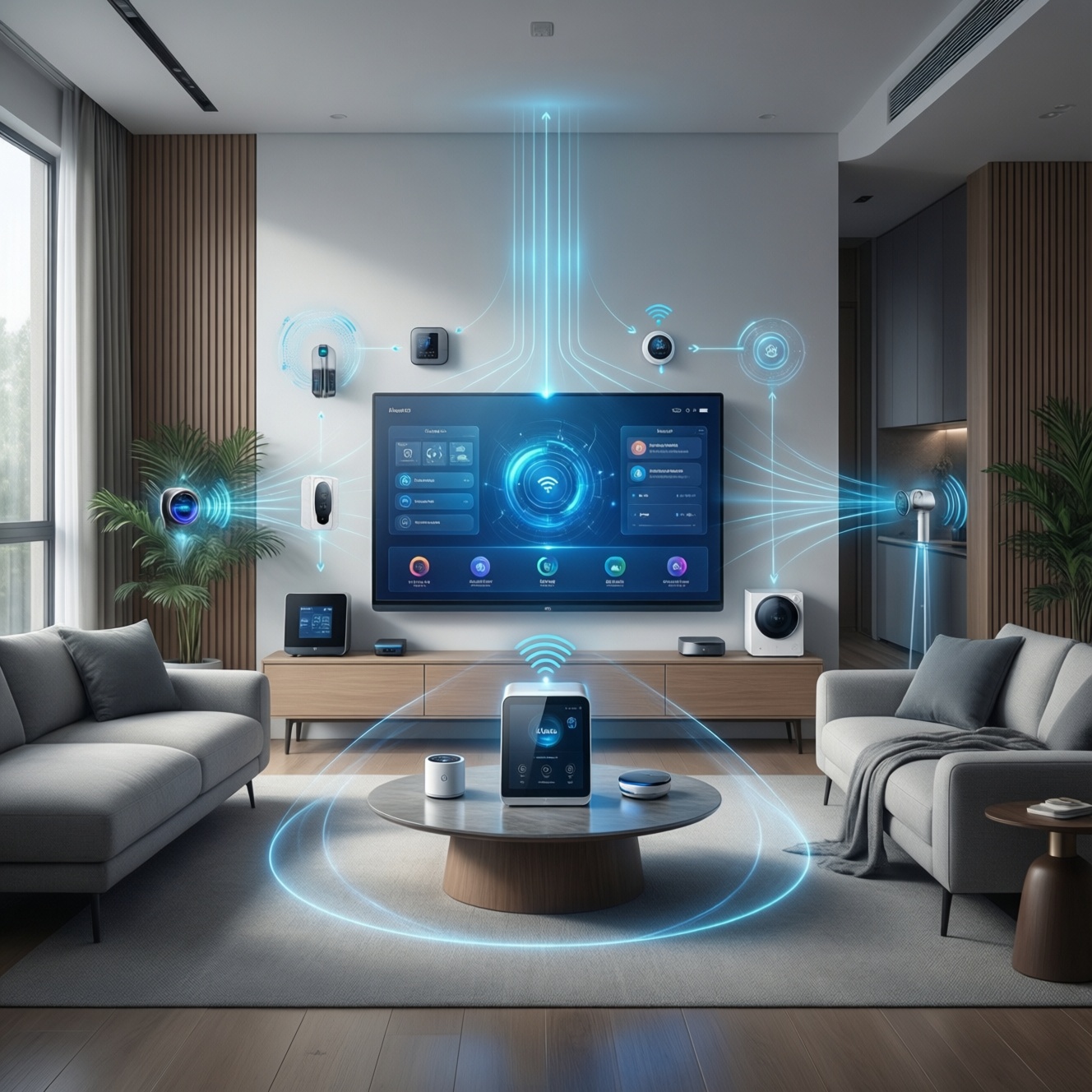
Matter คืออะไร: it is an open smart-home connectivity standard (application protocol) designed to make devices from different brands work together more reliably. It can deliver real cross-ecosystem control, but only when each device category is supported, the right controller/hub is present, and vendors don't lock key features into proprietary apps.
Core Concepts of Matter for Smart Homes
- Matter is a common "language" for smart devices, not a single app and not a Wi‑Fi replacement.
- Compatibility depends on device type (lights, locks, sensors, etc.) and on the controller you use.
- Local control is a core goal: automation can continue even if a cloud service is down.
- Thread enables low-power mesh networking; Wi‑Fi works for higher-bandwidth or already Wi‑Fi devices.
- Commissioning uses secure onboarding with phone-assisted setup (often via Bluetooth).
- Interoperability is real, but "extra" vendor features may stay vendor-only.
What Matter Actually Is: Protocol, Governance, and Goals
Matter is an IP-based application protocol for smart-home devices, standardized by the Connectivity Standards Alliance (CSA). Its job is to define how devices describe themselves (capabilities), how they are commissioned (added securely), and how controllers operate them across brands.
Practically, Matter aims to reduce ecosystem fragmentation: you can choose devices based on hardware and price, not on whether they match your app. That said, Matter is not a universal guarantee that every feature works everywhere; it standardizes a shared core, while vendors can still add proprietary extensions.
In Thai searches, you'll often see "Matter คืออะไร" asked as if it were a hub or an app. It isn't. Think of Matter as a set of rules that products and platforms implement so they can talk consistently.
How Matter Enables Cross-Brand Device Communication
Matter makes cross-brand communication feasible by standardizing identity, onboarding, and control semantics on top of IP networking. In practice, your "smart home platform" becomes a Matter controller, and devices expose a consistent data model that controllers can understand.
- Device announces capabilities: a Matter light, plug, or lock exposes standardized clusters (capability blocks) that controllers can interpret.
- Secure commissioning: you add the device using a QR code / setup code; the process establishes keys and a trusted relationship.
- Local IP messaging: controllers send commands over your local network (Wi‑Fi/Ethernet) or Thread mesh (via a border router).
- Multi-admin support: one device can be shared across multiple ecosystems (when supported), so you can control it from more than one platform.
- Role separation: a "controller" (platform) manages devices; a "border router" bridges Thread to IP; some hardware can do both.
- Consistent security model: certificates and encrypted sessions are required, reducing the "random IoT app" risk profile.
Quick practical tips for buying and setting up Matter (Thailand)
- Verify the logo and device category: confirm the product is Matter-certified for the exact type you need (e.g., switch vs. dimmer vs. bulb).
- Plan your controller first: decide where your "home brain" lives (Apple Home, Google Home, Alexa, SmartThings) before you buy devices.
- Don't overpay for a "hub" you don't need: many homes already have a controller in a speaker, TV box, or router; always check what you already own before comparing "ฮับ Matter ราคา".
- Thread needs a border router: if you buy Thread-based sensors, ensure you have at least one Thread border router in the home.
- Keep onboarding simple: commission devices close to the controller/border router, then move them to their final location.
- Buy from sellers with clear return policies: for "อุปกรณ์สมาร์ตโฮม Matter ซื้อที่ไหน", prioritize stores that list exact model numbers and firmware region, and that accept returns for compatibility issues.
Mini-scenarios you can expect to work
- Mixed-brand lighting: a Matter bulb from Brand A and a Matter motion sensor from Brand B can trigger automations in the same platform, as long as both device types are supported there.
- Cross-platform control: you can set up a Matter plug in one ecosystem and later add another ecosystem if multi-admin sharing is supported by that device and controller combination.
- Thread mesh for sensors: door/contact sensors can stay responsive and battery-friendly on Thread while your controller sits on Ethernet/Wi‑Fi.
- Local reliability: basic on/off, dimming, and sensor triggers can continue inside your LAN even if an external cloud is having issues (vendor-dependent for advanced features).
Technical Building Blocks: IP, Thread, Bluetooth, and Security
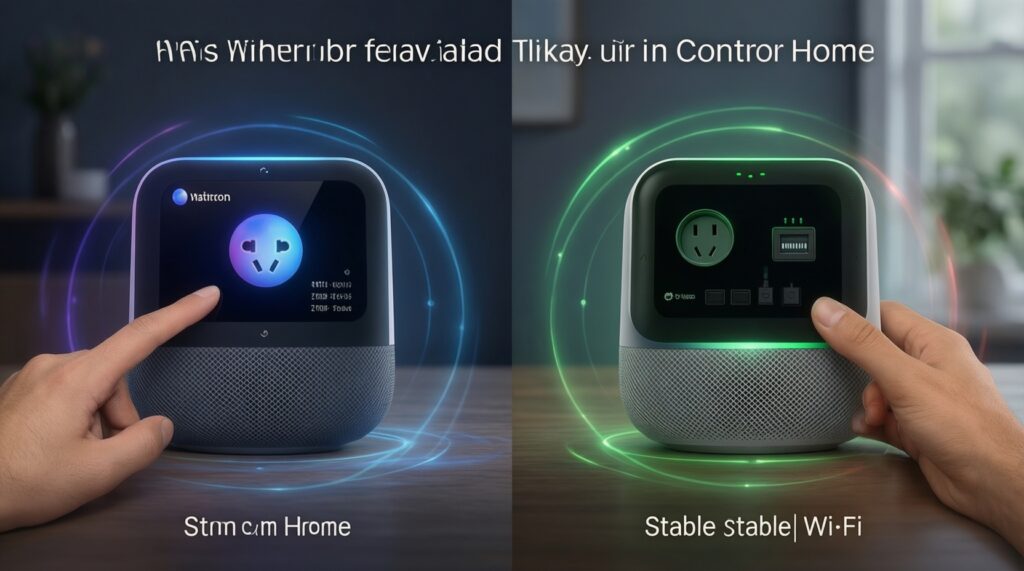
These building blocks show up in everyday deployment choices and explain why two "Matter" devices can behave differently depending on your network and controller.
- Wi‑Fi/Ethernet (IP transport): common for cameras (often not Matter yet), plugs, and hubs; easiest if you already have stable home Wi‑Fi.
- Thread (IP over mesh): ideal for sensors, locks, and low-power devices; requires a Thread border router to connect the mesh to your home IP network.
- Bluetooth LE (setup path): frequently used during commissioning so a phone/controller can securely bootstrap the device.
- Security chain (certificates + encryption): devices authenticate and encrypt local traffic; this is why correct onboarding matters and why "resetting" is sometimes required to re-pair cleanly.
- Controllers vs. border routers: a controller runs your automations and device database; a border router is the network bridge for Thread. Some products combine both roles.
Practical Compatibility: Which Devices and Platforms Support Matter Today
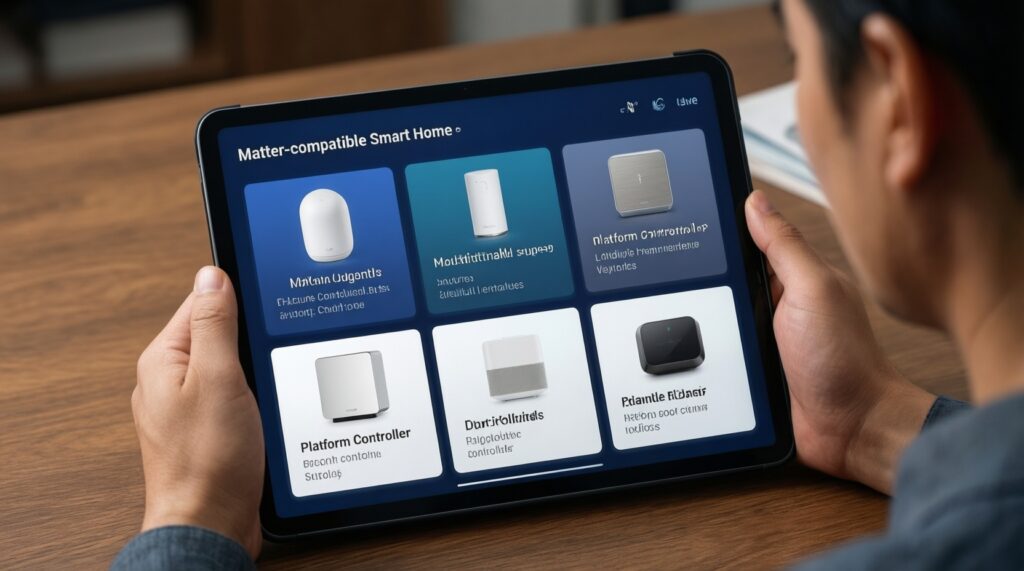
If you're asking "อุปกรณ์ที่รองรับ Matter มีอะไรบ้าง", focus on two layers: (1) the device category you need, and (2) whether your chosen platform controller exposes that category with the controls you expect.
Commonly practical device categories (typical home builds)
- Lights and smart switches (on/off, dimming, some color control depending on platform support)
- Smart plugs and in-wall relays
- Door locks (often with stricter platform requirements and permissions)
- Motion/contact/temperature sensors (frequently over Thread)
- Thermostat-like controls (market availability varies by region and brand)
Platform expectations (what "works together" usually means)
- Core controls: on/off, brightness, lock/unlock, sensor state-usually consistent across controllers once paired.
- Automations: typically work best inside the platform where the device is commissioned; cross-platform automations may require adding the device to multiple admins (when supported).
- Voice assistants: "Matter ใช้กับ Apple Home Google Home Alexa ได้ไหม" is effectively "Does my controller support this category and does my device support multi-admin?" In many cases, yes for core controls, but validate your exact device model and firmware.
- Vendor app extras: energy reports, special scenes, adaptive lighting, or advanced lock features may remain tied to a vendor app even if basic Matter control works.
Limitations and Edge Cases That Break Interoperability
- "Matter" doesn't mean "everything everywhere": a device may be Matter-certified but your platform might not yet expose all its clusters/features.
- Thread without a border router: buying Thread devices without a compatible border router leads to failed setup or unstable connectivity.
- Wrong role assumptions: a "hub" product might be a controller, a border router, both, or neither-confusion here often shows up as endless pairing loops.
- Multi-admin reality: some devices support sharing, some controllers support it partially, and some combinations require a factory reset to move between ecosystems.
- Firmware fragmentation: early firmware versions can have interoperability quirks; updating may require the vendor app even if you plan to control via Matter afterward.
- Network hygiene: weak Wi‑Fi, poor router multicast handling, or isolated VLAN/guest networks can block discovery and commissioning.
Migration Strategies: Upgrading Existing Smart Home Setups to Matter
A safe migration approach is incremental: keep your current system running, add a Matter controller you trust, then replace devices only when there is a clear benefit (cross-platform control, local reliability, easier onboarding).
Mini-case: move from mixed proprietary apps to a Matter-first setup
- Inventory: list current devices by type (lights, plugs, sensors), connection (Wi‑Fi/Zigbee/Thread), and app dependency.
- Select the controller: choose the platform you will treat as "source of truth" for rooms and automations.
- Confirm hub requirements: check whether you truly need new hardware and compare "ฮับ Matter ราคา" only after you confirm you lack a controller and/or Thread border router.
- Start with low-risk devices: replace a plug or a bulb first; validate automations and reliability for a week.
- Expand to sensors/locks: add Thread devices once the border router placement is solid; do locks last because they are permission-sensitive and harder to troubleshoot.
# Migration checklist logic (pseudo)
if device.isProprietaryOnly:
  keep_as_is until replacement_needed
elif device.supportsMatterViaUpdate:
  update_firmware (may require vendor_app)
  commission_to_primary_controller
else:
  replace_with_matter_certified_model (same category)
Practical Questions About Deploying and Troubleshooting Matter
Does Matter replace Zigbee or Z-Wave?
No. Matter is an application protocol; Zigbee/Z-Wave are networking ecosystems. Matter can run over Wi‑Fi/Ethernet and Thread, and bridges can expose some legacy devices, but it's not a drop-in replacement for every existing mesh.
Can one Matter device be controlled by Apple Home, Google Home, and Alexa?
Often yes for core controls, if the device and your controllers support multi-admin sharing. This is what people mean by "Matter ใช้กับ Apple Home Google Home Alexa ได้ไหม", but confirm the exact model because sharing behavior varies.
Why does commissioning fail even though the device says "Matter"?
Most failures come from missing Thread border router (for Thread devices), weak Wi‑Fi/multicast discovery issues, or the device being already paired to another controller and needing a factory reset.
Do I always need a hub, and how should I think about hub pricing?
You only need additional hardware if you lack a suitable controller and/or Thread border router. When evaluating "ฮับ Matter ราคา", compare by roles (controller vs border router) rather than by branding.
Which Matter devices should I buy first?
Start with plugs or bulbs because they are easy to validate and low risk. Then move to sensors and finally locks, where platform permissions and edge cases are more common.
Where to buy Matter smart home devices in Thailand?
For "อุปกรณ์สมาร์ตโฮม Matter ซื้อที่ไหน", prioritize sellers that publish exact model numbers, support returns, and clearly state platform compatibility and Thread/Wi‑Fi requirements.
What does "supported Matter devices" really mean?
"อุปกรณ์ที่รองรับ Matter มีอะไรบ้าง" depends on both certification and your platform's current support for that device category. A certified device may still expose only basic functions in a given controller.