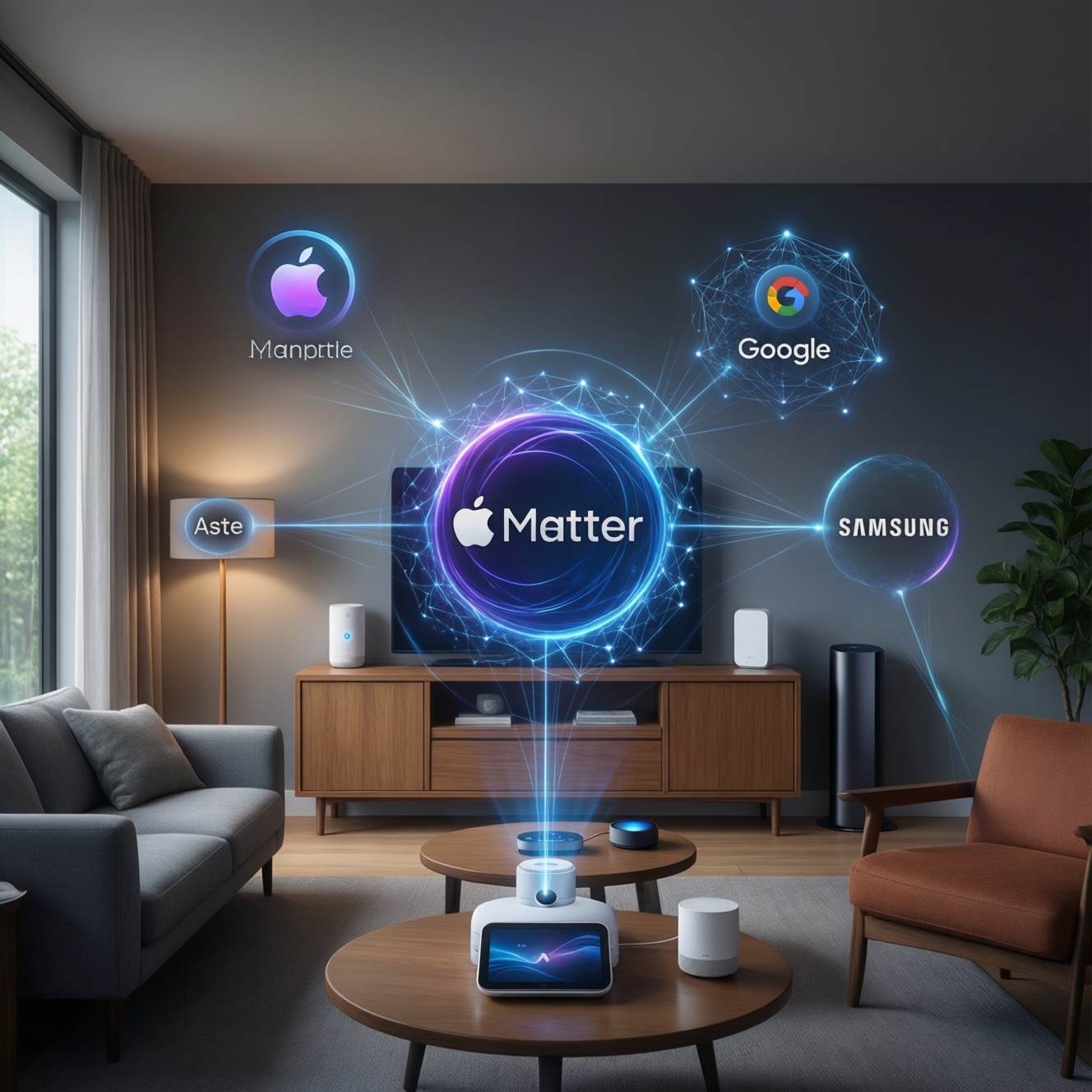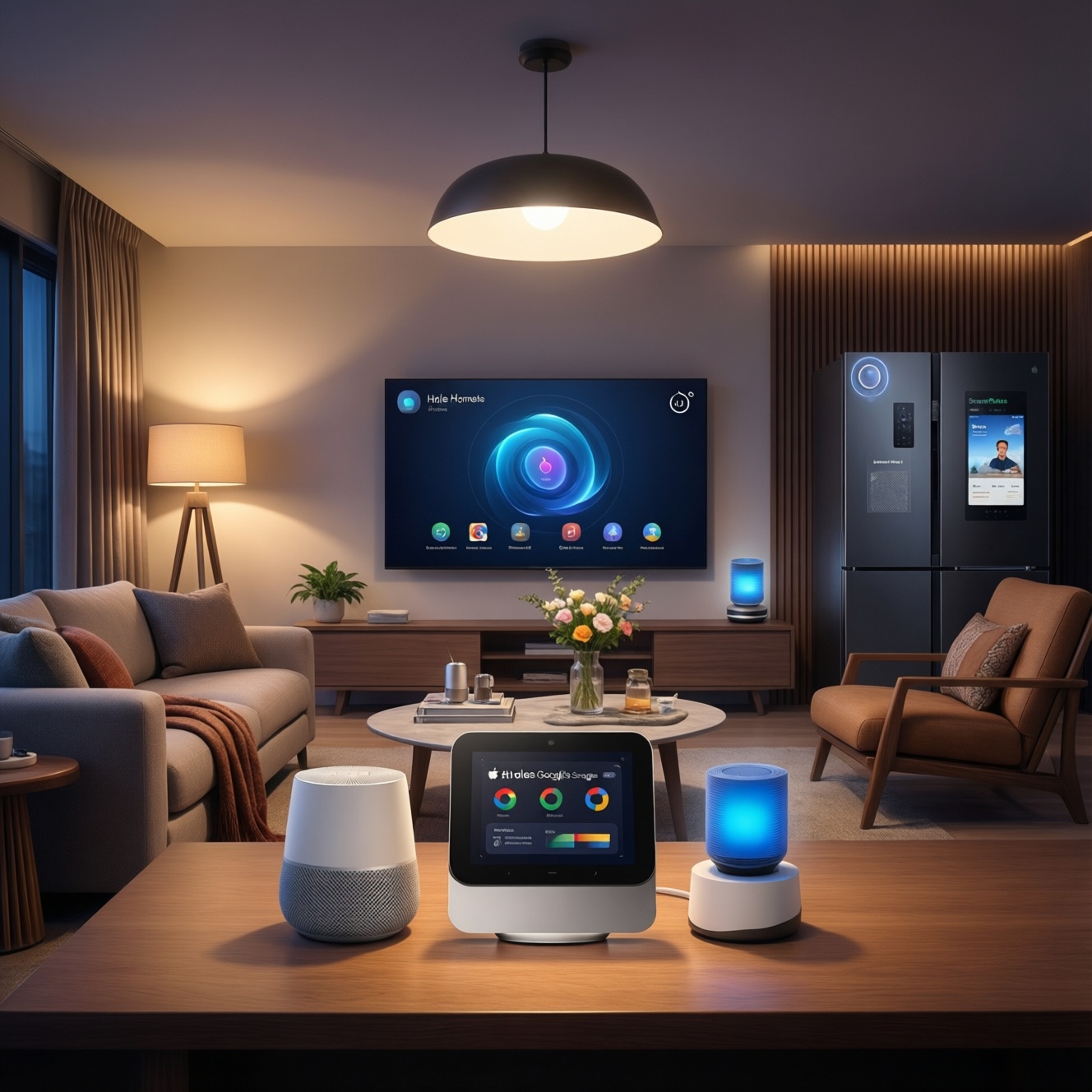
If you want a smart home that feels "set-and-forget" in Thailand, pick the ecosystem first: HomeKit for Apple-first households, Google Home for broad device coverage and voice convenience, and SmartThings when you need a real hub for Zigbee/Z-Wave and deeper automation. Then choose certified devices, one main controller, and one connectivity strategy to avoid pairing chaos.
Starter checklist: what matters before you buy
- Choose your primary ecosystem first (HomeKit, Google Home, or SmartThings) and commit for core devices.
- Decide whether you need a hub/bridge (especially for Zigbee/Z-Wave) or can stay Wi‑Fi/Thread.
- Check regional availability in TH for the exact model (not just the brand) before ordering.
- Prioritize certified compatibility (Matter / Works with Google / Apple Home) to reduce edge cases.
- Plan your "must-not-fail" automations (locks, lights, AC) and keep them local-capable where possible.
- Define who manages accounts, permissions, and recovery (shared home, family phones, guest access).
Ecosystem fundamentals: HomeKit, Google Home and SmartThings at a glance
- Phone/platform bias: mostly iPhone/iPad users tend to have a smoother path with อุปกรณ์ HomeKit; mixed Android+iOS households often find อุปกรณ์ Google Home easier for daily control.
- Automation depth: SmartThings generally offers more granular logic and device handling than app-only setups; HomeKit can be clean and reliable when devices are truly supported.
- Device coverage: Google Home often connects to the widest range of Wi‑Fi devices; SmartThings shines when you want Zigbee/Z‑Wave via a SmartThings ฮับ.
- Local vs cloud behavior: prefer local-capable controllers for lights/sensors; cloud-only devices can lag or break when internet or vendor services hiccup.
- Multi-user setup: check how each platform handles shared homes, guest access, and who "owns" the home structure.
- Voice-first vs automation-first: if you mostly want voice commands, Google Home is often the simplest; if you want conditions/time windows/fallbacks, SmartThings is typically more flexible.
- Hardware you already own: existing Apple TV/HomePod (Home hub), Google Nest speakers/displays, or a SmartThings hub changes the total complexity immediately.
Compatibility and device selection: pairing, certified devices and edge cases
| Variant | Who it fits | Pros | Cons | When to choose |
|---|---|---|---|---|
| HomeKit-first (Apple Home as the "truth") | Apple-heavy households; you want predictable control flows | Consistent UX; strong home sharing model when set up correctly; good for lights/scenes | Device selection can be narrower; some brands expose fewer features to HomeKit | When most users are on iPhone and you're buying อุปกรณ์ HomeKit (or Matter devices that show up in Apple Home) as your baseline |
| Google Home-first (Google Home app as the "truth") | Mixed devices (Android+iOS); voice-centric control | Wide ecosystem; fast onboarding for common Wi‑Fi products; easy speaker/display integration | Some automations depend on vendor clouds; device capability mapping can vary by brand | When you want broad access to อุปกรณ์ Google Home and quick wins (plugs, bulbs, cameras) without adding a hub early |
| SmartThings hub-led (SmartThings as the "truth") | Automation-focused users; sensor-heavy homes; reliability needs | Best fit for Zigbee/Z‑Wave sensors; richer automation logic; centralized device management with SmartThings ฮับ | Extra box to buy and maintain; learning curve; some integrations still cloud-based | When you want door/window sensors, motion, buttons, and robust routines without overloading Wi‑Fi |
| Matter-first (buy Matter devices, then pick the controller) | People building from scratch and trying to avoid lock-in | One device can often be controlled by multiple ecosystems; simplifies long-term switching | Feature sets may differ by platform; not every device category behaves the same across apps | When your ชุดเริ่มต้นสมาร์ตโฮม is still small and you want maximum flexibility later |
| Dual-platform control (e.g., SmartThings + Google Home voice) | Intermediate users who can manage two apps responsibly | Best of both: deep automation + convenient voice; reduces vendor lock-in for daily control | Risk of "split brain" (two apps changing the same device differently); harder troubleshooting | When you can clearly define one system as the automation brain and the other as a UI/voice layer |
| Vendor-app-first (only vendor app + optional linking) | Single-brand deployments (e.g., all lights from one brand) | Full feature access; firmware updates and advanced settings are usually here | More accounts; more notifications; linking to platforms can be partial or fragile | When a specific brand feature is mission-critical and the platform integration is known to be limited |
- Action step: write down your first 5 อุปกรณ์สมาร์ตโฮม (e.g., 2 lights, 1 plug, 1 sensor, 1 camera) and verify each model's support page for your target ecosystem.
- Action step: avoid mixing two "truth" controllers on day one-pick one primary app for rooms, naming, and routines.
- Edge case to watch: some devices pair fine but expose limited attributes (battery, sensitivity, power metering), which matters for automation triggers.
- Edge case to watch: "Works with..." branding doesn't guarantee every function appears in the platform UI; plan to keep the vendor app installed for updates.
Connectivity and architecture: Wi‑Fi, Thread, Zigbee, Z‑Wave and required hubs
- If your condo Wi‑Fi is already crowded (many SSIDs, unstable 2.4 GHz), then favor Thread/Zigbee for sensors and lights, and keep Wi‑Fi for higher-bandwidth devices like cameras.
- If you want fast, reliable automations for motion→light at night, then prioritize local-capable control: SmartThings with Zigbee sensors, or HomeKit with a home hub and supported devices.
- If you're starting with only a few plugs/bulbs and no sensors, then Wi‑Fi devices in Google Home can be the least hardware upfront-just don't scale to dozens without a plan.
- If you plan to expand to many battery sensors (doors, windows, buttons), then SmartThings + Zigbee is often the "less headache" scaling path compared to many Wi‑Fi accessories.
- If you want cross-ecosystem flexibility, then buy Matter devices where it makes sense, and keep one strong controller as the automation brain.
Practical setup workflows: step‑by‑step first install and routine management
- Pick the controller app: decide which platform is the system of record (Home app, Google Home app, or SmartThings).
- Choose your first room: start with one "test area" (living room) and limit it to 2-4 devices to validate stability.
- Standardize naming: one language, one pattern (Room + Device + Function). This prevents voice/automation ambiguity later.
- Add devices in the right order: hub/bridge first (if any), then repeaters (mains-powered Zigbee/Thread devices), then battery sensors last.
- Build two baseline routines: (a) "Good night" (all off, locks/alerts), (b) "Arrive home" (key lights/AC). Keep them simple.
- Enable maintenance habits: keep vendor apps for firmware updates; schedule a monthly check for offline devices and battery levels.
- Create a rollback point: document accounts, device list, and which app owns automations so you can re-pair quickly if you migrate.
Security, privacy and accounts: how data, permissions and backups differ
- Using multiple personal accounts to "own" different devices (fragmented ownership makes recovery and sharing painful).
- Skipping multi-user setup early, then trying to merge homes later (often forces re-invites, re-rooming, or re-pairing).
- Granting broad permissions to third-party services just to connect one device (prefer official integrations and minimal scopes).
- Assuming cloud-linked devices will keep automations working during internet outages (design critical routines to be local-capable where possible).
- Mixing duplicate automations across two platforms (two schedulers fighting each other causes flicker, on/off loops, and phantom triggers).
- Buying devices that require region-locked accounts or apps, then discovering features are missing in TH deployments.
- Not planning for phone changes (new iPhone/Android) and losing access due to weak account recovery, missing 2FA backups, or shared family emails.
- Ignoring firmware updates for "stable" devices; security fixes and connectivity improvements often arrive via updates in vendor apps.
Decision pathways: choose the right platform based on real use cases
- If your home is Apple-first (iPhones for daily control, you care about consistent sharing and scenes) → choose HomeKit-first and build around อุปกรณ์ HomeKit or Matter devices that appear in Apple Home.
- If you want the fastest on-ramp (common Wi‑Fi devices, voice control, broad brand support) → choose Google Home-first and expand carefully as your device count grows.
- If you want automation depth and many sensors (doors/motion/buttons, fewer Wi‑Fi endpoints, structured routines) → choose SmartThings hub-led with a SmartThings ฮับ and Zigbee/Z‑Wave where available.
- If you're still unsure and buying new gear now → go Matter-first for core categories, then decide which platform becomes your long-term "truth."
Best fit tends to be HomeKit for Apple-centric households that want clean daily control, Google Home for broad device choice and voice convenience, and SmartThings for intermediate users who want a real automation brain with a hub and lots of sensors. A practical way to reduce pain is to start your ชุดเริ่มต้นสมาร์ตโฮม with one controller, a small test room, and devices that match your chosen connectivity plan.
Quick answers to common setup dilemmas
Can I use HomeKit, Google Home, and SmartThings together?
Yes, but choose one as the system of record for automations and device naming. Use the others mainly for voice control or secondary access to avoid conflicting routines.
Do I need a hub on day one?
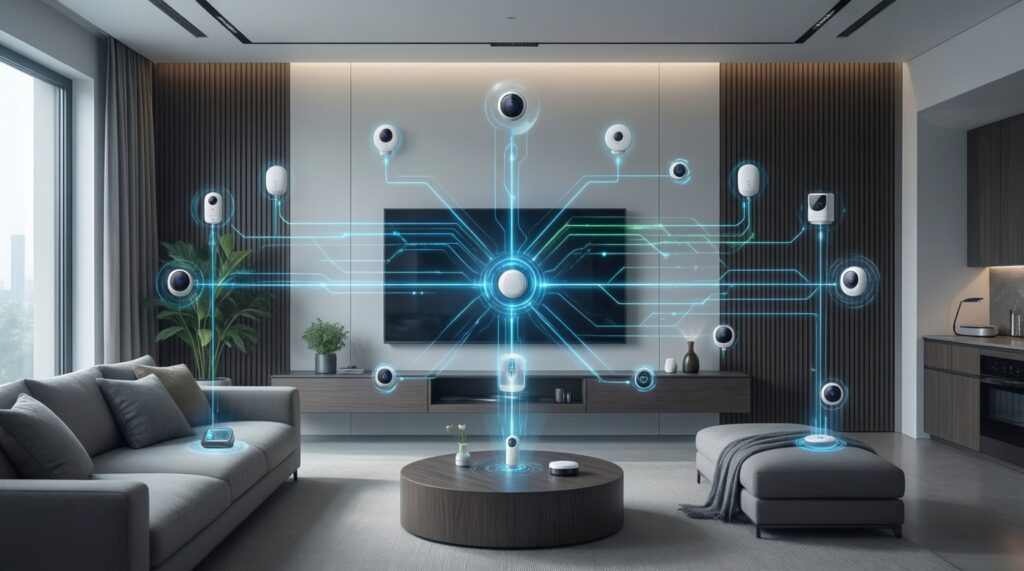
Not always. You can start with Wi‑Fi devices, but if you plan many sensors or want more reliable automations, a hub-based path (often SmartThings) reduces scaling headaches.
Why does a device pair but miss features in the platform app?
Integrations often map only a subset of capabilities. Keep the vendor app for firmware updates and advanced settings, and verify which attributes are exposed before buying.
What's the safest way to start buying อุปกรณ์สมาร์ตโฮม?
Pick your primary ecosystem, then buy two device types you'll keep long-term (e.g., lights + sensors) in a single room. Expand only after you confirm stability for a week of daily use.
Is Matter enough to avoid lock-in?
Matter helps, but platform apps may still differ in features and automation options. Treat Matter as a flexibility layer, not a guarantee that everything works identically everywhere.
How do I avoid "split brain" control across apps?
Assign ownership: one app creates routines and holds room structure; the others only control devices. Also standardize names so voice commands don't target the wrong device.
What should I buy first for a reliable starter kit in TH?
Start with mains-powered lights/plugs (they stabilize mesh networks when relevant), then add a motion sensor for one useful routine. Choose models clearly listed as compatible with your chosen ecosystem in Thailand listings.